
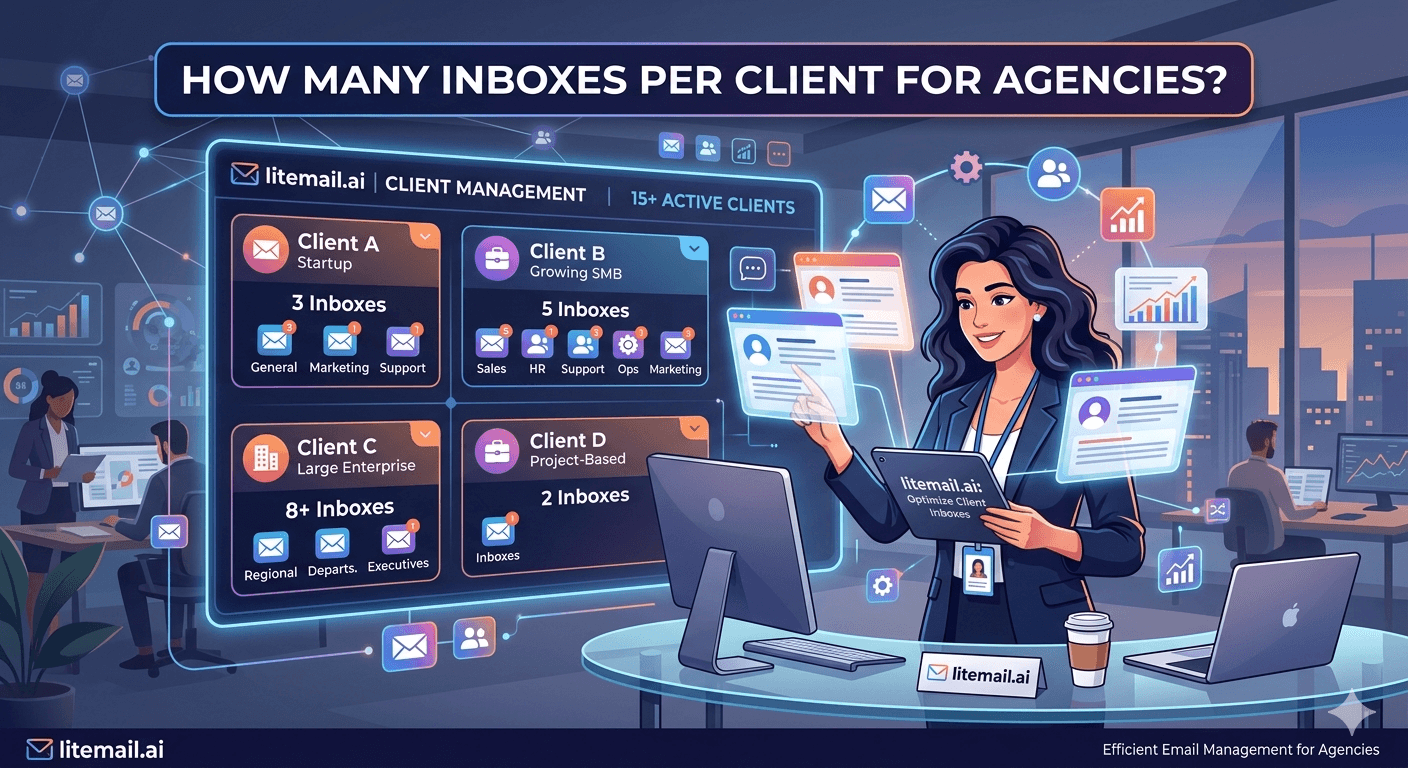
Every cold email agency eventually hits the same question: how many inboxes per client? Answer too low and you either cap their volume or burn their domains. Answer too high and you're over-billing for infrastructure they don't need. The right answer isn't a single number — it's a formula based on three variables you already have.
The Three Variables That Determine Inbox Count Per Client
Inbox count per client is a function of three things: target daily send volume, list quality, and industry vertical. Get all three right and you have a precise number. Guess on any one of them and you'll either under-build or over-build the infrastructure.
Variable | What It Drives | How to Determine It |
|---|---|---|
Daily send volume target | Base inbox count (volume ÷ 35) | Campaign brief — how many contacts per week |
List quality | Buffer multiplier (low quality = more buffer needed) | Source of data, last verification date, bounce rate history |
Industry vertical | Sensitivity multiplier (regulated = more isolation needed) | Client's target market — healthcare, finance, gov = higher buffer |
The baseline formula: daily send volume ÷ 35 = base inbox count. Then apply a buffer multiplier based on list quality and vertical risk. We'll walk through both.
Base Inbox Count by Send Volume
35 emails per inbox per day is the safe operational ceiling for pre-warmed inboxes in standard B2B cold email. Some teams push to 40–50, but 35 is the number that holds Good Postmaster reputation consistently across 90+ day campaign periods in our data at Litemail.
Client Daily Send Target | Base Inboxes Needed | Recommended with 25% Buffer | Monthly Cost (Litemail) |
|---|---|---|---|
100 emails/day | 3 | 4 | $19.96 |
200 emails/day | 6 | 8 | $39.92 |
350 emails/day | 10 | 13 | $64.87 |
500 emails/day | 15 | 19 | $94.81 |
1,000 emails/day | 29 | 37 | $184.63 |
The 25% buffer column is your standby pool — inboxes kept warm and available but not actively sending. When an active inbox gets flagged (spam complaint spike, bounce rate issue, temporary block), you swap in a standby. The campaign keeps running without interruption. Without a standby pool, you're rebuilding infrastructure under time pressure every time something breaks.
List Quality Buffer: Where Most Agencies Get the Count Wrong
A clean, freshly verified list against a precise ICP runs at around 1.5–2% bounce rate. A stale list bought from a mass data vendor runs at 8–15% bounce rate. These two lists require different infrastructure buffer sizes.
Here's the buffer multiplier table we use at Litemail when agencies ask us to scope their inbox requirements:
List Quality Level | Bounce Rate Expected | Buffer Multiplier | Practical Meaning |
|---|---|---|---|
Premium (verified within 30 days, narrow ICP) | Under 2% | 1.25x base | Standard 25% buffer |
Standard (verified, mixed sources) | 2–5% | 1.4x base | 40% buffer |
Low (unverified, older than 6 months) | 5–12% | 1.6x base | 60% buffer — verify list before sending |
Unknown (first campaign, new client) | Unknown | 1.5x base minimum | Run test send of 200 emails first |
When you onboard a new client, always run a 200-email test send before launching at full volume. Check bounce rate and spam complaint rate from the test. If bounce rate is above 5%, the list needs verification before you scale. Discover this at 200 emails rather than at 2,000.
Industry Vertical and Inbox Isolation Requirements
Some industries require stricter inbox isolation between clients — not because the volume math changes, but because the reputation risk is higher and the damage from a single bad send compounds more severely.
Standard Isolation (Most B2B Verticals)
Each client gets their own separate domain group — never mix two clients on the same domain. 2–3 inboxes per domain, separate domains per client. One client's spam complaint does not affect another client's domain reputation. This is the minimum acceptable agency standard.
Enhanced Isolation (Finance, Healthcare, Legal)
For clients in regulated verticals, use 1 inbox per domain and keep client domain groups completely separate at the IP level. A spam complaint from a healthcare tech client campaign should never share an IP range with a fintech client's inboxes. Litemail dedicated IPs handle this — each inbox has its own dedicated IP, so there's no cross-client IP contamination regardless of how you structure your rotation.
Never Do This
Don't run multiple clients' sends from a shared inbox pool to save costs. The short-term cost saving — a few dollars per month — creates long-term infrastructure risk where one client's bad list day destroys the domain reputation for campaigns belonging to three other clients. We've seen this happen. It's not theoretical.
🚩 Cross-Client Inbox Contamination Is Real
One agency we worked with at Litemail had been running two clients' campaigns from the same inbox rotation to save $30/month. Client A's list had a 0.4% spam complaint rate. Client B's campaigns — which were running clean — saw their Postmaster reputation drop from Good to Medium within 10 days. The shared domain was the vector. Separate infrastructure per client is not optional at agency scale.
The Agency Inbox Management Model That Scales
Here's the infrastructure model that works for agencies running 5–50+ clients simultaneously.
Separate domain group per client. Each client gets dedicated domains — never shared with another client. Naming convention: client initials or code + variant domain (e.g. prt-advisory.com, prt-partners.co for a client named Prospect Research & Trade).
2 inboxes per domain, 1–3 domains per client depending on volume. A client sending 150 emails/day needs 4–5 inboxes — 2 inboxes on 2 domains plus 1 standby. A client at 500 emails/day needs 13–15 inboxes across 6–7 domains plus standby.
60/40 GWS to MS365 mix per client. Mix platforms per client group — Google Workspace and Microsoft 365 — so a platform-level algorithm change doesn't take down a client's full campaign capacity.
Litemail for all inbox provisioning. At $4.99/inbox with no minimum order, Litemail lets you add inboxes per client on demand — ordered today, delivered tomorrow. No batch minimums forcing you to overbuy.
Monthly infrastructure review per client. Check Postmaster Tools reputation on each client's domain group, bounce rate and complaint rate over the past 30 days, and any inboxes in the standby pool that should be rotated in to replace aging active inboxes.
Scale Your Agency Infrastructure — Pre-Warmed Inboxes Per Client from Litemail
Litemail has no minimum order — add 2 inboxes for a new client or 20 for a high-volume account. $4.99/inbox. Delivered in 24 hours. GWS and MS365 available. Dedicated IPs per inbox.
Get Pre-Warmed Inboxes from $4.99 →
No minimum order · GWS and MS365 available · Dedicated IPs per inbox · Full admin access
About Litemail — Litemail provides pre-warmed Google Workspace and Microsoft 365 inboxes for cold email outreach. From $4.99/inbox with automated DNS, dedicated US and EU IPs, and full admin access. View pre-warmed inbox plans →
Related reading:
Litemail Agency Plan: White Label Inboxes · Scale Cold Email Agency to 50 Clients 2026 · How Many Pre-Warmed Inboxes Do You Need? 2026 · Cold Email Agency Inbox Management Guide · Pre-Warmed Inbox Rotation Strategy
Key Takeaways
Base inbox count per client = daily send target ÷ 35. Add a 25–60% buffer depending on list quality. Always maintain a standby pool to handle inbox issues without campaign interruption.
Never share inbox infrastructure between clients. One client's bad list day can destroy domain reputation for other clients in a shared pool — it costs more to fix than the $30/month you saved.
For clients in regulated verticals (healthcare, finance, legal), use 1 inbox per domain and dedicated IPs. Litemail provides dedicated IPs on every inbox — no cross-client IP contamination.
Always run a 200-email test send with a new client's list before launching at full volume. Discover bounce rate and spam complaint rate at 200 emails, not 2,000.
Mix GWS and MS365 at 60/40 per client. Platform diversity prevents a single provider algorithm change from taking down a client's entire campaign capacity.
Litemail has no minimum order — provision exactly the inboxes each client needs, ordered today and delivered tomorrow. No over-purchasing to meet minimum order requirements.
Frequently Asked Questions
How many inboxes per client does a cold email agency need?
The base formula is: daily send target ÷ 35 = base inbox count, then add 25–40% buffer. A client sending 200 emails per day needs 6 base inboxes + 2 standby = 8 total. A client sending 500 emails per day needs 15 base + 4 standby = 19 total. Adjust upward for low-quality lists or regulated verticals where inbox isolation requirements are stricter.
Can I share inboxes between multiple agency clients?
No. Never share inbox infrastructure across clients. One client's bad list day — elevated spam complaints, high bounce rate — degrades the domain reputation for all other clients in the same pool. Always provision separate domain groups per client. The cost of cross-contamination (rebuilding reputation, client relationship damage, campaign downtime) far exceeds the few dollars per month saved by sharing.
How many inboxes do I need per domain for agency cold email?
2–3 inboxes per domain for standard B2B cold email. For regulated verticals or clients with lower list quality, 1–2 inboxes per domain for tighter isolation. Above 3 inboxes per domain and a single bad campaign day risks the entire domain's reputation. With 2 inboxes per domain, a complaint on one inbox affects only half the domain's daily sending capacity.
What's the right GWS to MS365 ratio for agency client inboxes?
60% Google Workspace to 40% Microsoft 365 is a solid starting ratio. This provides platform diversity — if Google updates filtering algorithms, 40% of the client's capacity is unaffected, and vice versa. For clients with heavily Outlook-dominated prospect lists, shift to 40/60 GWS/MS365. For tech-heavy startup lists with mostly Gmail contacts, shift to 70/30 GWS/MS365.
How do I handle a new client whose list quality is unknown?
Run a test send of 200 emails before launching the full campaign. Use 1–2 inboxes for the test. Check bounce rate and spam complaint rate from the test send. Bounce rate under 2% — proceed with standard infrastructure. Bounce rate 2–5% — verify the list before scaling. Bounce rate above 5% — require the client to run full list verification before you launch the campaign. Discovering list quality issues at 200 emails is recoverable. At 2,000 emails, you've already damaged the infrastructure.
How does Litemail support cold email agencies specifically?
Litemail has no minimum order — add exactly the inboxes each client needs without over-purchasing. GWS and MS365 both available at $4.99/inbox each. Every inbox includes dedicated US and EU IP addresses (no cross-client IP contamination), automated SPF, DKIM, DMARC setup, and full admin access. Inboxes delivered within 24 hours of order. The agency plan includes white-label options for reselling inbox infrastructure to clients — see the Litemail agency plan page for details.
Agency Cold Email Inbox Infrastructure | Litemail
No minimum order. GWS and MS365 from $4.99/inbox. Dedicated IPs per inbox. Add per-client infrastructure on demand — delivered in 24 hours.
View Plans & Pricing →
Related reading:
Litemail Agency Plan · Scale Agency to 50 Clients 2026 · How Many Inboxes Do You Need? · Agency Inbox Management Guide · Inbox Rotation Strategy






