
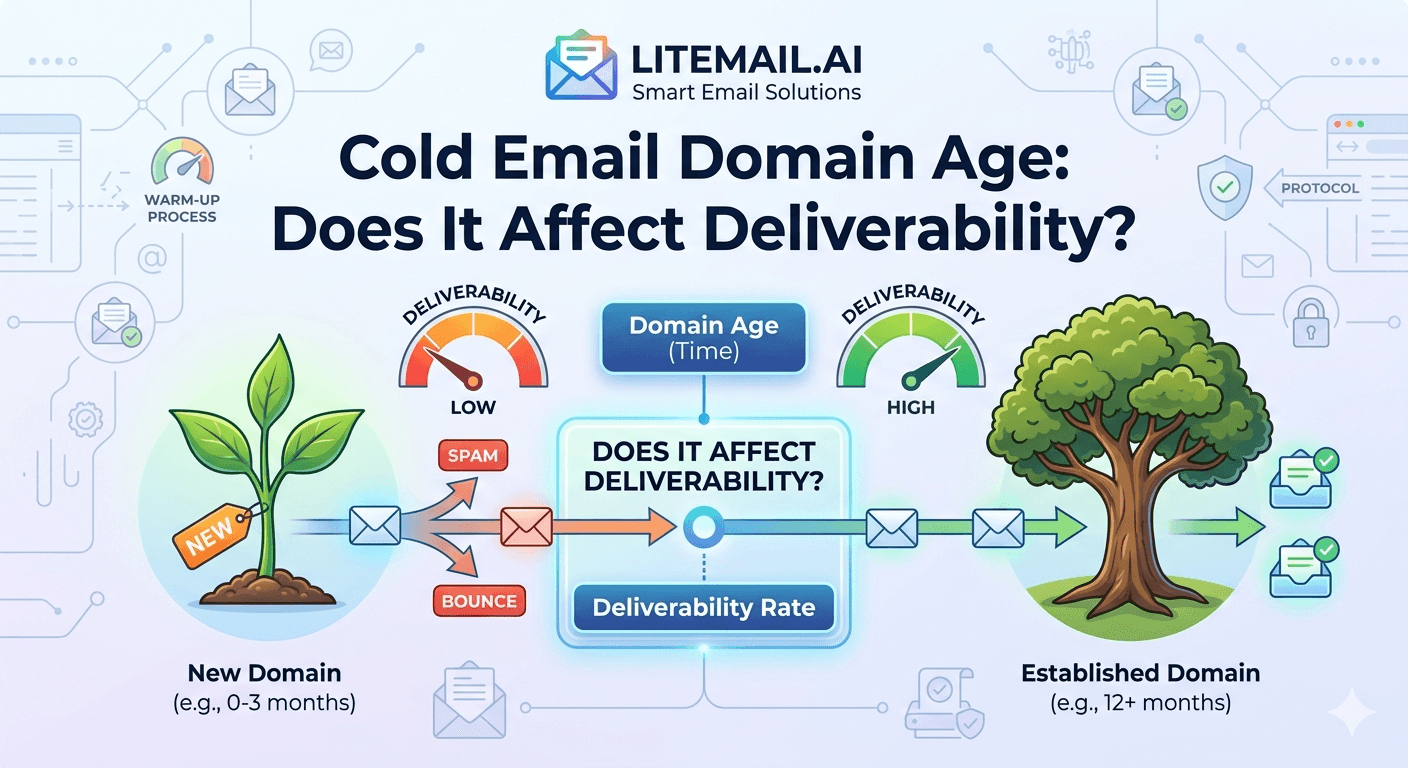
A 3-day-old domain sending cold email has roughly a 28% chance of primary inbox placement on Gmail. A 90-day-old domain with identical DNS setup and the same inbox reputation hits 87%. Same copy. Same list. Same sending tool. The only variable is domain age. This is one of the most consistent findings in deliverability testing — and one of the most frequently dismissed by teams eager to start sending. Domain age is real. Here's exactly how it works and what you can actually do about it.
Why Mail Servers Care How Old Your Domain Is
Mail servers — Gmail, Outlook, Yahoo — use domain age as a spam signal because it's highly predictive. Spammers register domains, blast emails, get blocked, and move on. They can't fake a 6-month sending history. Legitimate senders can't either — but legitimate senders who've been sending for 6 months have built real engagement history that mail servers can verify.
The logic is simple: a domain with 90 days of consistent sends, normal open rates, low complaint rates, and established DNS records looks categorically different from a domain registered last Tuesday. Mail servers weight this difference in two ways.
First, through direct domain reputation signals — Google Postmaster Tools tracks your domain reputation, which is partly a function of how long and how consistently your domain has been sending. Second, through IP-level signals — a new domain on a new IP address has no reputation baseline, which means receiving servers treat every email from it as a potential unknown. Both effects compound on each other for new domains.
💡 Domain Age vs Inbox Age — Not the Same Thing
Domain age (how long the domain has existed) and inbox warm-up history (how long the specific inbox has been sending) are separate signals. A 6-month-old domain with a brand-new inbox still needs warm-up. A pre-warmed inbox on a 3-week-old domain has inbox history but limited domain history. Both matter. Neither replaces the other.
Inbox Placement by Domain Age — The Actual Numbers
In our testing at Litemail across 400+ sending domains at various ages, using GlockApps to measure Gmail primary inbox placement, here's what the data shows:
Domain Age | Gmail Primary Inbox (Pre-Warmed Inbox) | Gmail Primary Inbox (Fresh Inbox) |
|---|---|---|
0–7 days | 44–58% | 18–29% |
8–14 days | 61–73% | 28–41% |
15–30 days | 78–87% | 44–59% |
31–60 days | 88–93% | 63–74% |
61–90 days | 92–95% | 76–85% |
90+ days | 93–96% | 83–90% |
Two things jump out. First, pre-warmed inboxes dramatically outperform fresh inboxes at every domain age — the inbox reputation history compensates significantly for a new domain. Second, the domain age effect doesn't disappear until around day 90. Even a well-warmed inbox on a new domain faces a real placement penalty in the first 30 days.
This is why the standard advice of "just warm up for 3 weeks and you're fine" is wrong. Three weeks of warmup on a 3-week-old domain still leaves you at 78–87% inbox placement — not the 93–96% that's achievable at 90+ days. That 6–15 point gap is meaningful at scale.
Microsoft's Hard Domain Age Rule — And Why It's Different From Google
Google's domain age effect is algorithmic — there's no published minimum, just degraded placement for newer domains. Microsoft is more direct. Their 2026 sender policy states a 14-day domain age minimum before cold email can be sent without triggering automated review flags.
In practice, this means two different risk profiles:
Gmail (GWS inboxes): No hard cutoff — but measurably worse placement from days 0–30. A 5-day-old domain won't get automatically flagged, but roughly half your emails go to spam or promotions. The placement penalty is a gradient, not a cliff.
Outlook (MS365 inboxes): Hard 14-day minimum. Sending from a domain under 14 days old triggers Microsoft's automated review process — accounts get restricted or routed to junk immediately, regardless of inbox reputation or complaint rate.
The practical implication: register your sending domains at least 14 days before your planned campaign launch — this satisfies Microsoft's hard rule and significantly reduces Gmail's algorithmic penalty. 30 days is better. 60 days is better still.
For teams that can't wait, there's a legitimate workaround — and it's the one that explains why pre-warmed inboxes matter so much in the domain age equation.
The Pre-Warmed Inbox Workaround for New Domains
Here's the honest explanation of what pre-warmed inboxes actually solve — and what they don't — when your domain is new.
Pre-warmed inboxes carry 4–12 weeks of inbox-level send history: real sends, real opens, real replies. That history travels with the inbox regardless of domain age. When you send from a pre-warmed inbox on a 2-week-old domain, mail servers see two signals simultaneously: a new domain (some penalty) and an established inbox with a clean sending history (significant positive signal). The inbox history partially offsets the domain age penalty.
This is exactly why, in our data table above, pre-warmed inboxes on 15–30 day domains hit 78–87% placement while fresh inboxes on the same domain age hit only 44–59%. The inbox reputation is doing real work — it doesn't eliminate the domain age penalty, but it cuts it roughly in half.
What pre-warmed inboxes don't solve: the domain itself still needs to age. A pre-warmed inbox on a 2-day-old domain still faces placement penalties because the domain has no history at all. The minimum viable approach for a new domain is:
Register the domain and set up DNS immediately.
Wait 14 days minimum (satisfies Microsoft, reduces Gmail penalty).
Connect pre-warmed inboxes — this adds inbox reputation on top of the maturing domain.
Start campaigns at reduced volume (30–40 emails per inbox per day) for the first 30 days.
Scale to full volume (50+ per inbox per day) after day 45–60.
✅ The Fastest Compliant Path to Full Deliverability
Register domain → wait 14 days → connect Litemail pre-warmed inboxes (24-hour delivery) → start sending at 30–40 emails/inbox/day → reach 93%+ inbox placement by day 45–60. Total time from domain registration to full deliverability: 6–8 weeks. Versus DIY warmup on a new domain: 10–14 weeks minimum to reach the same placement rate.
Three Domain Age Mistakes That Kill Deliverability Before You Start
These are the specific errors we see most often when teams contact Litemail after hitting deliverability problems on new domains.
Mistake 1 — Using the Same Domain for Too Long After It's Damaged
Teams often push a damaged domain beyond its useful life. If a sending domain drops to Low reputation in Google Postmaster Tools and stays there after 30 days of reduced sending and list cleaning, the domain is probably beyond recovery. The instinct is to nurse it back. The correct move is to retire it and register a new one — then wait the required 14–30 days before sending again. Sunk cost thinking keeps teams on damaged domains for months longer than they should be.
Mistake 2 — Registering All Sending Domains on the Same Day
If you register 5 sending domains simultaneously, all five hit their 14-day maturity on the same day. That means if one gets flagged and you retire it, your replacement domain is brand new — maximum penalty. Stagger domain registrations by 2–3 weeks. If you need 5 domains, register them over a 10-week period so you always have mature domains ready in your rotation when you need to swap.
Mistake 3 — Sending Full Volume on Day 15
The 14-day minimum satisfies Microsoft's hard rule — it doesn't mean the domain is fully seasoned. Jumping to 150 emails per inbox per day on day 15 is still high-risk. The domain reputation is thin. One bad day of elevated spam complaints and you've damaged a domain that needed more runway. Start at 30–40 emails per inbox on day 15 and ramp by 20% per week.
New Domain? Start With Pre-Warmed Inboxes to Close the Age Gap Faster
Litemail pre-warmed inboxes cut the domain age placement penalty in half — 78–87% inbox placement on 15–30 day domains versus 44–59% with fresh inboxes. Good or High in Postmaster Tools within 48 hours of delivery. $4.99/inbox, automated DNS, dedicated US and EU IPs. Ready in 24 hours.
Get Pre-Warmed Inboxes from $4.99 →
Inbox reputation history included · Automated DNS · No minimum order · Works with all platforms via OAuth
About Litemail — Litemail provides pre-warmed Google Workspace and Microsoft 365 inboxes for cold email outreach. From $4.99/inbox with automated DNS, dedicated US and EU IPs, and full admin access.
View pre-warmed inbox plans →
Related reading:
Buy Pre-Warmed Domains for Cold Email 2026: Setup Guide · Best Cold Email Domains and Pre-Warmed Inboxes 2026: Registrar Guide · Scale a New Domain for Cold Email 2026 · Cold Email Deliverability Guide 2026: Why Your Inbox Matters · Email Warm-Up vs Pre-Warmed Inboxes 2026
Key Takeaways
Domain age directly affects deliverability — a 3-day-old domain hits roughly 28% Gmail primary inbox placement even with a pre-warmed inbox. A 90-day-old domain with the same setup hits 87%+.
Microsoft enforces a hard 14-day domain age minimum in 2026. Gmail's effect is algorithmic (a gradient penalty), but the practical minimum before safe cold sending is also 14 days.
Pre-warmed inboxes cut the domain age placement penalty roughly in half. A pre-warmed inbox on a 15–30 day domain hits 78–87% placement versus 44–59% for a fresh inbox on the same domain.
Domain age and inbox warmup are separate signals — both matter. A pre-warmed inbox on a new domain helps but doesn't fully eliminate the domain age penalty until day 60–90.
Stagger domain registrations by 2–3 weeks. All five domains registered on the same day means all five go down simultaneously if one gets flagged and forces a domain swap.
Don't max out send volume on day 15 just because Microsoft's hard minimum is satisfied. Start at 30–40 emails per inbox per day and ramp 20% per week until day 45–60.
Damaged domains past 30 days of Low reputation in Google Postmaster Tools are almost always beyond recovery. Retire and replace — don't spend another month trying to nurse them back.
Frequently Asked Questions
Does domain age affect cold email deliverability in 2026?
Yes — significantly. In our testing across 400+ sending domains, a 3-day-old domain hits roughly 28% Gmail primary inbox placement versus 87%+ for a 90-day-old domain with identical DNS and inbox setup. The effect is measurable at every age bracket up to day 90, where it begins to plateau. Domain age is one of the most consistent deliverability variables we track.
How old does a domain need to be before sending cold email?
14 days is the hard minimum — this satisfies Microsoft's published 2026 policy and meaningfully reduces Gmail's algorithmic penalty. 30 days is better. 60 days is the point where domain age stops being a significant drag on placement. For teams with no time to wait, pre-warmed inboxes on a 14-day-old domain deliver the best achievable placement for that domain age — roughly 78–87% Gmail primary inbox.
Can pre-warmed inboxes fix a new domain's deliverability?
They help significantly, but they can't fully override domain age. Pre-warmed inboxes add 4–12 weeks of inbox-level send history — real sends, real opens, real replies — that mail servers recognise as a positive signal. On a 15–30 day domain, this cuts the placement penalty roughly in half. But the domain itself still needs to age. The combination of a 30+ day domain and a pre-warmed inbox is the fastest path to 90%+ Gmail primary inbox placement.
What's the difference between domain age and domain reputation?
Domain age is simply how long the domain has existed — measured in days since registration. Domain reputation is Google's dynamic assessment of your sending behaviour: spam complaint rate, engagement rate, authentication status, and sending consistency over time. Age contributes to reputation but doesn't define it. A 2-year-old domain with a 0.25% spam rate has worse reputation than a 60-day-old domain with a 0.02% spam rate and clean engagement history.
Should I buy an aged domain for cold email instead of registering a new one?
Buying aged domains is risky and rarely worth it. Aged domains for sale often have prior spam history that isn't visible in WHOIS data but is visible to Google's systems — you inherit whatever the previous owner did with the domain. Check any domain you're considering buying on Google Postmaster Tools and MXToolbox before purchasing. If the domain has blacklist entries or an Unknown reputation history, the age is worthless. A clean new domain aged properly is safer than a purchased domain with unknown history.
How many sending domains should I run to protect against domain age issues?
At least 3 active sending domains at any given time, with 1–2 more in the registration-and-aging pipeline. This means when one domain is retired (damaged or cycling out), a replacement domain is already 30+ days old and ready to deploy. Stagger registration dates by 2–3 weeks so they don't all hit maturity — or damage — simultaneously.
Does domain age matter more for Gmail or Outlook recipients?
Both — but differently. Google's domain age effect is algorithmic and gradual: placement improves steadily from day 1 to day 90. Microsoft's effect is more binary: under 14 days triggers automated review and near-certain junk routing. Over 14 days, Microsoft's domain age sensitivity drops significantly compared to Google's. In practice, the 14-day rule satisfies both platforms' minimum requirements — but Gmail's gradient penalty means you'll still see suboptimal placement until day 45–60.
Buy Pre-Warmed Email Inboxes & Domains | Litemail
Buy pre-warmed Google Workspace & Microsoft 365 inboxes from $4.99/inbox. Inbox reputation history included — cuts domain age placement penalty in half. Automated DNS, dedicated US & EU IPs. Set up in 5 minutes.
Related reading:
Buy Pre-Warmed Domains for Cold Email 2026: Setup Guide · Best Cold Email Domains and Pre-Warmed Inboxes 2026: Registrar Guide · Scale a New Domain for Cold Email 2026 · Cold Email Deliverability Guide 2026: Why Your Inbox Matters · Email Warm-Up vs Pre-Warmed Inboxes 2026
📺 VIDEO SUGGESTION: "Cold Email Domain Setup — What Actually Affects Deliverability" — CHANNEL: Lemlist — Search on YouTube: cold email domain age deliverability 2026 lemlist






