
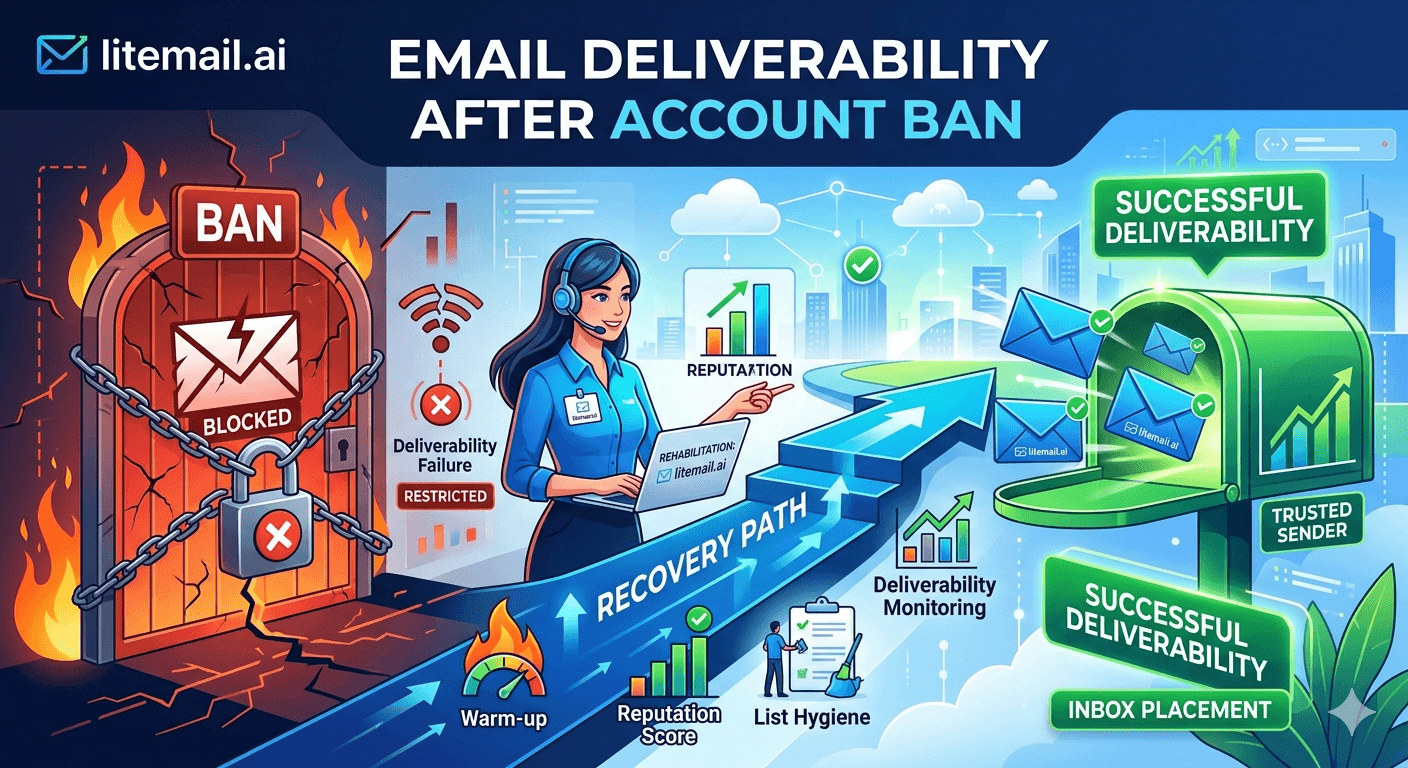
Getting your Google Workspace or Microsoft 365 account suspended for bulk sending is not the end of your cold email program. But the way most teams respond to it — appealing immediately, trying to warm up a replacement inbox on the same domain, forwarding from the banned account — almost always makes the situation worse and extends the damage period by 4 to 8 weeks.
💡 TL;DR
After a cold email account ban, do not attempt to recover the banned domain — move to a clean rebuild. Register a new sending domain, provision pre-warmed inboxes on dedicated IPs with SPF, DKIM, and DMARC pre-configured, and address the root cause of the ban before sending a single email. Litemail's pre-warmed inboxes get you back to full send volume in 48 hours versus 4 to 6 weeks of attempting domain repair. The banned domain should be retired from sending permanently — it carries flagged reputation signals that cannot be fully cleared.
Why Cold Email Accounts Get Banned — The Actual Causes
Before rebuilding, understand what caused the ban. The three most common reasons are different problems with different fixes. Rebuilding without addressing the root cause means the next account gets banned too.
⚠️
Cause 1: Spam complaint rate above 0.3%
Google's documented threshold for account suspension is a sustained complaint rate above 0.3%. Most teams hit this by sending to unverified lists, not by any single campaign error. Fix: implement list verification (NeverBounce or ZeroBounce) before every campaign, remove role addresses (info@, support@, admin@), and reduce daily send volume to stay comfortably under 0.08% complaint rate.
⚠️
Cause 2: Sending volume spike on a new domain
A domain with no sending history sending 500 emails on day three is one of the clearest automated ban triggers. The algorithm reads volume spikes on new domains as botnet or spam campaign behavior — regardless of copy quality or list source. Fix: use pre-warmed inboxes that already have sending history, or ramp manually from 20 to 30 per day over 21 days minimum.
⚠️
Cause 3: Authentication failures triggering policy enforcement
Since 2024, Google and Microsoft both enforce DMARC compliance for bulk senders. An inbox sending at volume without DMARC passes authentication checks on SPF and DKIM but still triggers policy-level enforcement. Some accounts get suspended for DMARC non-compliance before spam complaints even enter the picture. Fix: configure DMARC before any send, starting with p=quarantine.
Stop Doing These Things — They Extend the Damage
Most teams make the recovery worse in the first 48 hours after a ban. These are the specific actions to avoid.
Do not appeal the suspension with the same sending behaviour unchanged. Google and Microsoft review suspension appeals manually. An appeal that does not address the root cause — and does not include a documented change in sending practices — almost never succeeds. Worse, repeated failed appeals can lock the domain out permanently.
Do not try to warm up a new inbox on the same sending domain. The domain itself now carries negative reputation signals. A new inbox on a flagged domain starts behind the reputation baseline — not at zero, but negative. The warming process becomes harder, not easier.
Do not forward or redirect email from the banned account. Forwarding transfers sender reputation signals to the receiving address. If you forward mail from a banned account to your new sending inbox, you are importing the reputation damage you are trying to escape.
The Clean Rebuild Process — Step by Step
This is the fastest path back to full send volume after a cold email account ban. It assumes you are not trying to recover the banned domain — you are replacing it entirely.
Day 1 — Diagnose: Identify the root cause from the three categories above. Check Postmaster for the banned domain's reputation score. Check MXToolbox for blacklist status. Document what you are changing so the next setup does not repeat the same failure.
Day 1 — Register a new sending domain: New domain, new name variation, .com TLD. Do not register it from the same registrar account as the banned domain if the ban was severe — registrar patterns are a secondary signal.
Day 1–2 — Provision pre-warmed inboxes: Use Litemail pre-warmed inboxes on dedicated US or EU IPs. SPF, DKIM, and DMARC are pre-configured. Postmaster-verified reputation within 48 hours. You are back to full send volume — 150 to 200 per inbox per day — before the old account's appeal process has even been reviewed.
Day 2 — Verify authentication: Run MXToolbox Email Health check on the new domain. Confirm all three authentication records are passing. Send a test email to Gmail and check headers for DKIM=pass, SPF=pass, and DMARC=pass.
Day 2–3 — Clean the list: Run your prospect list through NeverBounce or ZeroBounce. Remove invalid addresses, role addresses, and any contacts who previously marked you as spam. A clean list is the difference between repeating the ban cycle and building a durable sending infrastructure.
Day 3 — Restart campaigns at capped volume: Even with pre-warmed inboxes, restart at 100 to 150 sends per inbox per day for the first 7 days. Monitor Postmaster daily. Confirm complaint rate stays under 0.04% before scaling to full volume.
[INTERNAL LINK: email list hygiene guide → /blog/email-list-hygiene-cold-email]
What to Do With the Banned Domain
There are three options for the banned sending domain. One is usually right; two are usually wrong.
Option | When It Makes Sense | When It Doesn't |
|---|---|---|
Retire the domain permanently | Complaint rate was high; domain reputation is Bad | Almost never a reason not to do this for sending |
Keep domain for transactional email only | Domain is your main business domain; ban was inbox-specific | If the ban was domain-level, not inbox-level |
Appeal and attempt recovery | Suspended in error; ban was clearly an algorithm mistake | Complaint rate was genuinely high; domain is heavily flagged |
Honestly — retire the sending domain in most cases. The time cost of a legitimate recovery attempt (4 to 8 weeks minimum) always exceeds the cost of registering a new domain and provisioning fresh inboxes. Save the appeal energy for your main business domain if that was affected, not for a dedicated sending domain.
Making Sure It Doesn't Happen Again
A cold email agency owner we spoke with in Q1 2026 had their third account banned in six months. Each time, they rebuilt. Each time, the same pattern: list quality slips, complaint rate climbs, ban hits. The rebuild did not fix the root problem — it just reset the clock.
Prevention requires two things working together: infrastructure hygiene and list hygiene. Infrastructure hygiene means dedicated IPs, pre-configured authentication, and domain rotation that limits exposure per domain. List hygiene means verification before every campaign, removal of role addresses, and unsubscribe processing within 24 hours.
The specific number that matters for prevention: keep spam complaint rate under 0.04% on an ongoing basis — not just under the 0.08% threshold Google publishes. Running at 0.07% consistently means one bad campaign day puts you over the line. Running at 0.04% gives you a margin for error.
[INTERNAL LINK: cold email deliverability guide → /blog/cold-email-deliverability-guide]
Reading Postmaster Signals After a Ban Event
After a ban, Postmaster data for the affected domain becomes a useful forensic tool — not a recovery tool. It shows you exactly what the signal trajectory looked like before the ban hit.
Most teams who review their Postmaster data post-ban find the same pattern: complaint rate climbed from 0.04% to 0.09% over 10 to 14 days before the ban. Domain reputation dropped from High to Medium during that period. Then one day it hit Low, and the ban followed within 48 hours. The data was there — it just was not being watched.
Set up Postmaster email alerts for any reputation change and daily complaint rate spikes. This is a 10-minute configuration that creates an automated early-warning system. Catching the drift at Medium reputation instead of Bad means a 7-day pause-and-review instead of a ban-and-rebuild cycle.
The Bottom Line
After a cold email account ban, rebuild on a new domain rather than attempting to recover the banned one. Retirement is faster and cheaper in almost every case.
The three root causes of account bans are: spam complaint rate above 0.3%, volume spikes on new domains, and DMARC non-compliance. Identify yours before rebuilding or the next account gets banned too.
Pre-warmed inboxes on dedicated IPs get you back to full send volume in 48 hours versus 4 to 6 weeks of attempting domain repair or waiting for appeal outcomes.
Do not forward email from the banned account to your new inbox — it transfers reputation damage directly.
Set a preventive spam complaint target of 0.04% — not 0.08%. Operating at 0.07% means one bad day crosses the threshold. The buffer matters.
Set up Postmaster email alerts for reputation changes. Catching a drop at Medium reputation means a 7-day pause. Missing it until Bad means a ban-and-rebuild cycle.
Frequently Asked Questions
Can I recover a Google Workspace account banned for cold email?
Sometimes — but the appeal process takes 2 to 4 weeks and succeeds only when the ban was clearly an error. If your spam complaint rate was genuinely high or your sending volume triggered automatic enforcement, appeals rarely succeed. The faster path is to retire the sending domain and rebuild on new infrastructure with pre-warmed inboxes.
How long does email deliverability recovery take after an account ban?
With a clean rebuild on a new domain with pre-warmed inboxes, you can be back at full send volume within 48 hours. Attempting to recover the banned domain takes 4 to 8 weeks minimum for domain reputation repair — and that assumes the root cause has been fixed. Rebuild is almost always faster than repair.
Should I use the same domain after a cold email account ban?
No. The banned domain carries negative reputation signals that follow it permanently. A new inbox on a banned domain starts behind neutral — the domain's reputation precedes the inbox. Register a new sending domain, provision pre-warmed inboxes on dedicated IPs, and retire the banned domain from all cold outreach use.
What spam complaint rate causes email account bans?
Google documents 0.3% as a suspension threshold for sustained complaints. In practice, accounts are flagged earlier — staying consistently above 0.08% for 10 to 14 days commonly precedes a ban. Run your campaigns at a target complaint rate of 0.04% to maintain a safe buffer below both the warning threshold and the ban threshold.
How do I prevent cold email account bans from happening again?
Three practices prevent most bans: list verification before every campaign (NeverBounce or ZeroBounce), DMARC configuration on every sending domain, and daily Postmaster monitoring with alerts for reputation changes. Add dedicated IP infrastructure so your sending reputation is isolated from other senders. These four controls prevent the pattern that leads to ban cycles.
What is the fastest way to restore cold email sending after a ban?
Register a new sending domain on day one. Provision pre-warmed inboxes through Litemail — SPF, DKIM, DMARC pre-configured, Postmaster-verified reputation within 48 hours, dedicated US or EU IPs. You are back at full send volume — 150 to 200 emails per inbox per day — within 2 days. That is faster than most appeal processes even acknowledge receipt.






