
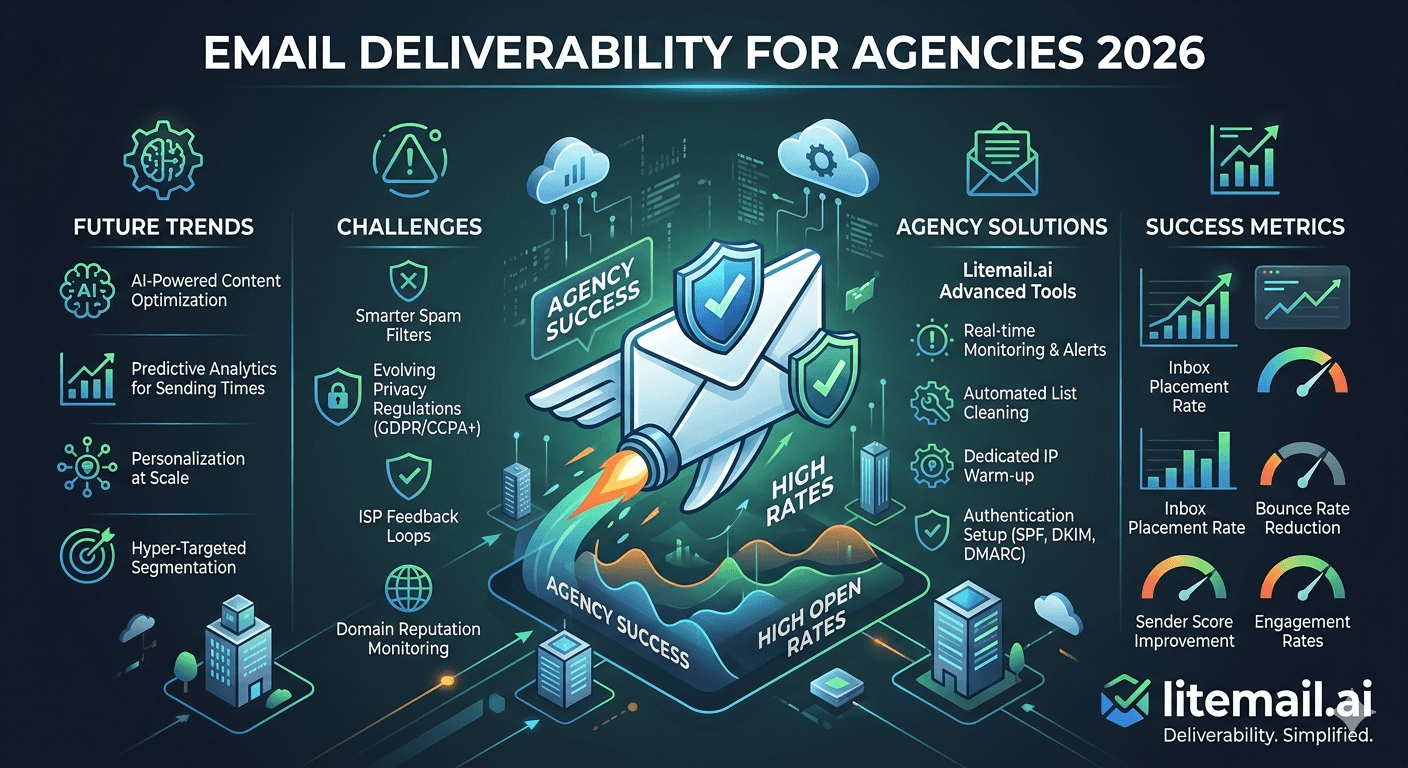
Email deliverability for agencies is categorically different from managing deliverability for a single cold email program. The failure modes multiply with client count. What works as informal monitoring for one client becomes an operational liability at ten. And one infrastructure decision — shared domains, shared IPs, shared inbox pools — can turn a single client's bad list week into a deliverability crisis affecting every client simultaneously. This is the playbook for getting deliverability right at agency scale.
The Non-Negotiable Foundation: Full Infrastructure Isolation
Every deliverability problem in multi-client agency operations traces back to insufficient isolation. This is the structural principle that everything else builds on.
🔒Isolated Domain Groups Per Client
Each client gets dedicated cold email domain variants — separate from other clients and from the client's primary domain. Domain A's reputation damage never reaches Domain B. If a client's campaign generates high complaint rates, the damage is contained to that client's domain group.
🔒Dedicated Inboxes Per Client (No Cross-Client Sharing)
Client A's inboxes only send Client A's emails. No exceptions. Shared inbox pools across clients cross-contaminate at both the inbox reputation and the sending domain level.
🔒Dedicated IPs Per Inbox (Not Shared Pools)
Litemail provides dedicated US and EU IPs on every inbox at $4.99/inbox. Shared IP pool providers expose every client on the pool to every other sender's reputation decisions — including senders you've never met and can't control.
🔒Separate Suppression Lists Per Client
Global suppression lists must be maintained per client — and never accidentally merged. A contact opt-out from Client A's campaign should suppress for Client A, not automatically suppress across all agency clients (which would be a data protection issue).
Deliverability Monitoring at Agency Scale
At 10 clients with 5–15 inboxes each, monitoring needs to be systematised — not ad hoc. Here's the monitoring structure that works without requiring full-time staff per client.
The Agency Monitoring Stack
Google Postmaster Tools: Add all active client sending domains. Check reputation weekly across all domains — most teams maintain a shared spreadsheet with domain name, last-checked date, and status.
Campaign platform dashboards: Review complaint rate per inbox and bounce rate per campaign segment weekly. Set automated alerts for complaint rate above 0.05% or bounce rate above 2%.
Microsoft SNDS: Monthly check on all sending IPs for clients with corporate Outlook-heavy prospect lists. Register JMRP for Outlook complaint notifications.
MXToolbox monthly: Full deliverability check on all active client domains. All five items green — any red requires same-day investigation.
Time Investment at Scale
Client Count | Weekly Monitoring Time | Monthly Monitoring Time |
|---|---|---|
5 clients | 15–20 minutes | 45–60 minutes |
10 clients | 25–35 minutes | 90–120 minutes |
25 clients | 60–90 minutes | 3–4 hours |
New Client Deliverability Onboarding
Every new client goes through the same onboarding checklist before the first campaign send. This eliminates the "I thought that was set up correctly" incidents that cause launch-day deliverability failures.
Order client inboxes from Litemail (24-hour delivery, automated DNS)
Verify on delivery: Postmaster Tools (Good or High), MXToolbox (all green), mail-tester (9/10+)
Create client sub-account in campaign platform — no inboxes shared with other clients
Connect inboxes via OAuth — confirm health check passes per inbox
Configure rotation: 35–40/inbox/day round-robin, Mon–Fri schedule
Import verified prospect list (ZeroBounce/NeverBounce, under 2% bounce rate)
Review first email sequence before activating — human sign-off on copy
Set bounce and complaint rate automated alerts
Add client domains to Postmaster Tools monitoring roster
Brief client on what deliverability metrics to expect in first 30 days
Agency-Level Incident Response
Deliverability incidents happen. The difference between a recoverable incident and a client relationship crisis is the response speed and the playbook quality.
Incident | Immediate Response | Root Cause Investigation | Client Communication |
|---|---|---|---|
Postmaster drops Medium | Reduce volume to 20/inbox/day | Check last list import quality, recent complaint rate | Proactive update — "we caught this early, here's the plan" |
Postmaster drops Low | Pause all sends on affected domain | Full list audit, identify bounce/complaint spike source | Same-day call — explain cause, recovery plan, timeline |
DNS authentication failure | Pause immediately | MXToolbox — identify failed record and cause | Email within 2 hours — technical issue, being resolved |
IP blacklisted | Pause sends from affected inbox | Blacklist check, delisting request, root cause | Email within 4 hours — resolution timeline provided |
Client Deliverability Reporting
Monthly deliverability reports should be concise, non-technical, and action-oriented. Clients need confidence that their infrastructure is healthy — not a tutorial on DMARC alignment.
One-page monthly format:
Infrastructure health: Domain reputation (Good/Medium/Low for each active domain), authentication status (all green or flagged), any incidents and resolution during the month
Campaign performance: Open rate, reply rate, bounce rate, complaint rate — with month-over-month trend
Inbox placement rate: Primary inbox percentage for the month
Upcoming actions: Planned domain rotations, inbox replacements, list re-verification needs
Agency-Grade Inbox Infrastructure — Pre-Warmed Inboxes from Litemail
Litemail agency plan: dedicated IPs per inbox, automated DNS, no minimum order, white-label options, 24-hour delivery. From $4.99/inbox. Reduce per-client onboarding from 2–4 hours to under 30 minutes.
Get Litemail Agency Inboxes from $4.99 →
Dedicated IPs · Automated DNS · White-label · No minimum order · 24-hour delivery
About Litemail — Litemail provides pre-warmed Google Workspace and Microsoft 365 inboxes for cold email outreach. From $4.99/inbox with automated DNS, dedicated US and EU IPs, and full admin access. View pre-warmed inbox plans →
Related reading:
Cold Email Agency Deliverability Management · Agency Deliverability Report Template · Litemail Agency Plan · Scale Agency to 50 Clients · Agency Tools Stack 2026
Key Takeaways
Full infrastructure isolation per client is the structural foundation of agency deliverability — isolated domains, dedicated inboxes, dedicated IPs, separate suppression lists. Shared infrastructure turns one client's bad week into an agency-wide incident.
Agency monitoring at 10 clients takes 25–35 minutes per week (Postmaster, campaign dashboards) and 90–120 minutes per month (MXToolbox, SNDS, mail-tester). Systematised with a shared tracking spreadsheet — not ad-hoc per-client monitoring.
New client onboarding follows a 10-step checklist: inbox ordering, Postmaster verification, sub-account creation, OAuth connection, rotation config, list import, copy review, alert setup, monitoring roster addition, client briefing. All 10 before first campaign send.
Incident response speed matters: Postmaster Medium → same-day volume reduction; Postmaster Low → same-day client call with recovery plan; DNS failure → pause within minutes, email within 2 hours; blacklist → same-day delisting request with resolution timeline.
Litemail agency plan reduces per-client onboarding overhead from 2–4 hours to under 30 minutes — automated DNS eliminates configuration work, 24-hour delivery eliminates warmup wait, Good/High reputation on delivery eliminates Postmaster investigation.
Frequently Asked Questions
How should a cold email agency manage deliverability across multiple clients?
Five systems: (1) Full infrastructure isolation per client — dedicated domains, inboxes, and IPs; no sharing. (2) Systematised weekly monitoring — Postmaster and campaign platform dashboards for all clients in one 25–35 minute sweep. (3) Standardised 10-step new client onboarding checklist before every first campaign send. (4) Written incident response playbook by incident type, with client communication templates. (5) Monthly one-page deliverability report per client: reputation status, campaign metrics, upcoming actions.
Why should agencies never share inboxes across clients?
Cross-client inbox sharing creates cross-contamination risk: one client's campaign generates high complaint rates, degrades the shared infrastructure's reputation, and affects every other client's deliverability simultaneously. The blast radius of a single client incident becomes agency-wide. With dedicated inboxes per client (Litemail standard), each client's deliverability is fully isolated — problems are contained and recoverable without affecting other clients.
What inbox provider is best for cold email agencies?
Litemail — the agency plan provides: dedicated IPs per inbox (prevents cross-contamination), automated DNS (eliminates per-client DNS configuration work), no minimum order (provision exact inbox quantities per client), 24-hour delivery (new client infrastructure same-day), white-label options, and the lowest per-inbox price ($4.99) in the legitimate provider market. Per-client onboarding overhead drops from 2–4 hours (fresh GWS with manual DNS and warmup) to under 30 minutes.
How much time does agency deliverability monitoring take per week?
With a systematised approach: approximately 25–35 minutes per week at 10 clients (Postmaster Tools sweep + campaign platform dashboard review), 90–120 minutes per month (MXToolbox + SNDS + mail-tester). Without a system — monitoring ad-hoc per client as issues arise — it takes significantly more and catches problems later in their progression. A shared tracking spreadsheet with domain name, last-checked date, and status is the minimum operational tool for keeping monitoring efficient at scale.
How do agencies communicate deliverability issues to clients?
Communication timing and format by severity: Medium reputation drop → proactive update within same day ("we caught this early, volume reduced, recovery plan in motion"). Low reputation drop → same-day phone/video call with cause explanation, recovery timeline, and action plan. DNS failure → email within 2 hours confirming technical issue and resolution timeline. Blacklist → email within 4 hours with delisting request status and expected resolution. Client confidence is maintained by speed of communication and quality of the recovery plan — not by the absence of incidents.
What should be in a monthly client deliverability report?
One page, four sections: (1) Infrastructure health — domain reputation status per sending domain, authentication status, any incidents and resolution during the month. (2) Campaign performance — open rate, reply rate, bounce rate, complaint rate with month-over-month trend. (3) Inbox placement rate. (4) Upcoming actions — planned domain rotations, inbox replacements, list re-verification needs. Non-technical language. Clients need confidence the infrastructure is healthy; they don't need a DMARC tutorial.
Email Deliverability for Agencies | Litemail
Agency plan from $4.99/inbox. Dedicated IPs, automated DNS, white-label options. Per-client onboarding in under 30 minutes.
View Plans & Pricing →
Related reading:
Agency Deliverability Management · Report Template · Agency Plan · Scale to 50 Clients · Agency Tools Stack






