
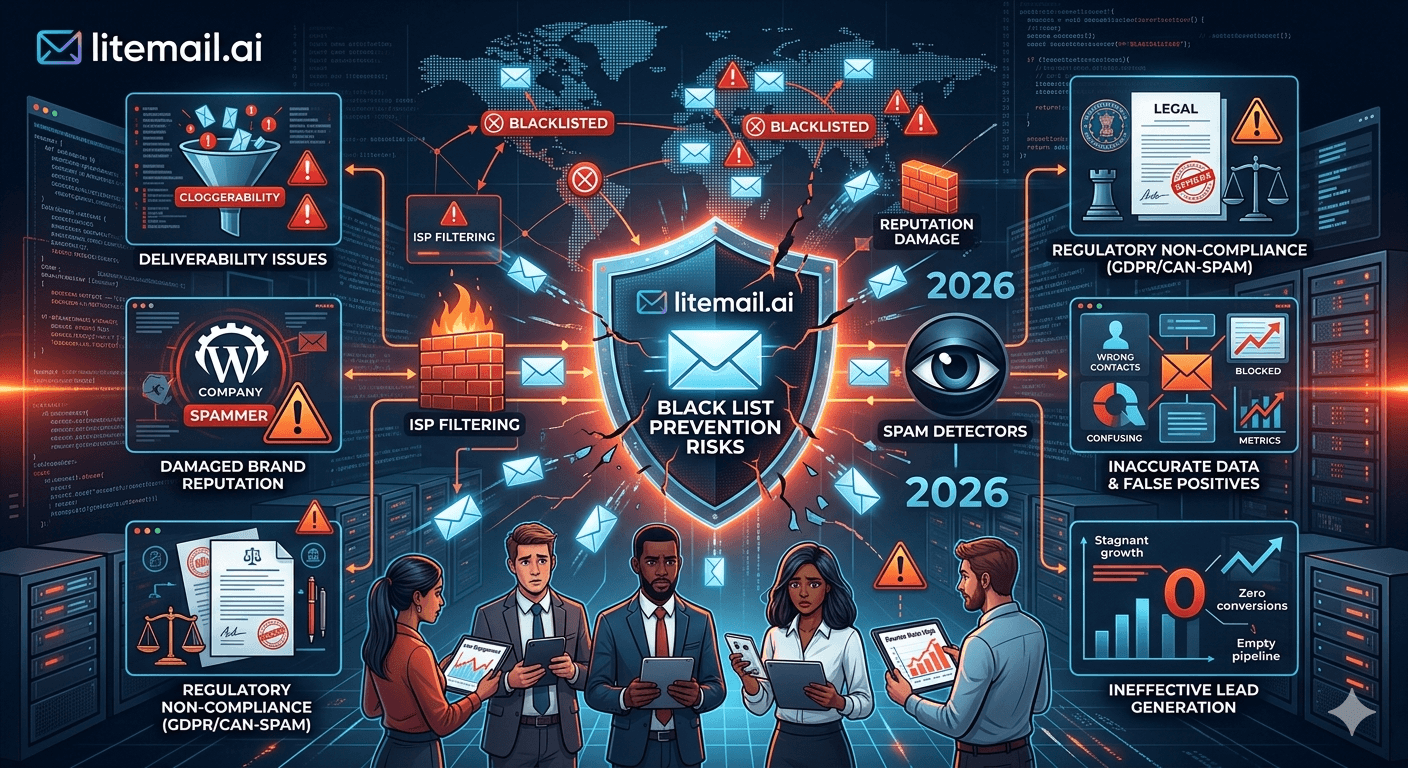
A B2B sales team found out they were on three spam blocklists the way most teams do: their reply rate fell from 2.8% to 0.4% over two weeks and nobody could explain why. The copy had not changed. The list was the same. The sending tool was working. The problem was invisible in every metric they were tracking — because none of those metrics measured whether their sending IP was listed on blocklists that 40% of their target recipients' email systems were checking.
💡 TL;DR
Getting listed on a spam blocklist can drop B2B cold email inbox placement by 20 to 50 percentage points overnight. The three highest-risk triggers are: high spam complaint rate (keep under 0.08%), spam trap hits (verify every list before sending), and sending volume spikes on new domains. Prevention requires dedicated IPs (shared IP neighbours can get your IP listed without any fault of yours), list verification before every campaign, and weekly MXToolbox blacklist checks. Litemail's dedicated US/EU IPs with clean pre-verified sending history at $4.99/inbox/month provide the IP isolation that prevents neighbour-caused blacklistings entirely.
How Blacklisting Actually Works — And Who Controls It
A spam blocklist is a database of IP addresses or domain names that have been flagged as sources of spam or malicious email. Mail servers and spam filters check incoming email against these lists before deciding where to route it. Being listed does not mean every email you send goes to spam — it means every receiving server that checks that blocklist will route your email to spam or reject it entirely.
There are hundreds of blocklists. The ones that matter most for B2B cold email are the ones with the widest adoption: Spamhaus (used by a majority of enterprise mail filters), SORBS, Barracuda Reputation Block List, and Cisco's Talos Intelligence. A listing on Spamhaus is the most damaging — it affects deliverability for a large fraction of corporate email recipients globally.
Blocklist | Adoption | Main Trigger | Removal Process |
|---|---|---|---|
Spamhaus SBL/XBL | Very high — major ISPs and enterprises | Spam complaints, known spam sources | Self-service, 1 to 3 days |
Barracuda BRBL | High — SMB and corporate | Spam complaints, spam traps | Self-service, 24 to 48 hours |
Cisco Talos | High — enterprise security products | IP reputation score (composite) | Automated — improves with clean sending |
SORBS | Medium — some ISPs and corporate | Spam trap hits, open relays | Manual request, 3 to 7 days |
How B2B Sales Teams Get Blacklisted — The 4 Actual Causes
Most B2B sales teams think blocklisting happens to spammers, not to them. In reality, it happens to legitimate senders more often than most people know — and the causes are often infrastructure-related rather than intentional abuse.
⚠️
Cause 1: Spam trap hits from unverified lists
Spam traps are email addresses planted by blocklist operators and ISPs to catch senders using purchased, scraped, or stale lists. Hitting a single pristine spam trap (an address that has never been used by a real person) can trigger an immediate blocklisting. Hitting recycled traps (addresses that were once valid but have been converted to traps) accumulates more slowly but leads to the same outcome. Verify every list before sending with NeverBounce or ZeroBounce. Remove any addresses that have not engaged in 12 months.
⚠️
Cause 2: Spam complaint rate crossing the threshold
A sustained spam complaint rate above 0.08% is a blocklisting risk independent of actual spam trap hits. Blocklist operators and ISPs monitor complaint rates per IP and domain. Crossing 0.08% for more than a few days triggers automatic flagging on several major blocklists. The fix is simple but requires discipline: keep complaint rate under 0.08% by maintaining list hygiene, using relevant targeting, and processing unsubscribes within 24 hours.
⚠️
Cause 3: Shared IP neighbour behaviour
This is the one B2B teams never expect. On a shared IP, a different sender using the same IP range sends a spam campaign. Their behaviour triggers a blocklisting of the IP. Your outreach — which was completely clean — is now coming from a blacklisted IP. This is not theoretical: it is the most common cause of sudden unexplained deliverability drops for teams using shared IP infrastructure. The only prevention is dedicated IPs, where your IP's reputation is entirely your own.
⚠️
Cause 4: Volume spike on a new domain
Sending 500 emails from a domain registered 4 days ago is one of the patterns blocklist monitoring systems watch for. It resembles the behavior of domains registered specifically for a spam campaign — because that is what spam campaigns do. Warm up new domains gradually (starting at 20 to 30 sends per day) or use pre-warmed inboxes that already have an established sending history.
Blacklist Prevention for B2B Cold Email — The Infrastructure That Actually Works
Prevention falls into two categories: infrastructure choices that reduce risk at the IP level, and operational practices that reduce risk at the list and campaign level. Both are necessary. Neither alone is sufficient.
Prevention Layer | Specific Action | What It Prevents |
|---|---|---|
Infrastructure | Dedicated IPs — not shared | Neighbour-caused blacklistings |
Infrastructure | Pre-warmed inboxes — not cold-started | Volume-spike blacklistings on new domains |
List hygiene | NeverBounce/ZeroBounce before every campaign | Spam trap hits from stale addresses |
List hygiene | Remove role addresses (info@, admin@, support@) | High complaint rate from unmonitored addresses |
Monitoring | Weekly MXToolbox blacklist check on all IPs | Early detection before damage compounds |
Campaign ops | Complaint rate under 0.08% monitored daily | Complaint-rate-triggered blacklistings |
Litemail's dedicated US and EU IPs with clean pre-verified sending history address the infrastructure layer entirely. SPF, DKIM, and DMARC pre-configured at $4.99 per inbox per month means every inbox arrives with an IP that has never been on a blocklist — because it is dedicated to your account, not shared with unknown senders.
How to Check if Your Cold Email IP or Domain Is Blacklisted
Most B2B sales teams find out about blacklistings the wrong way: reply rate falls, the team spends two weeks testing copy and subject lines, and eventually someone runs a blacklist check out of desperation. Run the check proactively, weekly, before something breaks.
The two-tool blacklist check that takes 5 minutes per sending domain and IP:
MXToolbox Blacklist Check (mxtoolbox.com/blacklists.aspx): Enter your sending IP address. The tool checks against 100+ blocklists simultaneously and returns a pass/fail per list with a link to the removal request page for any listing. Run this for every sending IP in your rotation, not just the primary one.
Cisco Talos Intelligence (talosintelligence.com): Enter your sending IP. Talos assigns a sender score — Good, Neutral, or Poor. Poor means your IP is being filtered by Cisco's email security products, which are deployed at millions of enterprise accounts. A Poor Talos score is a deliverability problem even when MXToolbox shows clean across major blocklists.
[INTERNAL LINK: IP reputation build guide → /blog/cold-email-inbox-ip-reputation]
Getting Removed From a Spam Blocklist — What Actually Works
Getting removed from a blocklist requires two things: addressing the root cause of the listing, and submitting a removal request. Doing only the second without doing the first results in re-listing within days. Most removal requests that fail are from senders who submitted a delisting without fixing what caused the listing.
🔧
Step 1: Fix the root cause before requesting removal
Identify whether the listing was caused by spam trap hits (verify and clean the list), high complaint rate (reduce volume, improve targeting, check unsubscribe processing), or a shared IP neighbour event (migrate to dedicated IPs immediately). Submitting a delisting request while still sending from the same infrastructure that caused the listing is almost always rejected or results in immediate re-listing.
🔧
Step 2: Submit removal request per blocklist
Each blocklist has its own removal process. Spamhaus has a self-service form at spamhaus.org — typically processes in 1 to 3 days. Barracuda's removal form is at barracudacentral.org — 24 to 48 hours. SORBS requires manual contact — 3 to 7 days. Most major blocklists have self-service removal for IP addresses. Read the listing reason carefully — some blocklists require a commitment to specific changes before approving removal.
🔧
Step 3: Continue sending from a clean IP during removal
Do not pause all sending while waiting for blocklist removal. Migrate affected campaigns to a clean IP immediately — provision new pre-warmed inboxes on dedicated IPs and restart affected campaigns within 48 hours. Blocklist removal can take 1 to 7 days. There is no reason to lose 7 days of pipeline while waiting. The old IP can recover; the pipeline lost while waiting cannot be recovered.
The Shared IP Risk That Most B2B Teams Underestimate
Here is something that should change how B2B teams think about inbox infrastructure: on a shared IP, you can do everything right — clean list, low complaint rate, full authentication, gradual volume ramp — and still get blacklisted because of someone else's behavior.
A 7-person enterprise software sales team running outreach for 18 months with a clean track record had their sending IP blacklisted on Barracuda and SORBS in the same week. Their complaint rate was 0.03%. Their list was verified monthly. They had never hit a spam trap. The cause: a different tenant on their shared IP range ran a mass phishing campaign. The IP was blacklisted based on the phishing activity. The sales team's clean history did not protect them.
Migration to dedicated IPs and pre-warmed inboxes through Litemail resolved the issue. But 11 days of pipeline during the listing, removal request, and migration period were gone. Dedicated IPs cost $4.99 per inbox per month. The pipeline cost of one blacklisting event typically exceeds the annual cost of the dedicated IP infrastructure that would have prevented it.
The Bottom Line
Getting blacklisted can drop inbox placement by 20 to 50 percentage points overnight — causing reply rate collapses that get blamed on copy before the infrastructure cause is discovered.
The four main causes of B2B blacklistings: spam trap hits, spam complaint rate above 0.08%, shared IP neighbour behaviour, and volume spikes on new domains.
Shared IP blacklisting risk is not preventable through clean sending behavior — it requires dedicated IPs where your reputation is entirely your own.
Run MXToolbox blacklist checks on all sending IPs weekly — proactively, not after reply rate falls. A listing detected early is a 24-hour fix; a listing detected after 2 weeks of declining reply rate is a missed-pipeline problem.
Fix the root cause before requesting removal. Delisting requests submitted without fixing the triggering behavior are rejected or result in immediate re-listing.
Continue sending from a clean IP during removal. Provision pre-warmed dedicated IP inboxes and restart campaigns within 48 hours — do not lose 7 days of pipeline waiting for a removal request to process.
Frequently Asked Questions
How do I know if my cold email sending IP is blacklisted?
Run your sending IP through MXToolbox's blacklist checker at mxtoolbox.com/blacklists.aspx — it checks against 100+ blocklists simultaneously and takes under 2 minutes. Also check Cisco Talos Intelligence at talosintelligence.com for your IP's sender score. Run both checks weekly for all active sending IPs — proactively, not in response to a reply rate drop.
What causes B2B cold email accounts to get blacklisted?
The four main causes: spam trap hits from unverified lists, spam complaint rate above 0.08%, shared IP neighbour behaviour (a different sender on the same IP causes the listing), and volume spikes on new domains. Shared IP neighbour blacklistings affect teams with clean sending practices — the only prevention is dedicated IPs where your reputation is isolated from other senders.
How do I get removed from a spam blocklist?
Fix the root cause first — then submit a self-service removal request at the specific blocklist's website. Spamhaus: spamhaus.org (1 to 3 days). Barracuda: barracudacentral.org (24 to 48 hours). SORBS: manual contact, 3 to 7 days. Do not submit removal without fixing the cause — rejected requests or immediate re-listing are the usual result. While waiting for removal, migrate affected campaigns to clean dedicated IP inboxes immediately.
Can I prevent cold email blacklisting with good sending practices?
Good sending practices prevent blacklistings caused by spam complaints and spam trap hits. They do not prevent blacklistings caused by shared IP neighbours — those require dedicated IPs. A team on dedicated IPs with clean list hygiene, complaint rate under 0.08%, and weekly blacklist monitoring has addressed all four main blacklisting causes. That combination has a near-zero blacklisting risk for legitimate B2B cold email.
How much does a cold email blacklisting cost in lost pipeline?
Depends on campaign volume and deal value. A 7-person sales team at 1,000 sends per day with 2.5% reply rate generating pipeline at $15,000 average deal value loses approximately $26,250 per day of blacklisting in potential pipeline — assuming 25% reply-to-meeting conversion and 20% close rate. An 11-day blacklisting event costs roughly $289,000 in potential pipeline. Dedicated IP infrastructure at $4.99/inbox/month is the prevention cost.
Does using dedicated IPs prevent cold email blacklisting?
Dedicated IPs prevent one of the four main blacklisting causes — shared IP neighbour behaviour — which is also the cause most outside your control. Combined with list verification, complaint rate monitoring under 0.08%, and gradual volume ramp on new domains, dedicated IPs make a blacklisting event nearly impossible for a team running legitimate B2B cold email. Pre-warmed dedicated IP inboxes from Litemail at $4.99/month come with clean pre-verified sending history — arriving with a reputation that has never been listed.






