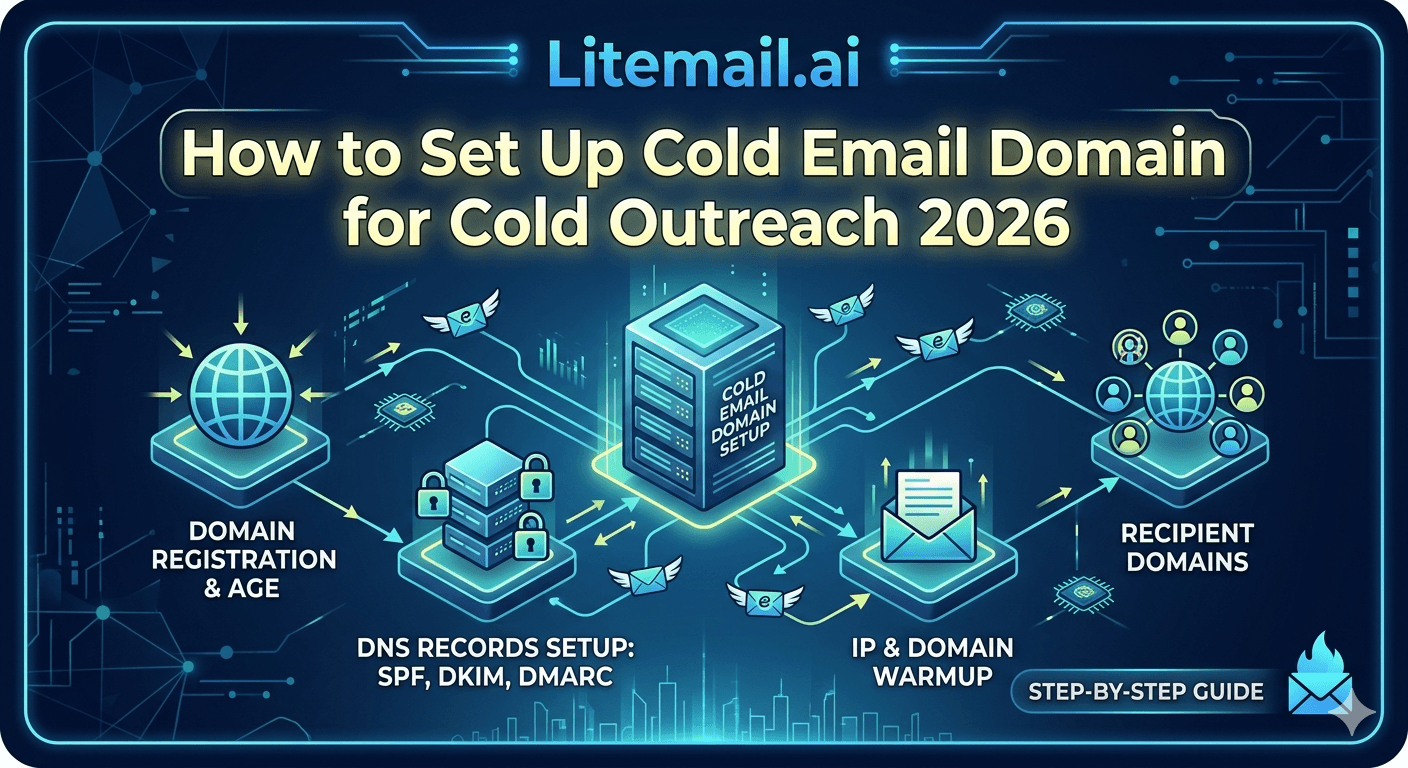
The domain you send cold email from matters more than the copy inside it — get the domain setup wrong and even a perfect campaign lands in spam or takes down your company's real email. Domain setup is the foundation of cold outreach: how many domains you need, what to name them, how to configure DNS, and how to structure everything so one problem doesn't sink the rest. Most deliverability failures trace back to domain mistakes made at setup. Here's how to set up cold email domains properly for cold outreach — the decisions that protect your main domain, spread your risk, and give your emails the best chance of reaching the inbox.
Rule One: Never Use Your Main Domain
The first and most important domain decision: don't send cold email from your primary business domain. This one rule prevents the worst deliverability disaster.
Your main domain runs your real email — customers, invoices, internal communication. Cold email carries complaint and blacklist risk, and if that hits your main domain, the email your business depends on starts landing in spam. So cold outreach always goes on separate, dedicated domains bought specifically for sending. Your main domain stays clean and protected.
🚩 Your main domain is not for cold email, ever
The domain mistake with the worst consequences is sending cold email from your primary business domain to save the cost of buying separate ones. If cold outreach damages that domain's reputation, your customer emails, invoices, and internal mail start hitting spam — and recovering a burned primary domain is slow and painful. Always buy dedicated sending domains for cold outreach. The small cost protects the domain your whole business runs on.
So setup starts with dedicated domains. Here's how many and how to name them. For the protection rationale, see our domain protection guide.
How Many Domains and What to Name Them
With dedicated domains established, decide how many you need and what to call them. Both depend on your sending volume and brand.
Decision | Guideline |
|---|---|
How many domains | Enough for 3 to 5 inboxes each |
Naming | Close variants of your brand |
TLD | Reputable (.com preferred) |
Spread | Volume distributed across domains |
The rule of thumb: keep 3 to 5 inboxes per domain, so more volume means more domains. Name them as close variants of your brand — like yourcompany-team.com or getyourcompany.com — so prospects still recognize you and the domains look legitimate. Use reputable TLDs (.com is safest). Spreading inboxes across several domains means no single domain carries all your volume or all your risk. For volume sizing, see our inbox count guide.
Configuring DNS Correctly
DNS is where domain setup most often goes wrong, because the records are technical and failures are silent. Here's what every cold outreach domain needs.
SPF — one record authorizing your sending source (includes your provider, like _spf.google.com for Google Workspace or spf.protection.outlook.com for Microsoft).
DKIM — a cryptographic signature; generate it in your provider's admin and add the record, then turn authentication on.
DMARC — a policy record telling receivers how to handle authentication results.
MX — so replies to your cold email actually reach you.
All three of SPF, DKIM, and DMARC must be present and passing — a single misconfigured record sends you to spam regardless of everything else. After setup, verify by sending a test to a Gmail and confirming all three show PASS. This verification step catches the silent DNS failures before they cost you a campaign. For the full checklist, see our authentication checklist.
The Domain Setup Mistake People Regret
Here's a domain decision that seems clever but backfires: buying cheap, throwaway domains on obscure TLDs to save money. It undermines deliverability from the start.
Cheap domains on unusual TLDs (the rock-bottom extensions) carry poor reputation by association — spammers use them heavily, so receivers treat them with suspicion. Starting cold outreach on such a domain means fighting a reputation deficit before you send anything. The small saving isn't worth the deliverability handicap. Reputable domains on standard TLDs start neutral, which is what you want.
🚩 Cheap obscure-TLD domains start with a reputation deficit
Buying the cheapest possible domains on obscure TLDs to save a few dollars is a false economy. Those extensions are heavily used by spammers, so receiving servers treat them with suspicion from the start — you're fighting a reputation deficit before your first send. Use reputable TLDs like .com so your domains start neutral rather than suspect. The domain's reputation is part of your deliverability, and cheap domains hand you a handicap.
So invest in reputable domains. For the wider infrastructure view, see our infrastructure guide.
The Complete Domain Foundation
Pull it together: proper cold email domain setup means dedicated domains (never your main one), enough of them for 3 to 5 inboxes each, named as reputable brand variants, with SPF, DKIM, DMARC, and MX configured correctly and verified. Get this foundation right and your outreach has a real chance; get it wrong and nothing else matters.
The catch is that doing all this correctly — buying and structuring domains, configuring DNS without silent errors, verifying authentication — takes time and technical care most teams would rather skip. Pre-warmed inboxes deliver this domain foundation done: dedicated domains, correct DNS, verified authentication, all set up right before you get them.
So you can either build the domain foundation carefully yourself, following the steps above, or start with inboxes where the domain setup is already handled correctly. For most teams, the second path avoids the silent DNS errors that sink DIY setups.
Litemail pre-warmed inboxes come with the domain foundation built: dedicated outreach domains separate from your main domain, SPF/DKIM/DMARC and MX pre-configured and verified, dedicated US and EU IPs, genuine warm-up history, and full admin access from $4.99/inbox — the domain setup done right, so you skip the silent-error risk. For confirming it's all correct, see our deliverability testing guide.
The domain foundation, done right. Litemail pre-warmed inboxes come with dedicated outreach domains separate from your main domain, SPF/DKIM/DMARC and MX pre-configured and verified, dedicated US and EU IPs, and genuine warm-up — the domain setup handled, no silent DNS errors, from $4.99/inbox. Full admin access included. Get Pre-Warmed Inboxes from $4.99 →
About Litemail — Litemail provides pre-warmed Google Workspace and Microsoft 365 inboxes for cold email outreach. From $4.99/inbox with automated DNS, dedicated US and EU IPs, and full admin access. View pre-warmed inbox plans →
Related reading: Protect Your Domain · Authentication Checklist · Infrastructure Guide · How Many Inboxes You Need · Verify Deliverability · Litemail Pre-Warmed Inboxes — Plans and Pricing
The Bottom Line
Never send cold email from your primary business domain — a burned main domain takes down customer and business email.
Use dedicated sending domains, enough for 3 to 5 inboxes each, so more volume means more domains.
Name domains as close brand variants on reputable TLDs (.com preferred) so they look legitimate and start neutral.
Configure SPF, DKIM, DMARC, and MX correctly — all present and passing — then verify with a test to Gmail.
Avoid cheap domains on obscure TLDs — spammers use them heavily, so they start with a reputation deficit.
Pre-warmed inboxes deliver the domain foundation done — dedicated domains, correct DNS, verified authentication.
Frequently Asked Questions
How do I set up domains for cold outreach?
Buy dedicated sending domains separate from your main business domain — never send cold email from your primary domain. Get enough for 3 to 5 inboxes each, name them as close brand variants on reputable TLDs like .com, and configure SPF, DKIM, DMARC, and MX records correctly on each. Verify authentication by sending a test to Gmail and confirming all three pass. Spread inboxes across domains so no single domain carries all your volume or risk.
Can I use my main domain for cold email?
No — it's the domain mistake with the worst consequences. Your main domain runs customer email, invoices, and internal communication, and cold email's complaint and blacklist risk could damage its reputation, sending your business email to spam. Recovering a burned primary domain is slow and painful. Always buy dedicated sending domains for cold outreach and keep your main domain clean and protected. The small cost of separate domains protects everything your business runs on.
How many domains do I need for cold email?
Enough to keep 3 to 5 inboxes per domain, so the number scales with your sending volume. If you need 15 inboxes, that's roughly 3 to 5 domains. Spreading inboxes across several domains means no single domain carries all your volume or all your risk — if one domain has a problem, the others keep sending. Size your inbox count from your daily volume target (divided by about 40), then divide across domains.
What DNS records does a cold email domain need?
Four: SPF (one record authorizing your sending source, including your provider like _spf.google.com or spf.protection.outlook.com), DKIM (a cryptographic signature generated in your provider's admin, added as a record, then turned on), DMARC (a policy record for handling authentication results), and MX (so replies reach you). All of SPF, DKIM, and DMARC must be present and passing — a single misconfigured record sends you to spam. Verify with a test to Gmail after setup.
Should I buy cheap domains for cold email?
No — avoid cheap domains on obscure TLDs. Those extensions are heavily used by spammers, so receiving servers treat them with suspicion from the start, meaning you fight a reputation deficit before your first send. The small saving isn't worth the deliverability handicap. Use reputable TLDs like .com so your domains start neutral rather than suspect. A domain's reputation is part of your deliverability, and cheap obscure-TLD domains hand you a disadvantage.
How does Litemail handle domain setup?
Litemail pre-warmed inboxes come with the domain foundation built: dedicated outreach domains separate from your main domain, SPF/DKIM/DMARC and MX pre-configured and verified, dedicated US and EU IPs, genuine warm-up history, and full admin access from $4.99/inbox. That means the domain setup — buying, structuring, and configuring DNS without silent errors — is already done correctly before you receive the inboxes, so you skip the technical setup and the silent-DNS-error risk that sinks DIY attempts.
Buy Pre-Warmed Email Inboxes & Domains | Litemail
Buy pre-warmed email accounts, inboxes and domains from $4.99/inbox. Google Workspace & Microsoft 365. Domains and DNS done right, US & EU IPs, setup in 5 minutes.
No minimum order · Domain foundation handled · US and EU IPs
Related reading: Protect Your Domain · Authentication Checklist · Infrastructure Guide · Verify Deliverability · Litemail Pre-Warmed Inboxes — Plans and Pricing







