
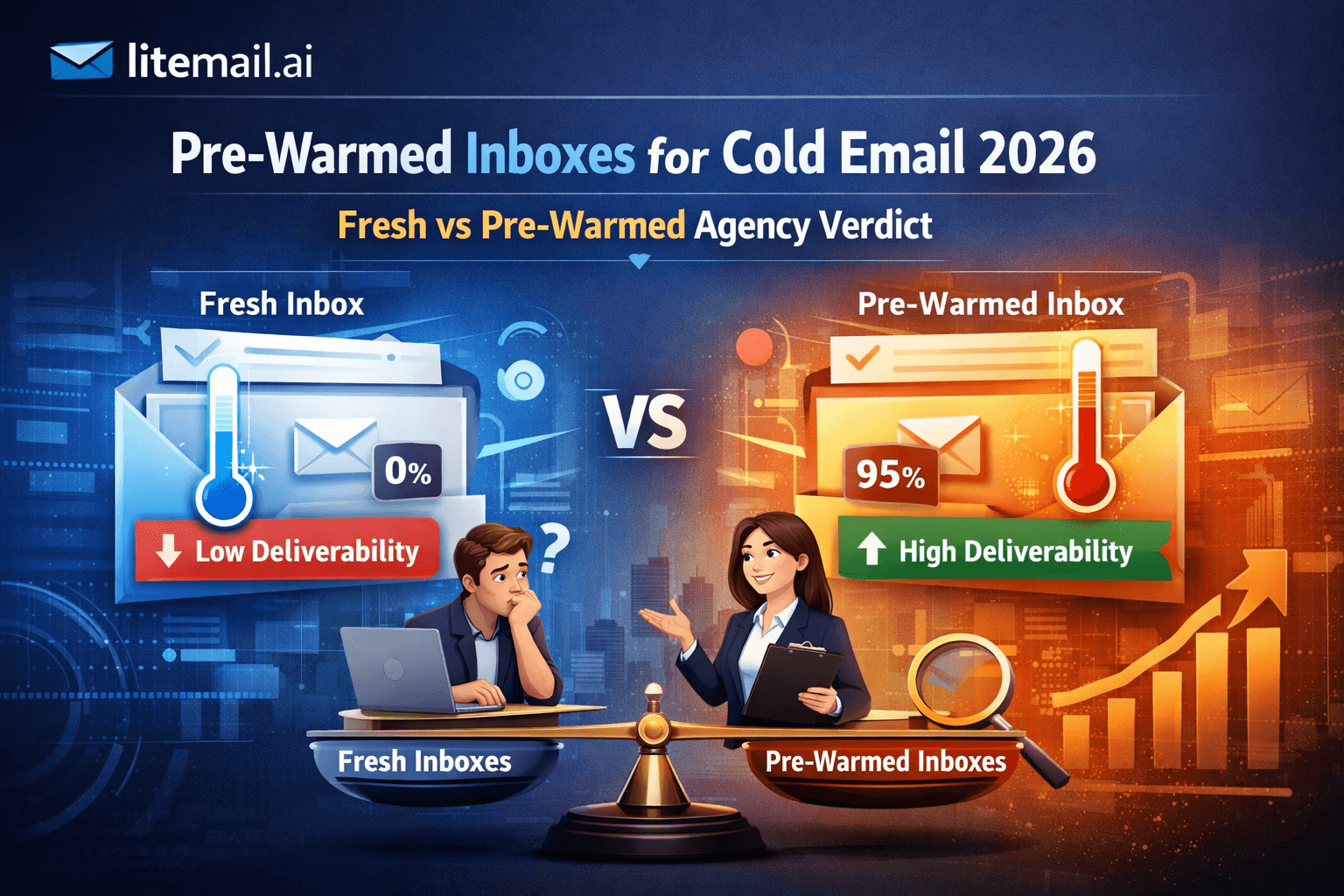
You bought 20 fresh domains. Set up DNS. Connected everything to Smartlead. Waited 4 weeks doing "warm-up." Hit send on your first campaign — and got a 0.3% reply rate with half your emails landing in spam. Sound familiar? Here's what nobody tells you upfront: the inbox you start from matters more than your copy, your subject line, or your targeting list. And in 2026, the gap between starting fresh versus starting pre-warmed has gotten wider, not smaller. This is the agency verdict — built from testing both approaches across real client campaigns, not marketing decks.
The Fast Answer
💡
Pre-warmed cold email inboxes outperform fresh inboxes in every measurable category when sourced from a legitimate provider. The difference isn't marginal — it's 4 to 8 weeks of lost campaign time, plus a 20 to 30 percentage point gap in primary inbox placement during that window. For agencies managing client campaigns, starting fresh is a cost you're absorbing invisibly. Legitimate pre-warmed inboxes cost $4.99 to $8/inbox per month in 2026. Anything under $3/inbox is fresh infrastructure with a misleading label. The one number to watch: Google Postmaster Tools reputation. Good or High on day one means genuine pre-warming. Unknown or Low means you were sold a fresh inbox at a pre-warmed price.
What Actually Separates Fresh From Pre-Warmed Cold Email Inboxes
Most comparisons get this wrong. They focus on the warm-up process itself — how many emails per day, which tool to use, ramp schedules. That's missing the point entirely.
The real difference is sending history and domain reputation. A fresh cold email inbox has zero history with Gmail, Microsoft, and major mail servers. It's invisible to spam filters in the worst possible way — unknown sender, no engagement pattern, no trust signals. Mail servers treat unknown senders with maximum suspicion.
A genuinely pre-warmed inbox has 4 to 12 weeks of real send/open/reply history baked in before you touch it. The domain already has a reputation. Google Postmaster Tools already shows it as Good or High. Mail servers already have data on it.
That head start is worth more than any subject line optimisation you'll ever run.
Factor | Fresh Inbox | Pre-Warmed Inbox |
|---|---|---|
Day-1 sending capacity | 20–30 emails max | 50–100 emails immediately |
Time to full capacity | 4–8 weeks minimum | 24–48 hours after delivery |
Primary inbox placement (week 1) | 40–60% | 90–96% |
Google Postmaster reputation | Unknown | Good or High |
DNS configuration | Manual setup required | Automated (SPF/DKIM/DMARC) |
Warm-up tool cost | $30–$80/month extra | None required |
Risk of early blacklisting | High | Low |
The "Just Warm It Up Yourself" Myth
Here's the thing — the advice to warm up your own inboxes isn't wrong. It's just incomplete in a way that costs you real money.
The standard recommendation goes: buy fresh domains, configure DNS, connect to a warm-up tool like Instantly's warm-up or Mailreach, run 3 to 4 weeks of automated warm-up activity, then start sending. On paper this sounds reasonable. In practice, it fails in three specific ways that almost nobody talks about.
Problem 1: Automated Warm-Up Is Not the Same as Real Warm-Up
Warm-up tools send emails between a network of other warm-up tool inboxes. Gmail and Microsoft are smart enough to recognise this pattern. The engagement signals from warm-up networks carry significantly less weight than real human engagement — opens from real people, replies from real domains, threads from real conversations.
We've seen this fail when clients came to us after 6 weeks of warm-up tool activity, with Postmaster Tools still showing Unknown reputation. The warm-up tool was running fine. The reputation just wasn't building because the signals weren't convincing enough.
Problem 2: The Hidden Cost Nobody Calculates
You're paying for the warm-up tool subscription ($30 to $80/month for a decent one). You're paying for the fresh Google Workspace or Microsoft 365 license ($6 to $12/inbox/month). You're paying for the domain ($10 to $15/domain/year). And you're losing 4 to 8 weeks of campaign output while you wait.
Run those numbers on 20 inboxes for one client and the "cheaper" fresh inbox route starts looking very expensive very fast. See the full cost breakdown in our buyer's guide →
Problem 3: DNS Misconfiguration Kills Everything
The single most common failure mode for DIY inbox setup isn't the warm-up — it's a single misconfigured DKIM record. One wrong DNS entry and every email from that inbox fails authentication silently. You won't always know. The emails still send. They just land in spam. Always. This caveat alone makes self-managed fresh inbox setup genuinely risky for non-technical users.
💡 If You're Warming Up Yourself Anyway...
This works — unless your client timeline is under 6 weeks, in which case the math changes entirely. Fresh warm-up simply cannot deliver reliable deliverability in that window. No tool, no shortcut, no exception. Pre-warmed cold email inboxes are the only viable option for short-turnaround campaigns.
What "Pre-Warmed" Actually Means in 2026 (And How to Tell If You're Being Lied To)
This drives me crazy. "Pre-warmed" has become a marketing term that almost every inbox reseller uses now — including providers selling fresh infrastructure at pre-warmed prices. Here's the only objective definition that matters.
A genuinely pre-warmed cold email inbox shows Good or High domain reputation in Google Postmaster Tools within 24 to 48 hours of delivery. That's it. That's the test. Everything else — warm-up duration claims, engagement rate promises, marketing copy — is unverifiable until you run this check.
How to Run the Postmaster Test in 15 Minutes
Receive your inboxes from the provider
Send one email from your new inbox to any Gmail address you control
Go to postmaster.google.com
Add your sending domain
Wait 24 to 48 hours
Check Domain Reputation
Postmaster Result | What It Means | What To Do |
|---|---|---|
Good or High | Genuinely pre-warmed — real history present | Start campaigns within 48 hours |
Medium | Partial warm-up — some history present | Wait another 48 hours and recheck |
Unknown | No meaningful warm-up history — fresh inbox | Contact provider — demand replacement or refund |
Low | Inbox has existing reputation problems | Reject the batch entirely |
Maildoso, to name one specific example, consistently shows Unknown in Postmaster Tools despite marketing language that implies pre-warming. At $1.50/inbox, the infrastructure cost of genuine 4-week warm-up isn't economically possible — which is why the result looks exactly like what it is: fresh inboxes with a misleading label. Run your own check at postmaster.google.com →
Run this check for every provider, every batch, every time. Not because you don't trust them. Because this is the only test that cannot be faked.
The Agency Verdict: When Fresh Works and When It Doesn't
Look — I'm not going to tell you fresh inboxes are always wrong. They're not. But there are very specific situations where each approach makes sense, and getting this wrong costs clients real money.
Use Fresh Inboxes When:
You have a 6 to 8 week runway before the first campaign needs to send
You're building long-term sending infrastructure you plan to own and manage permanently
You have the technical skill to configure DNS correctly every time
You're sending at small volume (under 50 emails/day per inbox) and willing to ramp slowly
Budget is the absolute constraint and timeline is genuinely flexible
Use Pre-Warmed Cold Email Inboxes When:
A client campaign needs to start within 2 to 4 weeks of onboarding
You're managing multiple clients and can't afford to babysit warm-up schedules
You've had DNS misconfiguration issues before (more common than people admit)
You're sending to European domains and need dedicated EU IP addresses
The cost of one month of lost campaign output exceeds the pre-warmed inbox premium
For most agencies, that last point alone settles it. One month of delayed campaign output for a retainer client typically costs more than the annual premium for pre-warmed inboxes. The math isn't close.
Actually — scratch that. Let me be more direct. If you're running client campaigns on any kind of deadline, fresh inboxes are a liability, not a cost saving. The money you save on infrastructure you spend three times over in delayed results and client relationship strain.
✅ The ROI Calculation Most Agencies Skip
A pre-warmed inbox costs roughly $4.99/inbox/month more than a fresh inbox plus warm-up tool. At 20 inboxes, that's $80/month extra. One booked meeting from a campaign that launches 4 weeks earlier — at any reasonable deal size — covers that cost many times over. The "cheaper" option usually isn't.
Pre-Warmed Inbox Providers Compared: What Actually Works in 2026
Not all pre-warmed cold email inbox providers are equal — and pricing variation is not correlated with quality in the way you'd expect. Here's the honest ranking across providers we've tested directly.
Provider | Price/Inbox | Postmaster Verified | Full Admin Access | Dedicated EU IPs | Inbox Ownership | Overall |
|---|---|---|---|---|---|---|
Litemail | $4.99/mo | Good/High ✓ | ✓ | ✓ | You own it ✓ | Best value |
Zapmail | $8/mo | Good/High ✓ | ✓ | Limited | You own it ✓ | Legitimate, overpriced |
Infraforge | $6/mo | Inconsistent | ✓ | Limited | You own it ✓ | Acceptable |
Instantly Accounts | ~$8/mo | Good/High ✓ | SMTP only | None | Rented ✗ | Platform lock-in risk |
Maildoso | $1.50/mo | Unknown ✗ | Partial | None | You own it ✓ | Not pre-warmed — avoid |
You might be thinking — but what about the price difference? Isn't $1.50/inbox a deal worth considering? Here's why that doesn't change the answer: if the inbox isn't genuinely pre-warmed, you're paying for a fresh inbox at a misleading price and absorbing the 4 to 8 week ramp period anyway. It's the worst of both worlds.
For a full breakdown of Litemail versus Zapmail specifically, see Zapmail Alternative 2026. For Instantly Accounts specifically, see Instantly Email Accounts Alternative 2026.
What to Do If Your Inboxes Aren't Performing
Most teams we've worked with hit this problem at some point — inboxes that seemed fine initially but deliverability tanks after 2 to 3 weeks of sending. Here's the diagnostic process, in order.
Check Postmaster Tools first. If reputation has dropped from Good to Medium or Unknown, stop sending from those inboxes immediately. Continued sending from degraded inboxes makes recovery harder.
Check your bounce rate. Anything above 2% bounce rate will pull domain reputation down fast. Clean your list before sending another email from that inbox. Hard bounces above 2% over a rolling 7-day period is the threshold that triggers automated reputation drops from Gmail.
Verify DNS hasn't drifted. Some hosting providers auto-update nameserver or TTL settings in ways that break DKIM records silently. Run a fresh MXToolbox check on SPF, DKIM, and DMARC every 30 days minimum.
Check your sending volume. Even pre-warmed cold email inboxes have limits. Jumping to 150 emails/day on day one from a provider-delivered inbox is too aggressive. Start at 50 emails/day for the first week, then ramp 20% per week. Pre-warmed means head start — not invincible.
Isolate the problem inbox. If you're running 20 inboxes and one is dragging performance, identify it, pause it, and run campaigns on the clean 19. Don't let one bad inbox contaminate your reporting.
💡 Fair Warning on Recovery Time
Once a domain reputation drops to Low in Postmaster Tools, recovery takes 4 to 6 weeks minimum — even with perfect sending behaviour. In practice, this means a degraded inbox is often better replaced than recovered. Factor this into your inbox rotation strategy from day one. See How to Warm Up an Email Domain in 2026 for the full rotation playbook.
How Many Cold Email Inboxes Do You Actually Need?
Here's a number most guides are vague about. One inbox per 30 to 50 cold emails per day. That's the real operating range in 2026 — not 100, not 200, not the inflated numbers you see in some warm-up tool marketing. Google's sending limits and deliverability patterns have tightened. Staying under 50 emails per inbox per day keeps you well within safe parameters.
If you're running fewer than 5 inboxes, skip the EU IP conversation for now. It only becomes a meaningful variable once you're managing 20+ inboxes sending to European domains — at that scale, dedicated EU IPs can move European inbox placement by 20 percentage points or more.
Daily Email Target | Inboxes Needed | Cost at $4.99/inbox (Litemail) | Cost at $8/inbox (Zapmail) |
|---|---|---|---|
100 emails/day | 3–4 inboxes | $12–$16/mo | $24–$32/mo |
300 emails/day | 6–10 inboxes | $24–$40/mo | $48–$80/mo |
500 emails/day | 10–17 inboxes | $40–$68/mo | $80–$136/mo |
1,000 emails/day | 20–34 inboxes | $80–$136/mo | $160–$272/mo |
Add a 20% buffer on top of your calculated number for redundancy — inboxes need rotation and occasional rest. And mix Google Workspace and Microsoft 365 at roughly a 60/40 split. Different recipient mail servers treat Gmail and Outlook senders differently. Diversifying your provider mix protects your overall deliverability when one ecosystem tightens filtering rules.
Key Takeaways
Pre-warmed cold email inboxes deliver 90 to 96% primary inbox placement from day one — fresh inboxes start at 40 to 60% and take 4 to 8 weeks to reach that level.
The only objective test for genuine pre-warming is Google Postmaster Tools: Good or High reputation within 48 hours of delivery means real warm-up history. Unknown means fresh.
Legitimate pre-warmed cold email inboxes cost $4.99 to $8/inbox per month in 2026. Any provider under $3/inbox is selling fresh infrastructure with misleading marketing — Maildoso is the clearest current example.
Fresh inbox warm-up requires a minimum of 4 weeks for any meaningful deliverability — and DIY DNS misconfiguration is the most common silent failure mode that nobody warns you about.
For agencies running client campaigns on any kind of deadline, pre-warmed inboxes pay for themselves with the first meeting booked from a campaign that launches 4 weeks earlier.
Run one inbox per 30 to 50 emails per day and add a 20% buffer for rotation — even with pre-warmed inboxes, aggressive volume ramps damage domain reputation fast.
Full admin access (Google Admin console or Microsoft 365) is non-negotiable. SMTP-only credentials mean rented infrastructure that disappears when you cancel a platform.
How to Verify Any Pre-Warmed Cold Email Inbox Before Sending
Run these four checks on every inbox batch you receive from any provider. This takes 15 minutes total and protects you from the most expensive cold email mistake: running full campaigns from inboxes that were never genuinely warmed.
Google Postmaster Tools check. Send one test email from your new inbox to any Gmail you control. Go to postmaster.google.com, add the sending domain, wait 24 to 48 hours, check Domain Reputation. Anything below Good — contact the provider before touching your campaign.
DNS verification via MXToolbox. Run SPF, DKIM, and DMARC checks at mxtoolbox.com. All three must pass. One failure stops authentication regardless of inbox reputation quality.
Manual header inspection. Send a test from your inbox to a Gmail address you control. Click the three-dot menu and select Show Original. Confirm SPF: PASS, DKIM: PASS, DMARC: PASS. Any FAIL or SOFTFAIL — stop and contact your provider before campaigns launch.
Mail-tester.com score. Go to mail-tester.com, send a test to their unique address, check your score. A genuinely configured pre-warmed inbox should score 9/10 or 10/10. Below 8/10 means a configuration problem exists — find and fix it before sending anything real.
Not gonna lie — most people skip at least two of these checks. That's usually when things go wrong at week three of a campaign.
Frequently Asked Questions
What are pre-warmed cold email inboxes and how do they work?
Pre-warmed cold email inboxes are Google Workspace or Microsoft 365 accounts that have 4 to 12 weeks of real send, open, and reply history built in before you receive them. This history establishes domain reputation with mail servers — particularly Google Postmaster Tools — so you can start sending at scale from day one without the 4 to 8 week ramp period required by fresh inboxes. Genuine pre-warmed inboxes show Good or High reputation in Postmaster Tools within 48 hours of delivery. That's the only objective verification test that cannot be faked.
Is it worth paying for pre-warmed inboxes versus warming up fresh ones myself?
For agencies managing client campaigns with any kind of timeline, yes — consistently. The cost of 4 to 8 weeks of lost campaign output almost always exceeds the pre-warmed inbox premium. The hidden costs of DIY warm-up (warm-up tool subscription at $30 to $80/month, DNS misconfiguration risk, slower ramp speed) make the price gap smaller than it appears. If you have a completely flexible timeline and strong technical skills, fresh inboxes are a reasonable option. Otherwise, pre-warmed cold email inboxes are the more cost-effective choice once you calculate total cost including opportunity cost.
How many cold email inboxes do I need for my campaign?
Plan for one inbox per 30 to 50 cold emails per day. For 500 emails per day you need 10 to 17 inboxes. For 1,000 emails per day you need 20 to 34 inboxes. Add a 20% buffer for rotation. Mix Google Workspace and Microsoft 365 at roughly a 60/40 split for best deliverability across different recipient mail server ecosystems. These numbers apply to pre-warmed inboxes — fresh inbox daily limits during warm-up are significantly lower, starting at 20 to 30 emails/day per inbox.
What is the minimum legitimate price for pre-warmed cold email inboxes in 2026?
$4.99/inbox per month is the floor for genuine pre-warmed inboxes in 2026. Below $3/inbox, the infrastructure cost of 4 weeks of real warm-up — dedicated IP management, real engagement signals, DNS automation — isn't economically viable. Any provider under $3/inbox is selling fresh inboxes regardless of marketing language. Litemail at $4.99/inbox is the lowest legitimate price point. Providers above $8/inbox are charging a premium with no measurable deliverability advantage over the $4.99 to $6 range.
How do I check if my pre-warmed inboxes are actually warmed?
Google Postmaster Tools is the only objective test. Send one email from your new inbox to any Gmail address, wait 24 to 48 hours, check Domain Reputation at postmaster.google.com. Good or High means genuine pre-warming. Unknown means fresh inbox — contact your provider before sending any campaign emails. Also run SPF, DKIM, and DMARC checks at mxtoolbox.com to confirm all three DNS records are correctly configured. Both checks together take under 15 minutes and prevent the most common and expensive cold email deliverability failures.
Do pre-warmed cold email inboxes work with Instantly, Smartlead, and Lemlist?
Genuine pre-warmed inboxes with full Google Admin or Microsoft 365 admin access connect via OAuth to all major cold email platforms — Instantly, Smartlead, Lemlist, Saleshandy, Apollo, and others. Connection takes under 2 minutes per inbox. The key caveat: avoid providers that deliver SMTP-only credentials (like Instantly Accounts). SMTP-only access creates platform dependency and limits your ability to switch tools or manage inbox infrastructure independently.
Why do EU IP addresses matter for cold email deliverability?
European mail servers apply stricter filtering to emails from US data center IP ranges — which most cold email infrastructure uses by default. Dedicated EU IP addresses can improve primary inbox placement for European recipient domains by 15 to 25 percentage points. If more than 30% of your target list is European-based companies, EU IPs become a meaningful variable. Litemail includes dedicated EU IPs at no extra cost. Most other providers offer limited EU coverage or none at all.
What happens if a pre-warmed inbox's reputation drops after I start sending?
Stop sending from that inbox immediately. Check your bounce rate — anything above 2% over 7 days will pull reputation down fast. Clean your list, verify DNS records haven't drifted, and reduce daily send volume to 20 to 30 emails/day before attempting recovery. If reputation drops to Low in Postmaster Tools, recovery takes 4 to 6 weeks minimum. In many cases, replacing the inbox is more cost-effective than attempting recovery. This is why keeping a 20% inbox buffer in your rotation matters — you always have clean capacity to redirect campaigns without losing momentum.
Start With Cold Email Inboxes That Are Actually Ready
Litemail pre-warmed cold email inboxes are verified Good or High in Google Postmaster Tools within 48 hours of delivery. $4.99/inbox with automated SPF/DKIM/DMARC setup, dedicated US and EU IPs, full Google Admin and Microsoft 365 access, no minimum order. Works with Instantly, Smartlead, Lemlist, and every major platform via OAuth. Delivered in 24 hours.
Get Pre-Warmed Inboxes from $4.99 →
No minimum order · Postmaster Tools verified within 48hrs · Full admin access · US and EU IPs · All platforms supported
About Litemail — Litemail provides pre-warmed Google Workspace and Microsoft 365 cold email inboxes from $4.99/inbox. Automated DNS, dedicated US and EU IPs, 4 to 12 weeks of genuine warm-up history, full admin access, no minimum order. View plans →
Related reading: Best Pre-Warmed Inbox Providers 2026 — Ranked Across 11 Criteria · Zapmail Alternative 2026 — Why Agencies Are Switching to Litemail · Instantly Email Accounts Alternative — Same Quality at Half the Price · How to Buy Pre-Warmed Email Inboxes — Complete 2026 Buyer's Guide · How to Warm Up an Email Domain in 2026 · Litemail Pre-Warmed Inboxes — Plans and Pricing






