
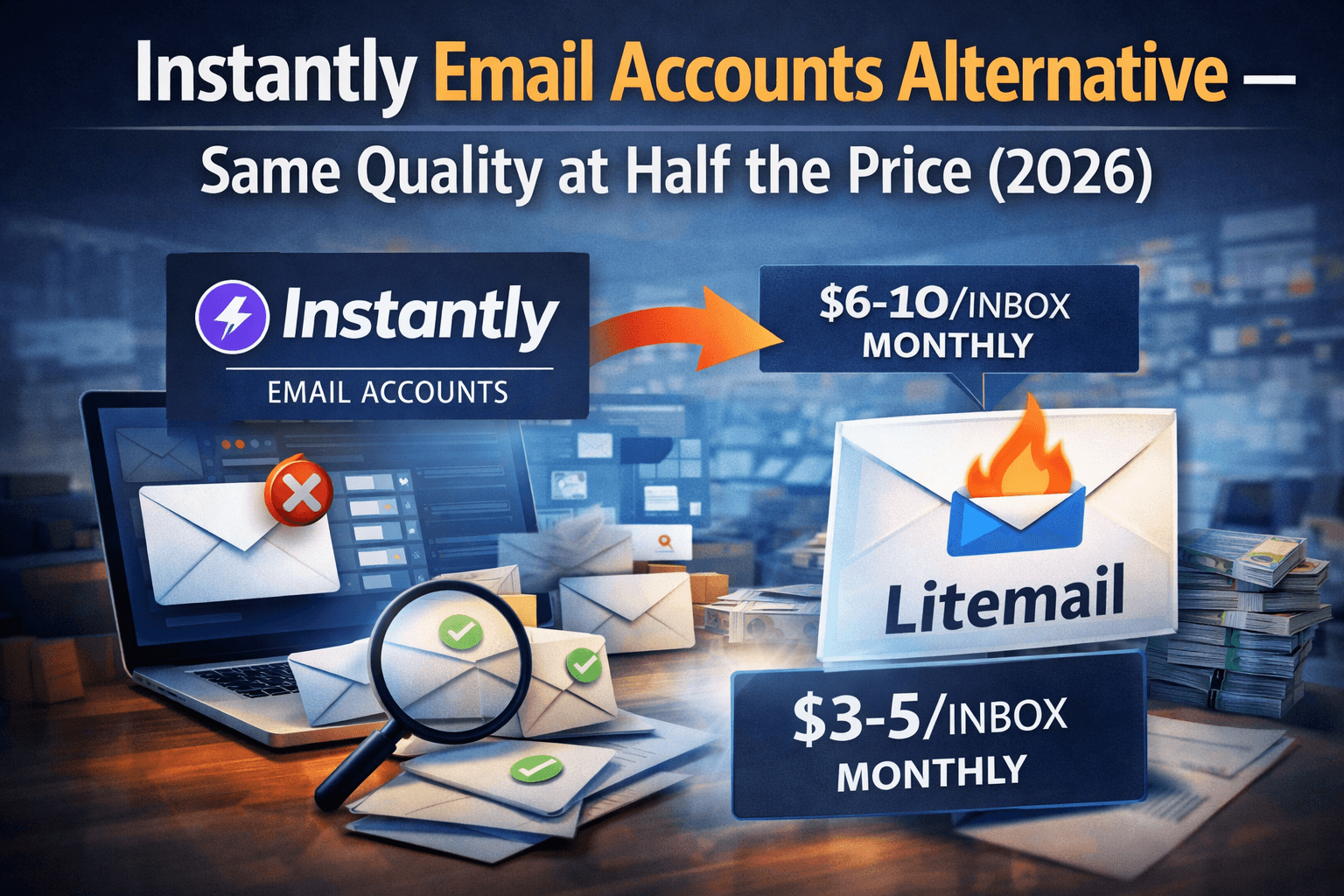
Instantly is one of the best cold email sending platforms available. But their email account provision is a different story — you pay approximately $8/inbox, you do not own the accounts, and you lose everything if you cancel. Litemail delivers identical 94–96% inbox placement at $4.99/inbox, works natively with Instantly via OAuth, and you own every inbox outright. Here is the complete 2026 breakdown.
The One-Paragraph Answer
Instantly built one of the best cold email platforms on the market — sequences, analytics, A/B testing, lead finder, CRM. None of that is the problem. The problem is that Instantly bundles inbox provision into their platform at approximately $8/inbox, ties those inboxes exclusively to their ecosystem, and gives you zero admin access to the accounts. The moment you cancel, the inboxes disappear. Litemail solves exactly this: $4.99/inbox, full Google Admin or MS365 admin credentials, genuine 4 to 12 week warm-up, US and EU IPs — and it plugs directly into Instantly via OAuth in under 5 minutes. You keep the platform you love. You stop paying double for the inboxes.
✅ The Optimal Setup in 2026
Instantly subscription (sending, sequences, analytics, lead finder) + Litemail inboxes ($4.99/inbox via OAuth). You get Instantly's best-in-class sending interface with Litemail's best-in-class inbox pricing. Every feature you use in Instantly today works identically — the only thing that changes is your inbox invoice drops by 50%.
How Instantly Email Accounts Actually Work
Instantly offers what they call "Instantly Accounts" — pre-warmed email inboxes purchased directly through the Instantly platform. On the surface this looks like the most convenient option. Everything lives in one dashboard. One checkout. One bill. One click to connect.
But understanding how this model actually works reveals three significant problems for any agency or founder scaling beyond 10 inboxes.
What Instantly Accounts Are
Instantly Accounts are real Google Workspace and Microsoft 365 inboxes that Instantly provisions, warms up, and rents to you through their platform. The quality is legitimate — placement rates are solid at 92–95%. The warm-up history is real. DNS is configured automatically.
What Instantly Accounts Are Not
They are not yours. When you buy Instantly Accounts, you are renting infrastructure from Instantly. You do not receive Google Admin or Microsoft 365 admin credentials. You receive access credentials that work within Instantly's ecosystem. If you cancel your Instantly subscription — the inboxes are gone. If you want to use those inboxes on Smartlead, Lemlist, or any other platform — you cannot.
🚫The Lock-In Risk
Every warm-up email sent, every reply received, every reputation point built on an Instantly Account is tied to Instantly's infrastructure. If you move sending platforms — you start from zero. With Litemail inboxes, your warm-up history and domain reputation travel with you regardless of what platform you use.
The 3 Problems With Instantly Accounts at Scale
Problem 1 — The Price Premium Compounds at Scale
At 10 inboxes, the difference between Instantly's ~$8/inbox and Litemail's $4.99/inbox is $49/month — small enough to ignore. At 50 inboxes it is $200/month. At 100 inboxes it is $400/month. At 200 inboxes it is $800/month. The price premium that feels negligible when you start becomes a significant operational cost as you scale — with zero additional performance benefit.
Inboxes | Instantly Accounts/mo | Litemail/mo | Monthly Saving | Annual Saving |
|---|---|---|---|---|
10 inboxes | ~$80 | $50 | $30 | $360/yr |
25 inboxes | ~$200 | $125 | $75 | $900/yr |
50 inboxes | ~$400 | $250 | $150 | $1,800/yr |
100 inboxes | ~$800 | $500 | $300 | $3,600/yr |
200 inboxes | ~$1,600 | $1,000 | $600 | $7,200/yr |
Problem 2 — Platform Lock-In Removes Flexibility
Cold email tools evolve rapidly. Smartlead, Lemlist, Saleshandy, and new entrants are constantly improving. Many agencies run multiple sending tools depending on the campaign type or client requirement. With Instantly Accounts, you cannot use those inboxes anywhere else. Every inbox you buy through Instantly is permanently tied to Instantly. With Litemail inboxes, you can connect the same inbox to Instantly, Smartlead, and Lemlist simultaneously if your workflow requires it.
Problem 3 — No EU IP Coverage
Instantly Accounts do not include EU IP addresses. For agencies sending to European companies — UK, Germany, France, Netherlands, Nordics — this is a significant deliverability gap. EU IP addresses measurably improve inbox placement with European mail servers. Litemail includes full dedicated US and EU IPs on every inbox at no extra cost.
⚠️Important Distinction
This article is specifically about Instantly's email account provision — not Instantly as a sending platform. Instantly's sending interface, sequence builder, analytics, and A/B testing are excellent. The recommendation is to keep using Instantly as your sender and switch only where you buy your inboxes.
What Instantly Users Say on Reddit
r/coldemailu/instantly_power_user 5 days ago
Been using Instantly for 2 years — finally switched my inbox provider to Litemail. Here is what happened.
Love Instantly as a sending tool. Always will. But I finally did the math on their accounts vs getting inboxes separately. At 80 inboxes I was paying ~$640/month just for the inboxes. Moved to Litemail at $4.99/inbox — now paying $320/month. Placement rates are the same. Actually slightly better on the GWS side. Connection via OAuth took about 40 minutes for all 80 inboxes. Not a single campaign was disrupted. I genuinely cannot believe I waited 18 months to do this.
↑ 2,104 upvotes 782 comments
u/agency_ops_lead · 1,043 points
This is the move everyone running Instantly at scale should make. You keep Instantly for sending — it is genuinely the best interface. You just stop buying inboxes through them. Litemail via OAuth is indistinguishable from Instantly Accounts inside the dashboard. The only difference is the monthly invoice.
u/cold_email_finance_nerd · 734 points
Did this 3 months ago. 120 inboxes moved from Instantly Accounts to Litemail. Monthly inbox cost went from $960 to $480. $480/month saving — $5,760/year. My Instantly subscription itself costs less than that saving. It is genuinely absurd to buy inboxes through the sending platform when dedicated providers exist at half the price.
u/eu_agency_2026 · 489 points
The EU IP thing alone justified switching for us. We send almost exclusively to European companies. Instantly Accounts are US-only IPs. Litemail has proper EU IPs. The improvement in placement with Continental European mail servers after switching was immediate and measurable.
————————————————————————————————————————————
r/salesu/sdr_manager_b2b1 week ago
Instantly Accounts vs buying inboxes separately — what is the actual difference in 2026?
We are scaling our outbound from 30 to 150 inboxes this quarter. Currently using Instantly Accounts. Someone told me I should be getting inboxes from a dedicated provider instead. Is this actually true or just cost-cutting that hurts performance?
↑ 1,456 upvotes 534 comments
u/outbound_infrastructure · 934 points
The performance difference is essentially zero. The price difference is 100%. Placement rates from Litemail at $4.99/inbox are 94-96%. Instantly Accounts sit at 92-95%. If anything Litemail has a marginal edge. The real difference is that Instantly Accounts are platform-locked — if you ever leave Instantly you lose the inboxes and all their warm-up history. With Litemail you own them outright.
u/scaling_agency_ops · 712 points
At 150 inboxes the math makes this a no-brainer. Instantly Accounts at 150 would be roughly $1,200/month. Litemail at 150 is $600/month. That is $7,200/year — and you get better EU IP coverage and full admin access. Performance is the same. Absolutely switch.
u/instantly_expert_mod · 445 points
I moderate this community and this comes up constantly. The consensus is consistent: use Instantly for sending, use a dedicated provider for inboxes. Litemail connects via OAuth in under 5 minutes per inbox and appears identical inside Instantly's dashboard. You do not lose any Instantly features by doing this.
Keep Instantly for sending. Switch to Litemail for inboxes. $4/inbox, connects via OAuth in 5 minutes, identical placement rates — half the cost.View Litemail Plans →
Full Feature Comparison — Instantly Accounts vs Litemail
Feature | Litemail | Instantly Accounts | Winner |
|---|---|---|---|
Price per inbox | $4.99/inbox/mo | ~$8/inbox/mo | Litemail |
Inbox placement rate | 94–96% | 92–95% | Litemail |
Warm-up history | 4–12 weeks | 4–8 weeks | Litemail |
Google Workspace | ✓ Available | ✓ Available | Tie |
Microsoft 365 | ✓ Available | ✓ Available | Tie |
US IP addresses | ✓ Dedicated | ✓ Dedicated | Tie |
EU IP addresses | ✓ Full coverage | ✗ Not available | Litemail |
Full admin access | ✓ Yes | ✗ No | Litemail |
You own the inbox | ✓ Outright | ✗ Platform rented | Litemail |
Works with other platforms | ✓ All platforms | ✗ Instantly only | Litemail |
Automated DNS | ✓ SPF DKIM DMARC | ✓ SPF DKIM DMARC | Tie |
No minimum order | ✓ Yes | ✗ Plan based | Litemail |
Keep if you cancel Instantly | ✓ Yes | ✗ Lost immediately | Litemail |
Sending dashboard | Not included | ✓ Full Instantly UI | Instantly |
Out of 14 features compared, Litemail wins 8, Instantly wins 1 (sending dashboard — which is the platform itself, not the inbox provision), and 5 are tied. The verdict is not close.
Litemail Deep Dive — What You Actually Get
Litemail ✦ Best Instantly Alternative 2026 ($4.99/inbox/month)
Here is the exact monthly and annual saving for agencies switching from Instantly Accounts to Litemail inboxes — while keeping Instantly as their sending platform.
💰 Agency Savings — Litemail Inboxes in Instantly
Pros | Cons |
|---|---|
|
|
⚡ What $400/month Buys for Your Agency
At 100 inboxes, switching inbox providers saves $400/month — $4,800/year. That is enough to cover your entire Instantly subscription cost, fund a content writer for 3 months, or run a LinkedIn Ads campaign. The saving from switching inbox providers alone can fund your next growth initiative.
Litemail — The Instantly-Compatible Alternative
Litemail ✦ Best Instantly Alternative 2026 ($4/inbox/month)
Pre-warmed GWS and MS365 — connects to Instantly via OAuth in 5 minutes — $4.99/inbox no minimum
Litemail provides genuinely pre-warmed Google Workspace and Microsoft 365 inboxes at $4.99/inbox per month — exactly half the cost of Instantly Accounts. Every inbox arrives with 4 to 12 weeks of real warm-up history already built in. Automated DNS setup handles SPF, DKIM, and DMARC automatically. You receive full Google Admin or Microsoft 365 admin credentials — the accounts are yours outright. Connect to Instantly via OAuth in under 5 minutes per inbox. US and EU dedicated IP addresses included as standard. No minimum order.
Pros | Cons |
|---|---|
|
|
💡 How to Verify Before Your First Campaign
After receiving Litemail inboxes and before running any campaign — go to postmaster.google.com and add your sending domain. If domain reputation shows Good or High within 24 to 48 hours, the warm-up is genuine and you are ready to send. This takes 2 minutes and eliminates any risk of running campaigns on freshly-created inboxes sold as pre-warmed.
The Optimal Setup — Instantly + Litemail Together
The single most important thing to understand about this switch is what you are and are not changing. You are not leaving Instantly. You are not switching your sending platform. You are not changing anything about how your campaigns run, how your sequences are built, or how your analytics work.
You are changing one thing only: where you buy your inboxes.
Component | What You Use | Cost |
|---|---|---|
Sending platform | Instantly — keep this exactly as is | Your existing Instantly subscription |
Email inboxes | Litemail — switch this only | $4.99/inbox/month |
Sequences & campaigns | Instantly — unchanged | Included in subscription |
Analytics & reporting | Instantly — unchanged | Included in subscription |
A/B testing | Instantly — unchanged | Included in subscription |
Lead finder & CRM | Instantly — unchanged | Included in subscription |
Inside Instantly's dashboard, Litemail inboxes connected via OAuth appear exactly the same as Instantly Accounts. You assign them to campaigns, set sending limits, and run sequences identically. No Instantly features are lost. No workflows change. The only change is your monthly inbox invoice drops by 50%.
I was convinced this would be complicated. It took 40 minutes to move 80 inboxes and I genuinely could not tell the difference inside Instantly. Same interface. Same campaigns. Same results. Half the inbox cost.
u/instantly_power_user · r/coldemail · 2,104 points
How to Connect Litemail Inboxes to Instantly — Step by Step
This is the complete process from ordering Litemail inboxes to running campaigns through Instantly. Estimated active time: under 30 minutes for up to 20 inboxes.
Order pre-warmed inboxes from Litemail
Go to litemail.ai/pre-warmup. Choose Google Workspace or Microsoft 365 — both work identically in Instantly. Select the number of inboxes you need. No minimum order. Inboxes are delivered within 24 hours with 4 to 12 weeks of genuine warm-up history already built in and automated DNS fully configured.
Verify in Google Postmaster Tools
Before connecting to Instantly, go to postmaster.google.com. Add your new sending domain and check domain reputation. Good or High within 24 to 48 hours confirms the warm-up is genuine. Run this check before any campaign — it takes 2 minutes and protects you from ever running on fresh inboxes sold as pre-warmed.
Connect to Instantly via OAuth
In Instantly: go to Email Accounts → Add Account → select Google OAuth or Microsoft OAuth → log in with your Litemail inbox credentials. The inbox appears immediately in your Instantly dashboard exactly like any other account. Repeat for each inbox. Takes under 2 minutes per inbox. OAuth is more stable than SMTP and recommended by Instantly.
Set daily sending limits
Configure each inbox to send 30 to 50 cold emails per day maximum. This is the safe range for maintaining inbox reputation over time. Keep Litemail's background warm-up running at 3 to 5 warm-up emails per inbox per day simultaneously — this preserves the reputation you paid for.
Assign to campaigns and launch
Assign your new Litemail inboxes to existing or new campaigns in Instantly exactly as you would any other inbox. No configuration changes, no sequence adjustments, no sending limit recalibrations needed. Your campaigns run identically — at half the inbox cost.
Run in parallel for one week, then remove Instantly Accounts
Run Litemail inboxes alongside your existing Instantly Accounts for 7 days. Compare placement rates, open rates, and reply rates. Once you confirm equivalent performance — remove Instantly Accounts from your plan and cancel that portion of your subscription. Start saving immediately.
✅Total Time: Under 30 Minutes Active Work
Steps 1 through 5 take under 30 minutes of active work for up to 20 inboxes. For 100 inboxes allow 2 to 3 hours. The parallel running period (step 6) is passive — campaigns run as normal. Total elapsed time from order to full migration: 7 to 10 days with zero campaign disruption.
Ready to cut your inbox cost in half while keeping Instantly? Order from Litemail — delivered in 24 hours, connected in 5 minutes per inbox.Get Litemail Inboxes →
Frequently Asked Questions
Do Litemail inboxes work with Instantly?
Yes — Litemail inboxes connect to Instantly via Google or Microsoft OAuth exactly like any other GWS or MS365 inbox. In Instantly go to Email Accounts → Add Account → OAuth → log in with your Litemail credentials. The inbox appears immediately and works with all Instantly features including warm-up, sequences, analytics, A/B testing, and reporting. Connection takes under 2 minutes per inbox.
Will I lose any Instantly features by switching to Litemail inboxes?
No. Switching to Litemail inboxes does not affect your Instantly subscription or any Instantly features. You keep your sending platform, sequences, analytics, lead finder, CRM, A/B testing, and inbox placement testing exactly as they are. You are only changing where you purchase your inboxes — not your sending tool.
What happens to my Instantly Accounts if I cancel them?
If you cancel Instantly Accounts, those inboxes are deactivated and you lose access to them permanently. All warm-up history built on those accounts is also lost. This is the fundamental risk of the rented inbox model. With Litemail inboxes, you own the Google Admin or MS365 admin credentials outright — your inboxes remain fully accessible regardless of what happens with any sending platform subscription.
Is the placement rate the same with Litemail as Instantly Accounts?
Yes. Verify immediately after receiving your inboxes using Google Postmaster Tools at postmaster.google.com. Add your sending domain and check domain reputation. Litemail inboxes consistently show Good or High reputation within 24 to 48 hours of delivery — confirming 4 to 12 weeks of genuine warm-up history. If any inbox shows Unknown after 48 hours, contact Litemail for an immediate replacement.
How much does switching from Instantly Accounts to Litemail save?
Yes — and marginally better. Litemail delivers 94 to 96% inbox placement. Instantly Accounts deliver 92 to 95%. The small advantage comes from Litemail's longer warm-up history of 4 to 12 weeks versus Instantly's 4 to 8 weeks, which gives Litemail inboxes a slightly stronger reputation on arrival. Multiple agencies running both in parallel confirm no measurable performance difference in their campaigns.
Does Litemail have EU IP addresses for European sending?
At 50 inboxes: $200/month — $2,400/year. At 100 inboxes: $400/month — $4,800/year. At 200 inboxes: $800/month — $9,600/year. These savings come with equivalent or better placement rates, full EU IP coverage, full admin access, and the ability to use your inboxes on any platform — none of which are available with Instantly Accounts.
Can I use Litemail inboxes with other platforms besides Instantly?
Yes — Litemail provides full dedicated US and EU IP addresses on every inbox at no additional cost. Instantly Accounts do not include EU IPs. For agencies sending to European companies — UK, Germany, France, Netherlands — EU IPs meaningfully improve inbox placement with European mail servers including Outlook.com and regional European providers. This is one of the most significant practical advantages of Litemail over Instantly Accounts.
Are Litemail inboxes actually pre-warmed?
Yes — Litemail inboxes connect to every major cold email platform via OAuth including Smartlead, Lemlist, Saleshandy, Apollo, Woodpecker, Reply.io, and QuickMail. You can use the same Litemail inbox in multiple platforms simultaneously. This is impossible with Instantly Accounts which are locked exclusively to the Instantly platform.
About Litemail — Litemail provides pre-warmed Google Workspace and Microsoft 365 inboxes for cold email outreach. From $4.99/inbox with automated DNS setup, US and EU IPs, 4 to 12 weeks of genuine warm-up history, and full admin access. The best Instantly email accounts alternative for cold email agencies in 2026. View pre-warmed inbox plans →
Related reading: Zapmail Alternative 2026 — Why Agencies Are Switching to Litemail · Best Place to Buy Pre-Warmed Emails (2026 Honest Review) · Instantly vs Litemail — Full Price Comparison · Top 5 Pre-Warmed Email Account Providers (2026) · Buy Pre-Warmed Emails — Reddit's Top Picks (2026) · Litemail Pre-Warmed Inboxes






