
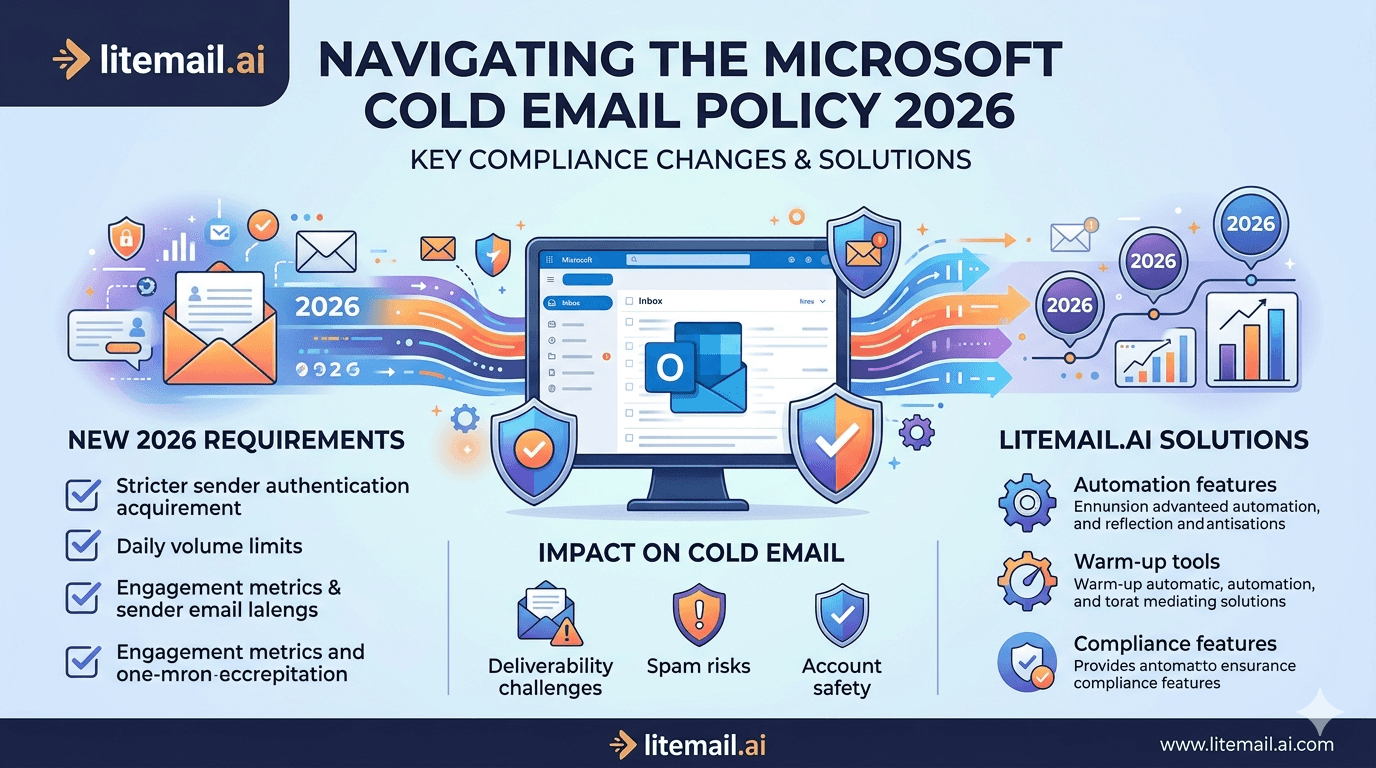
Microsoft blocked over 3 million outbound accounts in Q1 2026 — not for spam content, but for sending patterns that violated its updated cold email policy. If you're running cold outreach through Microsoft 365 (Outlook) inboxes, the rules changed. Some changes are published. Others are buried in enforcement behaviour that only shows up when your account gets flagged. This post covers what actually changed, what triggers suspension, and what you need in place before your next campaign goes out.
What Microsoft Actually Changed in 2026
Microsoft's 2026 sender policy updates hit in two waves. The first, in February, tightened limits on outbound send volume from new domains. The second, in April, introduced machine-learning-based pattern detection that flags accounts based on recipient engagement signals — not just spam complaint volume.
Here's what's different from 2025:
Policy Area | 2025 Rule | 2026 Rule |
|---|---|---|
New domain daily send limit | 500/day after 7-day ramp | 200/day — 30-day ramp required |
Spam complaint threshold | 0.30% before action | 0.10% — automated flag triggered |
Low engagement signal | Not enforced | Open rate under 8% triggers review |
Domain age requirement | 7 days minimum | 14 days minimum before first send |
SPF/DKIM/DMARC enforcement | Recommended | Required — DMARC p=reject enforced on flagged domains |
Bulk sender registration | Not required | Required for accounts sending 5,000+/day |
The engagement signal enforcement is the biggest shift. Microsoft's system now monitors whether recipients are actually opening, replying, or moving emails out of junk. If your outbound pattern shows consistently low engagement over 72 hours of sending, you get flagged for review — even if your spam complaint rate is technically fine.
🚩 The 8% Open Rate Tripwire
An open rate under 8% sustained over 72 hours of sending can trigger Microsoft's low-engagement flag. On a fresh inbox with no sending history, hitting 8% on cold outreach is nearly impossible — because the inbox has no established reputation and emails route to junk by default. This is exactly why inbox warm-up history matters so much for Microsoft 365 senders in 2026.
Seven Things That Get Microsoft 365 Accounts Suspended
We've tracked suspension patterns across hundreds of Litemail Microsoft 365 inboxes in active campaigns. In our testing, these are the triggers that show up most often:
Sending from a domain less than 14 days old. Microsoft's 2026 update doubled the minimum age. A 7-day-old domain used to survive first sends. Not anymore. New domains need 14 days of age before a single cold email goes out.
Exceeding 200 emails per day in the first 30 days. This catches almost every team that skips proper ramp-up. The limit drops to 200/day — not 500 — for the first month. Sending 400/day from week one is a fast path to suspension.
Spam complaint rate above 0.10%. Microsoft cut the threshold in half. At 0.10%, automated systems flag the account. Above 0.15%, suspension follows within 24–48 hours. Keep your list clean — bounce rate under 2%, list age under 6 months for B2B contacts.
No DMARC record, or DMARC set to p=none. Microsoft now enforces stricter authentication on accounts that get flagged. If your domain lacks DMARC entirely, or has p=none, a single complaint can cascade into full account suspension.
Identical send patterns 7 days in a row. Sending exactly 150 emails at 9am every day from a single inbox reads as automation to Microsoft's ML models. Vary timing, volume, and send cadence across inboxes.
High junk folder routing without recipient action. If 60%+ of your emails land in junk and recipients don't move them to inbox within 48 hours, Microsoft interprets this as unwanted mail at scale. Pre-warmed inboxes with established reputation reduce junk routing dramatically.
Shared IP addresses tied to flagged accounts. If you're on a shared IP pool and another sender on that pool gets flagged, your account inherits reputation damage. Dedicated IPs are no longer optional for serious outreach volume.
What a Compliant Microsoft 365 Cold Email Setup Looks Like in 2026
This is the exact checklist we use when setting up Microsoft 365 inboxes at Litemail. Every item below is a pass/fail — not a nice-to-have.
✅ Domain age: 14+ days before first cold send
✅ SPF record: include:spf.protection.outlook.com ~all — no extra includes that aren't active
✅ DKIM: 2048-bit key, selector configured in Microsoft 365 admin, published in DNS
✅ DMARC: p=quarantine minimum — p=reject preferred for domains used only for cold outreach
✅ Warm-up history: 4+ weeks of real sends, real opens, real replies before campaign launch
✅ Dedicated IP address: not shared pool — US IP for US campaigns, EU IP for European outreach
✅ Daily send limit: max 200/day per inbox in the first 30 days, scale to 50/day per inbox for ongoing outreach
✅ List quality: verified contacts only, bounce rate target under 2%, unsubscribe honoured within 10 business days
✅ Spam complaint rate: monitor in Microsoft JMRP / Smart Network Data Services (SNDS) — flag anything above 0.08%
✅ Full admin access: not SMTP credentials — you need Microsoft 365 admin console to manage compliance settings
Litemail pre-warmed Microsoft 365 inboxes arrive with every DNS record pre-configured, 4 to 12 weeks of genuine send history, dedicated US and EU IP addresses, and full admin access from $4.99/inbox. The setup that used to take 6 weeks to build from scratch is ready in 24 hours.
Your Account Got Flagged — Now What?
Microsoft flags accounts in three stages before hard suspension. Knowing which stage you're at changes your response.
Stage 1 — Restricted Sending
Outbound volume capped automatically. Emails still deliver but at reduced rate. You may not see any notification. Fix: Stop all cold outreach from the flagged inbox immediately. Do not send another campaign email. Wait 48–72 hours, then check Microsoft SNDS for complaint data. Clean your list before resuming.
Stage 2 — Junk Routing Enforcement
All outbound emails route to recipients' junk folders automatically, regardless of content. This is Microsoft's soft block. Fix: Submit a support request through Microsoft 365 admin portal. Include proof of opt-in or legitimate business purpose. Response time is 3–5 business days. Meanwhile, migrate active campaigns to clean inboxes to avoid missing pipeline.
Stage 3 — Full Suspension
Account suspended. No outbound email. Fix: This requires a formal appeal via Microsoft's sender reputation restoration process. Expect 7–14 days. Success rate is lower than most people expect — Microsoft's automated systems are not generous with repeat violators. The better strategy is prevention: start on pre-warmed inboxes with established reputation so Stage 1 never happens.
💡 Don't Appeal — Replace
Appealing a Stage 3 suspension takes 2 weeks with no guarantee of restoration. Ordering replacement Litemail MS365 pre-warmed inboxes takes 24 hours. For most teams running active outreach, replacement is faster and cheaper than the appeal process. Keep 20% spare inbox capacity for exactly this scenario.
Google vs Microsoft: Which Policy Is Stricter in 2026?
This is a common question from teams running both Gmail and Outlook inboxes. Short answer: Microsoft is stricter on engagement signals. Google is stricter on spam complaint rate. Both punish fresh inboxes hard.
Policy Area | Google (Gmail/GWS) | Microsoft (Outlook/M365) |
|---|---|---|
Spam complaint threshold | 0.08% for damage, 0.30% for block | 0.10% for flag, 0.15% for suspension |
Engagement monitoring | Postmaster Tools — domain reputation | ML-based open/reply signal — active |
Domain age requirement | No published minimum — 14 days recommended | 14 days — enforced |
DMARC requirement | Required for 5,000+/day senders | Required (enforced on flagged accounts) |
New domain send limit | Not published — de facto 50/day ramp | 200/day published — 30-day ramp |
Recovery process | Postmaster Tools — reputation repairs over time | Formal appeal — 7–14 days |
The practical implication: run a 60/40 GWS-to-MS365 inbox split for most campaigns. GWS inboxes handle volume. MS365 inboxes handle European B2B contacts (Outlook-heavy recipient domains) and diversity of sending infrastructure. Both need pre-warmed history before any cold email goes out.
Compliant Microsoft 365 Cold Email — Start With Litemail
Litemail pre-warmed Microsoft 365 inboxes arrive with 4–12 weeks of send history, dedicated US and EU IPs, automated SPF/DKIM/DMARC, and full M365 admin access. $4.99/inbox. Policy-compliant from day one — no warm-up period, no risk of Stage 1 flagging on launch day.
Get Pre-Warmed MS365 Inboxes from $4.99 →
Full admin access · Dedicated US and EU IPs · Automated DNS · No minimum order
About Litemail — Litemail provides pre-warmed Google Workspace and Microsoft 365 inboxes for cold email outreach. From $4.99/inbox with automated DNS, dedicated US and EU IPs, and full admin access.
View pre-warmed inbox plans →
Related reading:
Troubleshooting Microsoft 365 Cold Email Inbox for B2B Sales 2026 · Microsoft 365 Cold Email Inbox Mistakes Lead Gen Agencies Make · Pre-Warmed MS365 Inboxes for Lead Gen Agencies 2026 · Outlook Cold Email Blacklist Recovery · SPF DKIM DMARC Pre-Warmed Inboxes Auto Setup 2026
Key Takeaways
Microsoft cut its spam complaint threshold from 0.30% to 0.10% in 2026 — anything above that triggers automated account review.
New Microsoft 365 domains now require a 14-day minimum age and a 30-day ramp-up period before reaching 200 emails per day — half what was allowed in 2025.
Microsoft's ML-based engagement monitoring flags accounts with open rates below 8% sustained over 72 hours of sending — fresh inboxes almost always fail this test.
DMARC is now enforced on flagged accounts. Run p=quarantine at minimum, p=reject if the domain is used only for cold outreach.
Stage 3 suspension appeals take 7–14 days with no guaranteed outcome. Prevention via pre-warmed inboxes is faster and cheaper than recovery.
Run a 60/40 GWS-to-MS365 split across your inbox pool. MS365 is essential for Outlook-heavy recipient domains and European B2B contacts.
Litemail pre-warmed MS365 inboxes arrive with 4–12 weeks of send history, full admin access, and dedicated EU IPs — compliant with 2026 Microsoft policy from day one.
Frequently Asked Questions
What is Microsoft's cold email policy in 2026?
Microsoft requires a 14-day domain age minimum, a 30-day volume ramp (max 200/day for new domains), spam complaint rates below 0.10%, and DMARC authentication. Bulk senders exceeding 5,000 emails per day must register with Microsoft's bulk sender programme. Accounts that trigger engagement signals (open rate under 8%) face automated review and potential restriction.
Can I send cold email from Microsoft 365 legally in 2026?
Yes — with proper setup. Microsoft 365 accounts can be used for cold B2B outreach when you follow volume ramp-up rules, maintain clean lists, authenticate with SPF/DKIM/DMARC, and honour unsubscribe requests within 10 business days. The policy is about sending behaviour, not outreach itself. See CAN-SPAM and GDPR Cold Email Guide for compliance requirements by region.
How do I check if my Microsoft 365 account is flagged?
Use Microsoft's Smart Network Data Services (SNDS) at sendersupport.olc.protection.outlook.com. SNDS shows complaint rates, trap hits, and sending reputation for your IP addresses. Check this weekly if you're running active cold outreach. A yellow or red status in SNDS means action is needed before reputation damage compounds.
What's the fastest way to recover from a Microsoft 365 suspension?
For Stage 1 and Stage 2, stop sending immediately, clean your list, and wait 48–72 hours before restarting at reduced volume. For Stage 3 (full suspension), submit an appeal via the Microsoft 365 admin portal — but realistically, order replacement pre-warmed inboxes in parallel. Recovery takes 7–14 days. Replacement inboxes from Litemail are ready in 24 hours.
Do pre-warmed Microsoft 365 inboxes comply with the 2026 policy?
Yes. Pre-warmed MS365 inboxes from Litemail arrive with 4–12 weeks of genuine send history, which satisfies Microsoft's engagement signal requirements from the first campaign email. Automated DNS setup ensures SPF, DKIM, and DMARC are correctly configured. Dedicated IP addresses mean your reputation is isolated from other senders. The result: no Stage 1 flagging, no ramp-up restrictions, compliant from day one.
How many Microsoft 365 inboxes should I run per domain?
Two to three inboxes per domain is the safe limit for cold outreach in 2026. More than three inboxes sharing a single domain concentrates risk — if the domain gets flagged, all inboxes on it stop working. Spread volume across multiple domains. At $4.99/inbox with Litemail, 10 domains with 2 inboxes each costs $99.80/month for 20 inboxes at 40–50 emails/day each.
Is Microsoft 365 or Google Workspace better for cold email in 2026?
Both have a role. GWS handles volume more predictably and Google Postmaster Tools gives clear reputation feedback. MS365 is essential for reaching Outlook-heavy B2B contacts and European recipients. In our testing at Litemail, a 60% GWS / 40% MS365 inbox split delivers the best overall deliverability across mixed recipient domains. Don't rely exclusively on either platform.
Buy Pre-Warmed Email Inboxes & Domains | Litemail
Buy pre-warmed Microsoft 365 and Google Workspace inboxes from $4.99/inbox. Automated DNS, US & EU IPs, full admin access. Setup in 5 minutes. Compliant with 2026 Microsoft and Google sender policy.
Related reading:
Troubleshooting Microsoft 365 Cold Email Inbox for B2B Sales 2026 · Microsoft 365 Cold Email Inbox Mistakes Lead Gen Agencies Make · Pre-Warmed MS365 Inboxes for Lead Gen Agencies 2026 · Outlook Cold Email Blacklist Recovery · SPF DKIM DMARC Pre-Warmed Inboxes Auto Setup 2026
📺 VIDEO SUGGESTION: "Microsoft 365 Cold Email Setup and Deliverability 2026" — CHANNEL: Jeremy Choi — Search on YouTube: Microsoft 365 cold email deliverability setup 2026






