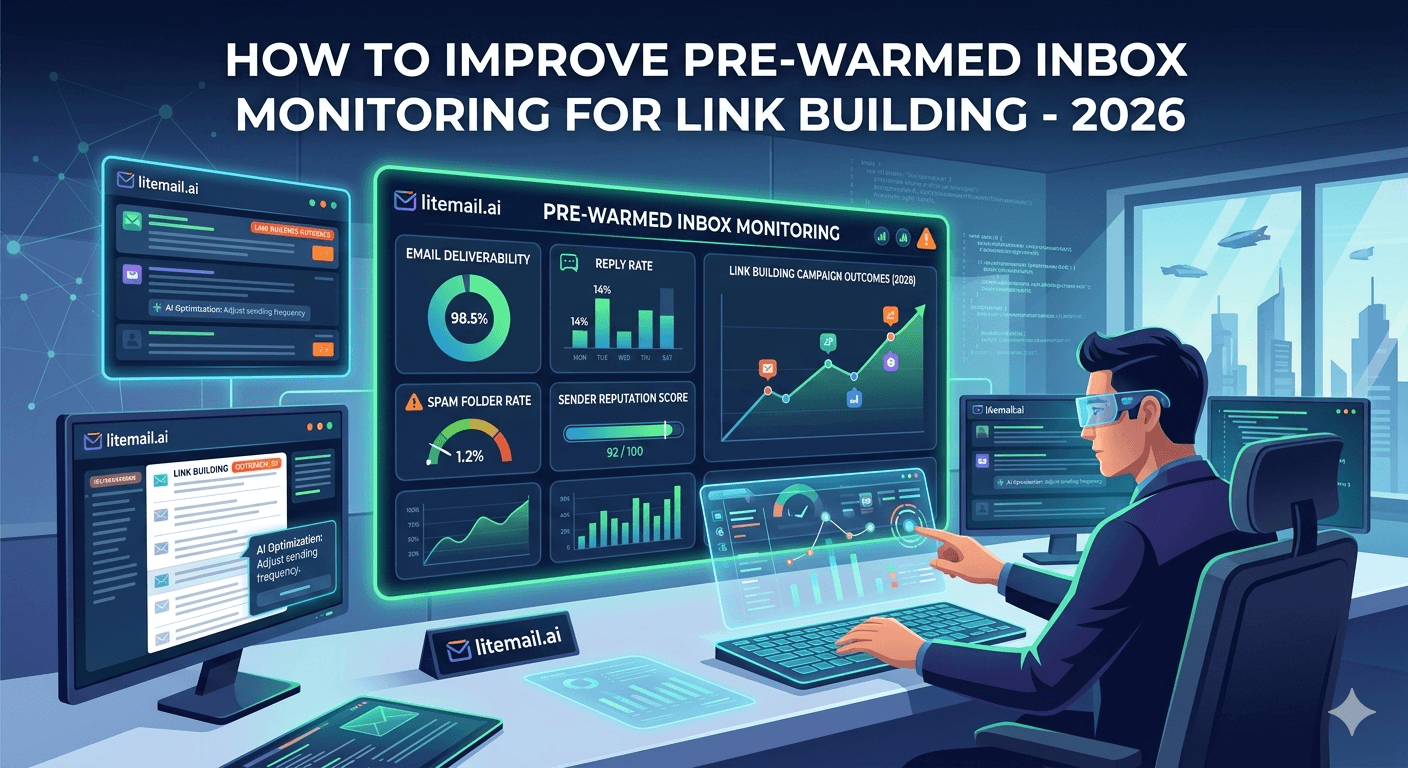
Link building lives and dies by whether your outreach reaches the editor, blogger, or site owner who can give you a link — and one un-monitored inbox slipping into spam can silently kill a campaign's link velocity for weeks before you notice. Monitoring is what catches that early. Link building outreach has specific monitoring needs: you're sending to webmasters and editors, running ongoing campaigns, and depending on replies to land placements. Here's how to improve pre-warmed inbox monitoring for link building specifically — what to watch, how often, and how to catch the deliverability problems that quietly sink outreach before they cost you links.
Why Link Building Outreach Needs Monitoring
Start with why monitoring matters so much for link building specifically. Your entire link acquisition depends on outreach reaching people, and deliverability problems hide until they've done damage.
Link building is ongoing outreach — pitching guest posts, resource inclusions, and partnerships to editors and site owners over long campaigns. If your inboxes drift into spam, your pitches stop reaching anyone, replies dry up, and link velocity stalls. But you might not notice for weeks, blaming your pitch or the sites when the real problem is deliverability. Monitoring surfaces the deliverability issue directly.
💡 Silent deliverability decay stalls link velocity
In link building, a drop in inbox placement shows up as fewer replies and fewer links — but those symptoms look like a pitch problem or a slow month, so you might chase the wrong fix for weeks. Monitoring your inbox deliverability directly tells you whether the problem is that your outreach isn't landing. Without it, you optimize your pitch while the real issue is that editors never see it. Watch deliverability, not just link results.
So monitoring protects your link velocity. Here's what to watch. For rotation in LB campaigns, see our link building rotation guide.
What to Monitor for Link Building
Here's what to watch across your pre-warmed link building inboxes, and why each matters for outreach specifically.
Metric | Why it matters for link building |
|---|---|
Inbox placement | Are pitches reaching editors at all? |
Reply rate | Real signal of outreach landing and resonating |
Postmaster reputation | Early warning of deliverability decay |
Bounce rate | Webmaster lists go stale; catch bad addresses |
Reply rate is the key link building signal — it reflects both deliverability (are pitches landing) and resonance (are they compelling). A falling reply rate is your earliest warning that something's wrong. Pair it with Postmaster reputation to distinguish a deliverability drop from a pitch problem: if reputation slips and replies fall together, it's deliverability; if reputation holds but replies fall, it's your pitch. For the metrics detail, see our inbox health metrics guide.
The Monitoring Cadence
Link building campaigns run for weeks or months, so monitoring needs a rhythm rather than a one-time check. Here's a practical cadence.
Daily: glance at reply rate and any bounces. A sudden drop in replies or spike in bounces needs same-day attention.
Weekly: review Postmaster reputation across inboxes and run a quick deliverability seed test to confirm pitches are inboxing.
Per campaign: verify the outreach list before launching, since webmaster and editor contact data ages.
Monthly: review overall link velocity against deliverability trends to catch slow decay.
The weekly seed test is especially valuable for link building — it directly confirms whether your pitches are reaching the inbox, separating a deliverability problem from a campaign that just needs a better angle. This cadence catches problems while they're small. For testing methods, see our deliverability testing guide.
The Monitoring Mistake Link Builders Make
Here's a common link building error worth correcting directly: judging inbox health by link results alone. That lagging signal misleads.
Link builders often watch only links earned, treating it as the health metric. But links are a lagging, noisy signal — a slow link month could be deliverability, pitch quality, seasonality, or luck, and by the time link velocity clearly drops, deliverability may have been failing for weeks. Monitoring inbox metrics directly (placement, reputation, replies) catches deliverability problems far earlier than watching links.
🚩 Don't use link results as your deliverability signal
Judging inbox health by links earned is too slow and too noisy. Links lag deliverability by weeks and are affected by many factors, so a drop tells you something's wrong long after it started and without saying what. Monitor deliverability directly — inbox placement, Postmaster reputation, reply rate — to catch problems early and know they're deliverability, not pitch or luck. Links are the outcome to grow, not the metric to diagnose inbox health with.
So monitor deliverability metrics directly, not just links. For LB domain setup, see our link building domain setup guide.
The Foundation That Makes Monitoring Easy
Pull it together: link building monitoring means watching inbox placement, reply rate, reputation, and bounces on a daily-to-monthly cadence, diagnosing deliverability directly rather than through lagging link results. How much monitoring finds depends on the inboxes underneath.
On weak inboxes (fresh, shared-IP, poorly authenticated), monitoring constantly surfaces problems — deliverability decays, reputation slips, and you're always firefighting. On strong pre-warmed inboxes (genuinely warmed, dedicated IPs, authenticated), monitoring mostly confirms health, flagging only the occasional real issue. A stable foundation turns link building monitoring from constant troubleshooting into quick confirmation.
So the monitoring and the foundation work together: link building needs the monitoring regardless, but strong pre-warmed inboxes make running it light — your checks stay green, and your link velocity stays steady because deliverability stays solid.
Litemail pre-warmed inboxes give link building outreach that stable foundation: genuine warm-up history, dedicated US and EU IPs, SPF/DKIM/DMARC pre-configured, verified Good or High Postmaster reputation within 48 hours, and full admin access from $4.99/inbox — inboxes stable enough that your link building monitoring stays quick and your outreach keeps landing. For choosing LB inboxes, see our choosing LB inboxes guide.
Stable inboxes that keep link outreach landing. Litemail pre-warmed inboxes give link building outreach genuine warm-up verified Good or High in Postmaster, dedicated US and EU IPs, and SPF/DKIM/DMARC pre-configured — stable enough that monitoring stays quick and pitches keep reaching editors, from $4.99/inbox. Full admin access included. Get Pre-Warmed Inboxes from $4.99 →
About Litemail — Litemail provides pre-warmed Google Workspace and Microsoft 365 inboxes for cold email outreach. From $4.99/inbox with automated DNS, dedicated US and EU IPs, and full admin access. View pre-warmed inbox plans →
Related reading: Link Building Rotation · Link Building Domain Setup · Choosing LB Inboxes · Inbox Health Metrics · Verify Deliverability · Litemail Pre-Warmed Inboxes — Plans and Pricing
The Bottom Line
Link building depends on outreach reaching editors — un-monitored inboxes slipping into spam silently stall link velocity.
Monitor inbox placement, reply rate, Postmaster reputation, and bounce rate across your link building inboxes.
Reply rate is the key signal — pair it with reputation to tell a deliverability drop from a pitch problem.
Use a cadence: daily reply and bounce glance, weekly reputation review and seed test, per-campaign list verification, monthly velocity review.
Don't judge inbox health by links earned — links lag deliverability by weeks and are too noisy to diagnose with.
Strong pre-warmed inboxes make monitoring mostly confirmation rather than constant firefighting.
Frequently Asked Questions
How do I monitor pre-warmed inboxes for link building?
Watch four metrics across your inboxes: inbox placement (are pitches reaching editors), reply rate (the real signal of outreach landing and resonating), Postmaster reputation (early warning of decay), and bounce rate (webmaster lists go stale). Use a cadence — daily glance at replies and bounces, weekly reputation review and seed test, per-campaign list verification, monthly link velocity review. Reply rate paired with reputation tells you whether a problem is deliverability or your pitch.
Why does link building outreach need inbox monitoring?
Because your entire link acquisition depends on outreach reaching editors and site owners, and deliverability problems hide until they've done damage. If your inboxes drift into spam, pitches stop reaching anyone, replies dry up, and link velocity stalls — but you might not notice for weeks, blaming your pitch or the sites when the real problem is deliverability. Monitoring surfaces the deliverability issue directly, so you fix the right thing early.
What's the most important metric for link building deliverability?
Reply rate, because it reflects both deliverability (are pitches landing) and resonance (are they compelling), making a falling reply rate your earliest warning. Pair it with Postmaster reputation to diagnose: if reputation slips and replies fall together, it's a deliverability problem; if reputation holds but replies fall, it's your pitch. That pairing lets you fix the right thing rather than guessing whether outreach isn't landing or isn't compelling.
How often should I monitor link building inboxes?
On a cadence matching the campaign rhythm: daily glance at reply rate and bounces (a sudden drop needs same-day attention), weekly Postmaster reputation review plus a seed test to confirm pitches are inboxing, per-campaign list verification since editor contact data ages, and monthly review of link velocity against deliverability trends to catch slow decay. The weekly seed test is especially valuable — it directly confirms whether pitches are reaching the inbox.
Can I judge inbox health by links earned?
No — that's a common mistake. Links are a lagging, noisy signal: a slow link month could be deliverability, pitch quality, seasonality, or luck, and by the time link velocity clearly drops, deliverability may have been failing for weeks. Monitor inbox metrics directly — placement, reputation, reply rate — to catch deliverability problems far earlier and know they're deliverability, not pitch or luck. Links are the outcome to grow, not the metric to diagnose inbox health with.
How does Litemail help link building monitoring?
Litemail pre-warmed inboxes give link building outreach a stable foundation: genuine warm-up history, dedicated US and EU IPs, SPF/DKIM/DMARC pre-configured, verified Good or High Postmaster reputation within 48 hours, and full admin access from $4.99/inbox. Because the inboxes are inherently stable, your monitoring mostly confirms health rather than constantly surfacing problems — your checks stay green, your link building monitoring stays quick, and your outreach keeps landing in editors' inboxes.
Buy Pre-Warmed Email Inboxes & Domains | Litemail
Buy pre-warmed email accounts, inboxes and domains from $4.99/inbox. Google Workspace & Microsoft 365. Stable inboxes for link outreach, US & EU IPs, setup in 5 minutes.
No minimum order · Keeps outreach landing · US and EU IPs
Related reading: Link Building Rotation · Link Building Domain Setup · Choosing LB Inboxes · Inbox Health Metrics · Litemail Pre-Warmed Inboxes — Plans and Pricing







