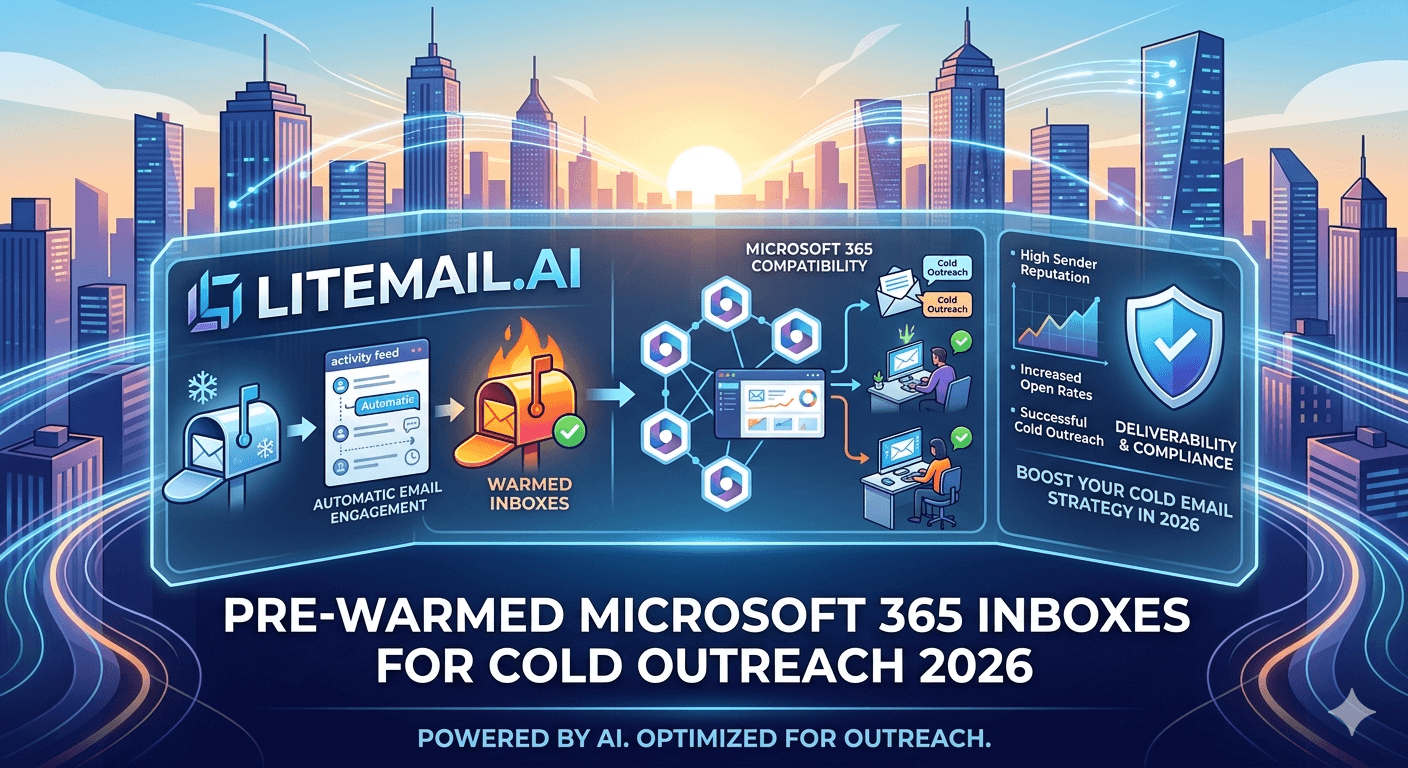
Buy a fresh Microsoft 365 account, connect it to your cold email tool, and send a real campaign — and you'll likely be in spam or suspended within days, because a brand-new Outlook inbox has zero reputation and sends like a spammer. Pre-warmed Microsoft 365 inboxes exist to solve exactly that. They're Outlook inboxes that already have sending history and reputation before you get them, so they can send cold email from day one. If you're evaluating pre-warmed Microsoft 365 inboxes for cold outreach, here's the full overview: what they are, how they work, why they beat fresh accounts, and what to look for when buying.
What Pre-Warmed Microsoft 365 Inboxes Are
Define it plainly first. A pre-warmed Microsoft 365 inbox is an Outlook inbox that's already been through the warm-up process before you receive it.
Warm-up is the gradual ramp of sending activity that builds an inbox's reputation with mailbox providers. Normally you do this yourself over weeks on a fresh inbox. A pre-warmed inbox has already had that done — it arrives with established sending history and a reputation that lets it send cold email safely, without the weeks of warm-up a fresh account needs.
💡 Pre-warmed means the reputation is already built
The whole idea is that someone did the weeks of warm-up for you. A pre-warmed Microsoft 365 inbox isn't a special type of account — it's a normal Outlook inbox that's been carefully warmed up already, so it has the reputation to send cold email immediately. You skip the 3-to-4-week warm-up and the risk of doing it wrong. That's the entire value: the reputation is built before you start.
So they let you send cold email fast and safely. Here's why that matters versus a fresh account. For the warm-up process itself, see our complete warm-up guide.
Pre-Warmed vs Fresh Outlook Accounts
Here's how pre-warmed Microsoft 365 inboxes compare to fresh Outlook accounts for cold outreach.
Factor | Fresh Outlook account | Pre-warmed inbox |
|---|---|---|
Ready to send cold | After 3 to 4 weeks warm-up | In days |
Reputation | None (neutral to suspicious) | Established, verified |
Risk of flagging | High if sent too soon | Low, already warmed |
Setup effort | Full DIY warm-up | Minimal |
The core difference is reputation and readiness. A fresh Outlook account has no sending history, so sending cold from it risks immediate flagging or suspension — you must warm it for weeks first. A pre-warmed inbox arrives with reputation intact, ready to send in days with low flagging risk. For cold outreach, that difference is the gap between starting now and starting next month. For the timing comparison, see our fresh vs pre-warmed comparison.
How You Actually Use Them
Here's what using pre-warmed Microsoft 365 inboxes for cold outreach looks like in practice, step by step.
Receive the inboxes already warmed, authenticated, and on dedicated domains.
Verify readiness — check Google Postmaster shows Good or High reputation, confirming the warm-up is real.
Connect via OAuth to your cold email platform. Microsoft ended Basic Auth in March 2026, so OAuth is required.
Send at safe volume — 30 to 50 per inbox per day, since even warmed inboxes have limits.
Maintain them — monitor reputation and keep sending disciplined, so the warm-up you paid for lasts.
The one step people skip is the last — pre-warmed inboxes give you a strong start, but you still send within limits and maintain them, or you'll burn the reputation you paid for. Used right, they're a fast, safe foundation for Outlook cold outreach. For connecting to your platform, see our Microsoft 365 integration guide.
What to Look For When Buying
Not all pre-warmed Microsoft 365 inboxes are equal. Here's what actually matters when choosing, so you don't overpay for fresh inboxes with a label.
Look for verifiable warm-up (Good or High in Postmaster you can check yourself), dedicated IPs (not shared pools where others' behavior hurts you), owned inboxes with full admin access (not SMTP-only rental you can't migrate), complete authentication (SPF, DKIM, DMARC all configured), and a fair price reflecting genuine warm-up. These separate real pre-warmed inboxes from marketing spin.
🚩 Verify the warm-up — don't trust the label
The word “pre-warmed” on a listing proves nothing — some sellers slap it on fresh inboxes. The only real test is Google Postmaster Tools: a genuinely warmed inbox shows Good or High reputation within a day or two; a fake one shows Unknown. Check every batch before running a real campaign. Suspiciously cheap “pre-warmed” inboxes are often just fresh accounts, since real warm-up takes weeks and can't be done for nearly nothing.
So verify what you buy. For the risks of buying wrong, see our pre-warmed risks guide.
Who Pre-Warmed Microsoft 365 Inboxes Fit
Pull it together: pre-warmed Microsoft 365 inboxes are Outlook inboxes with reputation already built, letting you send cold outreach in days instead of weeks, with low flagging risk — provided you buy genuine ones and use them within limits.
They fit anyone who wants to run Outlook cold email without the warm-up wait or risk: founders who need pipeline fast, agencies onboarding clients, teams scaling volume, and beginners who'd struggle to warm up correctly themselves. Essentially, if you'd otherwise spend weeks warming fresh Outlook accounts and risk getting it wrong, pre-warmed inboxes remove that entire problem.
The trade is a fair per-inbox cost for skipping the warm-up weeks, the setup effort, and the flagging risk. For most cold outreach, that's a strong trade — you start faster and safer.
Litemail pre-warmed Microsoft 365 inboxes give you exactly this: genuine warm-up history (send cold in days), verified Good or High Postmaster reputation within 48 hours, dedicated US and EU IPs, SPF/DKIM/DMARC pre-configured, OAuth-ready connection, and owned inboxes with full admin access from $4.99/inbox — a fast, safe Outlook foundation for cold outreach. For the Google Workspace equivalent, see our Google Workspace setup guide.
A fast, safe Outlook foundation for cold outreach. Litemail pre-warmed Microsoft 365 inboxes give you genuine warm-up (send cold in days), verified Good or High in Postmaster, dedicated US and EU IPs, SPF/DKIM/DMARC pre-configured, and OAuth-ready connection — owned inboxes with full admin access, from $4.99/inbox. No warm-up wait, no flagging risk. Get Pre-Warmed Inboxes from $4.99 →
About Litemail — Litemail provides pre-warmed Google Workspace and Microsoft 365 inboxes for cold email outreach. From $4.99/inbox with automated DNS, dedicated US and EU IPs, and full admin access. View pre-warmed inbox plans →
Related reading: Fresh vs Pre-Warmed Results · Pre-Warmed Risks · Microsoft 365 Integration · Complete Warm-Up Guide · Outlook Deliverability Data · Litemail Pre-Warmed Inboxes — Plans and Pricing
The Bottom Line
Pre-warmed Microsoft 365 inboxes are Outlook inboxes with reputation already built, so they send cold email from day one.
Fresh Outlook accounts have no reputation and need 3 to 4 weeks of warm-up; pre-warmed inboxes are ready in days.
Use them by verifying readiness in Postmaster, connecting via OAuth (required since March 2026), and sending at 30 to 50 per inbox.
Even warmed inboxes need disciplined sending and maintenance, or you'll burn the reputation you paid for.
When buying, require verifiable warm-up, dedicated IPs, owned inboxes, complete authentication, and a fair price.
They fit founders, agencies, scaling teams, and beginners — anyone who'd otherwise face weeks of warm-up and flagging risk.
Frequently Asked Questions
What are pre-warmed Microsoft 365 inboxes?
They're Outlook inboxes that have already been through the warm-up process before you receive them. Warm-up is the gradual ramp of sending that builds reputation with mailbox providers — normally done over weeks on a fresh inbox. A pre-warmed inbox has had that done already, so it arrives with established sending history and the reputation to send cold email safely from day one, without the weeks of warm-up a fresh account needs.
Why not just use a fresh Outlook account for cold email?
Because a fresh Outlook account has no sending history, so sending cold from it risks immediate flagging or suspension — providers treat a brand-new inbox blasting cold as a spammer. You'd need to warm it gradually for 3 to 4 weeks first. A pre-warmed inbox skips that: it arrives with reputation intact, ready to send in days with low flagging risk. For cold outreach, that's the gap between starting now and starting next month.
How do I use pre-warmed Microsoft 365 inboxes?
Receive them already warmed, authenticated, and on dedicated domains; verify readiness by checking Google Postmaster shows Good or High reputation; connect via OAuth to your cold email platform (required since Microsoft ended Basic Auth in March 2026); send at safe volume of 30 to 50 per inbox per day; and maintain them by monitoring reputation and keeping sending disciplined. The step people skip is maintenance — warmed inboxes still burn if misused.
How do I know pre-warmed inboxes are genuinely warmed?
Check Google Postmaster Tools — it's the only real test. A genuinely warmed inbox shows Good or High reputation within a day or two of delivery; a fake one shows Unknown. The word “pre-warmed” on a listing proves nothing, and suspiciously cheap inboxes are often just fresh accounts, since real warm-up takes weeks and can't be done for nearly nothing. Verify every batch before running a real campaign rather than trusting the label.
Who should use pre-warmed Microsoft 365 inboxes?
Anyone who wants Outlook cold email without the warm-up wait or risk: founders who need pipeline fast, agencies onboarding clients, teams scaling volume, and beginners who'd struggle to warm up correctly. Essentially, if you'd otherwise spend weeks warming fresh Outlook accounts and risk getting it wrong, pre-warmed inboxes remove that entire problem. The trade is a fair per-inbox cost for skipping the warm-up weeks, setup effort, and flagging risk.
What does Litemail offer for pre-warmed Microsoft 365 inboxes?
Litemail pre-warmed Microsoft 365 inboxes give you genuine warm-up history (send cold in days), verified Good or High Postmaster reputation within 48 hours, dedicated US and EU IPs, SPF/DKIM/DMARC pre-configured, OAuth-ready connection, and owned inboxes with full admin access from $4.99/inbox. That's a fast, safe Outlook foundation for cold outreach — meeting all the buying criteria (verifiable warm-up, dedicated IPs, ownership, complete authentication, fair price) so you skip the warm-up wait without the risk of buying fresh inboxes with a label.
Buy Pre-Warmed Email Inboxes & Domains | Litemail
Buy pre-warmed email accounts, inboxes and domains from $4.99/inbox. Google Workspace & Microsoft 365. Send cold in days, verified warm-up, US & EU IPs, setup in 5 minutes.
No minimum order · No warm-up wait · US and EU IPs
Related reading: Fresh vs Pre-Warmed Results · Pre-Warmed Risks · Microsoft 365 Integration · Outlook Deliverability Data · Litemail Pre-Warmed Inboxes — Plans and Pricing







