
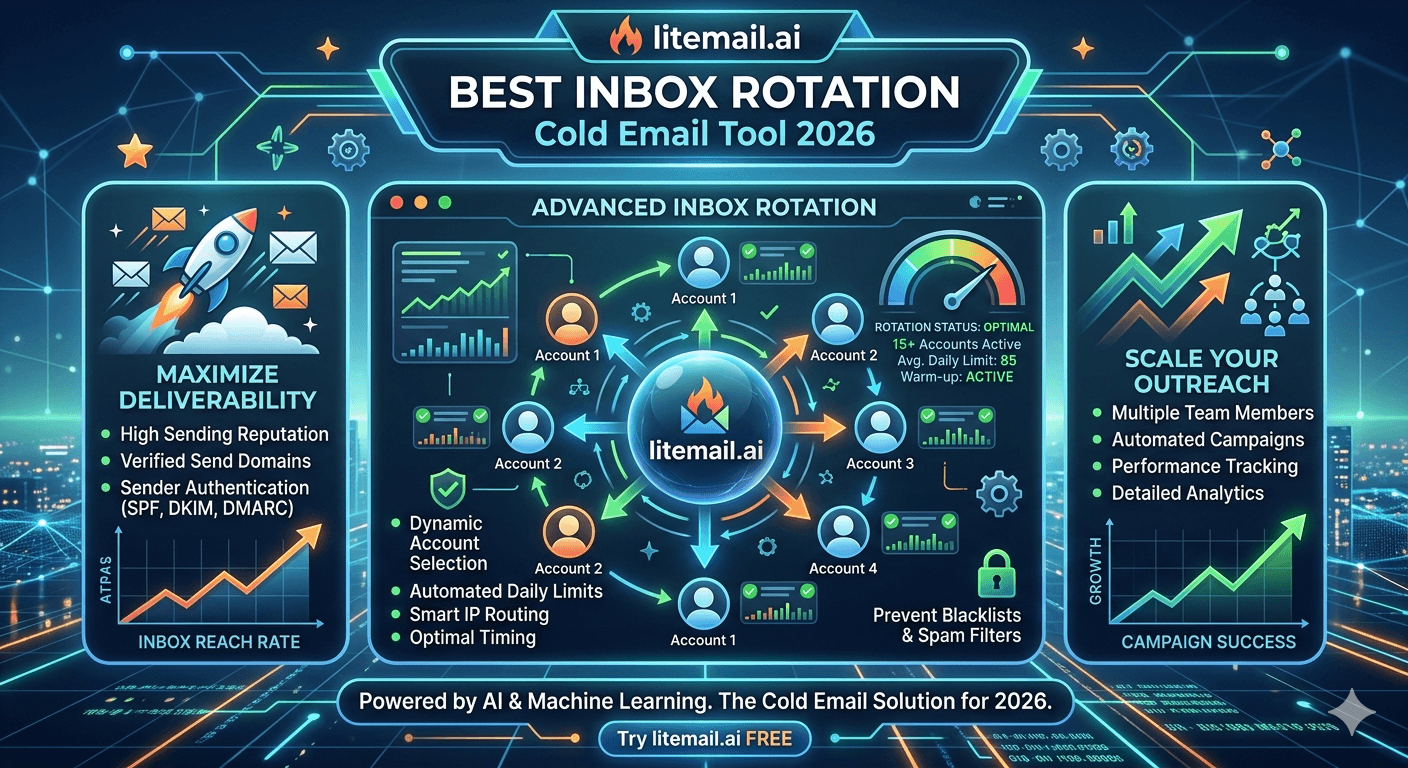
Inbox rotation is the single most under-optimised variable in cold email infrastructure. Most teams set it up once, assume it's working, and never revisit it. The problem: rotation settings that work at 200 emails per day fall apart at 600. And the failure mode is invisible — no error message, no bounce spike, just a gradual open rate decline that gets blamed on the copy. Here is the rotation architecture that holds up across every volume level.
The Four Non-Negotiable Rotation Fundamentals
🔄Round-Robin — Always, No Exceptions
Every major cold email platform (Instantly, Smartlead, Reply.io, Lemlist) offers round-robin and priority-order rotation modes. Priority order sends from Inbox 1 until its daily limit is hit, then moves to Inbox 2 — concentrating volume on whichever inbox appears first in the list. Round-robin distributes evenly across every assigned inbox, keeping each well within its safe daily ceiling. Priority order is almost always wrong for cold email. Round-robin is almost always right.
🔄35–40 Sends Per Inbox Per Day for Sales Outreach
The safe daily ceiling for pre-warmed inboxes on B2B sales cold email. Not 50. Not 75. Not whatever the platform defaults to. Check your platform settings after every sub-account creation — defaults often sit above the safe ceiling. Configure manually. The ceiling for link building outreach is lower: 25–30 per inbox per day due to the higher complaint rate environment.
🔄90–120 Second Minimum Gap Between Sends Per Inbox
Sending 40 emails from one inbox in 20 minutes mimics bot behaviour. Mail server algorithms score rapid-burst sending differently from emails spaced naturally across the sending window. Set minimum inter-send gap to 90–120 seconds per inbox in your platform settings. Most platforms have this setting; most people leave it at zero.
🔄Domain Cap: 20–25% of Total Daily Volume Per Domain
No single sending domain should carry more than 20–25% of your total daily send volume. This caps the blast radius of a domain-level deliverability incident to one quarter of your operation — not all of it. At 400 emails per day, no domain sends more than 80–100 emails total. Distribute across 4–5 domains minimum at this volume.
Rotation Strategy by Send Volume
Rotation architecture changes meaningfully at different volume levels. Here is the correct setup at each threshold.
Daily Volume | Inboxes Needed | Domains | Inboxes Per Domain | Standby | Monthly Cost (Litemail) |
|---|---|---|---|---|---|
100/day | 3 inboxes | 1–2 domains | 2–3 | 1 | $14.97 |
200/day | 5–6 inboxes | 2 domains | 3 | 1–2 | $24.95–$29.94 |
400/day | 10–12 inboxes | 3–4 domains | 3 | 2–3 | $49.90–$59.88 |
800/day | 20–22 inboxes | 5–6 domains | 4 | 4–5 | $99.80–$109.78 |
1,500/day | 38–42 inboxes | 8–10 domains | 4 | 7–8 | $189.62–$209.58 |
Mixed GWS and MS365 Rotation: The Optimal Setup
A rotation pool that mixes Google Workspace and Microsoft 365 inboxes achieves better placement across heterogeneous recipient environments than either platform alone.
The split that works for most B2B cold email programs: 60% GWS, 40% MS365.
Why it matters:
GWS inboxes achieve 91–95% primary inbox placement with Gmail-hosted recipients (tech companies, startups, agencies, small businesses)
MS365 inboxes achieve 91–94% placement with corporate Outlook recipients — 8–12 points better than GWS for the same audience (manufacturing, financial services, legal, healthcare)
A mixed pool means each email routes from the platform most likely to achieve primary inbox placement for that recipient's mail environment
In our testing at Litemail, mixed GWS/MS365 rotation pools show consistent 3–5 percentage point open rate improvement over single-platform pools targeting B2B lists with typical corporate-to-tech-company composition. Both GWS and MS365 pre-warmed inboxes are available at $4.99/inbox.
Scaling Rotation Without Breaking Deliverability
Adding inboxes to a rotation pool is the right way to scale volume — not increasing per-inbox send limits. Most deliverability degradation at scale comes from teams that hit a volume ceiling and respond by pushing each inbox from 40 to 60 to 80 sends per day instead of adding more inboxes.
Safe scaling steps:
Add 3–5 inboxes at a time — not 20 at once. Sudden large inbox additions to a pool look like coordinated network behaviour to some mail server algorithms. Stagger additions over 3–5 business days.
Verify new inboxes before adding to active campaigns. Run the 15-minute check: Postmaster (Good/High), MXToolbox (all green), mail-tester (9/10+), Gmail header (SPF/DKIM/DMARC all PASS). Never add an unverified inbox to an active campaign rotation.
Start new inboxes at 20/day in their first campaign week, then scale to 35–40 by week two. Even pre-warmed inboxes benefit from a ramp-in when joining an active rotation — it avoids sudden volume spikes from the receiving mail server's perspective.
Add a new domain before each group of 4–5 new inboxes. Maintain the 20–25% domain cap throughout scaling. Adding 10 inboxes to one domain at once violates the cap and concentrates too much volume on one reputation point.
Rotation Mistakes That Silently Degrade Deliverability
Three rotation errors appear consistently in cold email programs with unexplained open rate declines — often months into otherwise well-configured campaigns.
Mistake 1: Sending schedule without timezone targeting. Running campaigns on a fixed sender timezone send schedule (8am–5pm EST) means EU contacts get emails at 2pm–1am their time, and West Coast US contacts get emails before 5am. Email opened at 2am looks like bot behaviour to some filtering algorithms. Use platform timezone targeting or segment by recipient geography and assign separate send schedules.
Mistake 2: Never checking inbox health after platform updates. Campaign platforms occasionally reset per-inbox settings during updates — send limits reverting to defaults, rotation mode switching from round-robin to priority order. After every major platform update, check that rotation mode, per-inbox limits, and send gaps are still configured correctly. This takes five minutes and prevents a week of degraded performance from running on wrong settings.
Mistake 3: Letting complaint-generating contacts cycle through the rotation. A contact who marks one email as spam will mark the next follow-up as spam too — if left in the sequence. Most platforms suppress complained-about contacts automatically; some need manual opt-out configuration. Check that your platform's complaint suppression is active and applying globally across all inboxes in the rotation.
Pre-Warmed Inboxes Built for Rotation — Litemail
Litemail pre-warmed GWS and MS365 inboxes at $4.99 — dedicated IPs, Good/High reputation, no minimum order. The right building blocks for any rotation strategy at any volume.
Get Pre-Warmed Inboxes from $4.99 →
Dedicated IPs · Good/High reputation · GWS and MS365 · No minimum order · 24-hour delivery
About Litemail — Litemail provides pre-warmed Google Workspace and Microsoft 365 inboxes for cold email outreach. From $4.99/inbox with automated DNS, dedicated US and EU IPs, and full admin access. View pre-warmed inbox plans →
Related reading:
Pre-Warmed Inbox Rotation Strategy High Volume · Agency Inbox Rotation Best Practices · How Many Inboxes Do You Need? · Daily Limit Growth Chart · High Volume Deliverability Guide
Key Takeaways
Always use round-robin rotation — not priority order. Priority order concentrates volume on first inboxes and pushes them above the safe daily ceiling. Round-robin distributes evenly across all assigned inboxes.
Per-inbox daily ceiling: 35–40 for B2B sales outreach, 25–30 for link building. Check platform settings after every sub-account creation — defaults often sit above the safe ceiling. Set minimum send gap to 90–120 seconds per inbox.
Domain cap at 20–25% of total daily volume per domain. At 400 emails per day: no domain sends more than 80–100. Use 4–5 domains minimum at this volume.
Mixed GWS/MS365 rotation at 60/40 improves placement across heterogeneous B2B recipient environments — GWS for Gmail-hosted contacts, MS365 for corporate Outlook contacts. Both available from Litemail at $4.99/inbox.
Scale by adding inboxes (3–5 at a time, staged over days) — never by increasing per-inbox send limits above the ceiling. Verify each new inbox batch before adding to active campaign rotation.
Three silent rotation killers: no timezone targeting on send schedules, platform update settings drift (check after every major update), and complaint-generating contacts cycling back through follow-up sequences.
Frequently Asked Questions
What is the best inbox rotation strategy for cold email in 2026?
Round-robin rotation across a pool of 3–5 pre-warmed inboxes per 100–200 daily sends, with per-inbox limits at 35–40/day, 90–120 second minimum send gaps, and a domain cap at 20–25% of total volume per domain. Mix GWS and MS365 at 60/40 for B2B prospect lists with mixed Gmail and Outlook recipient environments. Maintain a 15–20% standby pool of pre-warmed inboxes ready for immediate incident replacement.
How many inboxes do I need for inbox rotation in cold email?
One inbox per 35–40 emails per day for B2B sales outreach. For 200 emails/day: 5–6 inboxes. For 400/day: 10–12 inboxes. For 800/day: 20–22 inboxes. Add 15–20% standby to every pool. At Litemail's $4.99/inbox and no minimum order, scale to exactly the count you need — 3 inboxes to start, 12 when you need it — without over-purchasing.
Should I use round-robin or priority rotation for cold email?
Round-robin — always. Priority rotation sends from Inbox 1 until its daily limit is hit, then moves to Inbox 2 — concentrating volume on the first inboxes in the list while underutilising the rest. This creates uneven reputation pressure across the pool and, if the platform default limit is above the safe ceiling, pushes the first inboxes past it. Round-robin distributes sends evenly, keeps each inbox within safe limits, and produces stable sustained deliverability.
How do I scale cold email volume without hurting deliverability?
Add inboxes — not sends per inbox. When you need more volume: order more pre-warmed inboxes from Litemail (24-hour delivery), add 3–5 at a time over several days (not all at once), start new inboxes at 20/day for the first week, scale to 35–40 by week two, and add a new sending domain before each group of 4–5 new inboxes to maintain the 20–25% domain cap. Never respond to a volume ceiling by increasing per-inbox daily limits above 40.
What send limit should I set per inbox for cold email rotation?
35–40 emails per inbox per day for B2B sales cold email. 25–30 per day for link building outreach. Never exceed 50 per inbox per day — domain reputation degrades within 4–6 weeks at sustained above-threshold volume even on pre-warmed inboxes with Good reputation. Check this setting in your campaign platform after every new sub-account creation — platforms occasionally reset to defaults during updates.
Why should I mix GWS and MS365 inboxes in rotation?
Platform alignment improves placement: GWS inboxes achieve better placement with Gmail-hosted contacts; MS365 inboxes achieve 91–94% placement with corporate Outlook contacts versus GWS's 81–86% for the same audience. A 60/40 GWS/MS365 split covers both recipient types in a single rotation pool — producing consistent primary inbox placement across the full heterogeneous B2B contact universe rather than optimising for one recipient type at the expense of the other. Both platform types available at Litemail from $4.99/inbox.
Inbox Rotation Strategies | Litemail Pre-Warmed Inboxes
Dedicated IPs. GWS and MS365. No minimum order. 24-hour delivery. The building blocks for any rotation strategy at $4.99/inbox.
View Plans & Pricing →
Related reading:
High Volume Rotation · Agency Rotation Best Practices · How Many Inboxes? · Daily Limit Chart · High Volume Deliverability






