
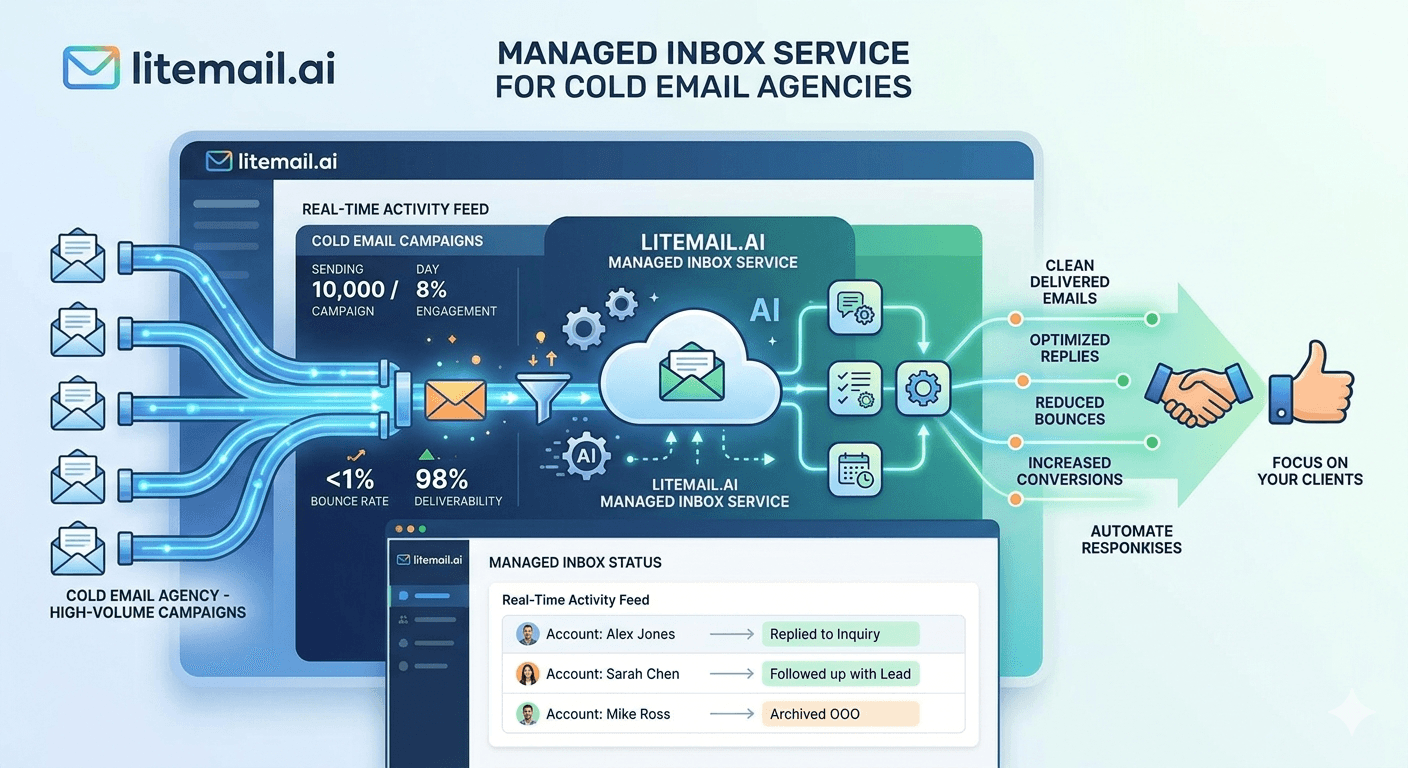
A cold email agency managing 20 clients and averaging 5 inboxes per client needs 100 inboxes — minimum. At that scale, the per-inbox price, delivery reliability, DNS automation, and inbox quality verification process are not abstract concerns. They're the difference between an agency infrastructure operation that runs smoothly and one where the operations lead spends 15 hours a week troubleshooting DNS issues and chasing inbox providers for replacements. This guide covers what bulk inbox purchase looks like for agencies in 2026: what to ask for, what to verify, and what correct economics look like.
Bulk Inbox Purchase Economics for Agencies
💡 TL;DR
At scale, the economics of inbox purchasing compound quickly. At $4.99/inbox (Litemail's price — the lowest legitimate price in 2026), 100 inboxes costs $499/month. At $8/inbox (Zapmail), the same 100 inboxes costs $800/month — $3,612/year more for statistically identical deliverability. Bulk purchasing from a single provider also simplifies DNS management (one automated setup system), billing (one invoice), and support (one point of contact for replacements). For agencies managing 50+ inboxes, these operational considerations matter as much as per-inbox price.
Here's what bulk inbox purchasing looks like at agency scale — pricing tiers, operational setup, and the verification process that should happen on every delivery.
Volume Pricing — What Agencies Pay Per Inbox at Scale
Volume | Litemail Price | Monthly Cost | Annual Cost |
|---|---|---|---|
10 inboxes | $4.99/inbox | $49.90 | $598.80 |
25 inboxes | $4.99/inbox | $124.75 | $1,497.00 |
50 inboxes | $4.99/inbox | $249.50 | $2,994.00 |
100 inboxes | $4.99/inbox | $499.00 | $5,988.00 |
200 inboxes | $4.99/inbox | $998.00 | $11,976.00 |
At 100 inboxes, the price difference between Litemail ($4.99/inbox) and the next cheapest legitimate provider (Zapmail at $8/inbox) is $301/month — $3,612/year — for identical deliverability performance. For agencies billing $2,000–$5,000/month per client, this infrastructure cost difference is meaningful margin.
What to Ask For When Buying Inboxes in Bulk
Not all inbox providers handle bulk orders the same way. Before placing a bulk order, confirm the following:
Delivery timeline for bulk orders: Can the provider deliver 50–100 pre-warmed inboxes within 24–48 hours? Providers who require 1–2 weeks for bulk delivery create client onboarding delays. Litemail delivers bulk orders within 24 hours.
Automated DNS for bulk delivery: Is SPF/DKIM/DMARC configured automatically for every inbox in a bulk order, or does DNS setup scale linearly with inbox count? Manual DNS for 50 inboxes is 50 separate DNS configurations — with 50 opportunities for human error. Automated DNS at bulk scale is the only operationally viable option.
Inbox type flexibility: Can you mix GWS and MS365 inboxes in the same bulk order? Agencies with mixed prospect list compositions (some Gmail-heavy, some Exchange-heavy) need both types. Confirm the provider supports bulk mixed-type orders.
Admin credentials delivery format: For bulk orders, how are credentials delivered? A secure link to a credentials file (CSV or spreadsheet) is the most operational approach — not individual emails per inbox that require manual aggregation.
Replacement policy for bulk orders: If any inbox in a bulk order fails Postmaster verification (showing Unknown or Low reputation instead of Good/High), what's the replacement process? Good providers replace failed inboxes within 24–48 hours with no additional cost.
Verifying Bulk Inbox Deliveries — The Agency Process
Verifying 50 inboxes individually would take hours. The agency-scale verification process samples from the bulk delivery rather than checking every single inbox, then spot-checks the remainder.
Sample Verification (10% of Bulk Order)
For every 10 inboxes ordered, verify one in full — Postmaster Tools check, MXToolbox DNS verification, test email headers. If 10% of sampled inboxes pass, the bulk delivery is presumed good. If any sampled inbox fails, verify an additional 20% of the batch and investigate the failure pattern.
Automated DNS Batch Verification
MXToolbox offers bulk domain checking — enter all sending domains from the bulk delivery and run SPF, DKIM, and DMARC checks in batch. This takes 5–10 minutes for 20–30 sending domains and confirms DNS is correct across the entire bulk delivery without per-inbox manual checking.
Postmaster Reputation at Batch Level
Add all sending domains from the bulk delivery to Google Postmaster Tools on the day of delivery. Check reputation 48 hours later — Good or High across all domains confirms the bulk delivery is genuinely pre-warmed. Any domain showing Unknown after 48 hours requires investigation and replacement. In our testing at Litemail, bulk deliveries consistently show Good or High across all domains within 24–48 hours.
Managing Large Inbox Pools — Operational Practices
At 100+ inboxes across multiple clients, managing the pool requires systematised processes rather than per-inbox manual management.
Build a master inbox registry in Airtable or a spreadsheet: sending domain, inbox address, inbox provider, client assignment, date delivered, Postmaster reputation status (updated weekly), connection status in sending platform, and daily volume cap. This registry is the single source of truth for all inbox pool management decisions.
Organise inboxes in your sending platform by client workspace (Smartlead) or campaign group (Instantly). Never mix client inboxes in the same campaign rotation — one client's list quality problem should never affect another client's inbox reputation.
Schedule a monthly inbox rotation review: replace the bottom 10–15% of the inbox pool (by Postmaster reputation and reply rate trend) with fresh pre-warmed inboxes from Litemail. This rotation practice keeps the overall pool at consistently high reputation without reactive replacement after deliverability failures occur.
Buy Pre-Warmed Inboxes in Bulk — Agency Billing Available
Litemail pre-warmed inboxes — $4.99/inbox at any volume, automated DNS for bulk deliveries, 24-hour delivery, agency billing, GWS and MS365 available. The lowest legitimate price for genuine pre-warmed inboxes at scale.
Get Pre-Warmed Inboxes from $4.99 →
Agency billing · Bulk delivery in 24 hours · Automated DNS · No minimum order
About Litemail — Litemail provides pre-warmed Google Workspace and Microsoft 365 inboxes for cold email outreach. From $4.99/inbox with automated DNS, dedicated US and EU IPs, and full admin access. View pre-warmed inbox plans →
Related reading:
Litemail Agency Plan — White-Label Inboxes · Scale a Cold Email Agency to 50 Clients · White-Label Cold Email Services for Agencies · How Many Pre-Warmed Inboxes Do You Need? · Best Pre-Warmed Inbox Providers 2026 (Ranked)
Key Takeaways
At 100 inboxes, the price difference between Litemail ($4.99/inbox) and the next cheapest legitimate provider ($8/inbox) is $301/month — $3,612/year — for identical deliverability. Inbox price compounds significantly at agency scale.
Confirm before bulk ordering: delivery timeline (24 hours maximum), automated DNS for all inboxes, mixed GWS/MS365 support, batch credential delivery format, and replacement policy for failed inboxes.
Agency-scale verification samples 10% of bulk deliveries for full Postmaster + DNS + header verification, then batch-checks all sending domains in MXToolbox and Postmaster Tools at the domain level. Full per-inbox manual verification is operationally impractical at 50+ inboxes.
Build a master inbox registry tracking sending domain, inbox address, client assignment, Postmaster reputation, connection status, and daily volume cap. This is the operational foundation for managing 100+ inbox pools without constant firefighting.
Monthly rotation practice: replace the bottom 10–15% of the inbox pool (by reputation and reply rate trend) with fresh pre-warmed inboxes. Proactive rotation keeps pool quality high without reactive replacement after deliverability failures.
Frequently Asked Questions
What's the cheapest price for bulk pre-warmed inboxes for agencies?
$4.99/inbox from Litemail — the lowest legitimate price for genuine pre-warmed inboxes in 2026 at any volume, including bulk agency orders. No volume discount is needed because Litemail's base price is already below the alternatives at retail. At 100 inboxes, Litemail costs $499/month versus $800/month at the next legitimate provider's price ($8/inbox) — $3,612/year saved for identical deliverability.
How quickly can an agency receive bulk inbox orders?
Litemail delivers bulk orders within 24 hours — including automated SPF/DKIM/DMARC configuration for all inboxes in the order. Providers that require 1–2 weeks for bulk deliveries create client onboarding delays that are operationally costly for agencies with multiple concurrent client launches. Confirm delivery timeline before placing any bulk order.
How do agencies manage 100+ inboxes without constant manual work?
Three practices: a master inbox registry (Airtable or spreadsheet) as the single source of truth for all inbox assignments and status, sending platform workspace separation (one workspace per client — never mix client inboxes in the same campaign rotation), and weekly automated monitoring (Postmaster email alerts for reputation changes, MXToolbox continuous monitoring for DNS changes and blacklists). Exception-based management — only investigating inboxes that surface in alerts — keeps 100+ inbox pool management to 1–2 hours per week.
Bulk Pre-Warmed Inboxes for Agencies — $4.99/Inbox at Any Volume
Litemail pre-warmed inboxes — $4.99/inbox, no volume minimum, agency billing available, automated DNS for bulk deliveries, 24-hour delivery, GWS and MS365 available. The lowest legitimate price for bulk pre-warmed inbox purchasing in 2026.
Get Bulk Pre-Warmed Inboxes from $4.99 →
Agency billing · No minimum order · Automated DNS · 24-hour delivery · US and EU IPs included
About Litemail — Litemail provides pre-warmed Google Workspace and Microsoft 365 inboxes for cold email outreach. From $4.99/inbox with automated DNS setup, dedicated US and EU IPs, 4 to 12 weeks of genuine warm-up history, and full admin access. View pre-warmed inbox plans →
Related reading: Litemail Agency Plan · White-Label Cold Email Services for Agencies · Scale a Cold Email Agency to 50 Clients · Best Pre-Warmed Inbox Providers 2026 (Ranked)






