
AI automation has made cold outreach faster, cheaper, and easier to scale. But for agencies managing campaigns across multiple clients, that same automation can multiply mistakes just as quickly as it multiplies sends.
The problem is not simply that AI-written emails sound generic. An agency can have strong copy and still see results decline when sending infrastructure is poorly separated, monitoring is left unattended, targeting decisions are automated without enough judgment, or one client's problems spill into another client's setup.
In 2026, the key question is no longer how much of cold outreach can be automated? It is which parts should be automated, and where should human oversight remain?
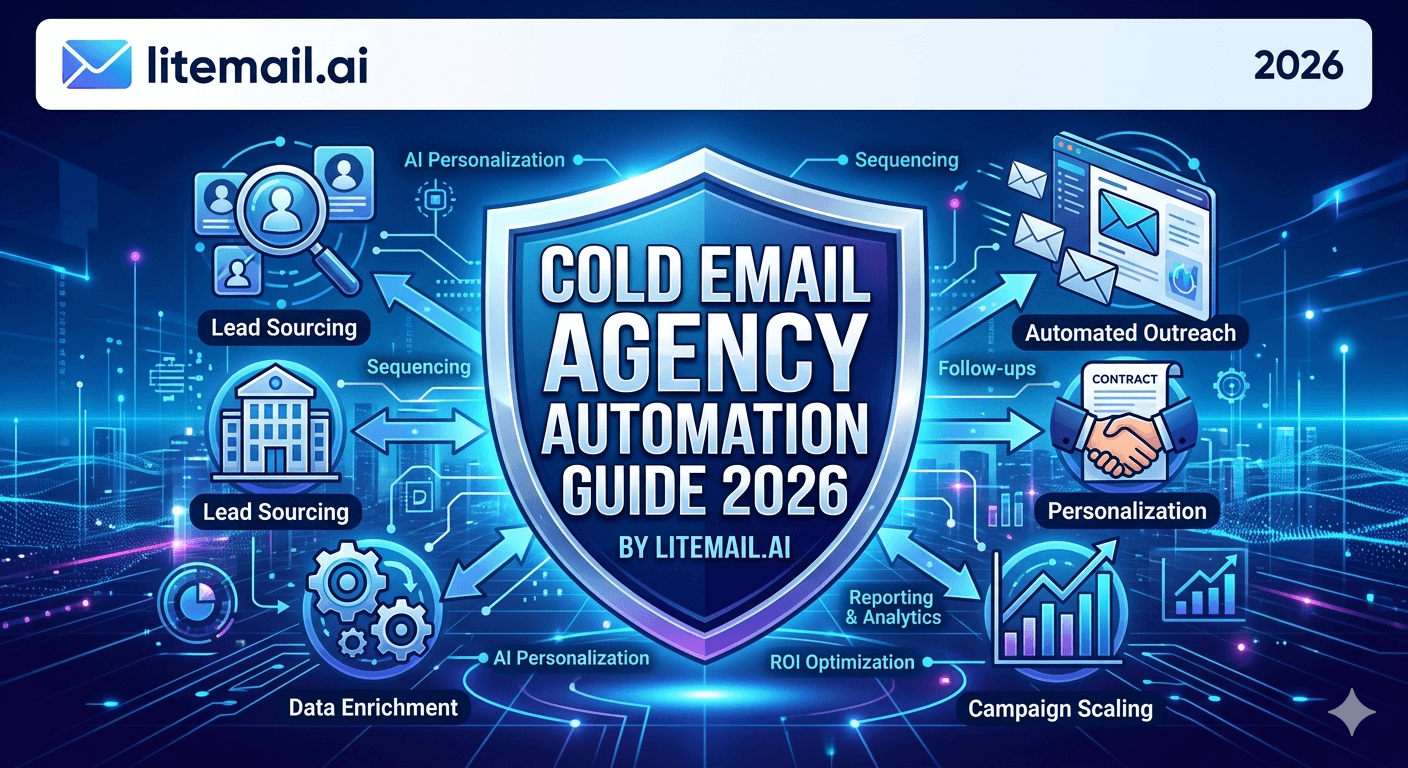
This guide breaks down why AI automation fails cold outreach for agencies, the warning signs that appear before performance drops, and how to build an automation system that scales without sacrificing deliverability or campaign quality.
Why Does AI Automation Fail Cold Outreach for Agencies?
AI automation usually fails when agencies automate the wrong parts of cold outreach or remove human oversight completely. Common failure points include weak infrastructure isolation, excessive sending volume, generic AI personalization, automated targeting decisions, and monitoring systems that generate alerts without anyone reviewing them.
The scalable approach is not to remove humans from the process. It is to automate repetitive execution while keeping people responsible for targeting, quality control, replies, and important deliverability decisions.
The Four Automation Layers (And What Each One Handles)
AI does not create a single failure point in agency cold outreach. It creates several, depending on what an agency chooses to automate.
The biggest problems usually appear across four areas: infrastructure, monitoring, decision-making, and client isolation.
Layer | What It Is | Automate? | Tools |
|---|---|---|---|
Infrastructure provisioning | Ordering, verifying, and connecting inboxes per client | Partially — use providers with fast delivery and no setup overhead | Litemail (24-hour delivery, automated DNS), agency plan |
Data and prospecting | ICP definition, list building, enrichment, verification | Partially — automate enrichment and verification; keep ICP decisions human | Apollo, Clay, ZeroBounce, Sales Navigator |
Campaign execution | Sequence sends, follow-ups, rotation, timing | Fully — this is what platforms are for | Instantly, Smartlead, Reply.io |
Monitoring and reporting | Deliverability health, campaign metrics, client reporting | Alerts only — keep human review in the loop | Postmaster Tools, SNDS, platform dashboards, Loom for client reports |
Infrastructure Automation at Agency Scale
The infrastructure layer — provisioning, verifying, and connecting client inboxes — is where most agencies lose disproportionate time. The right provider makes this nearly automated.
Litemail pre-warmed inboxes at $4.99/inbox eliminate three manual steps that typically consume 2–4 hours per new client onboarding:
DNS setup: SPF, DKIM, DMARC are pre-configured automatically — no manual DNS records to set, no risk of misconfiguration.
Warmup wait: Inboxes arrive with 4–12 weeks of genuine warmup history — no 6–8 week wait before campaigns launch.
Verification: Good or High Postmaster reputation verified on delivery — one Postmaster check confirms the inbox is campaign-ready.
The Litemail agency plan provides volume pricing and white-label options for agencies managing inboxes across multiple clients. Ordering 20 inboxes for a new client takes 5 minutes — not 2 hours of DNS configuration and warmup tool setup.
What to Automate in Agency Cold Email (And What Not To)
Automate These
Follow-up sequence sends: Emails 2–7 in each sequence fire automatically based on non-reply timing. Human involvement only on first touch and when a prospect replies.
List enrichment: Clay or Apollo workflows that automatically enrich contact data from multiple sources and run verification before list import.
Bounce and opt-out suppression: Hard bounces and opt-outs should auto-suppress across all client campaigns. Never allow a manually processed opt-out list.
Inbox rotation distribution: Round-robin distribution across the inbox pool — let the platform handle which inbox sends each email.
Alert triggers: Automated alerts when bounce rate exceeds 2%, complaint rate exceeds 0.05%, or a domain's Postmaster status changes. Human reviews the alert — automation catches it.
Keep These Human (Or AI-Assisted, Not Fully Automated)
First email copy: The first touch in every new campaign sequence deserves human review before launch — not generation-and-send automation.
ICP and targeting decisions: Which contacts to add to a campaign requires judgment about fit, timing, and exclusion logic. Automation executes; humans decide.
Reply handling: When a prospect responds, a human (or AI assistant with human oversight) takes over. Fully automating replies destroys the conversion rate of interested prospects.
Client deliverability reporting: Auto-generate the data, but a human reviews before it goes to the client. Automated reports sent without review have embarrassed more agencies than bad deliverability itself.
The Agency Automation Stack in 2026
Function | Tool | Monthly Cost | What It Automates |
|---|---|---|---|
Inbox infrastructure | Litemail (agency plan) | From $4.99/inbox | DNS setup, warmup, verification — minimal manual overhead |
Prospect data | Apollo or Clay | $49–$800+/mo | ICP filtering, multi-source enrichment, export workflows |
List verification | ZeroBounce or NeverBounce | Pay-per-verification | Bounce prediction, catch-all testing, suppression |
Campaign execution | Instantly or Smartlead | $37–$97/mo | Sequence sends, rotation, reply detection, inbox health |
Monitoring | Postmaster Tools + SNDS | Free | Domain and IP reputation tracking across all clients |
Scaling Automation Across 10+ Clients Without Chaos
Two operational disciplines separate agencies that scale automation cleanly from those that create compounding infrastructure problems at 10+ clients.
Strict client isolation: Every client's infrastructure — domains, inboxes, campaign platform sub-account — must be completely isolated. No cross-client inbox sharing, no shared domain groups, no combined suppression lists. Automation amplifies cross-contamination; isolation prevents it structurally.
Standardised onboarding checklist: Every new client onboarding follows the same 10-step checklist before the first campaign send: domain setup, inbox ordering (Litemail, 24-hour delivery), Postmaster verification, MXToolbox check, platform sub-account creation, list import and verification, sequence review, campaign settings review, monitoring alert configuration, and initial client deliverability briefing. Automation handles steps 3, 4, and 8 (mostly) — humans confirm each checkpoint before moving to the next.
Agency-Grade Inbox Infrastructure — Pre-Warmed Inboxes from Litemail
Litemail's agency plan provides pre-warmed GWS and MS365 inboxes for multi-client cold email operations — automated DNS, no minimum order, white-label options, 24-hour delivery. $4.99/inbox.
Get Litemail Agency Inboxes from $4.99 →
Automated DNS · White-label agency plan · No minimum order · 24-hour delivery
About Litemail — Litemail provides pre-warmed Google Workspace and Microsoft 365 inboxes for cold email outreach. From $4.99/inbox with automated DNS, dedicated US and EU IPs, and full admin access. View pre-warmed inbox plans →
Key Takeaways
Cold email agency automation has four layers: infrastructure provisioning, data and prospecting, campaign execution, and monitoring. Automate execution fully; automate infrastructure and data partially; keep monitoring as alert-plus-human-review.
Litemail pre-warmed inboxes reduce infrastructure provisioning overhead from 2–4 hours per client to 5 minutes — automated DNS, no warmup wait, Good/High reputation verified on delivery.
Fully automate: follow-up sequence sends, list enrichment and verification workflows, bounce/opt-out suppression, inbox rotation distribution, and alert triggers.
Keep human: first email copy review, ICP and targeting decisions, reply handling, and client deliverability reporting review before it goes out.
Two disciplines for scaling to 10+ clients: complete infrastructure isolation per client (no shared inboxes, domains, or IP pools), and a standardised onboarding checklist that humans walk through before every campaign launch.
The Litemail agency plan provides volume pricing and white-label options for agencies managing 20+ inboxes across multiple clients — the most operationally efficient infrastructure setup for agency cold email at scale.
Frequently Asked Questions
How do cold email agencies automate outreach at scale?
By separating automation across four layers: infrastructure (use providers with minimal setup overhead like Litemail), data (automate enrichment and verification with Apollo/Clay/ZeroBounce; keep ICP decisions human), campaign execution (fully automated sequence sends, rotation, and opt-out suppression via Instantly or Smartlead), and monitoring (automated alerts with human review). The distinction between what to automate and what to keep human is the core operating discipline of agencies that scale successfully.
What should cold email agencies not automate?
First email copy review (the first touch deserves human review before launch), ICP and targeting decisions (which contacts enter a campaign requires judgment), reply handling (automated reply sequences destroy conversion rates on interested prospects), and client reporting review (auto-generated data should have human sign-off before it goes to clients). Automating these tasks doesn't save time long-term — it creates problems that cost more to fix than the saved time was worth.
How should a cold email agency separate infrastructure across clients?
Completely: separate sending domains per client (or domain group per client), dedicated inboxes per client with dedicated IPs per inbox, separate sub-accounts in the campaign platform, and separate suppression lists per client. No cross-client inbox sharing, domain grouping, or pooled IP infrastructure. Automation amplifies cross-contamination — one client's high bounce rate affects another's deliverability if infrastructure is shared. Isolation is the structural protection.
What inbox provider works best for cold email agency automation?
Litemail — automated DNS setup eliminates per-client DNS configuration work, pre-warmed inboxes eliminate the warmup wait, no minimum order allows per-client inbox provisioning in exact quantities, 24-hour delivery means new client onboarding launches the next day, and the agency plan provides volume pricing and white-label options. The infrastructure overhead per new client drops from 2–4 hours to approximately 5 minutes.
How many inboxes does an agency need per client?
One inbox per 35–40 emails per day per client. For a client sending 300 emails per day: 8 inboxes. For 500 emails per day: 13–14 inboxes. Add 15–20% standby per client. At Litemail's $4.99/inbox, 10 inboxes for a mid-size client campaign costs $49.90/month — typically marked up to $150–$300/month as part of client infrastructure fees, making inbox infrastructure a profitable agency revenue line.
What monitoring should agencies automate for cold email?
Automate the alert triggers — not the response. Set automated alerts for: bounce rate above 2% per campaign segment, complaint rate above 0.05% per inbox, Postmaster domain reputation change (if your platform supports this), and inbox disconnection events. These alerts go to a human who investigates and acts. The monitoring itself (Postmaster Tools, SNDS, MXToolbox) is manual but efficient — a 15-minute weekly sweep across all client domains catches problems at Medium rather than Low.
Cold Email Agency Automation | Litemail
Agency plan from $4.99/inbox. Automated DNS, no warmup wait, no minimum order. New client infrastructure in 24 hours.
View Plans & Pricing →






