
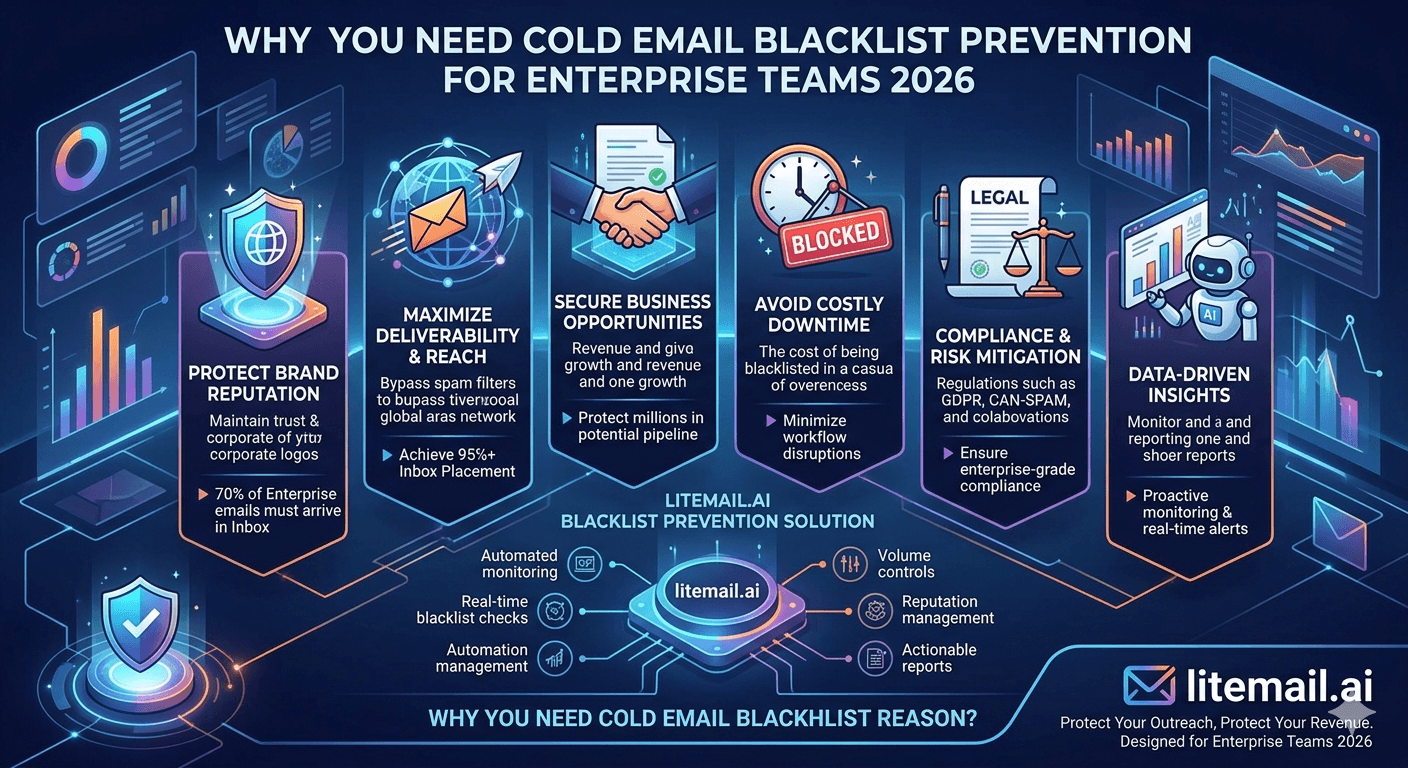
Getting blacklisted at enterprise send volumes is a recoverable problem — but it takes days to weeks and kills campaign output in the meantime. Blacklist prevention is significantly cheaper than blacklist recovery. For enterprise teams sending 1,000–5,000 emails per day, the infrastructure and operational disciplines that prevent blacklisting pay for themselves in the first incident they prevent.
What Actually Causes Enterprise Cold Email Blacklisting
Most blacklist entries trace to one of four root causes. Understanding the cause determines the prevention measure:
Cause | Mechanism | Blacklist Triggered | Prevention |
|---|---|---|---|
Spam trap hits | Sending to recycled or honeypot addresses in purchased or scraped lists | Spamhaus, Barracuda, others | Verify lists with ZeroBounce before every send |
High complaint rate | Outlook users clicking Junk at above-threshold rates | Microsoft SNDS (Red), Spamhaus | ICP precision, compliant copy, easy opt-out |
High bounce rate | Sending to large volumes of invalid addresses | Most major blacklists | Verify lists, remove Invalid before send |
Volume spike | Sudden high-volume sends from a new or paused IP/domain | Microsoft SNDS, some private lists | Gradual scaling, round-robin rotation |
Infrastructure-Level Blacklist Prevention
The most effective blacklist prevention is structural — infrastructure decisions that make blacklisting far less likely rather than operational practices that catch problems after they've started.
Dedicated IPs Per Inbox
Shared IPs pool blacklist risk across all senders on the pool. One sender hits a spam trap on Monday; the IP is listed by Wednesday; all senders on the shared pool see delivery failures by Thursday. Dedicated IPs per inbox (Litemail standard at $4.99/inbox) mean your blacklist status reflects only your sends — no shared risk from other senders' behaviour.
Domain Diversification
At enterprise volume, no single domain should carry more than 20–25% of total daily sends. A domain-level blacklist entry then affects at most 20–25% of send capacity — recoverable while other domains continue campaigning — rather than shutting down the entire operation.
Pre-Warmed Inbox Reputation Buffer
Inboxes with established Good or High Postmaster reputation have a higher threshold before negative signals trigger blacklist inclusion. A single spam trap hit on a fresh inbox with zero reputation history may immediately trigger a listing. The same hit on a pre-warmed inbox with 12 weeks of clean sending history typically shows as a reputation softening rather than an immediate blacklist entry — providing an investigation window before the situation escalates.
List Hygiene: The Primary Blacklist Prevention Variable
Spam trap hits are the leading cause of enterprise cold email blacklisting. Spam traps are email addresses that were either never valid (honeypots) or were previously valid but have been abandoned and recycled by ISPs specifically to catch senders who don't maintain list hygiene.
Enterprise-grade list hygiene practices:
Verify every list with ZeroBounce before every campaign send. Never send to a list that hasn't been verified in the past 30 days at enterprise volume. At 1,000+ sends per day, 30-day-old verification data is acceptable; older lists need re-verification.
Remove Invalid and Unknown results. Never send to addresses ZeroBounce or NeverBounce classifies as Invalid. Test Catch-All (Risky) addresses in small batches on standby inboxes before including in main campaigns.
Maintain a global suppression list. Every bounced address, opted-out contact, and complaint notification from JMRP goes into a global suppression list that's applied before every new campaign send. New list imports are automatically screened against suppression before any campaign activation.
Use role address filtering before verification. Remove info@, contact@, hello@, support@, admin@, sales@ before paid verification. These addresses generate complaints at higher rates and response rates near zero.
Enterprise Blacklist Monitoring Protocol
At 1,000+ emails per day, monitoring frequency must match the speed at which reputation problems can escalate:
Daily: Google Postmaster Tools for all active sending domains. At enterprise volume, reputation can shift within 24 hours of a problematic send.
Daily: Campaign platform complaint rate per inbox. Alert threshold: 0.03% (tighter than standard 0.05% given the volume-to-impact ratio at enterprise scale).
Weekly: MXToolbox blacklist check on all active sending domains and IPs. 100+ blacklist databases. Any hit requires same-day investigation and delisting process initiation.
Weekly: Microsoft SNDS check on all sending IPs. Register JMRP for real-time Outlook complaint notifications.
Automated alerts: Platform-level alerts for bounce rate above 1.5% per campaign segment and complaint rate above 0.03% per inbox. Human reviews the alert — automation catches it.
When Blacklisting Happens: Recovery Protocol
Prevention is the goal — but blacklisting still happens even in well-managed enterprise operations. The recovery protocol determines how quickly sending capacity returns to normal.
Identify which blacklist(s) and which IP/domain. MXToolbox blacklist check identifies the specific lists. Different lists have different delisting processes and timelines.
Pause all sends from the affected IP or domain immediately. Continued sending compounds the listing and delays delisting approval.
Diagnose the root cause before delisting. Submit delisting without fixing the cause — spam trap source, high complaint rate, bounce rate spike — results in re-listing within days.
Submit delisting requests. Spamhaus: spamhaus.org/lookup. Microsoft SNDS: sendersupport.olc.protection.outlook.com → Delist IP. Most major blacklists have public delisting processes. Timeline: 24–72 hours for Spamhaus and Microsoft SNDS after a clean delisting request.
Replace damaged infrastructure if delisting stalls. For enterprise operations where campaign continuity matters, replacing the blacklisted inbox with a Litemail pre-warmed inbox (clean dedicated IP, Good/High Postmaster, available in 24 hours) is often faster than waiting for delisting approval from slow-response lists.
Blacklist-Resistant Infrastructure for Enterprise Cold Email — Litemail
Dedicated IPs per inbox. Good/High Postmaster reputation buffer. No shared pool contamination risk. $4.99/inbox. The infrastructure layer that makes enterprise blacklist prevention structural rather than operational.
Get Pre-Warmed Inboxes from $4.99 →
Dedicated IPs · Good/High reputation · No shared pools · 24-hour replacement
About Litemail — Litemail provides pre-warmed Google Workspace and Microsoft 365 inboxes for cold email outreach. From $4.99/inbox with automated DNS, dedicated US and EU IPs, and full admin access. View pre-warmed inbox plans →
Related reading:
Cold Email Blacklist Prevention B2B · Outlook Blacklist Recovery · High Volume Deliverability Guide · Deliverability Recovery 2026 · Deliverability Monitoring Tools
Key Takeaways
The four root causes of enterprise cold email blacklisting: spam trap hits (from unverified or stale lists), high complaint rates (from broad ICP or non-compliant copy), high bounce rates (from unverified lists), and volume spikes (from sudden high-volume sends on new or paused infrastructure).
Infrastructure-level prevention is more effective than operational prevention: dedicated IPs per inbox eliminate shared-pool contamination; domain diversification at 20–25% per domain limits blast radius; pre-warmed reputation provides a buffer before negative signals escalate to blacklist inclusion.
List hygiene is the primary blacklist prevention variable. Verify every list before every enterprise campaign send. Remove Invalid results. Test Catch-All in small batches first. Maintain a global suppression list applied to all new campaign imports.
Enterprise monitoring protocol: daily Postmaster Tools and campaign platform complaint rate (alert at 0.03%), weekly MXToolbox blacklist check and Microsoft SNDS, automated alerts for bounce rate above 1.5% and complaint rate above 0.03%.
Recovery protocol: identify list and IP/domain → pause immediately → diagnose root cause → fix → submit delisting → replace with Litemail pre-warmed inboxes if delisting stalls. Prevention is 10x cheaper — but recovery is faster with dedicated IPs and Good reputation to maintain while the affected infrastructure recovers.
Frequently Asked Questions
How do enterprise teams prevent cold email blacklisting?
Four structural practices: (1) Dedicated IPs per inbox — no shared pools that expose you to other senders' behaviour. (2) Domain diversification — maximum 20–25% of daily volume per domain, so one domain's blacklist entry doesn't stop the whole operation. (3) Pre-warmed inbox reputation buffer — Good/High Postmaster reputation raises the threshold before negative signals trigger a listing. (4) Enterprise-grade list hygiene — ZeroBounce verification before every send, global suppression list, role address filtering before paid verification.
What is the most common cause of cold email blacklisting?
Spam trap hits — sending to recycled addresses that have been decommissioned and repurposed by ISPs to catch senders who don't maintain list hygiene. Spam traps appear in old purchased lists, scraped lists, and data that hasn't been re-verified in 6+ months. Verification with ZeroBounce or NeverBounce before every send removes most spam trap exposure. For enterprise volume, verify monthly — not once at initial list acquisition.
How do I check if my cold email domain or IP is blacklisted?
MXToolbox blacklist check at mxtoolbox.com/blacklists — enter your sending domain or IP, checks against 100+ blacklist databases simultaneously. Any red result means that specific blacklist has your address listed. Check weekly for enterprise operations. Also check Microsoft SNDS at sendersupport.olc.protection.outlook.com for IP reputation with Microsoft's infrastructure — separately from other blacklists, as Microsoft maintains its own filtering system.
How do shared IPs increase blacklist risk for enterprise cold email?
Shared IPs pool blacklist risk across all senders using the pool. One sender on the pool hits a spam trap or generates a complaint spike — the IP gets listed. Every sender on that IP, including you, experiences delivery failures immediately. With dedicated IPs per inbox (Litemail standard), your IP's status reflects only your sends. No other sender's behaviour can affect your delivery. Shared IP blacklist risk is unpredictable and outside your control — dedicated IPs eliminate it structurally.
What is the recovery time after cold email blacklisting?
Depends on the blacklist: Spamhaus and Microsoft SNDS typically respond within 24–72 hours after a clean delisting request where the root cause is diagnosed and fixed. Some private blacklists take longer — 5–10 business days. Delisting submitted before fixing the root cause results in re-listing, adding another full cycle. For enterprise operations where campaign continuity is critical, replacing blacklisted infrastructure with Litemail pre-warmed inboxes (24-hour delivery, clean dedicated IPs, Good/High Postmaster) is often faster than waiting for the slowest blacklist delisting approval.
How often should enterprise teams run blacklist checks?
Weekly MXToolbox blacklist check on all active sending domains and IPs — 100+ databases per check, takes 5 minutes total. Daily for campaigns that have shown recent complaint rate spikes or bounce rate above threshold. Register in Microsoft JMRP for real-time Outlook complaint notifications (free). Set automated platform alerts for bounce rate above 1.5% and complaint rate above 0.03% — these alert before SNDS and blacklist databases reflect the problem, giving an investigation window before damage compounds.
Enterprise Cold Email Blacklist Prevention | Litemail
Dedicated IPs. Good/High reputation buffer. No shared pools. 24-hour replacement when needed. $4.99/inbox — the blacklist-resistant infrastructure layer.
View Plans & Pricing →
Related reading:
Blacklist Prevention B2B · Outlook Blacklist Recovery · High Volume Deliverability · Deliverability Recovery · Monitoring Tools






