
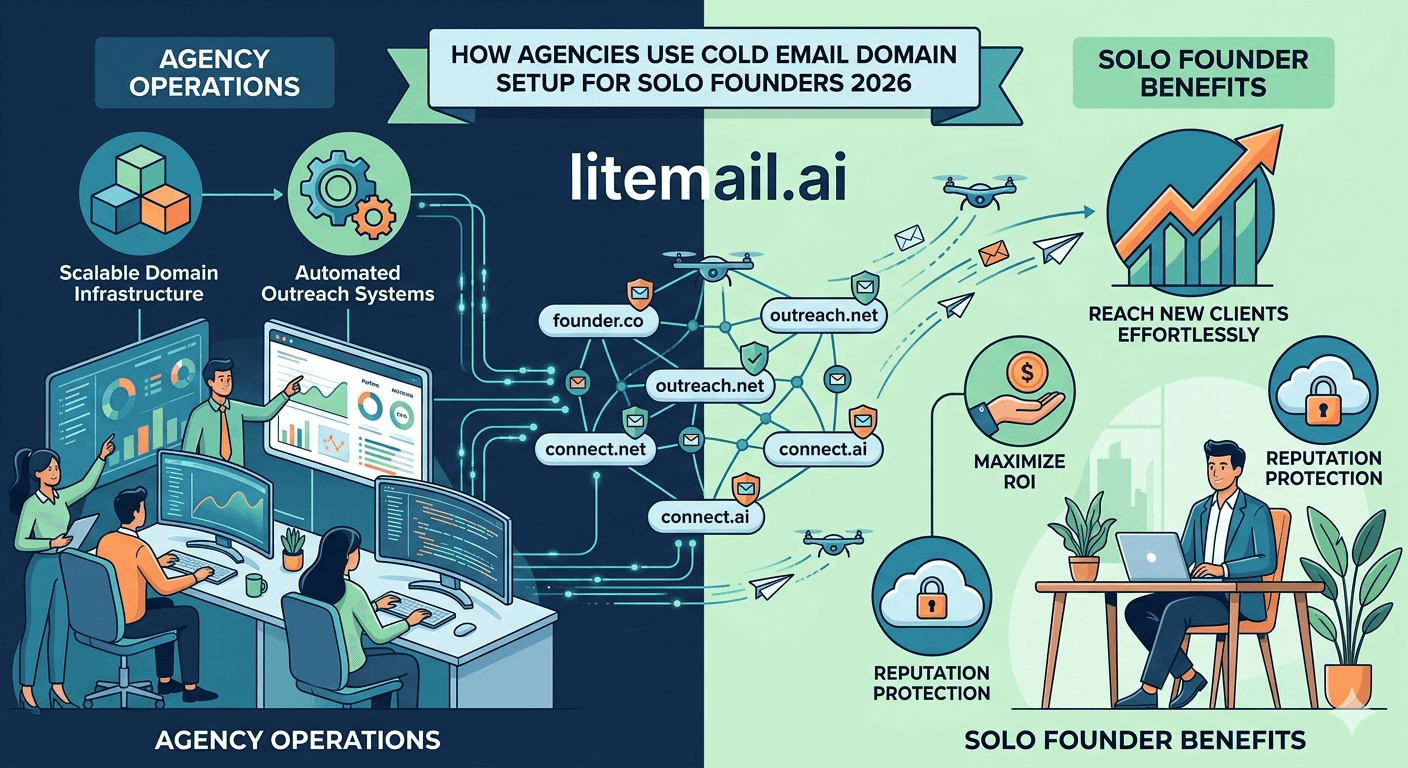
Getting the domain setup wrong at the start of a cold email program costs weeks of recovery later. The mistakes are consistent: using the primary business domain for outbound, registering domains through expensive registrars with complex DNS interfaces, skipping DMARC because it seems optional, and naming sending domains in ways that signal cold email infrastructure rather than legitimate businesses. None of these are hard to fix before they happen. This guide covers the exact domain setup process — for solo founders starting with 2–3 inboxes and for agencies managing 10+ clients.
Three Domain Setup Rules That Never Change
💡 TL;DR
Cold email domain setup in 2026 follows three non-negotiable rules: never use the primary business domain for cold outreach, register domain variants that sound like legitimate business sub-brands (not cold-email-obvious names), and configure SPF, DKIM, and DMARC on every domain before the first send. Litemail pre-warmed inboxes ($4.99/inbox) handle SPF/DKIM/DMARC automatically — but the domain naming and registrar decisions are yours to make before ordering inboxes. Get these right and the infrastructure runs smoothly. Get them wrong and you're troubleshooting DNS errors while campaigns are delayed.
Here's the complete domain setup process — for solo founders running lean and agencies managing multiple clients at scale.
Naming Your Sending Domains — What Works and What Doesn't
The domain name used for cold outreach affects deliverability in a subtle but real way. Email servers and spam filters have learned to associate certain domain patterns with bulk cold email. They're not flagging them explicitly — but a domain called outreach.yourcompany.com or email.yourcompany.com doesn't read like a legitimate business entity. It reads like email infrastructure.
Domain Patterns That Work
Domain variants that read as legitimate sub-brands of the company — not obvious cold email infrastructure. For a company called Acme Marketing:
getacme.com ✓
acmehq.com ✓
acmegrowth.com ✓
triacme.com ✓
acmepartners.com ✓
Domain Patterns to Avoid
mail.acme.com ✗ (subdomain of primary domain — reputation bleeds)
acme-outreach.com ✗ (sounds like infrastructure, not a business)
acme-email.com ✗ (same problem)
acmesales.com ✗ (common cold email pattern, increasingly flagged)
acme.io / acme.co when acme.com is your primary domain ✗ (too similar — confusion risk)
How Many Sending Domains Per Operation
For solo founders: 1–2 sending domains with 2–3 inboxes each is sufficient for most outbound volumes. For agencies: 1–2 sending domain variants per client (never reuse sending domains across clients — one client's complaint spike should never affect another client's domain reputation). For high-volume outbound (500+ emails/day): 3–4 sending domains with 3–4 inboxes each, rotated at the campaign level.
Where to Register Cold Email Sending Domains
The registrar choice affects DNS management ease, cost, and reliability. Three registrars stand out for cold email domain management in 2026:
Registrar | Price (.com) | DNS Interface | Best For |
|---|---|---|---|
Cloudflare Registrar | ~$9/year (at-cost) | Excellent — fast propagation | Best overall — DNS management is the cleanest available |
Namecheap | $8–$12/year | Good — clean interface | Solo founders, smaller operations, easy UI |
Google Domains (via Squarespace) | $12/year | Good | If already using Google Workspace — familiar interface |
GoDaddy | $12–$20/year + upsells | Cluttered — easy to misconfigure | Avoid — DNS interface has too many upsell prompts that create confusion |
Cloudflare Registrar is the top pick — at-cost pricing, the fastest DNS propagation of any registrar (changes typically live within 5 minutes), and the cleanest DNS management interface. If you're registering more than 5 sending domains, Cloudflare's bulk management tools also save meaningful time.
DNS Configuration — What to Set Up and When
Every cold email sending domain needs three DNS records before the first email sends: SPF, DKIM, and DMARC. Here's what each one is and what to set.
SPF Record
An SPF TXT record tells receiving mail servers which servers are authorised to send email from your domain.
For Google Workspace inboxes: v=spf1 include:_spf.google.com ~all
For Microsoft 365 inboxes: v=spf1 include:spf.protection.outlook.com ~all
Add this as a TXT record at the root of your sending domain (host: @ or blank, depending on registrar).
DKIM Record
For GWS: generated in Google Admin Console → Apps → Gmail → Authenticate Email. Publish the generated TXT record in your domain DNS.
For MS365: generated in Microsoft 365 Defender → Email Authentication Settings → DKIM. Publish the two CNAME records (selector1 and selector2) in your domain DNS. Note: MS365 DKIM uses CNAME records, not TXT records — a common source of errors when following generic guides.
Litemail configures DKIM automatically on every inbox delivery for both GWS and MS365, using the correct record type for each provider. No manual DKIM configuration required.
DMARC Record
Start with: v=DMARC1; p=none; rua=mailto:postmaster@yoursendingdomain.com
Progress to p=quarantine after 30 days of confirmed clean sending (SPF and DKIM both passing consistently), then p=reject at 60 days.
Solo Founder Setup vs Agency Setup — The Differences
The domain setup process is the same whether you're a solo founder or an agency. The scale and management complexity differ.
Solo founder setup (5–10 inboxes total): Register 2 sending domain variants at Namecheap or Cloudflare. Order 3–5 pre-warmed GWS inboxes from Litemail per domain. Connect to Instantly or Smartlead via OAuth. Verify DNS with MXToolbox. Add both sending domains to Postmaster Tools. Total setup time: 2–3 hours. Total monthly cost: $24.95–$49.90 for inboxes + $37–97 for sending platform.
Agency setup (50+ inboxes across 10+ clients): Register 2 sending domain variants per client at Cloudflare Registrar (bulk management). Order 3–5 pre-warmed inboxes per client sending domain from Litemail — agency billing covers all clients in one invoice. Connect all inboxes to Smartlead (better multi-client workspace management than Instantly for agencies). Add all client sending domains to Postmaster Tools. Create a domain registry spreadsheet tracking all sending domains, inbox assignments, and DNS verification status per client. Agency-level setup time: 30–45 minutes per new client. Monthly infrastructure cost: $4.99 × inbox count across all clients.
Domain Setup Done — Now Get Pre-Warmed Inboxes to Fill Them
Pre-warmed inboxes from $4.99/inbox — automated SPF/DKIM/DMARC on every inbox, delivered within 24 hours. Register your sending domains, then fill them with inboxes that start at Good/High Postmaster reputation.
Get Pre-Warmed Inboxes from $4.99 →
No minimum order · Automated DNS · GWS and MS365 · Delivered in 24 hours
About Litemail — Litemail provides pre-warmed Google Workspace and Microsoft 365 inboxes for cold email outreach. From $4.99/inbox with automated DNS, dedicated US and EU IPs, and full admin access. View pre-warmed inbox plans →
Related reading:
Buy Pre-Warmed Domains — Cold Email 2026 Setup Guide · Scale a New Domain for Cold Email 2026 · Best Cold Email Domains and Registrar Guide 2026 · SPF/DKIM/DMARC Auto-Setup 2026 · Best Pre-Warmed Inbox Providers 2026 (Ranked)
Key Takeaways
Never use the primary business domain for cold outreach. Register dedicated sending domain variants that read as legitimate sub-brands — not obvious cold email infrastructure names like acme-outreach.com.
Cloudflare Registrar is the best registrar for cold email sending domains: at-cost pricing (~$9/year for .com), fastest DNS propagation (5 minutes typical), and the cleanest DNS management interface.
Every sending domain needs SPF, DKIM, and DMARC configured before the first email sends. MS365 DKIM uses CNAME records — not TXT records. Following a generic DKIM guide and publishing a TXT record for MS365 is a common error that causes silent DKIM failures.
Start DMARC at p=none, progress to p=quarantine at 30 days of clean sending, p=reject at 60 days. Never jump to p=reject before confirming SPF and DKIM both pass reliably.
Solo founder setup: 2 sending domains, 3–5 inboxes each, Namecheap or Cloudflare, Instantly or Smartlead. 2–3 hour total setup. Agencies: 2 sending domains per client, Cloudflare bulk management, Smartlead for multi-client workspace. 30–45 minutes per new client with a documented onboarding process.
Litemail configures SPF, DKIM, and DMARC automatically on every pre-warmed inbox delivery — eliminating the manual DNS configuration step and its associated error risks.
Frequently Asked Questions
What domain should I use for cold email sending?
A dedicated domain variant that reads as a legitimate sub-brand of your company — not your primary business domain, and not a domain that obviously signals cold email infrastructure. Good examples: getcompanyname.com, companynamehq.com, companynamepartners.com. Avoid: company-outreach.com, company-email.com, mail.companyname.com. Register these exclusively for cold outbound sends — never use them for primary business communications.
How many cold email sending domains do I need?
Solo founders: 2 sending domains with 2–3 inboxes each (4–6 inboxes total) handles most outbound volumes for one product or service. Agencies: 2 sending domain variants per client — never reuse domains across clients. High-volume outbound (500+ emails/day): 3–4 sending domains with 3–4 inboxes each. Rotate campaigns across domains so no single domain carries the full volume or reputation risk.
Where should I register cold email sending domains?
Cloudflare Registrar for best DNS management experience and at-cost pricing (~$9/year for .com). Namecheap is a solid second choice with a clean DNS interface at $8–12/year. Avoid GoDaddy — the DNS management interface has too many upsell prompts and the interface complexity creates unnecessary misconfiguration risk when setting up SPF/DKIM/DMARC records.
Do I need DMARC for cold email sending domains?
Yes — for two reasons. Google requires DMARC for bulk senders (5,000+ emails/day to Gmail). And even below that threshold, publishing DMARC provides an authentication signal that improves inbox placement. Start with p=none (monitoring only), progress to p=quarantine at 30 days of clean sending, p=reject at 60 days. DMARC at p=none costs nothing and immediately improves the authentication profile of your sending domain.
Domain Setup Done — Now Fill It With Pre-Warmed Inboxes
Litemail pre-warmed inboxes — $4.99/inbox, automated SPF/DKIM/DMARC configured on delivery, Good/High Postmaster reputation within 48 hours, dedicated US and EU IPs. Order after registering your sending domains — inboxes delivered in 24 hours, campaigns launch the same day. No minimum order.
Get Pre-Warmed Inboxes from $4.99 →
No minimum order · Automated DNS · Good/High Postmaster within 48hrs · GWS and MS365 available
About Litemail — Litemail provides pre-warmed Google Workspace and Microsoft 365 inboxes for cold email outreach. From $4.99/inbox with automated DNS setup, dedicated US and EU IPs, 4 to 12 weeks of genuine warm-up history, and full admin access. View pre-warmed inbox plans →
Related reading: Buy Pre-Warmed Domains — Setup Guide 2026 · Best Cold Email Domains Registrar Guide 2026 · SPF/DKIM/DMARC Auto-Setup 2026 · Best Pre-Warmed Inbox Providers 2026 (Ranked)






