
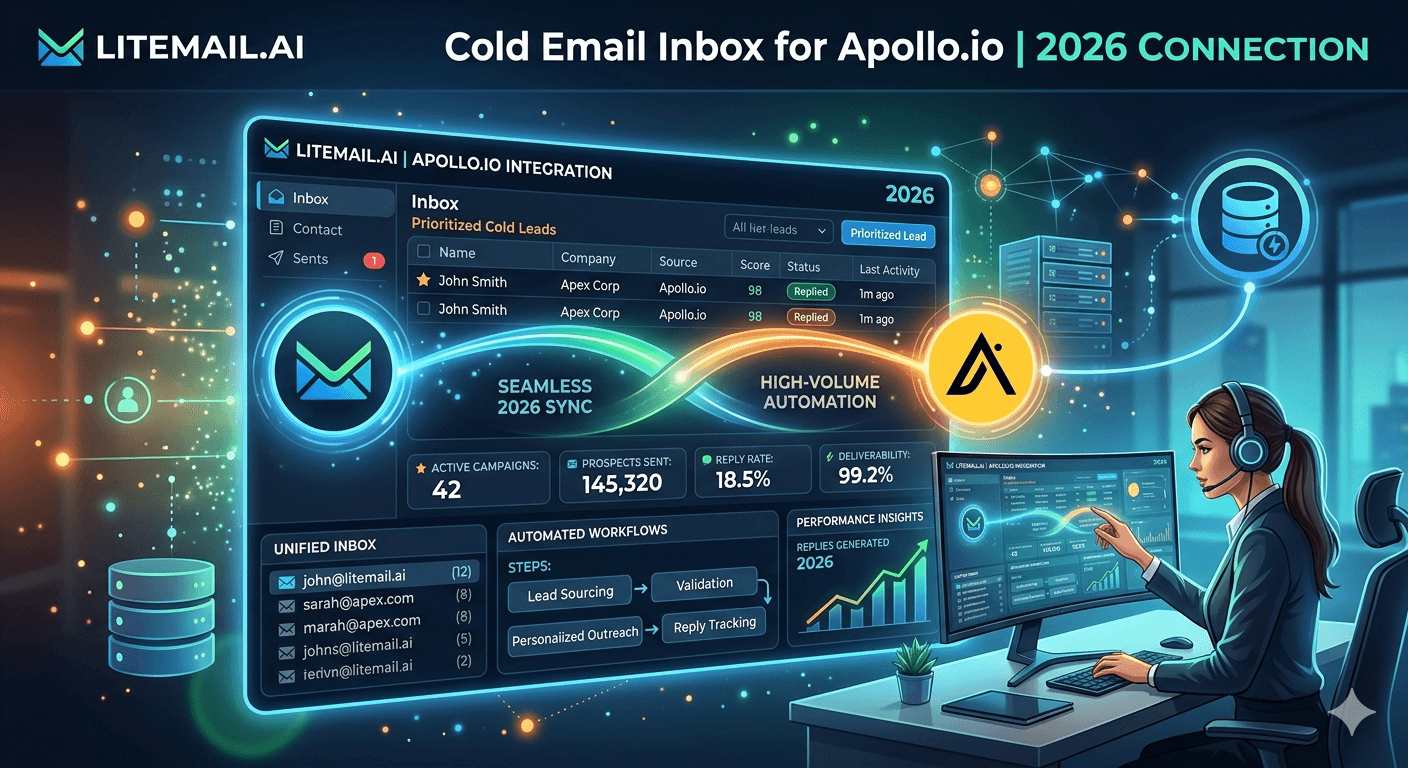
Apollo.io is a prospecting and lead intelligence tool that also has a built-in email sequencing feature. Most teams use Apollo for lead data and connect external inboxes for sending — which is the right call. Apollo's native inbox handling is functional but not optimised for deliverability at the level that dedicated cold email infrastructure provides. Here's how to set up external inboxes for Apollo.io correctly in 2026.
Apollo.io Inbox Options in 2026: Native vs External
Apollo offers two inbox options for sequence sending:
Option | How It Works | Deliverability Control | Best For |
|---|---|---|---|
Native Apollo sending | Apollo sends from its own infrastructure on your behalf | Shared infrastructure — minimal individual control | Very low volume testing only |
Connected external inbox (GWS or MS365) | Apollo sequences route through your own inbox via OAuth | Full control — your inbox, your reputation, your IPs | Any serious cold email operation |
For any meaningful cold email volume, connect external inboxes to Apollo rather than using native sending. Native Apollo sending shares infrastructure with thousands of other senders — your deliverability is at the mercy of what those other senders do. External inboxes give you isolated, controlled, reputation-managed infrastructure.
Inbox Requirements for Apollo.io Connection
Apollo accepts Google Workspace and Microsoft 365 inboxes connected via OAuth or SMTP. OAuth is the recommended connection method — more stable, more secure, and supports more Apollo features than SMTP.
What your inbox needs before connecting to Apollo:
Pre-warmed inbox with Good/High Postmaster reputation. Connecting a fresh unwarmed inbox to Apollo and launching sequences immediately produces 40–60% spam placement. Pre-warmed inboxes from Litemail deliver 88–96% from day one — the foundation Apollo's sequence engine needs to be effective.
SPF, DKIM, and DMARC all configured. Apollo's sequence delivery requires authentication records to pass. Connecting an inbox with broken DNS means every sequence email fails authentication checks at the recipient's mail server.
Full GWS or MS365 admin access. OAuth connection requires admin credentials — not just email address and password. SMTP-only inboxes (from providers like Instantly Accounts) cannot take full advantage of Apollo's OAuth integration.
How to Connect a Litemail Pre-Warmed Inbox to Apollo.io
Log in to Apollo.io → Settings → Email Accounts → Add Email Account.
Select Google OAuth (for GWS inboxes) or Microsoft OAuth (for MS365 inboxes).
Log in with your Litemail inbox credentials — the email address and password provided in your Litemail delivery email. These are full GWS or MS365 admin credentials.
Grant Apollo OAuth permissions for the account. Apollo requests access to send email and view basic account information.
Verify the connection — Apollo shows the inbox as connected with a green status indicator. The inbox is now available for sequence assignment.
Configure sending limits per inbox — set to 30–35 emails per day for each pre-warmed inbox in the Apollo sequence settings. Don't push to 50 per day immediately; ramp over the first week.
Add the inbox to your sequence pool and enable inbox rotation across your connected inboxes for volume distribution.
💡 Apollo Warmup Status
Apollo shows a warmup score for connected inboxes. Litemail pre-warmed inboxes will show as already-warmed in Apollo's warmup scoring — the existing sending history is recognised. You don't need to run Apollo's built-in warmup on a Litemail inbox; it's ready immediately.
Apollo.io Inbox Rotation Settings for Multi-Inbox Operations
Apollo supports inbox rotation — spreading sequence sends across multiple connected inboxes. This is how you scale beyond the 30–35 per inbox per day ceiling while keeping individual inbox volume in the safe zone.
Apollo inbox rotation configuration:
Add all your Litemail inboxes to Apollo (Settings → Email Accounts)
In your sequence settings, select all connected inboxes for that sequence
Set Apollo to "Distribute sends evenly across accounts" — not "Use primary account only"
Set per-account daily limit to 30–35 in each inbox's individual settings
Monitor per-inbox send counts in Apollo's analytics weekly to confirm even distribution
For agencies running Apollo for multiple clients: use separate email account groups per client in Apollo settings. Don't mix client inboxes in the same rotation pool — a client's list quality issue should stay isolated to their inbox pool.
Apollo Deliverability Best Practices With External Inboxes
A few Apollo-specific deliverability practices that differ from standard cold email platform advice:
Apollo's sequence timing: Set sequence sends to business hours in the prospect's timezone when using Apollo. Apollo's default timing settings may not align with optimal delivery windows. Check the sequence settings and confirm business-hours-only sending is enabled.
Apollo email templates and spam signals: Apollo's built-in email templates sometimes include tracking pixels and link-heavy formatting that increase spam scores. For cold email sequences from pre-warmed inboxes, use plain-text templates without images and with minimal or zero links.
List quality in Apollo: Apollo's contact data includes some catch-all and outdated addresses. Run Apollo-exported lists through NeverBounce before uploading to sequences — don't use the Apollo raw export directly for high-volume sequence sends without verification.
Reply detection: Apollo's reply detection is accurate but sometimes classifies OOO responses as interested replies. Review reply categorisation weekly and verify that auto-OOO replies are being correctly excluded from positive reply counts.
Connect the Best Pre-Warmed Inboxes to Apollo.io
Litemail pre-warmed inboxes connect to Apollo.io via Google or Microsoft OAuth in 3 minutes. $4.99/inbox. Verified Good/High reputation. Apollo recognises pre-warmed history immediately.
Get Pre-Warmed Inboxes for Apollo.io from $4.99 →
OAuth-compatible with Apollo · Verified Good/High reputation · Dedicated US and EU IPs · No minimum order
About Litemail — Litemail provides pre-warmed Google Workspace and Microsoft 365 inboxes for cold email outreach. From $4.99/inbox with automated DNS, dedicated US and EU IPs, and full admin access. View pre-warmed inbox plans →
Related reading:
Pre-Warmed Inboxes and Apollo.io 2026 · Best Pre-Warmed Inbox for Apollo 2026 · Cold Email Prospecting Guide 2026 · Clay.com Review 2026 · Email Verification Tools 2026
Key Takeaways
Connect external inboxes to Apollo.io via OAuth rather than using native Apollo sending — external inboxes give you isolated, reputation-managed infrastructure rather than sharing Apollo's shared sending pool.
Inbox requirements for Apollo connection: pre-warmed with Good/High Postmaster reputation, SPF/DKIM/DMARC all passing, and full GWS or MS365 admin credentials for OAuth authentication.
Connecting a Litemail pre-warmed inbox to Apollo takes 3–5 minutes via Google or Microsoft OAuth. Apollo recognises existing warmup history — no additional warmup required.
Set per-inbox daily limit to 30–35 in Apollo sequence settings. Scale total volume by adding more Litemail inboxes to the rotation — not by increasing individual inbox limits above the safe ceiling.
For agencies: use separate email account groups per client in Apollo. Don't mix client inboxes in the same rotation pool — list quality issues should stay isolated to each client's inbox group.
Run Apollo-exported contact lists through NeverBounce before loading into sequences. Apollo's raw data includes catch-all and outdated addresses that drive bounce rates above the 2% safe threshold without pre-send verification.
Frequently Asked Questions
What inboxes work best with Apollo.io for cold email?
Pre-warmed Google Workspace or Microsoft 365 inboxes connected via OAuth. Apollo accepts both platform types and supports OAuth for stable, full-featured integration. Pre-warmed inboxes from Litemail at $4.99/inbox with Good/High Postmaster reputation from delivery are the best combination — Apollo recognises existing warmup history and the inboxes are ready for sequence sends immediately without any additional warmup wait.
How do I connect a Google Workspace inbox to Apollo.io?
In Apollo: Settings → Email Accounts → Add Email Account → Google OAuth → log in with your GWS admin credentials → grant Apollo permissions → connection is active. Set per-inbox daily limit to 30–35 in the inbox settings. Add to sequence pools by selecting the inbox in sequence configuration. Litemail pre-warmed GWS inboxes connect this way in under 3 minutes per inbox.
Should I use Apollo's built-in email sending or connect my own inboxes?
Connect your own inboxes. Apollo's native sending infrastructure is shared — your deliverability is affected by what thousands of other Apollo users send. External inboxes give you dedicated infrastructure with isolated reputation. With Litemail pre-warmed inboxes at $4.99/inbox, the cost of owning your infrastructure is negligible compared to the deliverability improvement from isolated dedicated IPs and verified Good reputation.
How many inboxes do I need for Apollo.io sequences?
One inbox per 30–35 sequence emails per day. For 100 emails/day: 3–4 inboxes. For 300 emails/day: 9–10 inboxes. For 500 emails/day: 15–17 inboxes. Also account for follow-up emails in active sequences — real daily send volume per inbox includes both new sequence starts and follow-ups to existing contacts. At Litemail's $4.99/inbox, 10 inboxes for 300 emails/day costs $49.90/month with no minimum order.
Why are my Apollo.io sequences landing in spam?
Most likely cause: fresh or under-warmed inbox. Connecting a fresh GWS or MS365 inbox to Apollo and launching sequences immediately puts email into spam 40–60% of the time regardless of copy or list quality. Second cause: broken DNS records (SPF/DKIM/DMARC not all passing). Third cause: list quality issues from Apollo raw export — always run lists through NeverBounce before loading into sequences. Start with a Litemail pre-warmed inbox and confirm mxtoolbox.com shows all green before first sequence send.
Do Litemail pre-warmed inboxes work with Apollo.io?
Yes. Litemail pre-warmed GWS and MS365 inboxes connect to Apollo.io via Google or Microsoft OAuth. Connection takes 3–5 minutes per inbox. Apollo recognises the existing warmup history — the inboxes show as pre-warmed in Apollo's warmup scoring. No additional warmup period required. Set per-inbox daily limit to 30–35, add to your sequence inbox pool, and start sending campaigns from day one.
Cold Email Inbox for Apollo.io | Litemail Pre-Warmed Inboxes
Connect to Apollo via OAuth in 3 minutes. Pre-warmed from $4.99/inbox. Apollo recognises existing warmup history. No warmup wait needed.
View Plans & Pricing →
Related reading:
Pre-Warmed Inboxes and Apollo.io · Best Pre-Warmed Inbox for Apollo · Cold Email Prospecting Guide · Email Verification Tools 2026 · Cold Email Agency Tools Stack






