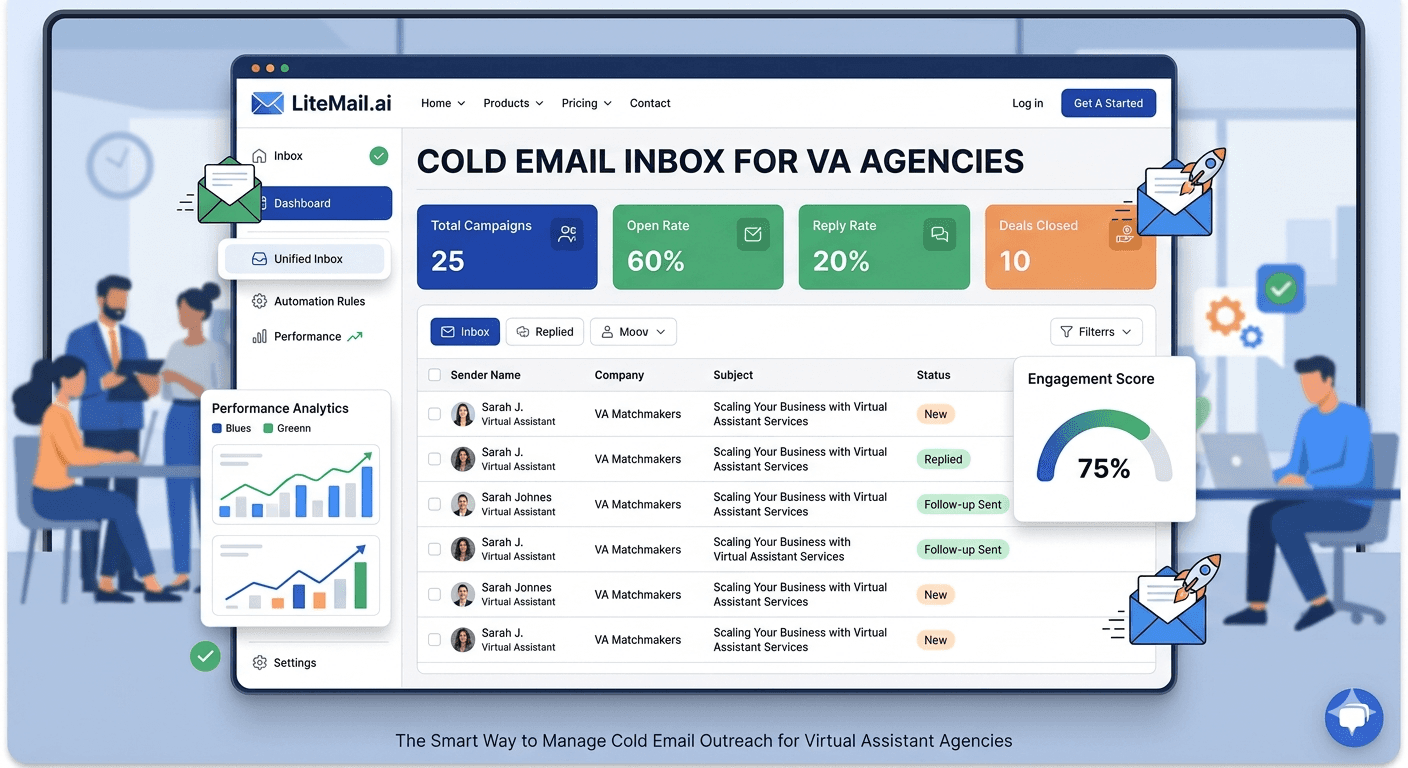
A virtual assistant agency running cold email faces a problem most senders never do: you're not managing your own outreach, you're managing many clients' outreach at once, each with different domains, goals, and risk tolerance. Mix them carelessly and one client's aggressive campaign tanks another client's deliverability — a fast way to lose accounts. Running cold email inboxes for a virtual assistant agency is fundamentally about isolation and organization across clients. Here's how a VA agency structures inboxes so each client's outreach stays separate and healthy, scales as you add clients, and doesn't turn deliverability management into chaos as the roster grows.
The Multi-Client Problem
Start with what makes a VA agency's situation unique. A normal cold email operation manages one entity's reputation. A VA agency manages many — each client is a separate sender, with their own domains, their own lists, and their own campaigns, all running under your operational roof.
That creates a contamination risk that doesn't exist for single senders. If Client A runs an aggressive campaign on a bad list and draws complaints, and your infrastructure isn't properly isolated, Client B's deliverability can suffer for it. You'd be explaining to Client B why their results dropped because of something Client A did — a conversation that loses clients.
💡 The VA agency core principle
Every client is an isolated sending environment. Client A's campaigns, reputation, and problems must never touch Client B's. This isolation is the foundation of running cold email for multiple clients — get it right and each client's results depend only on their own outreach; get it wrong and clients' fates are tangled together in ways that will eventually cost you.
So the whole approach centers on keeping clients cleanly separated. Here's how.
Structuring Client Isolation
Isolation is achieved through how you structure domains, inboxes, and IPs per client. Here's the architecture that keeps clients separate.
Layer | Per-client approach |
|---|---|
Domains | Each client on their own dedicated outreach domains |
Inboxes | Client-specific inboxes, never shared across clients |
IPs | Dedicated IPs so one client can't taint another |
Campaigns | Separate campaigns and lists per client |
The dedicated-IP layer is what many VA agencies miss. If two clients' inboxes share the same sending IP, a reputation problem on one directly affects the other — they're on the same IP reputation. Dedicated IPs per client (or at least per client group) sever that link, so each client's reputation is genuinely their own.
Client-specific domains matter just as much. Never run two clients' outreach from the same domain — a complaint spike on a shared domain hits both. One client, their own domains, their own inboxes, their own IPs. That's clean isolation. For the isolation logic in general, see our inbox rotation strategies guide.
Staying Organized as You Scale Clients
Isolation solves contamination; organization solves the operational chaos of managing many isolated client environments at once. As a VA agency adds clients, this becomes the harder problem.
Each client adds a set of inboxes, domains, and campaigns to track. Five clients might mean 20 or 30 inboxes across a dozen domains, each with its own health to monitor. Without organization, this becomes unmanageable — you lose track of which inboxes belong to whom, whose reputation is slipping, which client needs attention.
Label everything by client. Clear naming so every inbox, domain, and campaign maps obviously to its client.
Monitor per client. Track deliverability health separately for each client, not just in aggregate.
Standardize your setup. A repeatable per-client structure so onboarding a new client is a known process, not improvisation.
Keep client reserves. Backup inboxes per client so a degraded one is swapped without borrowing from another client.
Standardization is the scaling key. When each client follows the same inbox structure, adding a client is repeatable rather than a fresh puzzle. For the underlying management discipline, see our inbox management guide.
The Client Onboarding Speed Problem
Here's a problem specific to VA agencies: every new client needs sending infrastructure, and if you build it from scratch each time, onboarding drags.
A new client signs, and now you need to register their domains, create and warm their inboxes, configure authentication — 3 to 4 weeks before their outreach can start. For a VA agency, that's weeks of a paying client waiting for results, and weeks of your time spent on setup rather than running campaigns. Multiply across a growing roster and setup becomes a bottleneck on how fast you can grow.
🚩 The VA agency growth bottleneck
Building client infrastructure from scratch every onboarding. It caps how many clients you can take on, delays every client's results by weeks, and consumes the time you should spend delivering outreach. A VA agency that manufactures inbox infrastructure per client instead of procuring it ready-made will always be slower to onboard and scale than one that doesn't.
This is where pre-warmed inboxes transform a VA agency's economics.
Why Pre-Warmed Inboxes Fit VA Agencies
Pre-warmed inboxes solve the two hardest parts of running cold email for multiple clients: isolation and onboarding speed. They fit a VA agency's model almost perfectly.
On isolation: each client gets their own pre-warmed inboxes on dedicated domains with dedicated IPs, cleanly separated by design. On speed: when a new client signs, you provision their pre-warmed inboxes and start their outreach within a day — no 3 to 4 week warm-up per client, no per-client DNS configuration slog. Onboarding goes from weeks to same-day, which directly increases how many clients you can serve and how fast they see results.
The economics compound across a roster. Every client onboarded on pre-warmed inboxes is a client whose setup didn't cost you weeks of delay and hours of configuration. As the agency grows, that difference between manufacturing and procuring infrastructure becomes the difference between scaling smoothly and drowning in setup.
Litemail pre-warmed inboxes give VA agencies exactly this: per-client dedicated domains and US or EU IPs for clean isolation, SPF/DKIM/DMARC pre-configured, genuine warm-up history for same-day client launches, and full admin access from $4.99/inbox. Onboard a client Monday, run their outreach by Tuesday, with their deliverability fully isolated from every other client. For the agency economics in depth, see our lead gen agencies guide.
Onboard clients same-day, keep every one isolated. Litemail pre-warmed inboxes give VA agencies per-client dedicated domains and US or EU IPs, SPF/DKIM/DMARC pre-configured, genuine warm-up history, and full admin access — clean client isolation and same-day launches, from $4.99/inbox. Verified Good or High in Postmaster within 48 hours. Get Pre-Warmed Inboxes from $4.99 →
About Litemail — Litemail provides pre-warmed Google Workspace and Microsoft 365 inboxes for cold email outreach. From $4.99/inbox with automated DNS, dedicated US and EU IPs, and full admin access. View pre-warmed inbox plans →
Related reading: Lead Gen Agencies Guide · Inbox Management Guide · Inbox Rotation Strategies · Agency Mistakes Guide · How Many Inboxes You Need · Litemail Pre-Warmed Inboxes — Plans and Pricing
The Bottom Line
A VA agency manages many clients' outreach at once, each a separate sender — the core challenge is isolation.
Every client must be an isolated environment: their own domains, inboxes, and dedicated IPs, never shared.
Dedicated IPs per client sever the reputation link, so one client's problems can't hit another's deliverability.
Stay organized at scale by labeling everything per client, monitoring each separately, and standardizing setup.
Building client infrastructure from scratch each onboarding is a growth bottleneck — weeks of delay per client.
Pre-warmed inboxes deliver per-client isolation and same-day onboarding, transforming a VA agency's economics.
Frequently Asked Questions
How should a virtual assistant agency run cold email for multiple clients?
Keep every client as an isolated sending environment — their own dedicated outreach domains, client-specific inboxes never shared across clients, and dedicated IPs so one client's reputation can't affect another's. Then stay organized by labeling everything per client, monitoring each separately, and standardizing your per-client setup so onboarding is repeatable as the roster grows.
Why is client isolation important for a VA agency?
Because each client is a separate sender, and without isolation, one client's aggressive campaign or bad list can draw complaints that tank another client's deliverability. You'd be explaining to Client B why their results dropped because of Client A — a conversation that loses accounts. Proper isolation means each client's results depend only on their own outreach.
Can two clients share the same sending infrastructure?
They shouldn't. If two clients' inboxes share a domain or IP, a reputation problem on one directly affects the other since they share that reputation. Give each client their own dedicated domains, inboxes, and IPs so the link is severed and each client's reputation is genuinely their own. Shared infrastructure tangles clients' fates in ways that eventually cost you.
How does a VA agency stay organized managing many client inboxes?
Label every inbox, domain, and campaign clearly by client so ownership is obvious; monitor deliverability health per client rather than only in aggregate; standardize a repeatable per-client setup so onboarding is a known process; and keep backup inboxes per client so a degraded one is swapped without borrowing from another. Standardization is the key to scaling the roster cleanly.
How can a VA agency onboard clients faster?
Use pre-warmed inboxes instead of building each client's infrastructure from scratch. Registering domains, creating inboxes, and warming them takes 3 to 4 weeks per client — a growth bottleneck. Pre-warmed inboxes on per-client dedicated domains let you provision a new client and start their outreach within a day, turning onboarding from weeks into same-day and increasing how many clients you can serve.
How does Litemail fit a virtual assistant agency?
Litemail pre-warmed inboxes give VA agencies per-client dedicated domains and US or EU IPs for clean isolation, SPF/DKIM/DMARC pre-configured, genuine warm-up history for same-day client launches, and full admin access from $4.99/inbox. You onboard a client Monday and run their outreach by Tuesday, with their deliverability fully isolated from every other client on your roster.
Buy Pre-Warmed Email Inboxes & Domains | Litemail
Buy pre-warmed email accounts, inboxes and domains from $4.99/inbox. Google Workspace & Microsoft 365. Per-client isolation, dedicated IPs, warm-up built in, setup in 5 minutes.
No minimum order · Per-client isolation · Same-day onboarding
Related reading: Lead Gen Agencies Guide · Inbox Management Guide · Inbox Rotation Strategies · Agency Mistakes Guide · Litemail Pre-Warmed Inboxes — Plans and Pricing







