


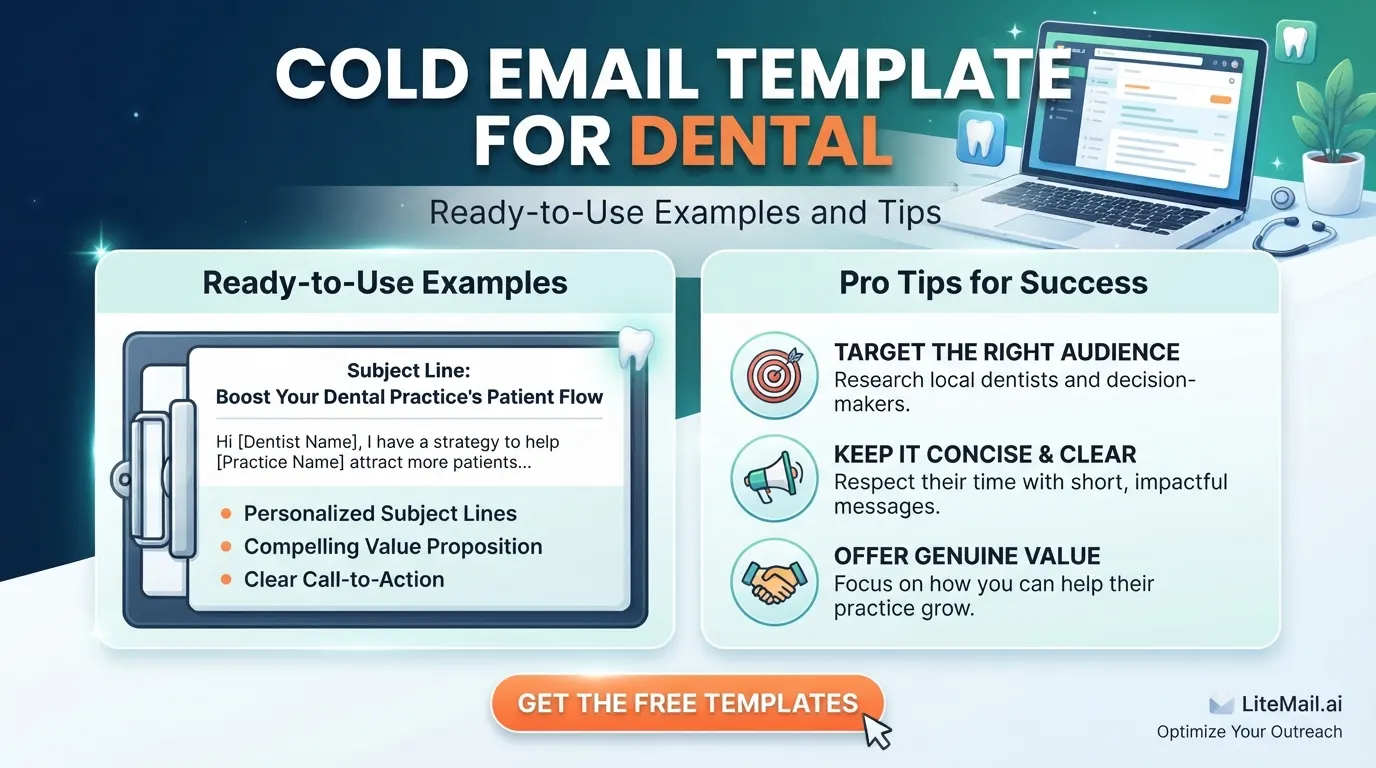
Who actually reads email at a dental practice? Usually not the dentist, at least not between patients. This guide gives cold email templates for dental practices written for the person who'll really read them, whether that's the owner, the office manager or a DSO operations lead, plus the triggers that make outreach timely and the HIPAA lines you shouldn't cross.
💡 TL;DR
At most small practices, the office manager reads email first and the owner dentist decides. At DSOs, operations or procurement leads decide. Write for the reader: production and chair time for owners, front-desk workload and no-shows for office managers, standardization for DSOs. Use triggers like new locations, hiring for front desk or hygienists, and review themes about wait times or billing. Never reference patient information, and if your service touches patient data, say you'll sign a business associate agreement. Keep emails under 80 words.
By LiteMail · Prices/data checked on November 25, 2026
Table of Contents
Who Actually Reads Your Email at a Practice?
The Three Readers, and What Each Cares About
Template 1: Owner Dentist
Template 2: Office Manager
Template 3: DSO Operations or Procurement
Template 4: New Practice or Second Location
Template 5: Hiring Trigger
HIPAA and Patient Data: Lines Not to Cross
Step-by-Step: Personalizing From Public Sources
Follow-Ups That Respect a Clinical Schedule
Worked Example: A Dental Marketing Agency, 400 Practices
Final Verdict: Write for the Person Who Reads It
Frequently Asked Questions
Who Actually Reads Your Email at a Practice?
A dentist's day is booked in short appointments, back to back. Email happens before the first patient or after the last. In many small practices, the office manager handles the shared inbox and decides what the doctor sees.
That changes how you write. An email aimed at the dentist but read first by a busy office manager needs to make sense to both, quickly.
By the end of this, you'll have cold email templates for dental practices matched to each reader, plus the triggers and compliance points that keep you credible.
The Three Readers, and What Each Cares About
Pick the reader before you pick from these dental cold email templates. It decides the angle, the length and the ask.
Reader | Practice type | Cares about | Template |
|---|---|---|---|
Owner dentist | Solo or small group | Production, chair time, case acceptance | 1, 4 |
Office manager | Any independent practice | Front-desk workload, no-shows, billing | 2, 5 |
DSO ops or procurement | Multi-location groups | Standardization, cost across sites | 3 |
💡 Write for the forward
At independent practices, assume the office manager reads first. Make the email easy to forward to the doctor with one line.
How We Built These Templates
We wrote these cold email templates for dental offices for this article. Bracketed details are placeholders, and we make no reply-rate claims because we don't have a controlled dataset of dental outreach. The HIPAA points are general information, not legal advice; check specifics with counsel.
Template 1: Owner Dentist
Owners think in production per chair and case acceptance. Keep it short and outcome-focused.
✉️ Subject: Open chair time at [Practice]
Dr. [Name] — your online booking shows openings most weekday afternoons next week. Practices using [Product] fill those gaps by [method], typically [range] more booked hours a month. Worth a 10-minute look?
Only reference booking availability you can actually see on their public scheduler.
Template 2: Office Manager
Office managers carry the phones, the schedule, insurance questions and billing. Anything that takes work off the front desk gets attention.
✉️ Subject: Fewer no-show calls for your front desk
Hi [Name] — most office managers I talk to spend a big part of each morning on confirmation calls. [Product] handles confirmations and rebooking by text, so your team calls only the patients who need it. Would that help at [Practice]?
Lead with time saved for their team, not features. They're evaluating whether this creates more work or less.
Template 3: DSO Operations or Procurement
Dental service organizations run many locations and care about consistency and cost across them. Pilots at a few sites are the usual path in.
✉️ Subject: [Process] across your [X] locations
Hi [Name] — with [X] practices across [region], [process, e.g. supply ordering] usually varies by office. We standardize it with [method] and one report for all sites. Could we start with a 3-location pilot?
Mention a pilot in the first email. DSOs rarely roll out anything company-wide without one.
Template 4: New Practice or Second Location
Opening a practice or a second office means dozens of vendor decisions in a short window. It's the strongest trigger in dental.
✉️ Subject: Before [Practice] opens in [Area]
Dr. [Name] — congrats on the new [Area] location. Practices opening a second office often need [your service] set up before the first patient. We've done this for [X] practices in [region]. Want our opening checklist?
New locations show up in local news, practice websites, LinkedIn and state licensing updates.
Template 5: Hiring Trigger
Job posts for front-desk staff or hygienists signal pressure on the team. If your product reduces that workload, the timing is right.
✉️ Subject: While you hire a front desk coordinator
Hi [Name] — saw [Practice] is hiring for the front desk. While that seat's open, [Product] can handle [specific task] so the team isn't stretched. Worth a quick look?
Don't suggest your product replaces their hire. Office managers are protective of their team.
HIPAA and Patient Data: Lines Not to Cross
Dental practices are HIPAA covered entities. Your outreach should never touch patient information, and your offer should be clear about how you handle it.
Never reference individual patients or anything that looks like patient data in an email.
Don't ask practices to send patient lists or records by email.
If your service handles protected health information, say you'll sign a business associate agreement (BAA). Practices expect it.
Don't claim to be "HIPAA certified"; there's no official HIPAA certification for vendors.
Public reviews are fine to reference in general terms; don't quote patients by name.
🚩 A common credibility killer
"HIPAA certified" in a cold email tells a knowledgeable office manager you don't understand HIPAA. Say "we sign BAAs" and describe your safeguards instead.
Step-by-Step: Personalizing From Public Sources
Dental practices have rich public footprints. Here's how to use them in your cold email templates for dental practices.
Check the practice website for services, locations and number of providers.
Look at the online scheduler for availability patterns.
Read Google reviews for themes like wait times, billing or friendly staff.
Check job boards for front-desk or hygienist openings.
Note whether the practice is independent or part of a DSO.
Pick the matching template and add one specific detail.
Enrichment tools can pull practice data at scale; see our Clay review.
Follow-Ups That Respect a Clinical Schedule
Practices are busy and short-staffed, so follow-ups to dental cold email templates should be spaced out. Space follow-ups out and keep them shorter than the first email.
Step | Day | Angle |
|---|---|---|
1 | Day 1 | Template above |
2 | Day 6 | A short case example or a useful checklist |
3 | Day 14 | "Is the office manager the right person for this?" |
4 | Day 24 | Polite close |
We don't have data showing a best send time for dental practices. Test early morning against midday and measure replies.
Worked Example: A Dental Marketing Agency, 400 Practices
Imagine a dental marketing agency targeting 400 independent practices in two states, emailing the office manager and owner at each, about 800 contacts. The numbers are assumptions.
Item | Detail |
|---|---|
Templates | 2 for office managers, 1 for owners, staggered by a week |
Sequence | 4 touches over about 3 weeks |
Volume | 800 × 4 = 3,200 emails |
Inboxes | 8 inboxes at 25/day finish in 16 sending days |
Cost | 8 inboxes on Litemail's Starter plan, 5 included + 3 × $8 = $63/month with Litemail |
Send from a separate outreach domain so a complaint never affects the agency's client communication. If you run the campaign in Instantly, our Instantly.ai review covers rotation and scheduling. Agencies can see inboxes for agencies.
What Real Users Say
We didn't find a verified dataset on dental cold email performance, so we haven't quoted reply rates. Practice managers' public discussions consistently describe heavy vendor outreach and a strong preference for short, specific messages that respect their time.
The compliance point is the firmest guidance: HHS's HIPAA rules require business associate agreements when vendors handle protected health information on a practice's behalf.
Final Verdict: Write for the Person Who Reads It
The best cold email templates for dental practices are written for the real reader: office managers first at most independent practices, owners for production decisions, and operations leads at DSOs. Use practice triggers, keep it under 80 words, and stay well clear of patient data.
Respect the clinical schedule with spaced follow-ups, and send from infrastructure that keeps your main domain safe.
Outreach Built for Busy Practices
Litemail pre-warmed Google Workspace and Microsoft 365 inboxes come with SPF, DKIM and DMARC pre-configured, dedicated US and EU IPs and full admin access. Plans start at $39/month for 5 inboxes — 8 inboxes cost $63 a month (Starter plan, 5 included + 3 × $8) (Starter plan, 5 included + 3 × $8).
Get Pre-Warmed Inboxes from $39/mo →
Google Workspace & Microsoft 365 · Full admin access · Dedicated US and EU IPs · Plans from 5 inboxes
About Litemail — Litemail provides pre-warmed Google Workspace and Microsoft 365 inboxes for cold email outreach. From $39/month for 5 inboxes with automated DNS, dedicated US and EU IPs, and full admin access. View pre-warmed inbox plans →
Related reading: Cold Email Inboxes for Agencies · Instantly.ai Review 2026 · CAN-SPAM Compliance Guide · How Many Email Inboxes Do You Need? · Litemail Pre-Warmed Inboxes — Plans and Pricing
Key Takeaways
Assume the office manager reads first at independent practices.
Match the angle: chair time for owners, workload for office managers, standardization for DSOs.
Use triggers: new locations, hiring, scheduler gaps and review themes.
Never reference patient data; say you sign BAAs if you handle PHI.
Never claim to be "HIPAA certified".
Keep emails under 80 words and space follow-ups over about 3 weeks.
Frequently Asked Questions
Who should I cold email at a dental practice?
The office manager at most independent practices, the owner dentist for production decisions, and operations or procurement leads at DSOs.
What should a cold email template for dental practices include?
One specific detail about the practice, an outcome tied to the reader's role, and a short ask, in under 80 words.
Is cold emailing dental practices HIPAA compliant?
Business outreach to a practice doesn't involve patient data and isn't a HIPAA issue by itself. Never include patient information, and sign a BAA if your service will handle PHI.
Can I say my product is HIPAA certified?
No. There's no official HIPAA certification for vendors. Describe your safeguards and say you'll sign a BAA.
How do I find dental practices to email?
Practice websites, Google Maps and reviews, job boards, state licensing updates and DSO location pages.
How many follow-ups should I send a dental office?
About three follow-ups over three weeks, including one asking if the office manager is the right contact.
How can Litemail help dental marketing agencies?
Litemail provides pre-warmed Google Workspace and Microsoft 365 inboxes from $39/month for 5 inboxes with SPF, DKIM and DMARC pre-configured, so outreach runs from separate domains.
Buy Pre-Warmed Email Inboxes & Domains | Litemail
Buy pre-warmed email accounts, inboxes and domains from $39/month for 5 inboxes. Google Workspace & Microsoft 365. Automated DNS, US & EU IPs. Setup in 5 minutes.
View Plans & Pricing → Related reading: Pre-Warmed Inboxes for Digital Marketing Agencies · SPF, DKIM and DMARC Setup · Google Workspace Inboxes · Pre-Warmed Domains · Litemail Home







