
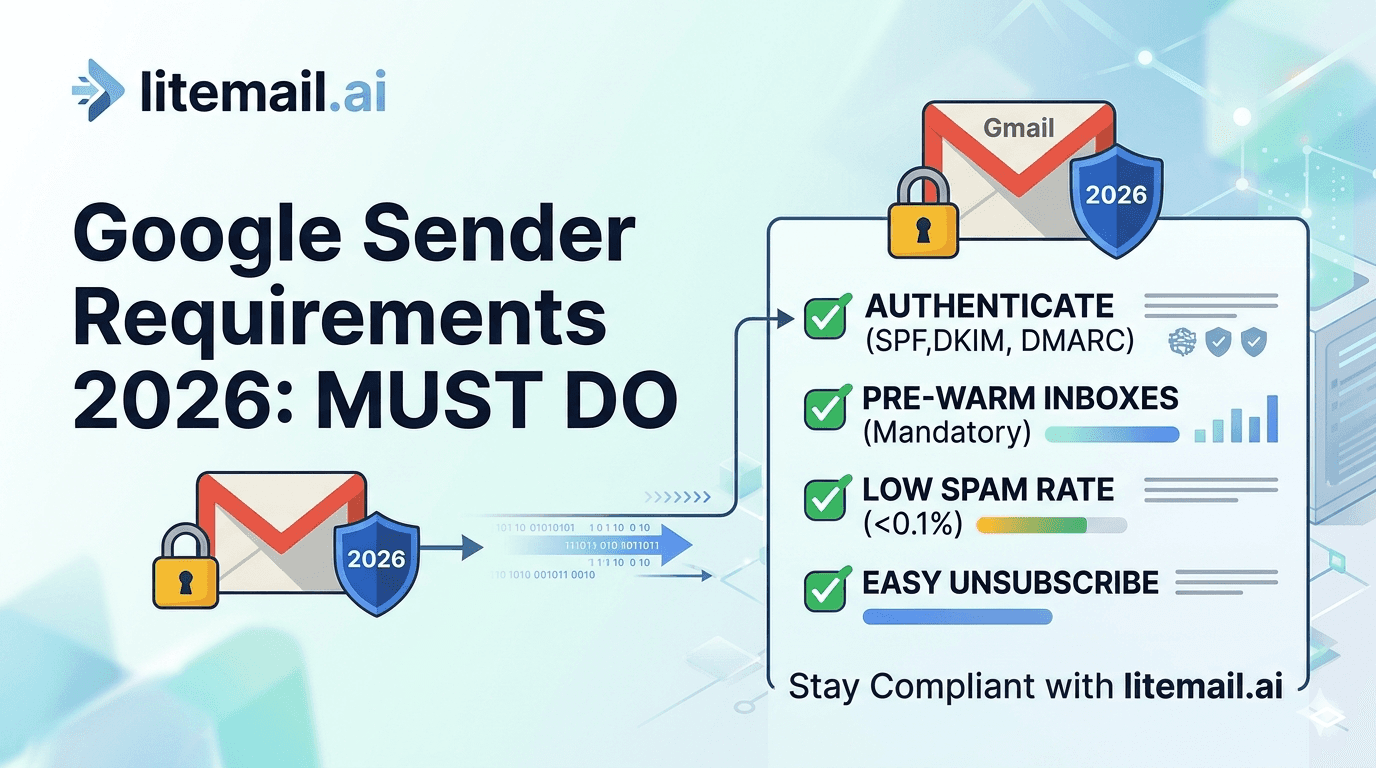
Google updated its email sender requirements in early 2024 and began enforcing them with increasing strictness through 2025 and into 2026. The updates weren't just policy — they changed what technically reaches a Gmail inbox. Teams that didn't update their infrastructure saw placement rates drop without obvious error messages. The requirements apply to all bulk senders (5,000+ emails/day to Gmail) but the technical standards — SPF, DKIM, DMARC, spam rate thresholds — affect inbox placement for every sender, regardless of volume. If you're sending cold email to Gmail-hosted addresses in 2026, these are the rules your infrastructure must meet.
Google's 2026 Sender Requirements — The Full List
💡 TL;DR
Google's 2026 sender requirements for cold email: SPF and DKIM must both pass on every email (mandatory for all senders), DMARC must be published at minimum p=none (mandatory for bulk senders — 5,000+/day to Gmail), spam complaint rate must stay under 0.10% (with 0.08% as the practical danger threshold before enforcement actions begin), bounce rate should stay under 2%, and one-click unsubscribe must be implemented for bulk senders. Litemail pre-warmed inboxes ($4.99/inbox) meet all technical requirements automatically — SPF, DKIM, DMARC configured on delivery, clean sending history that keeps complaint rates low from the start.
Here's what each requirement means practically, what the thresholds are, and what happens when they're crossed.
Authentication Requirements — SPF, DKIM, DMARC
Google's authentication requirements are the most technically specific part of the 2026 guidelines, and the part most frequently misconfigured by cold email senders.
SPF (Sender Policy Framework) — Mandatory for All Senders
SPF verifies that the server sending your email is authorised to send on behalf of your domain. For Google Workspace inboxes, your SPF record must include include:_spf.google.com. For Microsoft 365 inboxes, it must include include:spf.protection.outlook.com. The SPF record must return a PASS result — not SOFTFAIL or FAIL — for every email sent. A SOFTFAIL doesn't immediately cause rejection, but it reduces the trust score that Gmail assigns to the email, negatively affecting inbox placement.
Common SPF failure: SPF records with more than 10 DNS lookups. Every include: statement in your SPF record counts as one lookup. Cold email sending domains shared with other service SPF records (Mailchimp, Salesforce, Hubspot) can exceed the 10-lookup limit, causing SPF to fail with a PERMERROR. Keep cold email sending domains to a single clean SPF record with only the relevant email provider include statement.
DKIM (DomainKeys Identified Mail) — Mandatory for All Senders
DKIM adds a cryptographic signature to every email, proving the email was sent by an authorised server and hasn't been altered in transit. Google requires DKIM on all emails — an email without DKIM passes less authentication scrutiny than one with a valid DKIM signature, affecting inbox placement for all senders regardless of volume.
Google also requires DKIM keys of at least 1024 bits. The current best practice — and Litemail's default — is 2048-bit DKIM keys. 2048-bit provides stronger authentication and is increasingly used as a positive trust signal by receiving servers. Existing 1024-bit keys still pass Google's minimum requirement but should be rotated to 2048-bit on next key rotation.
DMARC — Mandatory for Bulk Senders (5,000+/day to Gmail)
DMARC ties SPF and DKIM together and tells receiving servers what to do with emails that fail authentication. Google requires DMARC records for bulk senders (5,000+ emails/day to Gmail). The minimum required policy is p=none — monitoring only. But p=none provides no actual enforcement — emails that fail DMARC still reach the inbox (or spam). Moving to p=quarantine and eventually p=reject provides stronger authentication signalling that improves inbox placement, but must only be done after confirming SPF and DKIM both pass reliably.
The Spam Rate Threshold — The Most Impactful New Enforcement
Google's published spam complaint rate threshold for bulk senders is 0.10%. In practice, the danger zone starts at 0.08%. Above 0.10%, Google can suppress delivery from your sending domain — not just route to spam, but actively reduce delivery rates. Above 0.30%, Google has stated it will take stronger enforcement actions.
What generates spam complaints in cold email? Three things, in order of frequency:
Irrelevant targeting: Emails to recipients who have no conceivable relevance to the pitch. A CMO at a 10-person startup receiving an enterprise software pitch they'd never buy marks it as spam more readily than an irrelevant email that at least acknowledged their context.
Misleading subject lines: Subject lines that imply a prior relationship, a response to something, or urgency that the email body doesn't support. "Re: our conversation" when there was no conversation generates disproportionate complaint rates.
No easy unsubscribe: When recipients can't opt out cleanly, they mark as spam instead. One-click unsubscribe in the email header (required for bulk senders) reduces this significantly.
Monitor your spam complaint rate in Google Postmaster Tools — it's the only tool that shows actual complaint data from Gmail recipients. Keep it under 0.05% to have comfortable headroom below the 0.08% practical danger threshold.
One-Click Unsubscribe — What It Means for Cold Email
Google requires bulk senders (5,000+/day to Gmail) to support List-Unsubscribe headers with one-click unsubscribe. This means recipients can unsubscribe with a single click directly from Gmail's interface — without visiting a third-party page, entering an email address, or confirming through multiple steps.
For cold email senders using platforms like Instantly, Smartlead, or Lemlist connected via OAuth: List-Unsubscribe headers are typically injected automatically. Verify this in your platform settings — look for a List-Unsubscribe or one-click unsubscribe toggle and confirm it's enabled.
For cold email senders connected via SMTP: List-Unsubscribe header injection is less reliable and sometimes not supported. This is one of the practical reasons to connect cold email inboxes via OAuth rather than SMTP — OAuth gives platforms the access needed to inject headers correctly. If you're running a bulk sender volume through SMTP, confirm your platform's List-Unsubscribe implementation before sending to Gmail recipients.
2026 Compliance Checklist for Cold Email Senders
Run this against every sending domain before launch, and verify quarterly thereafter:
SPF record present and returning PASS on MXToolbox — single clean record, under 10 lookups
DKIM configured at 1024-bit minimum (2048-bit strongly recommended) — PASS on MXToolbox DKIM check
DMARC record published at minimum p=none — PASS on MXToolbox DMARC check
All three (SPF, DKIM, DMARC) passing in test email headers sent to Gmail (Show Original → Authentication-Results)
Google Postmaster domain reputation showing Good or High
Spam complaint rate below 0.05% in Postmaster Tools spam rate tab
Bounce rate below 2% per inbox per day (automated platform triggers set at 1.8%)
List-Unsubscribe header injection confirmed active in sending platform
Unsubscribe requests processed within 2 business days (Google's guideline — quicker than CASL's 10 days)
Litemail pre-warmed inboxes pass every technical item on this list at delivery — SPF, DKIM (2048-bit), and DMARC configured automatically. The sending reputation required to keep complaint and bounce rates in range is built in through 4–12 weeks of genuine warm-up history before the inbox reaches you.
Meet Every Google 2026 Requirement — With Infrastructure That Handles It Automatically
Litemail pre-warmed inboxes — $4.99/inbox, automated SPF/DKIM (2048-bit)/DMARC, Good/High Postmaster reputation within 48 hours, OAuth-compatible for List-Unsubscribe header injection. Every 2026 Google requirement met on delivery.
Get Pre-Warmed Inboxes from $4.99 →
Automated DNS · Good/High Postmaster within 48hrs · OAuth-compatible · No minimum order
About Litemail — Litemail provides pre-warmed Google Workspace and Microsoft 365 inboxes for cold email outreach. From $4.99/inbox with automated DNS, dedicated US and EU IPs, and full admin access. View pre-warmed inbox plans →
Related reading:
SPF/DKIM/DMARC Auto-Setup 2026 · Gmail 2026 Sender Requirements · Google Email Sender Guidelines 2026 Changes · Cold Email Inbox Health Metrics 2026 · Best Pre-Warmed Inbox Providers 2026 (Ranked)
Key Takeaways
Google's 2026 sender requirements: SPF and DKIM mandatory for all senders, DMARC mandatory for bulk senders (5,000+/day to Gmail), spam complaint rate under 0.10% (practical danger zone starts at 0.08%), one-click unsubscribe required for bulk senders.
SPF must return PASS — not SOFTFAIL. A SOFTFAIL reduces Gmail's trust score for the email even without causing rejection. Keep sending domain SPF records clean with a single provider include, under 10 DNS lookups total.
DKIM keys must be at least 1024-bit — but 2048-bit is the current standard and increasingly used as a positive authentication signal. Litemail configures 2048-bit DKIM automatically on every inbox delivery.
Spam complaint rate is the most consequential new enforcement lever. Above 0.10%, Google can suppress delivery. Monitor in Postmaster Tools weekly and investigate any sending segment pushing complaint rate above 0.05%.
One-click unsubscribe requires List-Unsubscribe headers injected by your sending platform — this works correctly via OAuth connections and is less reliable via SMTP. Verify your platform's List-Unsubscribe implementation before any bulk sends to Gmail recipients.
Litemail pre-warmed inboxes meet every 2026 technical requirement on delivery: SPF, DKIM (2048-bit), DMARC all configured, Good/High Postmaster reputation, OAuth-compatible for header injection.
Frequently Asked Questions
What are Google's email sender requirements in 2026?
For all senders: SPF must pass, DKIM must pass (minimum 1024-bit key), bounce rate should stay under 2%. For bulk senders sending 5,000+ emails/day to Gmail: DMARC must be published (minimum p=none), spam complaint rate must stay under 0.10%, and one-click unsubscribe must be supported via List-Unsubscribe headers. These requirements apply to all emails sent to Gmail-hosted addresses, regardless of where the sender is located.
What happens if my spam complaint rate exceeds 0.10%?
Google has stated it may take action to reduce delivery rates from sending domains that exceed the 0.10% spam complaint threshold. In practice, the effect often begins before the published threshold — sending domains approaching 0.08% often see Postmaster reputation drop from Good to Medium, which reduces primary inbox placement even before Google takes explicit enforcement action. Monitor in Postmaster Tools and investigate any sequence or list segment pushing complaint rate above 0.05%.
Is DMARC required for cold email in 2026?
Required for bulk senders (5,000+ emails/day to Gmail). Strongly recommended for all cold email senders regardless of volume — DMARC at p=none costs nothing and provides Gmail with authentication policy information that improves trust scoring for your sending domain. Progress DMARC from p=none to p=quarantine at 30 days clean, p=reject at 60 days clean, for maximum authentication signal strength.
How do I check if my cold email meets Google's 2026 requirements?
Three tools: MXToolbox (check SPF, DKIM, and DMARC pass status for your sending domain), Google Postmaster Tools (check domain reputation and spam complaint rate — both must show Good/High and under 0.05% respectively), and a test email to Gmail (Show Original → Authentication-Results — verify SPF: PASS, DKIM: PASS, DMARC: PASS in the headers). All three should be checked before any campaign launch and monthly thereafter.
Do Google's sender requirements apply if I'm not sending from Gmail?
Yes — they apply based on the recipient's email host, not the sender's. If you're sending to Gmail-hosted addresses from Microsoft 365 inboxes, your emails are evaluated against Google's sender requirements when they arrive at Gmail's servers. SPF, DKIM, DMARC, spam rate, and unsubscribe requirements apply regardless of whether your sending infrastructure is GWS or MS365.
Meet Every Google 2026 Sender Requirement — Infrastructure Handled on Delivery
Litemail pre-warmed inboxes — $4.99/inbox, automated SPF/DKIM (2048-bit)/DMARC configuration, Good/High Postmaster reputation within 48 hours, OAuth-compatible for one-click unsubscribe header injection. Every Google 2026 sender requirement met before your first campaign send. No minimum order. Delivered in 24 hours.
Get Pre-Warmed Inboxes from $4.99 →
No minimum order · Automated SPF/DKIM/DMARC · Good/High Postmaster within 48hrs · US and EU IPs included
About Litemail — Litemail provides pre-warmed Google Workspace and Microsoft 365 inboxes for cold email outreach. From $4.99/inbox with automated DNS setup, dedicated US and EU IPs, 4 to 12 weeks of genuine warm-up history, and full admin access. View pre-warmed inbox plans →
Related reading: SPF/DKIM/DMARC Auto-Setup 2026 · Gmail 2026 Sender Requirements · Cold Email Inbox Health Metrics 2026 · Best Pre-Warmed Inbox Providers 2026 (Ranked)






