
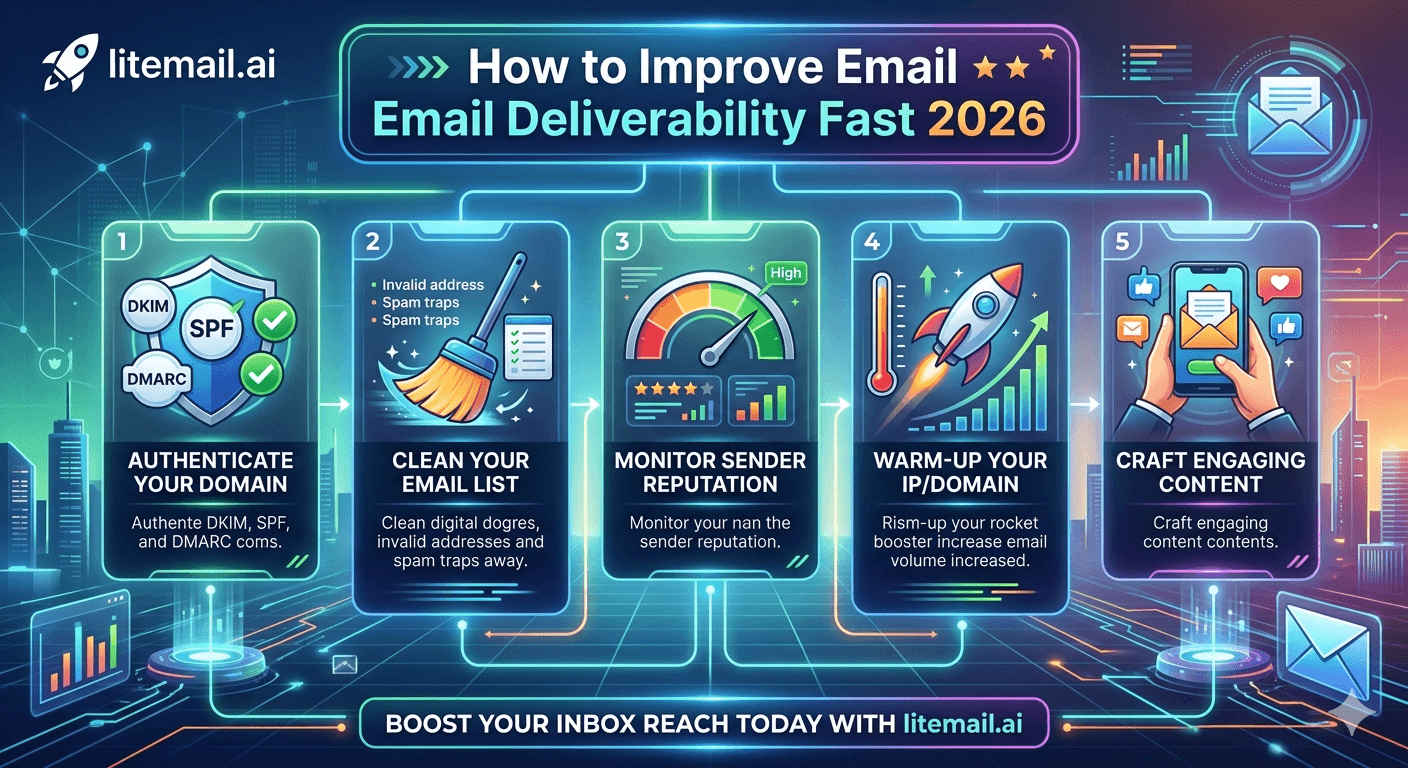
Your deliverability dropped. Campaigns that were hitting 55% open rates are now at 18%. You didn't change your copy. You didn't change your list. Something in the infrastructure shifted — and now you're paying for it in missed pipeline. Here are the eight fixes that actually move the needle, in the order you should apply them.
Diagnose First — Don't Guess
Before changing anything, spend 20 minutes finding out exactly what's broken. Changing the wrong thing wastes time and can make deliverability worse. Run these three diagnostic checks first.
🔍Check 1: Google Postmaster Tools
Go to postmaster.google.com. Check domain reputation and IP reputation. Good or High — your deliverability problem isn't reputation-based, it's likely in copy or list quality. Medium, Low, or Unknown — you have a sending infrastructure or history problem that needs fixing first.
🔍Check 2: MXToolbox Full Report
Go to mxtoolbox.com → Deliverability Test → enter your domain. It runs SPF, DKIM, DMARC, MX, and blacklist checks in one report. A single red flag here explains 90% of infrastructure deliverability failures.
🔍Check 3: Blacklist Lookup
Run your sending domain and IP address through mxtoolbox.com/blacklists. If you're listed on Spamhaus, Barracuda, or Invaluement, that's your problem. Most other smaller blacklists have limited impact — focus on the major three first.
Fix 1: Repair Broken Authentication Records (30 Minutes)
This is the fastest fix and the most commonly overlooked. A broken DKIM record — one that was set up correctly but became misconfigured after a DNS change — tanks deliverability immediately and silently.
Check all three records explicitly, not just whether they exist:
SPF: Must return PASS on a test send — not NEUTRAL or SOFTFAIL. A neutral result means your SPF record doesn't include your sending provider's servers. Fix it by adding the correct include statement.
DKIM: Must be signed and verified. If mail-tester.com shows DKIM as missing or invalid, the record either doesn't exist in DNS or was revoked in your email provider's admin console. Re-enable and re-publish.
DMARC: Must exist. p=none doesn't protect you but it's better than no record. Ideally p=quarantine or p=reject.
🚩 The Most Common Authentication Failure
In our work at Litemail, the single most common cause of sudden deliverability drops on otherwise healthy inboxes is DKIM deactivation after a Google Admin or Microsoft 365 Defender account change. Team member logs in as admin, makes a change, and inadvertently toggles DKIM off. Emails go out unsigned. Nobody notices for 3 days until open rates crater. Check DKIM status in your email provider's admin console, not just DNS — both have to be active simultaneously.
Fix 2: Get Spam Complaint Rate Under 0.08% (This Week)
Google's safe threshold is 0.10%. Microsoft's is 0.30%. But in practice, anything above 0.08% starts affecting inbox placement before you hit either platform's official action threshold. Get it under 0.08%.
Three actions that drop complaint rate fast:
Pause your lowest-quality list segments. Complaint rates spike when you're emailing people who don't recognise the sender or never had any reason to expect outreach from you. Tighten your ICP criteria and remove the fuzziest matches.
Add an easy unsubscribe line. People who can't find an opt-out hit the spam button instead. A plain-text "Reply STOP to unsubscribe" line at the bottom of every email catches most of them before they reach spam.
Verify your list. Spam trap emails — old abandoned addresses now used by providers to catch spammers — are a major driver of complaint scores. Running your list through NeverBounce or ZeroBounce removes most of them. Do this before your next send.
Fix 3: Rotate Out Damaged Inboxes Immediately
If a specific inbox has been flagged — spam complaint rate above 0.3%, blacklisted IP, reputation below Medium in Postmaster Tools — stop sending from it. Today. Not after the current campaign finishes.
Continuing to send from a damaged inbox doesn't recover reputation. It compounds the damage. Every send from a low-reputation inbox generates more negative signals, pushing the domain further into Low or Bad territory. Recovery from Low reputation takes 60–90 days of clean behaviour with no sends — you're better off retiring the inbox and replacing it.
This is why infrastructure buffer matters. If your only inbox is damaged, you're stuck. If you have 5 inboxes and one gets damaged, you rotate it out to standby and redistribute its volume across the other four. Campaign continues. Damaged inbox sits for 60 days to recover passively.
💡 Replace, Don't Recover (For Time-Sensitive Campaigns)
If your campaign is time-sensitive and you don't have 60–90 days to wait for passive reputation recovery, replace the damaged inbox with a fresh pre-warmed inbox. A Litemail pre-warmed inbox arrives with Good or High Postmaster reputation within 48 hours and is campaign-ready from day one. That's faster than recovery — and you keep your damaged domain for passive recovery in the background.
Fix 4: Reduce Daily Send Volume Per Inbox by 40%
Counterintuitive but effective. If your deliverability has dropped, sending less per inbox gives the domain time to rebuild reputation signals. Google's algorithm weights recent behaviour more heavily than historical history — a week of clean, lower-volume sends can move a domain from Medium back to Good.
Cut to 20 emails per inbox per day for 7–10 days. Send only to your highest-quality, most engaged segment during this period. High engagement (opens, replies) during the recovery period actively rebuilds reputation. Then ramp back up gradually — 5 additional emails per day per week until you're back at full volume.
Fix 5: Verify Your Email List Before the Next Send
Stale lists are the most preventable deliverability killer. B2B contact data decays at approximately 22–30% per year — meaning roughly a quarter of your list becomes invalid within 12 months. Old email addresses either bounce (raising your bounce rate) or become spam traps (raising your complaint rate).
Run your list through a verifier before every new campaign sequence. NeverBounce, ZeroBounce, and Millionverifier all work. Target bounce rates under 2% per campaign. If a list returns more than 5% as undeliverable or risky, don't send — the list is too stale and will hurt your domain more than help your pipeline.
Fix 6: Switch to Pre-Warmed Inboxes — Skip the Recovery Phase
If your current inboxes are damaged and you need deliverability restored fast, the fastest path isn't recovering the damaged domains. It's starting fresh with pre-warmed infrastructure that has verified Good reputation from delivery.
A pre-warmed inbox from Litemail — $4.99/inbox, Google Workspace or Microsoft 365 — arrives with 4 to 12 weeks of genuine warm-up history. Google Postmaster Tools shows Good or High domain reputation within 48 hours of delivery. SPF, DKIM, and DMARC are pre-configured. You can be sending from clean infrastructure within 24 hours of ordering.
Compare that to the alternative: taking a damaged domain, waiting 60–90 days for passive reputation recovery, then gradually rebuilding send volume from zero. The math isn't close when you're measuring in lost campaign weeks.
Fix 7: Remove Blacklistings — The Ones That Actually Matter
Most blacklist removal guides tell you to submit removal requests to every blacklist that appears in an MXToolbox report. This is mostly a waste of time. Only three blacklists have meaningful impact on B2B cold email deliverability in 2026.
Blacklist | Impact | Removal Process |
|---|---|---|
Spamhaus ZEN | Critical — blocks most major providers | spamhaus.org/lookup — auto-removal after 90 days clean, or request if wrongly listed |
Barracuda BRBL | High — common in corporate mail servers | barracudacentral.org/lookups — submit removal request |
Invaluement ivmSIP | Medium — targeted at cold email senders | invaluement.com — request form with justification |
Most others | Low to none — limited adoption | Don't prioritise these |
If you're listed on Spamhaus, that's your priority removal. Fix the behaviour that caused it first — removal without fixing the underlying issue results in relisting within days.
Skip the Recovery — Start With Clean Pre-Warmed Inboxes
Litemail pre-warmed inboxes arrive with Good or High Postmaster reputation from day one. $4.99/inbox. No recovery period. No warm-up wait. Campaign-ready within 24 hours of ordering.
Get Pre-Warmed Inboxes from $4.99 →
Verified Good/High in Postmaster Tools · Automated DNS · Dedicated US and EU IPs · No minimum order
About Litemail — Litemail provides pre-warmed Google Workspace and Microsoft 365 inboxes for cold email outreach. From $4.99/inbox with automated DNS, dedicated US and EU IPs, and full admin access. View pre-warmed inbox plans →
Related reading:
Cold Email Deliverability Recovery 2026 · Cold Email Deliverability Guide 2026 · Outlook Cold Email Blacklist Recovery · DMARC Not Working: Fix Guide 2026 · Email Deliverability After Account Ban
Key Takeaways
Diagnose before fixing — check Google Postmaster Tools, MXToolbox full report, and major blacklists before making any changes to infrastructure or sending behaviour.
Broken DKIM is the most common silent deliverability killer. Check DKIM status in your email provider's admin console (not just DNS) — both must be active simultaneously.
Get spam complaint rates under 0.08% — below Google's 0.10% and Microsoft's 0.30% action thresholds. Above 0.08% starts affecting inbox placement before official action.
Stop sending from damaged inboxes immediately. Recovery takes 60–90 days — replacing with a pre-warmed inbox takes 24 hours.
Only three blacklists matter for B2B cold email: Spamhaus ZEN, Barracuda BRBL, and Invaluement ivmSIP. Don't waste time on minor blacklists.
Verify your email list before every new campaign sequence. B2B contact data decays at 22–30% per year — a 12-month-old unverified list is a deliverability liability.
Frequently Asked Questions
How quickly can I improve email deliverability?
For infrastructure issues (broken DNS records, wrong SPF), fixes take effect within 24–48 hours of DNS propagation. For reputation recovery from Medium to Good in Postmaster Tools, allow 7–14 days of clean sending behaviour. For recovery from Low or Bad reputation, allow 60–90 days. If you need fast delivery improvement, replacing damaged inboxes with pre-warmed infrastructure (Litemail delivers in 24 hours) is faster than recovery.
What spam complaint rate is too high for cold email?
Keep complaint rates under 0.08%. Google's official action threshold is 0.10% and Microsoft's is 0.30%, but inbox placement starts degrading before you hit those numbers. Above 0.08% means some of your emails are going to spam even before the platform takes formal action. Below 0.05% is ideal.
Will fixing SPF, DKIM, or DMARC improve deliverability immediately?
Yes, for infrastructure-caused deliverability failures. Authentication fixes take effect as soon as DNS propagates — typically 1–24 hours. If your open rate dropped because of a broken DKIM record, fixing DKIM will show improvement within 24–48 hours on subsequent sends. Authentication failures are one of the fastest deliverability problems to fix.
Should I retire a damaged inbox or try to recover it?
If your campaign is time-sensitive, retire and replace. Recovery takes 60–90 days of clean behaviour with minimal or no sends. Replacing with a pre-warmed inbox (like Litemail's, delivered in 24 hours with Good Postmaster reputation) gets you sending again within a day. Keep the retired domain and let it recover passively — it can be reintroduced after 60–90 days if reputation recovers to Good.
What blacklists actually affect cold email deliverability?
Three blacklists have meaningful impact: Spamhaus ZEN (critical — blocks most major providers), Barracuda BRBL (high — common in corporate mail servers), and Invaluement ivmSIP (medium — targeted at cold email senders). Most other blacklists have limited adoption and minimal impact on B2B deliverability. Focus removal efforts on these three first.
Can pre-warmed inboxes from Litemail improve deliverability immediately?
Yes. Litemail pre-warmed inboxes arrive with Good or High domain reputation in Google Postmaster Tools within 48 hours of delivery. SPF, DKIM, and DMARC are pre-configured. You can start sending campaigns within 24 hours of ordering — with verified clean infrastructure instead of waiting for damaged domains to recover.
Improve Email Deliverability Fast | Litemail Pre-Warmed Inboxes
Get verified Good/High Postmaster reputation from day one. $4.99/inbox. No warm-up wait. Automated DNS. Campaign-ready in 24 hours.
View Plans & Pricing →
Related reading:
Cold Email Deliverability Recovery 2026 · Cold Email Deliverability Guide 2026 · DMARC Not Working Fix Guide · Outlook Blacklist Recovery · Deliverability After Account Ban






