
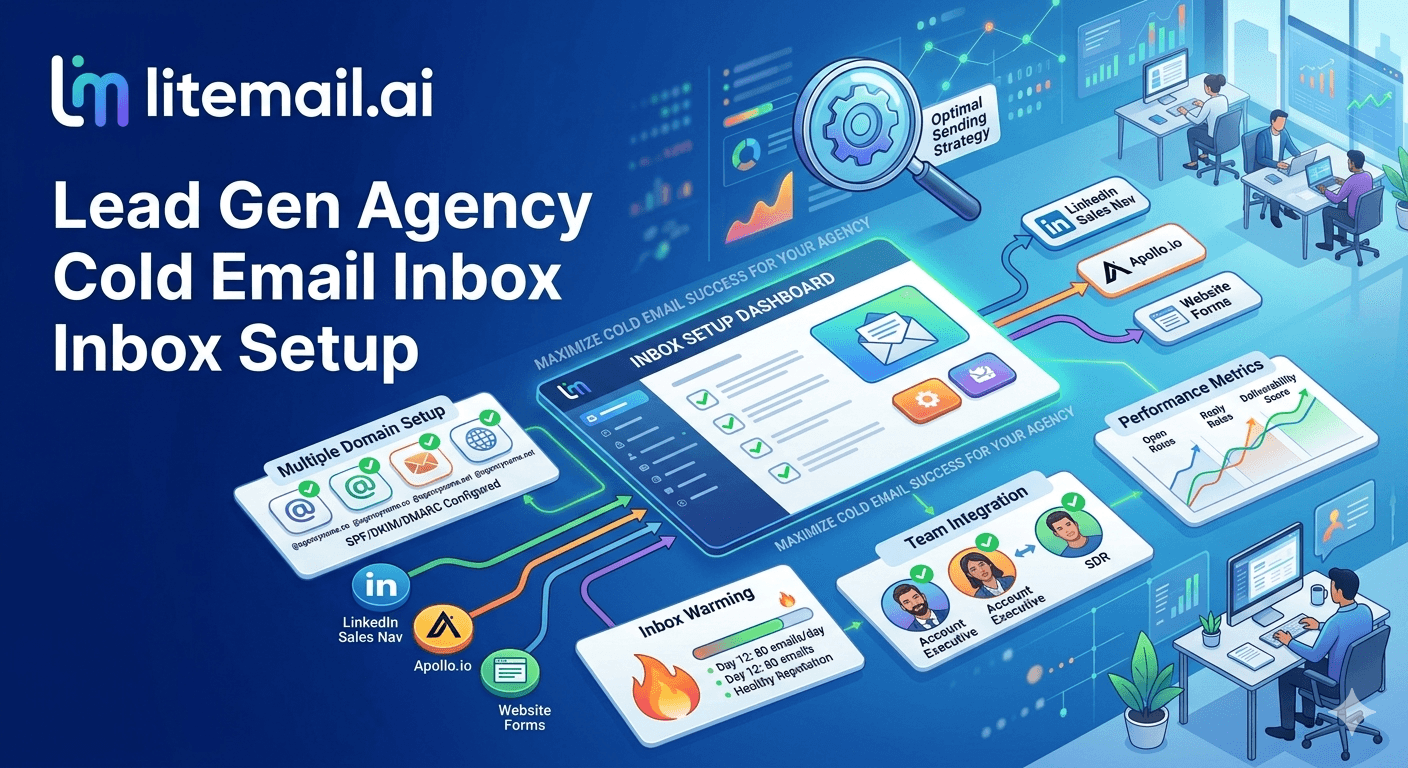
Running cold email infrastructure for a lead gen agency is a different problem than running it for a single company. You're not just managing your own deliverability — you're managing it for 10, 20, or 50 clients simultaneously, each with their own domains, their own lists, and their own risk profiles. One client's bad data shouldn't touch another client's campaign. But it will, unless your infrastructure is built to prevent it.
The Isolation Principle: Why It's Non-Negotiable for Agencies
The most dangerous thing a lead gen agency can do is run multiple clients through shared sending infrastructure. Shared domains. Shared inboxes. Shared IP pools. Any of these create cross-contamination risk — where one client's deliverability event damages another client's campaign.
The isolation principle is simple: every client gets their own dedicated sending domains and dedicated inboxes. No exceptions. One client's bounce spike stays on their domain. One client's spam complaint rate doesn't touch another client's Postmaster Tools score. The infrastructure is logically isolated per client, always.
In our testing at Litemail, agencies that implement full isolation report zero cross-client deliverability incidents. Agencies that share infrastructure for cost savings report cross-contamination events in roughly 1 in 5 client configurations — typically when one client's list has bad data quality and the shared IP or domain takes the hit.
How Many Inboxes Each Client Actually Needs
The rule is 1 inbox per 30–50 cold emails per day. But at agency scale, you also need to account for campaign buffer and inbox rotation depth. Here's the practical calculation.
Client Daily Volume | Min Inboxes | Recommended (with buffer) | Monthly Litemail Cost |
|---|---|---|---|
100 emails/day | 2 | 4 | $19.96 |
250 emails/day | 5 | 8 | $39.92 |
500 emails/day | 10 | 15 | $74.85 |
1,000 emails/day | 20 | 28 | $139.72 |
2,000 emails/day | 40 | 55 | $274.45 |
The buffer inboxes serve two purposes: redundancy (if one inbox is throttled, others carry the load) and rotation (distributing volume across more inboxes reduces per-inbox risk). At $4.99/inbox from Litemail, adding a 30–40% buffer costs a fraction of what a single deliverability incident costs in lost campaign time and client confidence.
Client Onboarding With Pre-Warmed Infrastructure: Day-by-Day
This is the onboarding timeline that gets a new client's cold email campaign live in 3 days. It assumes pre-warmed inboxes from Litemail — fresh inboxes would push this to 8–12 weeks.
Day 1 — Domain registration and inbox order. Register the client's sending domain(s) through their preferred registrar. Order pre-warmed inboxes from Litemail — delivered within 24 hours.
Day 2 — Inbox delivery and verification. Inboxes arrive with automated SPF/DKIM/DMARC pre-configured. Verify all DNS records at mxtoolbox.com. Check Postmaster Tools reputation (Good or High expected within 48 hours). Connect inboxes to sending tool via OAuth.
Day 3 — Campaign setup and soft launch. Upload verified prospect list. Configure sequence in Smartlead or Instantly. Set initial send volume to 60–80% of target volume for the first 7 days. Start first campaign sends.
Compare this to the 8–12 week timeline with fresh inboxes, and the value of pre-warmed infrastructure becomes obvious for any agency managing client timelines and commitments.
The Agency Infrastructure Stack in 2026
Here's the exact technology stack we see high-performing lead gen agencies using in 2026.
Inbox Provider: Litemail
Pre-warmed Google Workspace and Microsoft 365 inboxes. $4.99/inbox, automated DNS, dedicated US and EU IPs, full admin access. The inbox layer is the foundation everything else rests on.
Sending Platform: Smartlead or Instantly
Both work at agency scale. Smartlead's unlimited inbox model is more cost-effective for agencies managing 50+ inboxes. Instantly's UX is slightly more polished but pushes proprietary inbox products. Use your own inboxes from Litemail in either platform via OAuth.
Lead Data: Apollo.io or Clay.com
Apollo for volume prospecting with B2B contact data. Clay for trigger-based enrichment and dynamic personalisation at scale. Both integrate with Smartlead and Instantly for list import.
Verification: Hunter.io or Zerobounce
Verify every list before sending. Target bounce rate under 2%. These tools catch invalid addresses, spam traps, and role-based emails that inflate complaint rates. Essential step that many agencies skip — until a bounce spike tanks a domain.
Monitoring: Google Postmaster Tools + SNDS (for MS365)
Check domain reputation weekly on active campaigns. Any shift from Good toward Medium is a warning to reduce volume and investigate. Postmaster Tools is free and the most reliable reputation monitoring available for Gmail-delivered emails.
How to Price Inbox Infrastructure Into Client Retainers
Most lead gen agencies undercharge for infrastructure. They absorb the inbox cost as an overhead, then wonder why margins are thin. Infrastructure should be a line item, not a cost centre.
The simple structure: charge clients a monthly infrastructure fee that covers inboxes, domains, and sending tool allocation. A client running 500 emails per day with 15 Litemail inboxes costs $74.85/month in inbox infrastructure. Add domain registration ($15–20/domain/year), their share of the sending tool license, and a 40–50% margin — and the infrastructure line item on their retainer is $150–200/month before any service fee.
That's not a line item to hide or apologise for. It's a line item to explain as protection for their campaign — the infrastructure that keeps their sending reputation isolated, their domains clean, and their campaigns running without deliverability incidents.
Set Up Every Client With Campaign-Ready Infrastructure in 24 Hours
Litemail pre-warmed inboxes let lead gen agencies onboard clients and start campaigns in days, not weeks. $4.99/inbox, automated DNS, dedicated US and EU IPs, no minimum order. Agency teams order per-client with full Google Admin or MS365 access.
Get Pre-Warmed Inboxes from $4.99 →
Works with Instantly, Smartlead, Lemlist, Apollo · Full admin access · No minimum order · Delivered in 24 hours
About Litemail — Litemail provides pre-warmed Google Workspace and Microsoft 365 inboxes for cold email outreach. From $4.99/inbox with automated DNS, dedicated US and EU IPs, and full admin access. View pre-warmed inbox plans →
Related reading:
Cold Email Infrastructure Setup for Lead Gen Agencies · Cold Email Agency Client Onboarding Guide · Scale Cold Email Agency to 50 Clients 2026 · Pre-Warmed MS365 Inboxes for Lead Gen Agencies · Litemail Agency Plan — White Label Inboxes
Key Takeaways
Full infrastructure isolation per client is non-negotiable for lead gen agencies — shared sending infrastructure creates cross-contamination risk where one client's bad list damages another client's campaign.
The practical inbox count formula: 1 inbox per 30–50 emails per day, plus a 30–40% buffer for redundancy. A client sending 500/day needs 15 inboxes, not 10.
With pre-warmed inboxes from Litemail, client onboarding takes 3 days — domain registration on day 1, inbox delivery and verification on day 2, first campaign live on day 3.
The full agency infrastructure stack: Litemail (inboxes), Smartlead or Instantly (sending), Apollo or Clay (lead data), Hunter or Zerobounce (verification), Postmaster Tools (monitoring).
Infrastructure should be a client retainer line item, not an absorbed cost. A 15-inbox setup for a 500/day client costs $74.85/month from Litemail — price it at $150–200/month with a margin and document the protection value clearly.
At 50 clients, a well-structured lead gen agency running 15 inboxes per client has 750 inboxes in total — at $4.99 each, that's $3,742.50/month in infrastructure, offset by the premium pricing that transparent infrastructure enables.
Frequently Asked Questions
How many cold email inboxes does a lead gen agency need per client?
Start with 1 inbox per 30–50 emails per day, then add a 30–40% buffer for redundancy. A client sending 500 emails per day needs 15 inboxes. A client sending 250 per day needs 8. The buffer protects campaign continuity when any single inbox is throttled or needs maintenance.
Should lead gen agencies use separate domains per client?
Always. Never run multiple clients through the same sending domain. One client's deliverability event on a shared domain — a bounce spike, a complaint rate increase — affects every client using that domain simultaneously. Domain isolation contains risk and protects client campaigns independently.
How quickly can a lead gen agency onboard a new client with cold email?
With pre-warmed inboxes: 3 days from signed contract to first campaign email. Register domains on day 1, receive and verify inboxes on day 2, launch campaigns on day 3. With fresh inboxes and manual warmup: 8–12 weeks. For agencies managing client timelines and commitments, pre-warmed infrastructure is the only viable option.
What is the best cold email platform for lead gen agencies?
Smartlead for agencies managing 20+ inboxes — unlimited connected accounts at a flat monthly rate means infrastructure costs don't scale with inbox count. Instantly is competitive but financially incentivises their proprietary Instantly Accounts product. Use either platform with your own Litemail pre-warmed inboxes connected via OAuth.
Should lead gen agencies charge clients for cold email inbox infrastructure?
Yes — as a transparent line item, not an absorbed overhead. Document the value (domain isolation, dedicated IPs, Postmaster-verified reputation) and price it at a 40–50% margin over the direct inbox cost. Clients who understand infrastructure as protection rather than overhead are more accepting of the line item and more engaged in maintaining list quality.
How do agencies handle inbox rotation for multiple clients?
Each client has their own inbox pool in a strict round-robin rotation within their sending tool configuration. Inboxes are never shared between clients — ever. The rotation is per-client: if Client A has 15 inboxes, those 15 rotate only within Client A's campaigns. Cross-client inbox sharing creates the exact cross-contamination problem isolation is designed to prevent.
What monitoring should lead gen agencies do on client cold email inboxes?
Weekly checks on Google Postmaster Tools for every active sending domain. Any shift from Good toward Medium is an early warning — reduce volume, investigate list quality, check complaint rates before the problem becomes a suspension or blacklisting event. Monthly mxtoolbox.com DNS record checks to ensure no records have changed or expired. Bounce rate monitoring in the sending tool after every campaign batch.
Buy Pre-Warmed Email Inboxes & Domains | Litemail
Buy pre-warmed email accounts, inboxes and domains from $4.99/inbox. Google Workspace & Microsoft 365. Automated DNS, US & EU IPs. Setup in 5 minutes.
Related reading:
Cold Email Infrastructure for Lead Gen Agencies · Agency Client Onboarding Guide · Scale Agency to 50 Clients 2026 · Litemail Agency Plan · Agency Deliverability Report Template 2026
📺 Watch: Lead Gen Agency Cold Email Setup 2026 — search YouTube for agency infrastructure guides from Cold Email Wizard or Alex Berman covering inbox setup and client management.






