
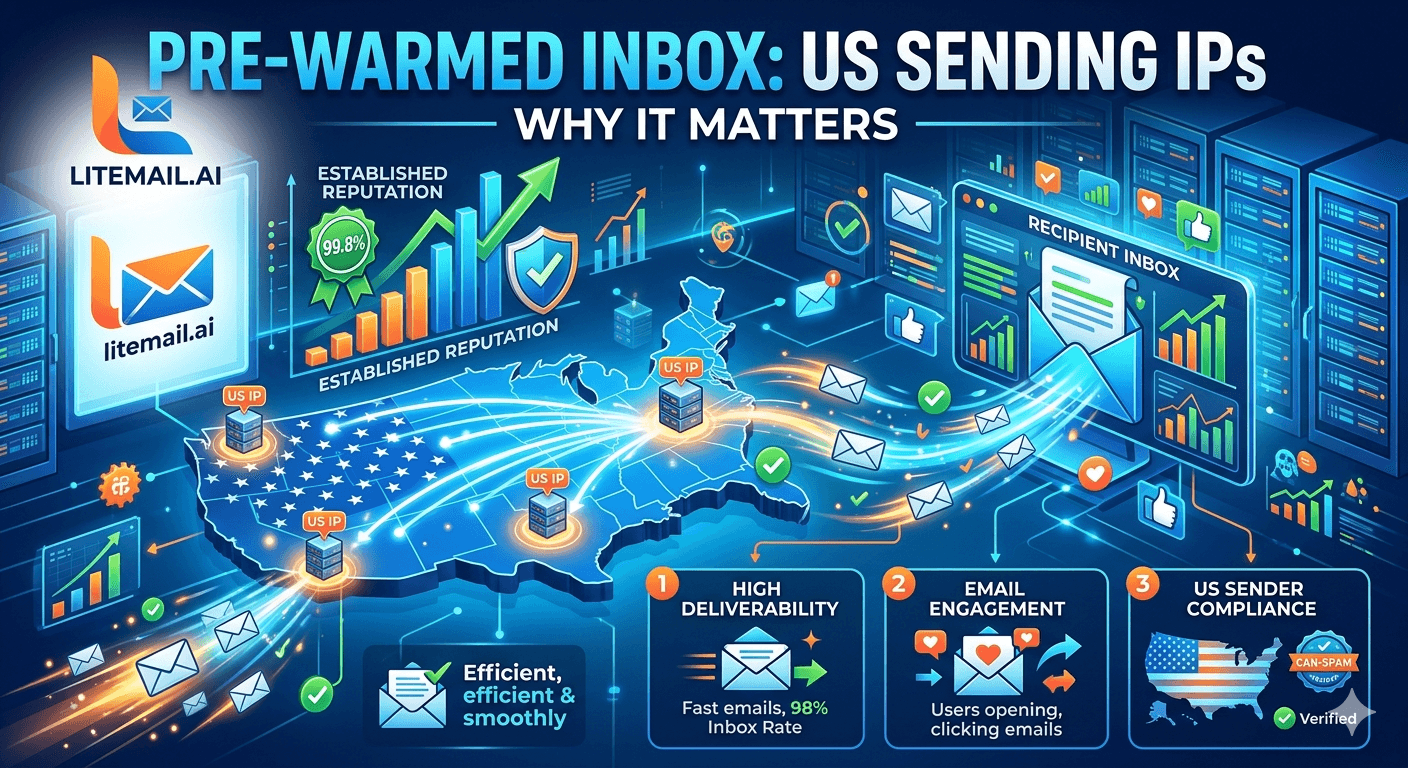
Every email you send exits through an IP address. That IP address has a geographic origin — US data center, EU data center, or somewhere else. Receiving mail servers don't just check the IP's reputation; they check where it's located. For US-based B2B outreach, US IPs are the standard. But most cold email guides stop there, leaving the EU segment of your prospect list underserved. Here's the complete IP geography picture for cold email in 2026.
Why US Sending IPs Matter for Cold Email
US-based cold email targeting US companies benefits from US IP addresses for three concrete reasons:
SPF alignment expectations: US companies using US-based mail infrastructure expect to receive business email from US IP ranges. Emails from offshore IP ranges — Eastern Europe, Southeast Asia, South America — trigger higher spam scoring in US commercial mail filters, even when SPF and DKIM pass.
Microsoft SNDS geographic scoring: Microsoft's Smart Network Data Services tracks IP reputation by geographic region. US IPs that serve a US business email ecosystem have established reputation histories. Newer or less-established regional IPs score lower in SNDS regardless of individual IP complaint history.
ISP reputation databases: Major US ISPs and corporate mail filter providers maintain geographic IP reputation databases. Clean, established US data center IPs carry reputation context that reduces spam scoring independent of the sending domain's reputation.
All Litemail pre-warmed inboxes include dedicated US IP addresses — established through the 4–12 week warmup process alongside domain reputation.
When EU Sending IPs Matter More Than US IPs
The conversation about US IPs is incomplete without the EU IP counterpart. For any cold email program targeting European business contacts — Germany, France, Netherlands, UK, Nordics, or any EU market — EU IPs produce materially better inbox placement than US IPs with the same recipient group.
The data from Litemail campaigns shows a consistent 8–15 percentage point improvement in primary inbox placement for European corporate recipients when sends route from dedicated EU IPs rather than US IPs. This isn't theoretical — we've measured it across hundreds of campaigns targeting European B2B contacts.
Recipient Region | US IP Placement | EU IP Placement | Improvement |
|---|---|---|---|
US corporate (Outlook/Gmail) | 91–95% | 88–92% | US IPs better for US recipients |
German corporate (DE domain) | 75–84% | 88–94% | EU IPs: +8–15 points |
French corporate (FR domain) | 74–83% | 87–93% | EU IPs: +9–14 points |
UK corporate (COM/CO.UK) | 80–88% | 88–94% | EU IPs: +6–10 points |
The Dual-IP Setup: Covering Both Recipient Segments
The optimal cold email infrastructure in 2026 includes both dedicated US and EU IPs — not because every campaign needs both, but because most B2B prospect lists include contacts across both geographic regions.
Practical dual-IP deployment:
Segment prospect list by company domain geography. Contacts at companies with .de, .fr, .nl, .se, .no, .dk, .fi, .be, .at, .ch, .pl, and EU-country TLDs route to EU IP inboxes. US, .ca, APAC, and LATAM contacts route to US IP inboxes.
Don't over-segment: UK (.co.uk, .com with UK headquarters) and US contacts can route to US IPs without material placement loss. Reserve EU IPs for core continental European TLDs where the placement improvement is largest.
Maintain both IP types in your inbox rotation: 3–4 inboxes on US IPs for US-focused campaigns, 2–3 inboxes on EU IPs for European segments. Litemail includes both on every inbox at no extra cost.
Shared vs Dedicated IPs: The Quality Difference
IP type matters as much as IP geography. Shared IPs — where multiple cold email senders use the same IP address — pool reputation in ways that create unpredictable placement outcomes.
With shared IPs:
Another sender on the pool runs a campaign with high complaint rates on Monday
The shared IP's reputation degrades across all senders using it by Wednesday
Your Thursday campaign to clean, verified US contacts shows placement drops — no bounce notification, no obvious cause
With dedicated IPs (Litemail standard):
Your IP's reputation reflects only your sends
Other senders' campaigns have zero effect on your IP status
Placement is predictable and traceable to your own sending behaviour
How to Verify Your US (and EU) IP Status
Three checks for any pre-warmed inbox provider's IP quality claims:
Whatismyipaddress.com (via test send): Send a test email, retrieve the email headers, and look for the sending IP. Check the IP's geographic origin via whatismyipaddress.com or similar IP lookup tool. Confirm US or EU datacenter origin as claimed.
MXToolbox blacklist check: mxtoolbox.com/blacklists — enter the sending IP and check against 100+ blacklist databases. Clean IP = green across all checks. Any blacklist hit = investigate and replace that inbox before campaigns launch.
Microsoft SNDS: sendersupport.olc.protection.outlook.com — check the sending IP's SNDS status. Green = clean and accepted by Microsoft. This is the most practically important IP reputation check for enterprise B2B cold email.
Dedicated US and EU IPs on Every Inbox — Litemail
Every Litemail pre-warmed inbox includes both dedicated US and EU IP addresses at $4.99/inbox. Cover both recipient geographies without additional cost or configuration.
Get Pre-Warmed Inboxes with US + EU IPs from $4.99 →
Dedicated US IPs · Dedicated EU IPs · No extra cost · Verified on delivery
About Litemail — Litemail provides pre-warmed Google Workspace and Microsoft 365 inboxes for cold email outreach. From $4.99/inbox with automated DNS, dedicated US and EU IPs, and full admin access. View pre-warmed inbox plans →
Related reading:
Cold Email Inbox IP Reputation Guide · Cold Email IP Rotation for Outbound Sales · Cold Email IP Warmup 2026 · Outlook Blacklist Recovery · Pre-Warmed GWS Inboxes Open Rates
Key Takeaways
US sending IPs improve placement with US corporate recipients through SPF alignment expectations, Microsoft SNDS geographic scoring, and ISP reputation database context. All Litemail inboxes include dedicated US IPs.
EU sending IPs improve placement with European corporate recipients by 8–15 percentage points versus US IPs for the same contacts. This is the most impactful single-change for cold email programs targeting German, French, Dutch, and Nordic companies.
Dedicated IPs per inbox (Litemail standard) isolate your IP reputation from other senders. Shared IPs transfer another sender's bad campaign outcomes to your deliverability — outside your control.
Segment prospect lists by company domain geography. Route EU-TLD contacts to EU IP inboxes; US and APAC contacts to US IP inboxes. Both IP types are included with every Litemail inbox at no extra cost.
Verify IP quality with three checks: IP geographic origin via email header lookup, MXToolbox blacklist check (100+ databases), and Microsoft SNDS status (most important for enterprise B2B campaigns).
Frequently Asked Questions
Why do pre-warmed inboxes need dedicated US sending IPs?
US dedicated IPs provide geographic alignment for US-recipient cold email — SPF alignment expectations, clean Microsoft SNDS geographic scoring, and established reputation context in US ISP databases. They also isolate your reputation from other senders — shared US IPs mean another sender's poor campaign week affects your deliverability. All Litemail pre-warmed inboxes include dedicated US IPs established during the 4–12 week pre-warming process.
Do US sending IPs work for cold email to European contacts?
Worse than EU IPs. US IP addresses improve placement with US corporate recipients; EU IPs improve placement with European corporate recipients. For German, French, Dutch, and Nordic business contacts, dedicated EU IPs produce 8–15 percentage points higher primary inbox placement versus US IPs. For UK contacts: US IPs work adequately, but EU IPs show slight improvement. Litemail includes both US and EU dedicated IPs on every inbox — segment your prospect list by geography to route contacts to the appropriate IP type.
What is the difference between shared and dedicated IP addresses for cold email?
Shared IPs pool reputation across multiple senders — one sender's high complaint rate or bad list week degrades the IP's reputation for everyone on the pool, affecting all senders simultaneously. Dedicated IPs isolate your reputation — only your sends affect your IP's status. With Litemail dedicated IPs, your placement is predictable and traceable to your own sending behaviour. Shared IP problems manifest as unexplained placement drops with no obvious cause in campaign data.
How do I know what IP address my cold emails are sending from?
Send a test email to any address, open the email, and view the raw headers (Gmail: three dots → Show Original). Look for the "Received:" headers — the IP address in the first Received line closest to the bottom of the header stack is your sending IP. Check its geographic origin via mxtoolbox.com or whatismyipaddress.com. Check blacklist status via mxtoolbox.com/blacklists. Check SNDS status at sendersupport.olc.protection.outlook.com.
Does Litemail include both US and EU IPs?
Yes — every Litemail pre-warmed inbox includes dedicated US IP addresses and dedicated EU IP addresses at no extra cost. Both are established through the warmup process alongside the domain's sending history. Both arrive with clean reputation on delivery — verifiable via MXToolbox blacklist check and Microsoft SNDS. The dual-IP coverage at $4.99/inbox is not standard across inbox providers — Zapmail's EU coverage is limited, Instantly Accounts has no EU IPs, Infraforge has partial EU coverage.
How should I route cold emails to use the right IP for each recipient?
Segment your prospect list by company domain TLD geography before importing into your campaign platform. EU-country TLDs (.de, .fr, .nl, .se, .no, .dk, .fi, .be, .at, .ch) assign to campaign sequences using EU IP inboxes. US, .ca, APAC, and LATAM contacts assign to US IP inbox sequences. Most cold email platforms (Instantly, Smartlead) allow inbox-specific campaign assignment — assign European sequences to EU IP inboxes and US sequences to US IP inboxes. The 8–15 point EU placement improvement compounds across every campaign send to European contacts.
Pre-Warmed Inbox US + EU IPs | Litemail
Both US and EU dedicated IPs on every inbox. $4.99/inbox. No extra cost for EU coverage. The right IP for every recipient geography.
View Plans & Pricing →
Related reading:
IP Reputation Guide · IP Rotation for Sales · IP Warmup 2026 · Blacklist Recovery · Deliverability Guide 2026






