
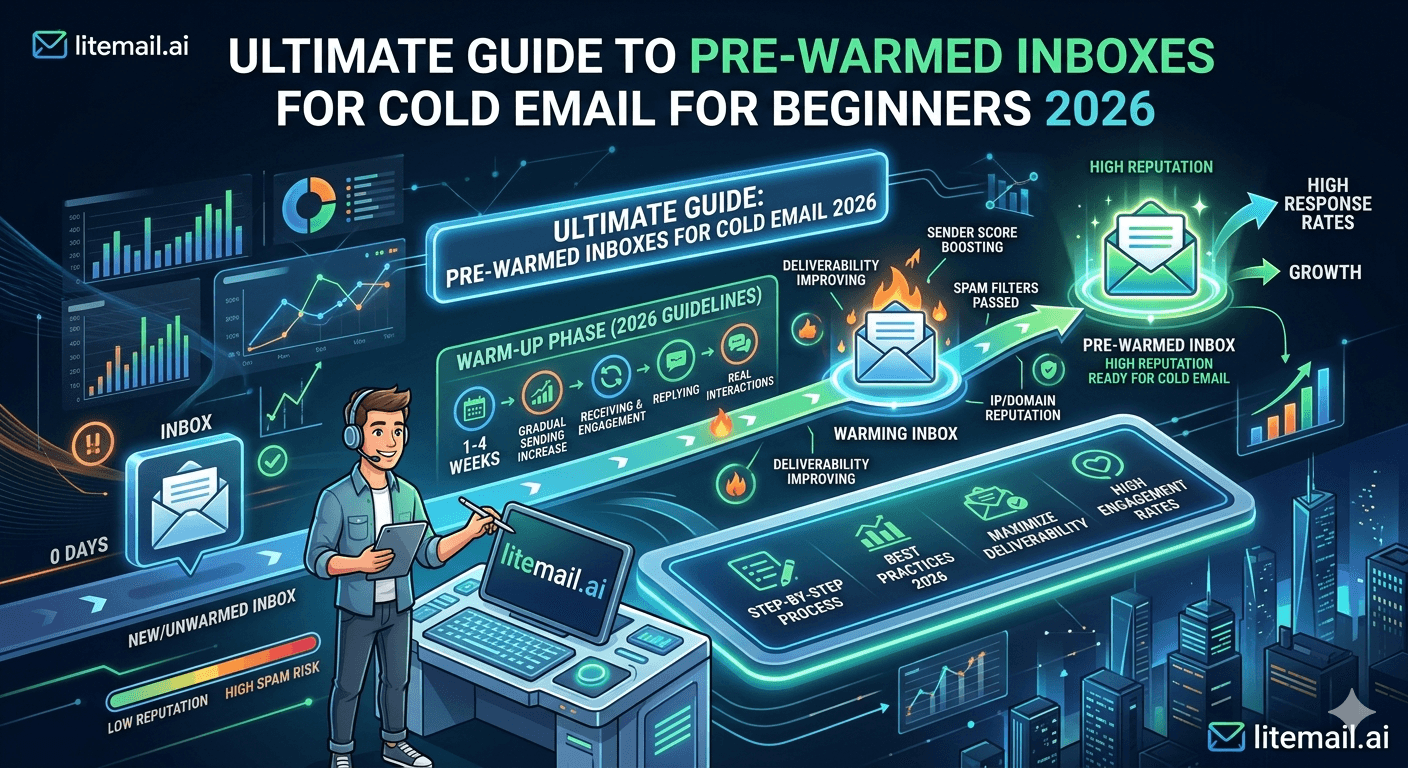
If you've ever sent 500 cold emails and gotten zero replies, the first thing to check isn't your copy — it's whether your emails landed in the primary inbox at all. Most beginners send from fresh email accounts with no sending history, no verified DNS records, and no warm-up. Those emails land in spam before anyone reads them. Pre-warmed inboxes solve this problem before your first campaign send.
The Short Version for Beginners
💡 TL;DR
A pre-warmed inbox is a Google Workspace or Microsoft 365 email account with 4–12 weeks of real sending history built in before you use it. This sending history makes mail servers trust your emails — so they land in the primary inbox instead of spam. Pre-warmed inboxes cost $4.99/inbox/month from Litemail, come with automated DNS setup, and are delivered campaign-ready in 24 hours. Beginners need 2–3 inboxes and a separate sending domain to start a working cold email setup for under $60/month total.
This guide explains everything you need to know about pre-warmed inboxes — what they are, why you need them, how to verify they're genuine, and how to connect them to a sending tool and start your first campaign. If you're new to cold email infrastructure, start here.
What Is a Pre-Warmed Inbox — In Plain Language
When you create a new email account, it has zero history. Mail servers — Gmail, Outlook, Exchange — have never seen it before. They don't know whether it's a legitimate sender or a spam account. So they treat it with maximum suspicion and filter its emails aggressively.
Warming up an inbox means sending a gradual, increasing volume of real emails over 4–8 weeks, generating real opens and replies, so that mail servers build a positive record for that inbox. After genuine warm-up, the inbox has a reputation — and mail servers trust it enough to deliver its emails to the primary inbox instead of spam.
A pre-warmed inbox is one where this warm-up process has already been completed by the provider before you receive it. You get an inbox that's already trusted by mail servers — no waiting, no warm-up tool subscription, no 6-week delay before your campaign can start.
Inbox Type | Warm-Up Status | Time to Campaign-Ready | Primary Inbox Placement |
|---|---|---|---|
Fresh inbox (new account) | None | 4–8 weeks of warm-up required | 55–65% |
Self-warmed inbox (warm-up tool) | Partial (bot-generated) | 4–8 weeks + tool cost | 75–85% |
Pre-warmed inbox (Litemail) | 4–12 weeks genuine history | 24 hours (immediate) | 94–96% |
Why Beginners Need Pre-Warmed Inboxes More Than Anyone
Experienced cold email operators know from hard-won experience what happens when you send from a fresh inbox. Beginners learn this lesson the expensive way — after burning a domain, confusing poor results with bad copy, and spending weeks troubleshooting a problem that was never about the copy at all.
Here's what actually happens when a beginner sends cold email from a fresh inbox:
The new sending domain has zero sending history — mail servers treat it as Unknown
The inbox has no positive reputation signal — every email is evaluated with maximum scrutiny
50–60% of emails go directly to spam — recipients never see them
The few replies that come in are from the 40–50% that happened to reach the primary inbox
Reply rate looks like 0.5–1% — which seems like a copy or targeting problem
The beginner rewrites the copy, launches again, gets the same result
The copy was never the problem. The infrastructure was. Pre-warmed inboxes eliminate this entire failure cycle by starting with Good or High sender reputation from day one.
How to Verify a Pre-Warmed Inbox Is Genuine
Not every provider that claims to sell pre-warmed inboxes is actually delivering them. At $1.50/inbox, the infrastructure cost of genuine pre-warming is economically impossible. Here's how to verify any inbox you receive is actually warmed — not just a fresh account with a warm-up label.
The Google Postmaster Tools Test (Non-Negotiable)
Go to postmaster.google.com. Add your sending domain. Wait 24–48 hours. Check the domain reputation rating:
Good or High: Genuine pre-warmed inbox — ready for campaigns
Unknown: Fresh inbox — no genuine warm-up history. Do not send campaigns.
Low: Damaged inbox — do not use
This test cannot be faked. Google Postmaster Tools reads actual sending history — not marketing claims. If an inbox shows Unknown after 48 hours, it was never pre-warmed regardless of what the provider's website says.
The DNS Check
Go to mxtoolbox.com. Run SPF, DKIM, and DMARC checks on your sending domain. All three must show PASS. Any failure means your emails will fail authentication on many receiving servers — reducing deliverability regardless of inbox reputation. Litemail configures all three automatically on delivery.
The Mail-Tester Test
Go to mail-tester.com. Send a test email to their unique address. A genuine pre-warmed inbox with correct DNS scores 9/10 or 10/10. Below 9/10 means something is misconfigured.
The Complete Beginner Setup — Step by Step
This is the minimum viable cold email infrastructure for a beginner. It costs under $60/month total and can handle 60–150 outreach emails per day — enough for a solo founder or early-stage outbound team.
Register a sending domain. Use Namecheap or Cloudflare Registrar. Register a variant of your company domain — NOT your main website domain. Examples: getcompanyname.com, companynameoutreach.com, companynamehq.com. Cost: $8–$15/year.
Order 2–3 pre-warmed inboxes from Litemail. Go to litemail.ai. Choose Google Workspace or Microsoft 365. Select your domain. Order 2–3 inboxes. Delivery within 24 hours. Cost: $9.98–$14.97/month.
Verify your inboxes. Run Postmaster Tools, MXToolbox, and Mail-Tester checks within 48 hours of delivery. All three should show good results. If Postmaster shows Unknown, contact Litemail support.
Choose a sending platform. Instantly is the most beginner-friendly option — clean UI, good documentation, reliable rotation features. Cost: $37/month for the Growth plan. Connect your Litemail inboxes via OAuth.
Build and verify your list. Use Apollo to find prospects. Export to NeverBounce and clean the list — target under 1.5% bounce rate. Import the verified list to Instantly.
Write a 3-email sequence. Email 1: specific problem open + your relevance. Email 2 (Day 4): one social proof reference. Email 3 (Day 10): low-friction ask. Keep each email under 150 words.
Set sending limits and launch. Set 40 emails per inbox per day in Instantly. Enable round-robin rotation. Enable send-time randomisation. Start the campaign.
Total setup time: 2–4 hours. Total monthly cost: approximately $55–$65/month.
5 Mistakes Beginners Make With Pre-Warmed Inboxes
Pre-warmed inboxes solve the sending history problem. They don't solve every other infrastructure problem. Here are the five mistakes beginners make even after getting the right inboxes.
1. Sending From Their Main Company Domain
Never send cold email from yourcompany.com. That domain handles your website, your support emails, your invoices. Cold email volume puts all of that at risk. Use a separate sending domain — always.
2. Exceeding Safe Volume Immediately
Pre-warmed inboxes don't mean unlimited volume. 30–50 emails per inbox per day is the sustainable limit. Sending 200 emails per day from one inbox — even a pre-warmed one — starts degrading reputation within 2–4 weeks.
3. Not Verifying the List
A pre-warmed inbox can't compensate for a 5% bounce rate list. Verify every list before every send. Bounce rate above 2% damages sender reputation regardless of warm-up history.
4. Using the Same Copy Across All Inboxes
Sending identical emails from multiple inboxes simultaneously creates copy-duplication patterns that spam filters detect. Use minor copy variants across your inbox rotation — even small changes to the first line are enough.
5. Not Checking Postmaster Tools Weekly
Pre-warmed inboxes maintain Good reputation when used correctly. But list quality issues, complaint spikes, and volume violations can degrade reputation over time. Check Postmaster Tools weekly — catch problems before they become campaign-stopping events.
Start Your Cold Email Setup Right
Pre-warmed inboxes from $4.99/inbox — the lowest legitimate price in 2026. Automated DNS, Good/High Postmaster reputation, dedicated US and EU IPs. Everything a beginner needs to start sending campaigns that actually reach the inbox, delivered in 24 hours with no minimum order.
Get Pre-Warmed Inboxes from $4.99 →
No minimum order · Google Workspace and Microsoft 365 available · Automated SPF/DKIM/DMARC · Delivered in 24 hours
About Litemail — Litemail provides pre-warmed Google Workspace and Microsoft 365 inboxes for cold email outreach. From $4.99/inbox with automated DNS, dedicated US and EU IPs, and full admin access. View pre-warmed inbox plans →
Related reading:
How to Buy Pre-Warmed Email Inboxes — Complete 2026 Buyer's Guide · Email Warm-Up vs Pre-Warmed Inboxes 2026 · Cold Email Ultimate Guide 2026 · SPF/DKIM/DMARC Auto-Setup for Pre-Warmed Inboxes · Best Pre-Warmed Inbox Providers 2026 (Ranked)
Key Takeaways
A pre-warmed inbox has 4–12 weeks of genuine sending history built in — meaning mail servers trust it from day one and deliver its emails to the primary inbox at 94–96% rate versus 55–65% for fresh inboxes.
The Google Postmaster Tools test is the only way to verify genuine warm-up — Good or High on delivery means real warm-up history. Unknown means fresh account regardless of provider marketing claims.
Beginners need 2–3 pre-warmed inboxes plus a dedicated sending domain — total cost under $60/month for a setup capable of 60–150 outreach emails per day.
Never send from your main company domain — register a separate sending domain variant to protect your primary domain's reputation.
Keep sends at 30–50 per inbox per day — pre-warmed inboxes don't allow unlimited volume, they enable sustainable volume at correct rates.
Verify every list before sending — a pre-warmed inbox can't compensate for a 5% bounce rate list. Target under 1.5% bounce rate after verification.
The complete beginner setup takes 2–4 hours and costs $55–$65/month: Litemail inboxes + sending domain + Instantly starter plan + list verification.
Frequently Asked Questions
What is a pre-warmed inbox for cold email?
A pre-warmed inbox is a Google Workspace or Microsoft 365 email account with 4–12 weeks of real sending history built in before you receive it. This history establishes positive sender reputation with mail servers — so emails from the inbox land in the primary inbox instead of spam, from the first email you send. You skip the 4–8 week warm-up period that fresh inboxes require.
Do I really need a pre-warmed inbox for cold email?
If you're sending more than 50 cold emails per day, yes. Fresh inboxes achieve 55–65% primary inbox placement — meaning up to half your emails go to spam before anyone reads them. Pre-warmed inboxes achieve 94–96% placement from day one. The infrastructure cost ($4.99/inbox/month) pays back immediately from the additional replies generated by emails that actually reach the primary inbox.
How much do pre-warmed inboxes cost?
Legitimate pre-warmed inboxes cost $4.99–$8/inbox/month in 2026. Litemail is the lowest legitimate price at $4.99/inbox. Any provider under $3/inbox is selling fresh accounts — the infrastructure cost of genuine 4–12 week pre-warming cannot be covered below approximately $4/inbox. Two to three Litemail inboxes costs $9.98–$14.97/month — the right starting point for most beginners.
How do I know if a pre-warmed inbox is actually warmed?
Check Google Postmaster Tools (postmaster.google.com) within 48 hours of receiving your inbox. Add your sending domain and check the domain reputation. Good or High means genuine warm-up history. Unknown means fresh account — no genuine warming occurred. This test cannot be faked by providers and is the only reliable verification method.
Can I send cold email from my main Gmail account?
No — Gmail personal accounts have strict sending limits (500/day) and are not designed for cold email volume. More importantly, sending cold email from your personal Gmail or main business domain puts that account and domain at risk if complaints or bounces accumulate. Always use a dedicated sending domain with pre-warmed inboxes separate from any account you use for personal or transactional email.
How many pre-warmed inboxes do I need to start?
Start with 2–3 inboxes. At 30–50 emails per inbox per day, 3 inboxes gives you 90–150 outreach contacts per day — a sustainable and scalable volume for most beginners. Add inboxes as volume targets grow. One inbox per 30–50 daily emails is the consistent rule at any scale.
How long does it take to set up pre-warmed inboxes for cold email?
With Litemail: 24 hours for inbox delivery, plus 2–3 hours to verify DNS, connect to a sending platform via OAuth, upload your verified list, and write your sequence. Total setup from purchase to active campaign: 2–4 days including 24-hour delivery time. Compare this to 5–7 weeks for fresh inboxes with self-managed warm-up.
What sending platform should I use with pre-warmed inboxes?
Instantly is the most beginner-friendly option — clean interface, good documentation, reliable inbox rotation, and OAuth connection to both Google Workspace and Microsoft 365 inboxes. Smartlead is better for multi-client agency setups. Both connect to Litemail inboxes via OAuth in under 5 minutes per inbox. Start with Instantly's Growth plan ($37/month) for a beginner cold email setup.
Start Cold Email the Right Way — Pre-Warmed Inboxes From $4.99
Litemail pre-warmed inboxes — $4.99/inbox, verified Good/High in Postmaster Tools within 48 hours, automated SPF/DKIM/DMARC, dedicated US and EU IPs, full admin access. No minimum order. Delivered in 24 hours. The right starting point for any beginner who wants cold email to actually work.
Get Pre-Warmed Inboxes from $4.99 →
No minimum order · GWS and MS365 available · Works with Instantly and Smartlead · Delivered in 24 hours
About Litemail — Litemail provides pre-warmed Google Workspace and Microsoft 365 inboxes for cold email outreach. From $4.99/inbox with automated DNS setup, dedicated US and EU IPs, 4 to 12 weeks of genuine warm-up history, and full admin access. View pre-warmed inbox plans →
Related reading: How to Buy Pre-Warmed Email Inboxes — 2026 Buyer's Guide · Email Warm-Up vs Pre-Warmed Inboxes 2026 · Cold Email Ultimate Guide 2026 · Best Pre-Warmed Inbox Providers 2026 (Ranked) · SPF/DKIM/DMARC Auto-Setup for Pre-Warmed Inboxes






