
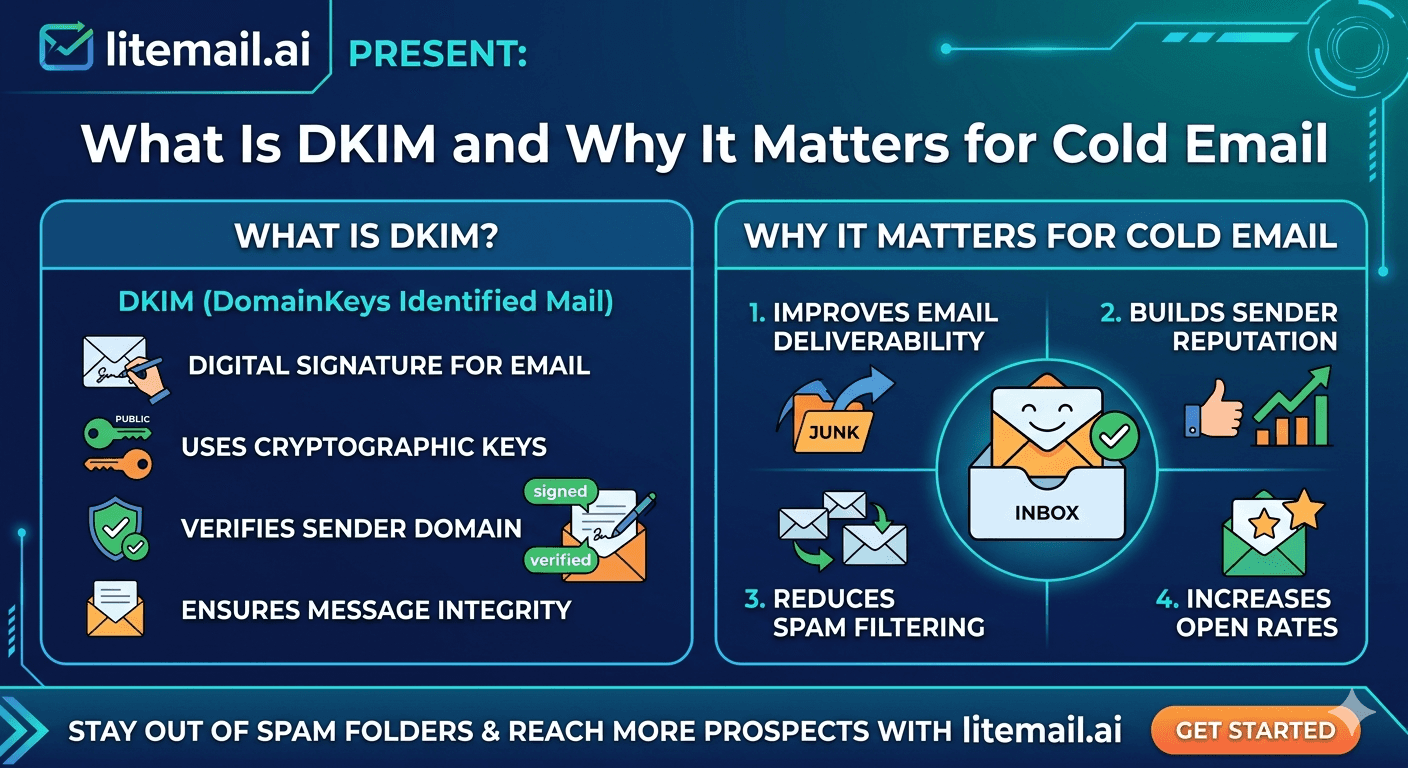
DKIM (DomainKeys Identified Mail) is an email authentication protocol that helps verify your sending domain and protect the integrity of your cold emails. It works alongside SPF and DMARC to help receiving mail servers authenticate messages and assess whether they can be trusted.
For cold email senders, correctly configuring DKIM is an important part of building reliable email infrastructure. However, a missing DNS record, an incorrect selector, or a failed signature can cause authentication problems that may affect deliverability. In this guide, you'll learn what DKIM is, how it works, how to check your DKIM record, how to troubleshoot common failures, and how DKIM alignment works with DMARC in Google Workspace and Microsoft 365.
DKIM in Plain Language
💡 TL;DR: DKIM (DomainKeys Identified Mail) is an email authentication protocol that uses a digital signature to help receiving mail servers verify an email's integrity and the domain that signed it. The sending server adds a DKIM signature to an email, while the corresponding public key is published in the sender's DNS records. Receiving servers use that public key to verify the signature.
For cold email senders, correctly configured DKIM is an important part of email authentication and deliverability. A missing or invalid DKIM signature can contribute to authentication problems and may affect whether messages reach the inbox. However, a DKIM pass does not guarantee inbox placement.
To check your setup, look up your DKIM DNS record, send a test email, and inspect the message headers for dkim=pass. Where supported, use a 2048-bit DKIM key for stronger cryptographic security.
DKIM works alongside two other email authentication standards: SPF verifies whether a sending server is authorized to send for a domain, while DMARC checks alignment with the visible From domain and tells receiving servers how to handle messages that fail DMARC authentication. For DMARC to pass, at least one of SPF or DKIM must pass and align with the From domain.
This guide explains how DKIM works for cold email, how to verify your DKIM record, how to troubleshoot common DKIM failures, and how to configure DKIM correctly for Google Workspace and Microsoft 365.
How Does DKIM Work in Cold Email?
DKIM (DomainKeys Identified Mail) uses a cryptographic signature to help receiving mail servers verify that an email was signed by an authorized system and that the signed parts of the message have not been altered in transit. For cold email senders, this helps establish domain authentication and supports a properly configured email infrastructure.
Here is how DKIM works step by step:
Generate a DKIM key pair: Your email provider generates a private key and a matching public key. The private key stays with the sending system, while the public key is published in your domain's DNS records.
Publish the DKIM DNS record: Your provider gives you a DNS record containing the public key. The record is associated with a DKIM selector, which helps receiving servers find the correct key.
Sign the outgoing email: When you send an email, your sending server uses the private key to create a DKIM signature. The signature is added to the message header and includes details such as the signing domain and selector.
Verify the signature: The receiving mail server uses the selector and signing domain in the signature to look up the public key in DNS. It then checks whether the signature is valid.
Evaluate authentication results: If verification succeeds, the message can receive a
dkim=passresult. If the signature is missing, invalid, or cannot be verified, the result may bedkim=fail,dkim=none, or another provider-specific result.
Why This Is Relevant for Cold Email
A valid DKIM signature helps receiving mail servers authenticate your messages, but it does not guarantee that your emails will reach the inbox. Spam filtering and inbox placement also depend on factors such as SPF, DMARC alignment, sender reputation, message content, and recipient engagement.
For cold email campaigns, verify DKIM before launching and recheck it after changing DNS settings or switching email providers. You can inspect a test email's original headers and look for dkim=pass in the Authentication-Results header. Also check that the DKIM signing domain aligns with your visible From domain when you want DKIM to satisfy DMARC.
Why DKIM Is Relevant Specifically for Cold Email
DKIM is relevant for all email—but cold email is especially sensitive to authentication failures. Here's why:
Cold Emails Start Without Trust
Transactional emails (receipts, password resets) and newsletters (from opt-in subscribers) have established relationship context. Recipients recognize the sender. Cold emails arrive without any prior relationship—so mail servers apply extra scrutiny to authentication signals. A DKIM failure on a newsletter might have minimal impact because the domain has a strong reputation and the recipient list is engaged. A DKIM failure on cold email compounds the trust deficit that cold outreach already carries.
DKIM is a Google sender requirement in 2026
Google's 2026 sender guidelines require DKIM authentication for all senders above 5,000 emails per day to Gmail recipients. Below this threshold it's strongly recommended but not strictly required—however, missing DKIM increases spam filter probability at any volume. DMARC alignment with DKIM (rather than SPF alone) provides the most complete authentication signal that Gmail's filtering algorithms respond to.
DKIM Affects DMARC Alignment
DMARC policy enforcement can use either SPF alignment or DKIM alignment to pass. DKIM alignment is the stronger signal—because DKIM signs the From domain directly, while SPF aligns the envelope sender (which can differ from the From header). Cold email forwarding and routing scenarios frequently break SPF alignment, but DKIM signature verification survives forwarding. A DMARC setup that relies on DKIM alignment is more robust than one relying on SPF alone.
How to Check If Your DKIM Is Set Up Correctly
Three methods — use all three before launching any campaign. Each catches a different type of DKIM failure.
Method 1 — MXToolbox DKIM Lookup
Go to mxtoolbox.com/dkim.aspx. Enter your sending domain and your DKIM selector (typically "google" for Google Workspace or "selector1" / "selector2" for Microsoft 365). MXToolbox retrieves and validates your DKIM public key. A green result means the DNS record exists and is formatted correctly. A red result means the record is missing or malformed.
Method 2 — Email Header Check
Send a test email from your sending inbox to a Gmail account you control. Open the email in Gmail, click the three-dot menu, and select "Show Original". Look for the DKIM authentication line in the headers. It should read: dkim=pass header.i=@yourdomain.com. If it reads dkim=fail, dkim=none, or is absent entirely, your DKIM is not working correctly.
Method 3 — Mail-Tester.com Score
Go to mail-tester.com and send a test email to their unique address. Your score should be 9/10 or above. The breakdown shows specifically whether DKIM passes or fails alongside SPF and other deliverability factors. A score below 9/10 with a DKIM failure listed means DKIM is the primary issue to fix before campaigns.
DKIM Key Size — Use 2048-Bit, Not 1024-Bit
DKIM keys come in two sizes: 1024-bit and 2048-bit. The 1024-bit key was the standard for many years and remains the default in some older provider configurations. In 2026, 1024-bit DKIM keys are considered cryptographically weak and are flagged by some receiving mail servers as a security concern.
Use 2048-bit DKIM keys. Here's why:
2048-bit keys are significantly harder to crack cryptographically — providing genuine authentication security, not just technical compliance
Google's 2026 sender guidelines recommend 2048-bit keys specifically
Some receiving mail servers flag 1024-bit keys as a spam signal — particularly in enterprise environments with strict security policies
Transition from 1024 to 2048-bit involves generating a new key pair, publishing the 2048-bit public key in your DNS, and updating your mail server configuration — a 10-minute process for most setups
Litemail configures 2048-bit DKIM keys on all inbox deliveries automatically. If you're generating DKIM keys manually, specify 2048-bit key size explicitly — most DKIM generators default to 1024-bit unless specified otherwise.
Common DKIM Failures and How to Fix Them
These are the five most common DKIM failures in cold email setups, ordered by frequency:
1. Wrong DKIM Selector
The DKIM selector is the subdomain prefix in your DKIM DNS record (e.g., "google._domainkey.yourdomain.com"). If you enter the wrong selector when checking or if the selector in your DNS doesn't match the selector your mail server is signing with, DKIM fails. Fix: check your mail server's DKIM configuration for the exact selector it's using, then verify that the matching DNS record exists.
2. DNS Record Not Propagated
New DKIM DNS records take 24–48 hours to propagate globally. If you check immediately after adding the record, it may show as missing even when correctly published. Fix: wait 24 hours after adding a DKIM record before verifying. Check propagation status at dnschecker.org.
3. Formatting Errors in the DNS Record
DKIM DNS records are long strings that must be formatted exactly correctly. A single character error (extra space, missing semicolon, incorrect p= value) causes verification failure. Fix: use your mail provider's DKIM record generator rather than manual entry. If the record was manually entered, compare character-by-character against the generated value.
4. Multiple DKIM Records for the Same Selector
If two DKIM TXT records exist for the same selector (e.g., two google._domainkey records), mail servers can't determine which to use and DKIM fails. Fix: check your DNS zone for duplicate DKIM records and remove the old one, keeping only the current active record.
5. Inbox Provider Changed the Signing Key Without Updating DNS
Some inbox providers periodically rotate DKIM signing keys. If the provider updates the private key but the corresponding public key in your DNS isn't updated, every email fails DKIM verification. Fix: verify your DKIM record monthly as part of your deliverability monitoring routine — catch rotation events before they affect campaigns. Litemail manages key rotation automatically and updates DNS records on your behalf.
Get DKIM Configured Automatically — On Every Inbox, From Day One
Litemail configures 2048-bit DKIM, SPF, and DMARC automatically on every inbox delivered — no manual DNS setup, no selector confusion, no propagation delays. Pre-warmed inboxes with correct DNS from day one, at $4.99/inbox.
Get Pre-Warmed Inboxes from $4.99 →
Automated 2048-bit DKIM · SPF and DMARC included · No manual DNS setup · Good/High Postmaster reputation within 48hrs
About Litemail — Litemail provides pre-warmed Google Workspace and Microsoft 365 inboxes for cold email outreach. From $4.99/inbox with automated DNS, dedicated US and EU IPs, and full admin access. View pre-warmed inbox plans →
Related reading:
SPF/DKIM/DMARC Auto-Setup for Pre-Warmed Inboxes 2026 · What Is SPF and Why It Matters for Cold Email · What Is DMARC and Why It Matters for Cold Email · Cold Email Deliverability Guide 2026 · Best Pre-Warmed Inbox Providers 2026 (Ranked)
Key Takeaways
DKIM is a cryptographic signature that proves your email wasn't altered in transit and was authorised by your domain — a failing or missing DKIM signature increases spam filter placement probability, particularly for cold email that already starts without relationship trust.
Use 2048-bit DKIM keys — not the 1024-bit default. 1024-bit keys are cryptographically weak and flagged by some enterprise mail servers as a security concern.
Verify DKIM with three methods before every campaign: MXToolbox DKIM lookup, email header check in Gmail (look for dkim=pass), and Mail-Tester.com score of 9/10 or above.
DKIM alignment provides stronger DMARC verification than SPF alignment alone — because DKIM survives email forwarding scenarios that break SPF alignment.
The five most common DKIM failures are wrong selector, DNS propagation delay, DNS record formatting errors, duplicate records, and provider key rotation without DNS update. Check monthly as part of deliverability monitoring.
Litemail configures 2048-bit DKIM, SPF, and DMARC automatically on every inbox delivery — the most common source of DKIM misconfiguration (manual setup error) is eliminated entirely.
Frequently Asked Questions
What is DKIM in cold email?
DKIM (DomainKeys Identified Mail) is a cryptographic authentication system that attaches a digital signature to every email you send. Receiving mail servers verify this signature against a public key published in your domain's DNS records. A passing DKIM verification proves the email came from your domain and wasn't modified in transit. For cold email, DKIM is one of three authentication records (alongside SPF and DMARC) that determine whether your emails pass receiving server authentication checks.
What happens if DKIM fails for cold email?
A DKIM failure means the email doesn't pass authentication — the receiving server can't confirm the email was legitimately sent by your domain. In practice, DKIM failure increases spam folder placement probability, reduces trust scores in Google's filtering algorithm, and can cause DMARC policy failures if your DMARC configuration relies on DKIM alignment. For cold email (which already starts with no relationship trust), DKIM failure compounds the scrutiny applied by receiving servers and measurably reduces primary inbox placement rates.
How do I check if my DKIM is set up correctly?
Three checks: (1) MXToolbox DKIM lookup — go to mxtoolbox.com/dkim.aspx, enter your domain and DKIM selector, confirm green result. (2) Email header check — send a test to Gmail, open email headers (three-dot menu → Show Original), confirm dkim=pass. (3) Mail-Tester.com — send test email and confirm 9/10 or above with DKIM listed as passing. All three must pass before launching campaigns.
What is a DKIM selector?
The DKIM selector is the subdomain prefix in your DKIM DNS record. It's used when multiple DKIM keys exist for the same domain (e.g., for different mail servers or services). For Google Workspace, the standard selector is "google" — making the full DKIM DNS record address "google._domainkey.yourdomain.com". For Microsoft 365, the standard selectors are "selector1" and "selector2". Your mail server configuration shows which selector it's using to sign emails — this must match the selector in your published DNS record.
Should I use 1024-bit or 2048-bit DKIM keys?
Always use 2048-bit DKIM keys. 1024-bit keys were the previous standard but are now considered cryptographically weak. Google's 2026 sender guidelines recommend 2048-bit keys. Some enterprise mail servers flag 1024-bit keys as a concern. Generating 2048-bit keys requires specifying the key size explicitly in your DKIM generator — most tools default to 1024-bit unless you specify otherwise. Litemail configures 2048-bit DKIM automatically on all inbox deliveries.
Does DKIM affect Google Postmaster Tools reputation?
Yes — DKIM alignment is one of the inputs Google uses to assess sender authentication for domain reputation in Postmaster Tools. Consistent DKIM failures prevent your domain from building the positive authentication history that drives Good or High domain reputation. Domains with consistent DKIM pass records build reputation faster than domains with frequent failures or no DKIM signature. Good or High Postmaster reputation is required for 90%+ primary inbox placement — making DKIM correct configuration a prerequisite for optimal placement rates.
Can I have DKIM without DMARC?
Technically yes — DKIM can be configured independently of DMARC. But without a DMARC record, receiving mail servers don't have a policy to enforce when DKIM (or SPF) fails. A DMARC record (even at p=none for monitoring) tells receiving servers your domain is participating in email authentication — and provides domain-level deliverability reporting. Running DKIM without DMARC is like having a lock on your door without a sign saying you have a lock. Publish a DMARC record alongside DKIM for complete authentication infrastructure.
What is the difference between DKIM, SPF, and DMARC?
SPF (Sender Policy Framework) specifies which IP addresses are authorised to send email from your domain — it's a whitelist of permitted sending sources. DKIM (DomainKeys Identified Mail) cryptographically signs each email to prove it wasn't modified in transit and was authorised by your domain. DMARC (Domain-based Message Authentication) sits on top of SPF and DKIM and tells receiving servers what to do when either fails — reject, quarantine (spam folder), or none (monitoring only). All three work together: SPF covers who can send, DKIM covers what was sent, DMARC covers what happens when either fails. Correct configuration of all three is required for maximum cold email deliverability.
How often should I check my DKIM records?
Monthly as part of a standard deliverability monitoring routine, plus immediately before launching any new campaign. Provider key rotation events (where the provider changes the private signing key) can break DKIM without warning — the monthly check catches these events before they affect campaign performance. Litemail manages DKIM key rotation automatically and updates DNS records on your behalf, eliminating the most common cause of unexpected DKIM failures.
Get DKIM, SPF, and DMARC Configured Automatically — From $4.99/Inbox
Litemail pre-warmed inboxes — automated 2048-bit DKIM, SPF, and DMARC on every inbox delivery. No manual DNS setup. No misconfiguration risk. Good/High Postmaster reputation within 48 hours. Dedicated US and EU IPs. Full admin access.
Get Pre-Warmed Inboxes from $4.99 →
Automated 2048-bit DKIM · SPF and DMARC included · No minimum order · Delivered in 24 hours
About Litemail — Litemail provides pre-warmed Google Workspace and Microsoft 365 inboxes for cold email outreach. From $4.99/inbox with automated DNS setup, dedicated US and EU IPs, 4 to 12 weeks of genuine warm-up history, and full admin access. View pre-warmed inbox plans →
Related reading: SPF/DKIM/DMARC Auto-Setup 2026 · What Is SPF and Why It Matters for Cold Email · What Is DMARC and Why It Matters for Cold Email · Cold Email Deliverability Guide 2026 · Best Pre-Warmed Inbox Providers 2026 (Ranked)






