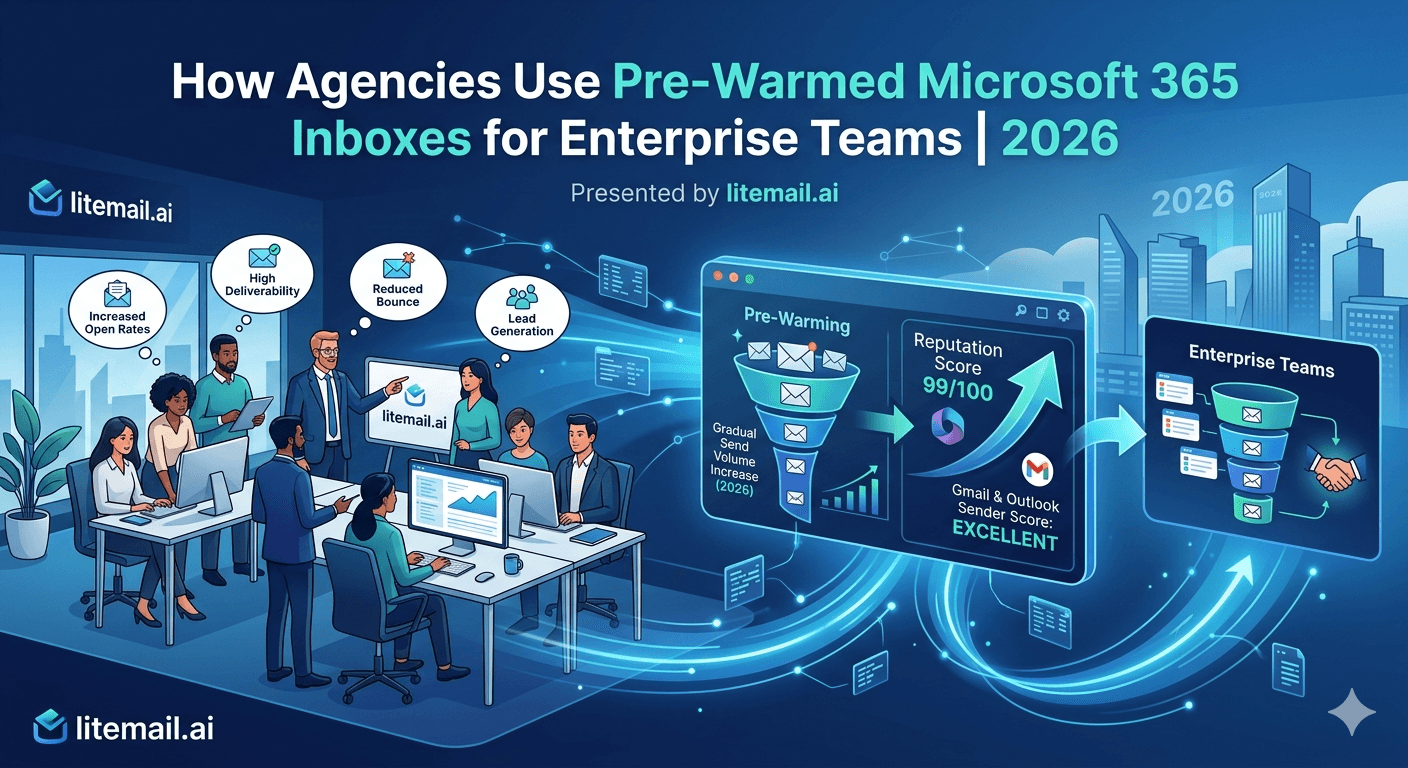
When an agency runs outreach for an enterprise client, the stakes change: bigger volumes, stricter security requirements, a recognizable brand whose reputation can't be risked, and procurement teams that scrutinize how you send. A setup that works for a scrappy startup client won't clear those bars. Agencies use pre-warmed Microsoft 365 inboxes for enterprise teams precisely because enterprise outreach demands infrastructure that's ready, isolated, secure, and reputation-safe from day one. Here's how agencies structure pre-warmed Microsoft 365 inboxes to meet enterprise requirements — the scale, the security expectations, the brand protection, and the reasons Microsoft 365 specifically fits enterprise engagements.
What Makes Enterprise Outreach Different
Enterprise engagements raise the bar on agency outreach in ways smaller clients don't. Understanding those differences explains why pre-warmed Microsoft 365 inboxes fit the job.
Enterprise clients bring higher volume needs, but also higher stakes per email — they're often a recognizable brand whose reputation you're representing. They have security and compliance expectations. And they frequently already run Microsoft 365 as their corporate standard, so outreach infrastructure that matches makes sense. An agency serving enterprise can't treat it like a bigger version of a small-client engagement.
💡 The enterprise agency bar
Enterprise outreach must be ready fast, isolated per engagement, secure enough for compliance-minded clients, and reputation-safe for a recognizable brand — all at once. Pre-warmed Microsoft 365 inboxes hit these because they arrive established and authenticated, on infrastructure the agency controls. Enterprise raises every requirement simultaneously, which is exactly where ready-made, controllable infrastructure earns its place.
Here's how agencies meet each enterprise requirement.
Meeting Enterprise Scale
Enterprise engagements often need serious volume — reaching large target markets, supporting big sales teams, running multiple simultaneous campaigns. That requires a substantial inbox pool, provisioned and ready fast.
The math is the same as any scaled outreach: daily target divided by 40 gives the inbox count. An enterprise engagement targeting 1,000 sends a day needs around 25 to 30 inboxes; 2,000 a day needs 50 or more. What's different is the expectation of speed — an enterprise client signing a significant contract expects the agency to execute promptly, not spend a month warming inboxes.
Pre-warmed inboxes let an agency stand up a large enterprise pool immediately. Instead of warming 30 inboxes over 3 to 4 weeks — impossible to do quietly when an enterprise client is watching for progress — the agency provisions the whole pool ready to send. Enterprise scale becomes a procurement step, not a month-long warm-up project.
For the sizing math across volume tiers, see our inbox count guide.
Security, Control, and Brand Protection
Enterprise clients care about things smaller clients don't scrutinize: security, control, and brand reputation. Pre-warmed Microsoft 365 inboxes with full admin access address all three.
Enterprise concern | How pre-warmed M365 addresses it |
|---|---|
Security / OAuth | OAuth 2.0 connection, no password sharing |
Control / ownership | Full admin access to owned inboxes |
Brand reputation | Genuine warm-up, verified reputation |
Isolation | Dedicated domains and IPs per engagement |
Brand protection is the enterprise-specific priority. A recognizable brand's outreach landing in spam, or worse, getting the brand's name associated with a blacklisted sender, is a reputational problem an agency cannot cause. Genuine warm-up with verified Good or High reputation ensures the brand's outreach lands cleanly, and dedicated isolated infrastructure keeps the engagement's reputation contained.
The security angle matters too: since Microsoft deprecated Basic Auth in March 2026, enterprise-grade connection means OAuth 2.0, which pre-warmed Microsoft 365 inboxes support. Full admin access gives the agency control to meet client requirements. For the account-safety dimension, see our account protection guide.
Why Microsoft 365 Specifically for Enterprise
There's a reason enterprise engagements often call for Microsoft 365 inboxes rather than Google Workspace, and it's worth understanding.
Most large enterprises run Microsoft 365 as their corporate email standard. When an agency's outreach infrastructure is also Microsoft 365, it aligns with the client's environment — familiar to their IT teams, consistent with their standards, and sometimes required by their procurement or security policies. For a compliance-minded enterprise, infrastructure that matches their stack is easier to approve.
💡 Matching the client's stack
Enterprise procurement and security teams approve what they recognize. Microsoft 365 outreach infrastructure aligns with the environment most large enterprises already run, which smooths approval and fits their standards. It's not that Microsoft 365 delivers better than Google Workspace — the safe sending limits are identical — but that it matches the enterprise context, which matters for agency-client fit at this level.
That said, the deliverability itself is comparable to Google Workspace — the choice is about enterprise fit, not raw performance. For the provider comparison, see our Google vs Microsoft limits guide.
How Agencies Structure Enterprise Engagements
Pull it together into how an agency actually runs a pre-warmed Microsoft 365 setup for an enterprise team.
Each enterprise engagement gets its own isolated pool: dedicated domains, dedicated US or EU IPs (EU for engagements targeting European markets), and a set of pre-warmed Microsoft 365 inboxes sized to the client's volume target. The inboxes connect via OAuth to the client's or agency's sending platform. Everything is isolated from the agency's other clients, so the enterprise engagement's reputation is entirely its own.
The agency retains full admin access, giving the control enterprise clients expect and the ability to manage the pool — monitor health, rotate inboxes, swap in backups. Because the inboxes arrive warmed and authenticated, the agency can launch the enterprise engagement promptly and scale it by adding pre-warmed inboxes as the client's needs grow, without warm-up delays interrupting a high-profile engagement.
Litemail pre-warmed Microsoft 365 inboxes give agencies exactly this enterprise-ready foundation: genuine 4 to 12 week warm-up history, verified Good or High Postmaster reputation within 48 hours, OAuth-ready connection, SPF/DKIM/DMARC pre-configured, dedicated US and EU IPs, and full admin access from $4.99/inbox — enterprise scale, security, and brand protection, ready from day one. For the agency ROI case, see our agency ROI guide.
Enterprise-ready outreach infrastructure, from day one. Litemail pre-warmed Microsoft 365 inboxes give agencies genuine warm-up verified Good or High in Postmaster, OAuth-ready connection, SPF/DKIM/DMARC pre-configured, dedicated US and EU IPs, and full admin access — enterprise scale, security, and brand protection, from $4.99/inbox. Isolated per engagement. Get Pre-Warmed Inboxes from $4.99 →
About Litemail — Litemail provides pre-warmed Google Workspace and Microsoft 365 inboxes for cold email outreach. From $4.99/inbox with automated DNS, dedicated US and EU IPs, and full admin access. View pre-warmed inbox plans →
Related reading: Agency ROI Guide · Multi-Client Inbox Management · How Many Inboxes You Need · Google vs Microsoft Limits · Account Protection · Litemail Pre-Warmed Inboxes — Plans and Pricing
The Bottom Line
Enterprise engagements raise every requirement at once: bigger volume, stricter security, brand reputation, faster execution.
Pre-warmed inboxes let agencies stand up a large enterprise pool immediately instead of warming 30+ inboxes over weeks.
Enterprise clients scrutinize security and control — OAuth connection and full admin access to owned inboxes address both.
Brand protection is the enterprise priority: genuine warm-up and isolated infrastructure keep a recognizable brand's outreach clean.
Microsoft 365 fits enterprise because most large enterprises run it as their standard, smoothing procurement and security approval.
Each engagement gets an isolated pool on dedicated domains and IPs, launched promptly and scaled by adding pre-warmed inboxes.
Frequently Asked Questions
How do agencies use pre-warmed Microsoft 365 inboxes for enterprise teams?
They provision an isolated pool per enterprise engagement — dedicated domains, dedicated US or EU IPs, and pre-warmed Microsoft 365 inboxes sized to the client's volume target — connected via OAuth and kept separate from other clients. Because the inboxes arrive warmed and authenticated, the agency launches promptly and scales by adding inboxes, meeting enterprise scale, security, and brand-protection demands from day one.
Why do enterprise engagements need different infrastructure?
Enterprise raises every requirement at once — higher volume, stricter security and compliance expectations, a recognizable brand whose reputation can't be risked, and faster execution. A setup that works for a small startup client won't clear those bars. Pre-warmed Microsoft 365 inboxes fit because they're ready, isolated, secure via OAuth, and reputation-safe from day one, on infrastructure the agency controls.
Why Microsoft 365 rather than Google Workspace for enterprise?
Because most large enterprises run Microsoft 365 as their corporate email standard, so matching outreach infrastructure aligns with the client's environment — familiar to their IT teams and easier for procurement and security to approve. It's about enterprise fit, not raw performance: the safe sending limits and deliverability are comparable to Google Workspace. Microsoft 365 just matches the enterprise context.
How do agencies protect an enterprise client's brand reputation?
With genuine warm-up producing verified Good or High reputation so the brand's outreach lands cleanly, and dedicated isolated infrastructure so the engagement's reputation is entirely its own. A recognizable brand's email landing in spam, or its name tied to a blacklisted sender, is a reputational problem an agency can't cause — established, isolated inboxes prevent it. Isolation also keeps other clients from affecting the brand.
How much volume can an agency run for an enterprise client?
As much as the inbox pool supports — daily target divided by 40 gives the count. An engagement targeting 1,000 sends a day needs around 25 to 30 inboxes; 2,000 a day needs 50 or more, each sending its safe 30 to 50. Pre-warmed inboxes let the agency stand up a large pool immediately and scale by adding inboxes as the client's needs grow.
What does Litemail offer agencies serving enterprise clients?
Litemail pre-warmed Microsoft 365 inboxes provide an enterprise-ready foundation: genuine 4 to 12 week warm-up history, verified Good or High Postmaster reputation within 48 hours, OAuth-ready connection, SPF/DKIM/DMARC pre-configured, dedicated US and EU IPs, and full admin access from $4.99/inbox. That meets enterprise scale, security, and brand-protection requirements from day one, with each engagement isolated on its own domains and IPs.
Buy Pre-Warmed Email Inboxes & Domains | Litemail
Buy pre-warmed email accounts, inboxes and domains from $4.99/inbox. Google Workspace & Microsoft 365. Enterprise-ready, OAuth, dedicated IPs, full admin access, setup in 5 minutes.
No minimum order · Enterprise-ready · Isolated per engagement
Related reading: Agency ROI Guide · Multi-Client Inbox Management · How Many Inboxes You Need · Google vs Microsoft Limits · Litemail Pre-Warmed Inboxes — Plans and Pricing







