
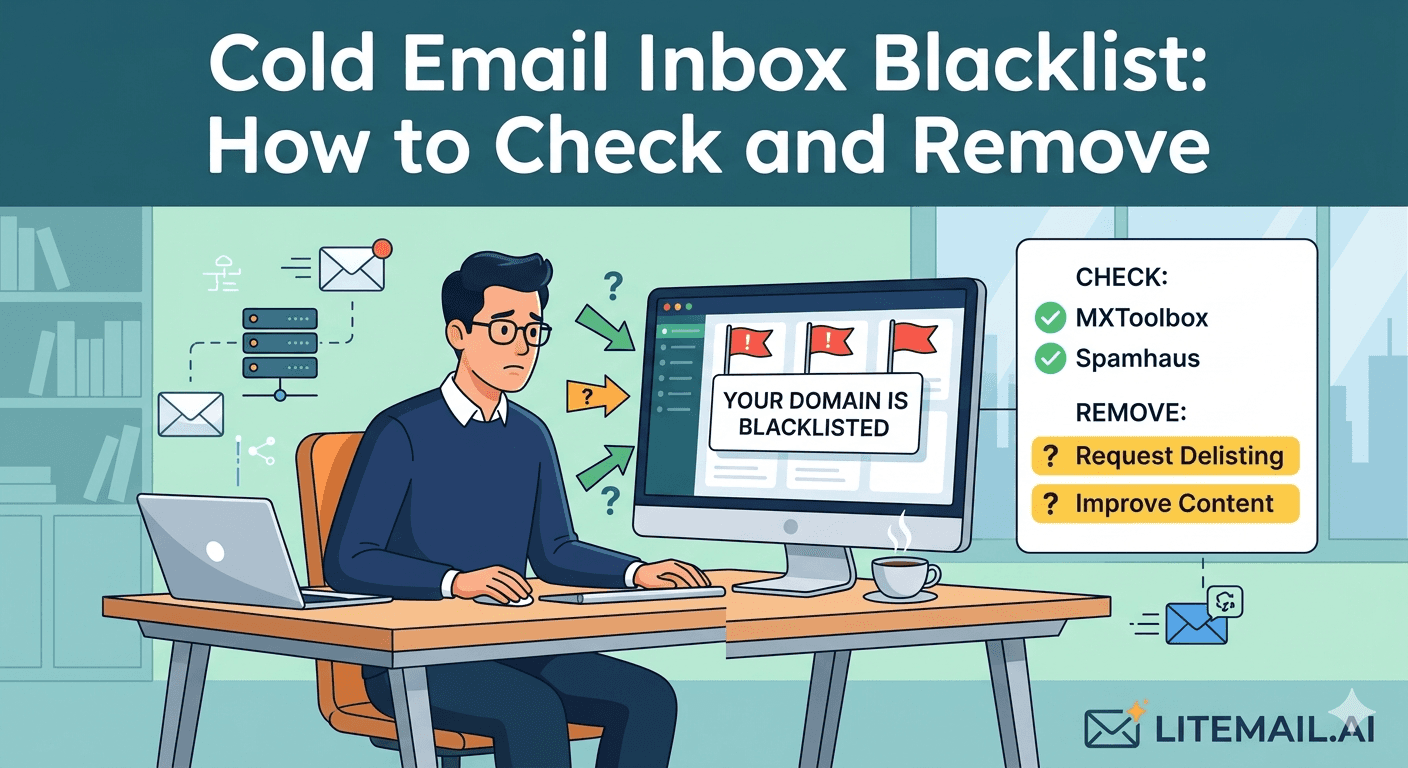
A blacklisted sending domain or IP is one of the fastest ways to see cold email performance collapse. Open rates drop overnight. Bounce rates spike. Replies stop. Most teams diagnose this as a copy problem and spend two weeks rewriting sequences while the actual issue — a Spamhaus or Microsoft SNDS blacklist listing — sits unfixed. Blacklist checks take 5 minutes. Removal takes 1–5 business days on most major blacklists. Neither is difficult once you know where to look.
How to Check if Your Cold Email Inbox Is Blacklisted
💡 TL;DR
Check three things: your sending domain against major blacklists (MXToolbox blacklist check — covers 100+ databases in one query), your sending IP address against Spamhaus directly (check.spamhaus.org), and your sending domain reputation in Google Postmaster Tools and Microsoft SNDS. A listing on Spamhaus SBL or the Microsoft blocklist will immediately suppress delivery. Most other blacklist listings have limited deliverability impact but should be cleared anyway. Litemail pre-warmed inboxes ($4.99/inbox) use dedicated IP addresses with clean blacklist history — the most effective blacklist prevention available.
Here's the full check process, which blacklists actually matter, and the removal steps for each one.
Which Blacklists Actually Affect Cold Email Deliverability
There are over 100 email blacklists. Most of them have minimal impact on deliverability for B2B cold email. Three categories of blacklists actually affect inbox placement for your target recipients:
High Impact — Fix Immediately
Spamhaus SBL (Spam Block List): The most consequential blacklist for email deliverability. Used by a majority of enterprise email filters globally. A Spamhaus SBL listing immediately suppresses delivery to most corporate email servers. Check at check.spamhaus.org — enter your sending domain or IP address.
Spamhaus ZBL/XBL (Exploits/Zombie Block List): IP-based blacklist for addresses associated with compromised systems or bot activity. Less common for legitimate cold email senders but worth checking.
Microsoft SNDS / Microsoft Safe List: Microsoft's own IP reputation system for Outlook and Exchange recipients. A Red SNDS status suppresses delivery to all Microsoft-hosted inboxes. Check at sendersupport.microsoft.com/snds.
Moderate Impact — Clear When Found
Barracuda BRBL: Used by companies running Barracuda email security appliances. Common in mid-market and enterprise environments. Check at barracudacentral.org/lookups.
SORBS: Used by some ISPs and corporate filters. Less prevalent than Spamhaus but worth clearing.
SpamCop: Based on user spam reports. High false-positive rate for cold email but clears quickly upon delisting request.
Low Impact — Don't Worry About These
The remaining 90+ blacklists have minimal real-world impact on B2B cold email deliverability because they're not used by major email service providers or enterprise email security vendors. MXToolbox will flag these — but a listing on an obscure regional blacklist does not meaningfully affect your campaign results. Focus removal effort on the high and moderate impact lists only.
Step-by-Step: Running a Complete Blacklist Check
MXToolbox blacklist check (domain): Go to mxtoolbox.com/blacklists.aspx. Enter your sending domain. MXToolbox checks against 100+ blacklists simultaneously and shows a pass/fail for each. Run this for every sending domain you operate.
MXToolbox blacklist check (IP): Run the same check with your sending IP address instead of the domain name. Your sending IP is the IP address of the mail server handling outbound sends from your inbox. For Litemail inboxes, IP details are provided on delivery.
Direct Spamhaus check: Go to check.spamhaus.org. Enter both your sending domain and sending IP address separately — Spamhaus checks both independently. Confirm no SBL, ZBL, or XBL listings.
Microsoft SNDS check: Log into sendersupport.microsoft.com/snds. Navigate to Data by IP. Review reputation status for your sending IPs — Green (good), Yellow (caution), Red (filtered/blocked).
Google Postmaster Tools: Check domain reputation for all sending domains. Low or Unknown reputation combined with blacklist findings confirms the root cause of deliverability problems.
How to Get Delisted — By Blacklist
Delisting processes vary by blacklist. Here's the process for each high-impact blacklist:
Spamhaus SBL Delisting
Go to spamhaus.org/lookup — check what caused the SBL listing (abusive sending, spam report, or policy violation)
Fix the underlying cause — this is required before requesting delisting. Stop the sending behaviour that caused the listing.
Submit a delisting request at spamhaus.org/removal/sbl. Provide a brief explanation of what happened and what you've changed.
Spamhaus typically processes removal requests within 1–3 business days when the root cause has been addressed.
Microsoft SNDS — Red Status Resolution
Reduce sending volume from the affected IP to near-zero immediately
Review your sending for high complaint rate or spam behaviour that triggered the Red status
After 7–14 days of reduced volume and clean sending, SNDS status typically recovers to Yellow, then Green. Microsoft SNDS does not have a manual delisting request process — recovery is time-based.
If Red status persists after 14 days, contact Microsoft Sender Support at sendersupport.microsoft.com
Barracuda BRBL Delisting
Go to barracudacentral.org/lookups — confirm the listing
Submit a delisting request on the same page. Barracuda's delisting process is automated and typically completes within 12 hours when legitimate use is confirmed.
Preventing Blacklisting — The Infrastructure Decisions That Matter
Blacklisting is almost always downstream of specific infrastructure or list hygiene failures. Fix the root cause and blacklisting risk drops dramatically:
Dedicated IP addresses: Shared IP pools mean another sender's blacklisting affects your sending. Litemail pre-warmed inboxes use dedicated US and EU IP addresses — no shared IP reputation risk. A bad actor on a shared pool cannot touch your sending reputation.
List verification before every send: High bounce rates from unverified lists are the most common cause of Spamhaus listings for legitimate cold email senders. NeverBounce or ZeroBounce every list before every campaign, no exceptions.
Spam complaint rate below 0.08%: High complaint rates trigger Microsoft SNDS degradation from Green to Yellow to Red within days. Keep complaints low through relevant targeting and clear opt-out mechanisms in every email.
MXToolbox continuous monitoring: Free monitoring on up to 5 domains. Alerts you by email when a new blacklist listing appears — catching the problem immediately rather than discovering it weeks later when campaign performance has collapsed.
Inboxes That Start With Clean Blacklist Status
Litemail pre-warmed inboxes — $4.99/inbox, dedicated IP addresses with clean blacklist history, Good/High Postmaster reputation, verified clear of Spamhaus and SNDS on delivery. The infrastructure that makes blacklisting a rare event rather than a regular problem.
Get Pre-Warmed Inboxes from $4.99 →
Dedicated IPs · Clean blacklist status · No minimum order · Delivered in 24 hours
About Litemail — Litemail provides pre-warmed Google Workspace and Microsoft 365 inboxes for cold email outreach. From $4.99/inbox with automated DNS, dedicated US and EU IPs, and full admin access. View pre-warmed inbox plans →
Related reading:
Cold Email Blacklist Prevention for B2B Sales 2026 · Outlook Cold Email Blacklist Recovery · Cold Email Deliverability Recovery 2026 · Cold Email Inbox Health Metrics 2026 · Best Pre-Warmed Inbox Providers 2026 (Ranked)
Key Takeaways
Run blacklist checks in three places: MXToolbox (covers 100+ lists for domain and IP), Spamhaus directly (check.spamhaus.org — the highest-impact blacklist), and Microsoft SNDS (sendersupport.microsoft.com/snds — required for Exchange/Outlook recipient deliverability).
Only three blacklist categories materially affect B2B cold email deliverability: Spamhaus (SBL/ZBL/XBL), Microsoft SNDS/Safelist, and Barracuda BRBL. The remaining 90+ blacklists have minimal real-world impact — don't spend time delisting from obscure lists while ignoring Spamhaus.
Spamhaus SBL removal: fix the root cause first, then submit removal at spamhaus.org/removal/sbl. Typically 1–3 business days. Microsoft SNDS Red status: reduce volume, wait 7–14 days for organic recovery — no manual delisting process exists.
Shared IP pools mean another sender's blacklisting affects your sending reputation. Dedicated IP addresses — included with Litemail pre-warmed inboxes — eliminate this shared-reputation risk entirely.
The most common cause of Spamhaus listings for legitimate cold email senders: high bounce rates from unverified lists. Verify every list with NeverBounce or ZeroBounce before every send. Not once when you build the list — before every campaign.
Set up MXToolbox continuous monitoring (free for up to 5 domains) to receive immediate email alerts when a new blacklist listing appears — before it causes campaign-level damage.
Frequently Asked Questions
How do I check if my email domain is blacklisted?
Run three checks: MXToolbox at mxtoolbox.com/blacklists.aspx (checks 100+ blacklists simultaneously — enter your sending domain), Spamhaus at check.spamhaus.org (enter domain and sending IP separately — the most consequential blacklist), and Microsoft SNDS at sendersupport.microsoft.com/snds (IP reputation for Outlook/Exchange recipients). These three cover all blacklists that materially affect B2B cold email deliverability.
Which email blacklists matter most for cold email?
Spamhaus SBL is the highest impact — used by a majority of enterprise email filters globally. Microsoft SNDS Red status is the second most impactful — suppresses delivery to all Microsoft-hosted inboxes (Outlook, Exchange). Barracuda BRBL matters for companies running Barracuda email security. The remaining 90+ blacklists have limited real-world impact on B2B cold email deliverability — focus removal effort on these three.
How long does it take to get off an email blacklist?
Spamhaus SBL: 1–3 business days after submitting a removal request (at spamhaus.org/removal/sbl) with the root cause fixed. Barracuda BRBL: automated, typically 12 hours. Microsoft SNDS Red status: no manual removal — organic recovery through reduced volume over 7–14 days, or contact Microsoft Sender Support at sendersupport.microsoft.com if Red persists after 14 days. You cannot get off Microsoft SNDS by submitting a form — only through demonstrating clean sending behaviour over time.
Why did my sending domain get blacklisted?
Three most common causes for legitimate cold email senders: high bounce rate from unverified lists (Spamhaus SBL often lists domains with sustained high bounce rates), spam complaint spikes above 0.1% of sends (Microsoft SNDS), or shared IP pool contamination (another sender on your shared IP was blacklisted, affecting your reputation). Dedicated IPs — included with Litemail pre-warmed inboxes — eliminate the shared IP contamination risk. List verification eliminates the bounce rate risk.
Clean Blacklist Status From Day One — Dedicated IPs, Verified on Delivery
Litemail pre-warmed inboxes — $4.99/inbox, dedicated US and EU IP addresses with clean Spamhaus and SNDS status, Good/High Postmaster reputation within 48 hours, automated SPF/DKIM/DMARC. Blacklist prevention built into the infrastructure. No minimum order. Delivered in 24 hours.
Get Pre-Warmed Inboxes from $4.99 →
Dedicated IPs · Clean blacklist status · No minimum order · US and EU IPs included
About Litemail — Litemail provides pre-warmed Google Workspace and Microsoft 365 inboxes for cold email outreach. From $4.99/inbox with automated DNS setup, dedicated US and EU IPs, 4 to 12 weeks of genuine warm-up history, and full admin access. View pre-warmed inbox plans →
Related reading: Cold Email Blacklist Prevention 2026 · Outlook Cold Email Blacklist Recovery · Cold Email Deliverability Recovery 2026 · Best Pre-Warmed Inbox Providers 2026 (Ranked)






