
A pre-warmed inbox with Good Postmaster reputation is not indestructible. Send it against a dirty list and domain reputation drops from Good to Medium within two weeks. Drop it to Low and you're looking at a 60-day recovery window. The inbox did nothing wrong. The list killed it. List cleaning is not optional — it's the single most important ongoing habit in sustainable cold email.
What a Dirty List Does to Your Inbox Reputation
Dirty lists cause two types of deliverability damage — and both compound over time if not caught early.
Damage Type 1: Hard Bounces
Hard bounces occur when you email an address that doesn't exist — invalid domains, deleted accounts, typos, or addresses shut down after the list was built. Each hard bounce sends a negative signal to Google and Microsoft's reputation systems. Keep hard bounce rate under 2% per campaign send. Above 5%, domain reputation can drop from Good to Low within a single campaign run.
Damage Type 2: Spam Complaints
When a recipient marks your email as spam, that feedback feeds directly into Postmaster's reputation system for your domain. Google's published threshold is under 0.10% — but the safe operating zone is under 0.08%. Above 0.10%, Postmaster Tools starts showing reputation degradation within 48–72 hours.
🚩 The Two Thresholds That Protect Your Domain
Hard bounce rate: under 2%. Spam complaint rate: under 0.08%. These are the specific thresholds where Google and Microsoft begin recording negative signals against your domain. Exceeding either consistently degrades even a Litemail pre-warmed inbox from Good to Medium within 2 weeks. Clean lists before every send.
What You're Cleaning Out: Types of Bad Emails in Cold Lists
Email Type | What It Is | Damage Type | Remove Priority |
|---|---|---|---|
Invalid / non-existent | Domain doesn't exist or address was deleted | Hard bounce — immediate reputation damage | Highest |
Spam traps | Addresses seeded in lists to catch poor-hygiene senders | Instant blacklist signal — severe damage | Highest |
Generic (info@, hello@) | Shared inboxes, not individual recipients | Higher complaint rate + low engagement | High |
Role-based (admin@, support@) | Team inboxes screened by multiple people | Poor engagement, higher spam reports | High |
Catch-all domains | Accept all email regardless of address validity | Can't verify validity — soft bounce risk | Medium |
Outdated contacts | Person has left the company | Auto-reply or bounce — bounce rate risk | Medium |
List Cleaning Tools for Cold Email in 2026
Two categories matter: real-time verification APIs for integrating into lead capture workflows, and bulk verification tools for cleaning lists before each campaign send. Most cold email teams need bulk verification.
NeverBounce — Best Pay-As-You-Go Option
$0.003–$0.008 per email depending on volume. Upload a CSV, get a cleaned CSV back within minutes. Categorises each address as valid, invalid, disposable, catch-all, or unknown. The right choice for teams sending 10,000–200,000 emails per month who want clean-before-you-send without a subscription commitment.
ZeroBounce — Best for Verification Plus Enrichment
Similar per-email pricing to NeverBounce with added enrichment features — name appending, activity scoring (indicating how recently the address was active), and demographic data. Good choice when you want verification and enrichment in one tool. The activity score helps deprioritise dormant contacts before they generate bounces.
Bouncer — Accurate on Catch-All Domains
$0.005–$0.01 per email. Claims higher accuracy on catch-all domain verification in independent tests. Good alternative when your prospect segments have high catch-all rates — common in smaller businesses and certain industries.
The List Cleaning Process: Before Every Campaign Send
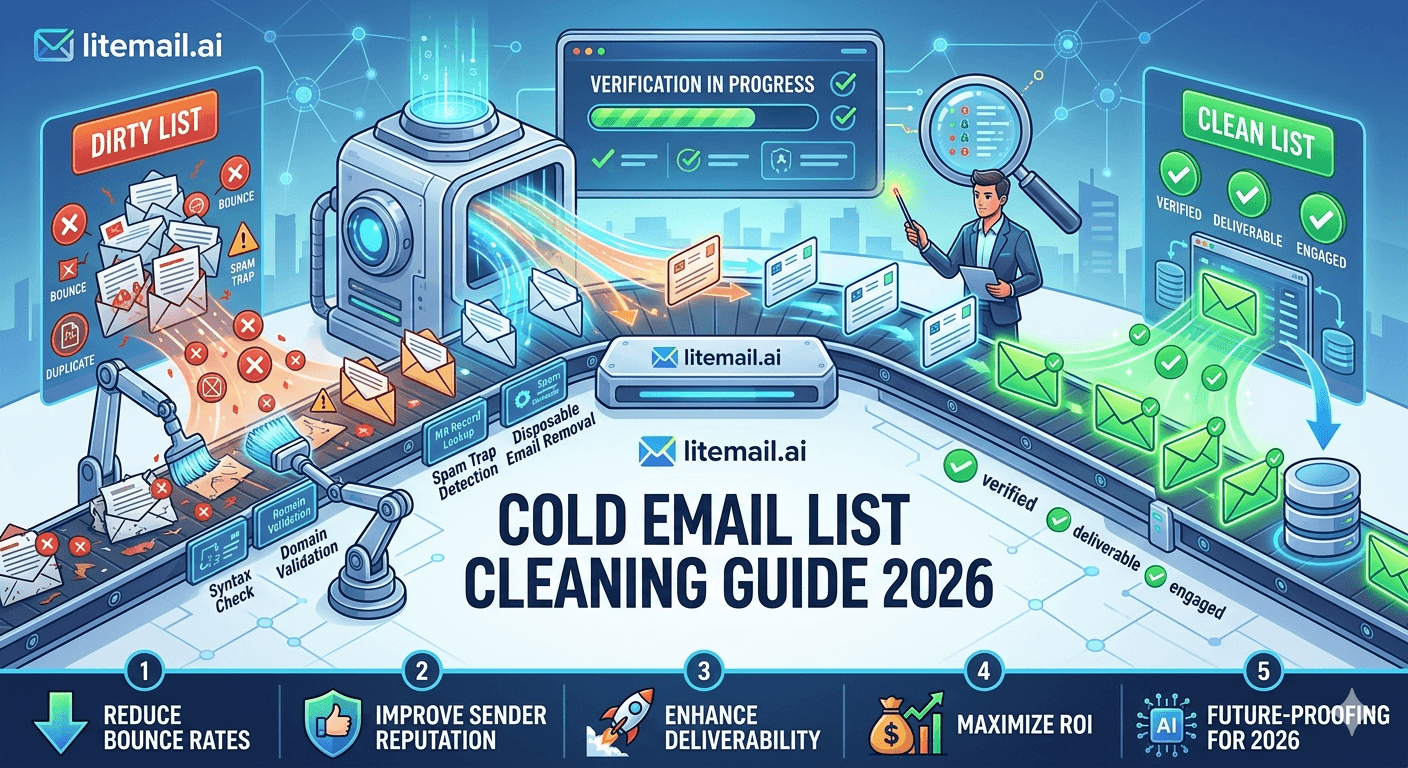
Run this process every time you're about to launch a campaign from a new or existing prospect list. Don't skip steps — each one catches a different failure mode.
Export the prospect list from Apollo, Clay, Hunter, or your data source as a CSV with email addresses in a dedicated column.
Upload to NeverBounce or ZeroBounce for bulk verification. Processing takes 5–30 minutes depending on list size.
Filter the results: Keep valid addresses. Remove invalid and disposable immediately. Segment catch-all and unknown addresses separately — test with small volume in a secondary send, not your primary campaign.
Remove generic and role-based addresses manually: info@, hello@, contact@, support@, admin@, sales@, team@. These generate higher complaint rates on personalised cold outreach.
Cross-reference your opt-out suppression list. Anyone who previously opted out must be excluded before every send. Verify your campaign platform's suppression is active — don't assume it is.
Load the cleaned list into your campaign platform and proceed.
Post-Send Monitoring: Catch Problems Within 48 Hours
List cleaning before the send prevents most problems. Monitoring after catches the rest — particularly catch-all bouncebacks and complaint rate spikes from poorly targeted segments.
Check bounce rate in your campaign platform within 24 hours. Above 3%: pause the campaign, identify the list segment generating bounces, and remove before continuing.
Check Google Postmaster Tools within 48 hours. A reputation drop from Good to Medium within 48 hours of a launch means the list generated enough negative signals to register. Reduce sending volume on that domain immediately.
Monitor complaint rate daily for the first week. Set an alert at 0.05% to give yourself time to investigate before hitting the 0.08% damage threshold.
In our monitoring at Litemail, campaigns that run pre-send list verification and post-send Postmaster monitoring maintain Good reputation indefinitely when targeting keeps complaint rates in check. Campaigns without verification typically show reputation degradation within 30 days on equivalent infrastructure.
Protect Your Pre-Warmed Inboxes — Start With a Clean List
Litemail pre-warmed inboxes arrive with Good/High Postmaster reputation. Clean lists protect that reputation through extended campaigns. $4.99/inbox. No minimum order.
Get Pre-Warmed Inboxes from $4.99 →
Verified Good/High reputation · Automated DNS · Dedicated US and EU IPs · No minimum order
About Litemail — Litemail provides pre-warmed Google Workspace and Microsoft 365 inboxes for cold email outreach. From $4.99/inbox with automated DNS, dedicated US and EU IPs, and full admin access. View pre-warmed inbox plans →
Related reading:
Email Verification Tools 2026 Comparison · Cold Email Blacklist Prevention 2026 · Google Postmaster Tools Setup · Cold Email Deliverability Recovery 2026 · Cold Email Deliverability Guide 2026
Key Takeaways
Hard bounce rate must stay under 2% and spam complaint rate under 0.08% per campaign send — the specific thresholds where Google and Microsoft begin recording negative signals against your domain.
Spam traps are the highest-priority removal target — they trigger instant blacklist signals. Invalid emails follow close behind. Remove both before every send using a bulk verification tool.
NeverBounce or ZeroBounce for bulk verification before each campaign send. Remove all invalid and disposable results. Segment catch-all and unknown addresses into separate low-volume test sends.
Remove generic addresses (info@, hello@, contact@, admin@) from all personalised cold email sequences. They generate higher complaint rates and drag down campaign-level reputation metrics.
Always cross-reference the opt-out suppression list before every send — not just on initial setup. Verify it's active in your campaign platform before each campaign launch.
Monitor bounce rate within 24 hours and Postmaster Tools reputation within 48 hours of every campaign launch. Catching a reputation drop at Medium is a 1-week fix. Missing it until Low means 60 days of recovery.
Frequently Asked Questions
How do I clean a cold email list before sending in 2026?
Export your prospect list as a CSV, upload to NeverBounce or ZeroBounce for bulk verification, download the cleaned results, remove all invalid and disposable addresses, remove generic role-based addresses (info@, hello@, support@, admin@), and cross-reference your opt-out suppression list. This 6-step process takes 15–30 minutes and prevents the bounce and complaint spikes that degrade domain reputation.
What bounce rate is acceptable for cold email in 2026?
Under 2% hard bounce rate per campaign send. Above this threshold, Google and Microsoft's reputation systems begin recording negative signals against your sending domain. Above 5% hard bounces in a single campaign, domain reputation can drop from Good to Low within the same campaign run. Run NeverBounce or ZeroBounce verification before every send to keep bounce rates below 2%.
What is a spam trap and how do I avoid it in cold email lists?
Spam traps are email addresses seeded in lists to identify senders with poor list hygiene. Pristine spam traps (never used for legitimate email) are found in scraped lists. Recycled spam traps (old valid addresses repurposed) appear in purchased or outdated lists. Both trigger instant blacklist signals when you email them. Avoid by using reputable B2B data sources rather than scraping, verifying all lists through NeverBounce or ZeroBounce, and targeting genuinely relevant prospects with current, accurate data.
How often should I clean my cold email list?
Before every new campaign send. Email addresses change constantly — people leave companies, domains expire, accounts get shut down. A list verified in January may have 5–8% invalid addresses by June. Lists older than 90 days should be re-verified before sending regardless of previous cleaning. Lists freshly built from enrichment tools should be verified immediately before the first send.
Should I remove catch-all email addresses from my cold email list?
Segment rather than bulk-remove. Catch-all domains accept all email regardless of address validity — verification tools can't confirm whether the specific address is real. For recognisable business domains with LinkedIn-verified contacts, catch-all addresses are usually safe to include. For small or unknown domains, exclude from primary campaigns and test with low volume in a separate send to observe bounce rates before including in main campaigns.
Can list cleaning protect pre-warmed inboxes from reputation damage?
Yes — it's the primary ongoing protection mechanism. Litemail pre-warmed inboxes arrive with Good/High Postmaster reputation and 88–96% primary inbox placement. That reputation is maintained by clean sending behaviour — which requires clean lists. A dirty list with 8% bounces and 0.2% complaint rates degrades even a perfectly pre-warmed inbox from Good to Medium within 2 weeks. List cleaning before every send is what protects the infrastructure investment long-term.
Cold Email List Cleaning 2026 | Litemail
Clean lists protect pre-warmed inbox reputation. $4.99/inbox with Good/High Postmaster reputation — keep it that way with pre-send list verification.
View Plans & Pricing →
Related reading:
Email Verification Tools 2026 · Blacklist Prevention 2026 · Postmaster Tools Setup · Deliverability Recovery 2026 · Deliverability Guide 2026






