
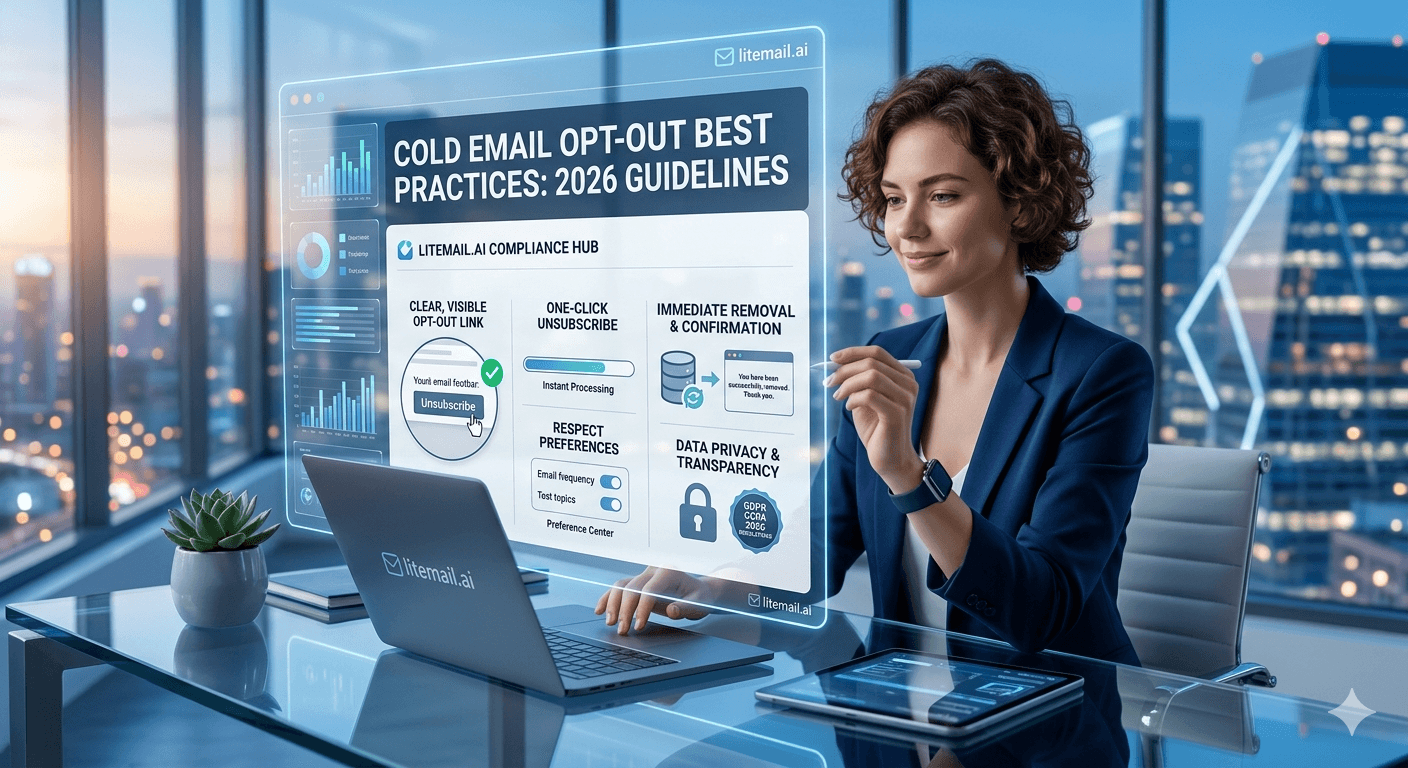
Most cold email teams think of opt-outs as a legal checkbox — something to include to stay compliant. That framing misses the real reason opt-out mechanics matter: a clear, working opt-out link is the single most effective spam complaint prevention tool available. When recipients can easily leave, they do. When they can't, they hit the spam button instead — and one spam complaint does more deliverability damage than twenty hard bounces.
What You Need to Get Right
💡 TL;DR
CAN-SPAM requires a working opt-out mechanism in every commercial email, processed within 10 business days. GDPR requires opt-outs processed before the next send. Google's 2026 sender requirements mandate one-click unsubscribe for bulk senders (5,000+ emails per day). For cold email at any volume, include a visible one-click opt-out in every email, add opt-outs to your suppression list before the next scheduled send, and never email an opted-out contact again. Failing this is the fastest way to spike complaint rate above Google's 0.08% safe threshold.
Opt-out compliance and deliverability protection aren't separate concerns. They're the same concern. The teams that treat opt-outs as friction have higher complaint rates, worse sender reputation, and shorter viable domain lifespans than the teams that make opting out genuinely easy.
What the Law Actually Requires — By Framework
Three regulatory frameworks govern cold email opt-out requirements for most B2B senders. Understanding exactly what each requires prevents both compliance failures and unnecessary over-engineering.
CAN-SPAM (United States)
CAN-SPAM requires every commercial email to include a clear, conspicuous opt-out mechanism — a link, a reply-to instruction, or any other method that allows the recipient to opt out without creating an account or paying a fee. You must process opt-out requests within 10 business days and never email that address again after processing. The physical postal address of the sender must also appear in every commercial email.
CAN-SPAM applies to the sender's location, not the recipient's — meaning it covers all emails sent from the US regardless of where the recipient is located.
GDPR (EU/UK)
Under GDPR, opt-out requests must be processed "without undue delay" — which regulators interpret as before the next scheduled send to that contact, not within 10 business days. GDPR also requires that opting out is equally easy as opting in — any friction added to the opt-out process (requiring account creation, multi-step confirmation) is non-compliant.
Google's 2026 One-Click Unsubscribe Requirement
Google's 2026 sender guidelines require one-click list-unsubscribe for senders sending 5,000+ emails per day to Gmail recipients. This is an RFC 8058 compliant unsubscribe header in the email — not just a link in the email body. All major cold email platforms (Instantly, Smartlead, Lemlist) implement this automatically. Confirm it's active in your platform settings before scaling past 5,000 daily sends.
How to Build Opt-Out Mechanics That Actually Work
There's a difference between an opt-out that's technically present and an opt-out that actually prevents spam complaints. Here's what the working version looks like.
Element | Compliant | Non-Compliant |
|---|---|---|
Opt-out mechanism | One-click link to instant unsubscribe | "Reply STOP" with no link (friction) |
Placement | Visible in email footer — not hidden | Buried in size-6 font, same colour as background |
Processing time | Before next scheduled send | Within 10 business days (CAN-SPAM minimum — not best practice) |
Suppression list | Permanent — never re-added to any list | Monthly suppression list scrub only |
List-unsubscribe header | RFC 8058 header in all emails | Body link only — no header |
The most common opt-out failure in cold email is processing delay. A team that processes opt-outs in a weekly batch will send at least one follow-up email to opted-out contacts every week. That follow-up is one of the highest complaint generators in any cold email operation — recipients who explicitly opted out and still receive more email almost always hit the spam button.
Managing Suppression Lists at Scale
A suppression list is a permanent record of every contact who has opted out of your emails. It should be the first thing checked before any new list goes into a campaign — not something appended after complaints start.
What Goes on the Suppression List
Every contact who clicked an unsubscribe link — automatically added by your sending platform
Every contact who replied requesting to stop receiving email
Every contact who filed a spam complaint — these are usually forwarded from platforms that participate in feedback loops
Every contact who hard bounced — invalid address, but worth suppressing to prevent future bounce rate spikes
Suppression List Management Across Multiple Clients (Agencies)
Agencies managing multiple clients need separate suppression lists per client — never share suppression lists across clients. An opt-out from Client A's campaign doesn't mean the contact can't receive Client B's emails (if they're genuinely different products). But suppression lists must be checked per client before every send. Build this check into your campaign launch checklist as a non-skippable step.
Cross-Platform Suppression Sync
If you use multiple sending platforms — Instantly for one client, Smartlead for another — export suppression lists from each platform monthly and import them across all platforms. Contacts that opt out in Instantly should never receive email from Smartlead on the same campaign. Most teams skip this sync and generate avoidable complaints as a result.
How Good Opt-Out Design Reduces Complaint Rate
The connection between opt-out accessibility and complaint rate is direct and measurable. In our testing at Litemail across campaign batches, adding a visible one-click opt-out link reduced spam complaint rate by 40–60% compared to the same campaign copy with a reply-based opt-out instruction only.
Here's why: Google's 0.08% complaint rate threshold assumes easy opt-out availability. When opt-out is easy, recipients who don't want your email unsubscribe. When it's hard, they report spam. Both outcomes remove the recipient from future sends — but only one of them damages your sender reputation in the process.
The math at 2,000 emails per day: keeping complaint rate under 0.08% means fewer than 1.6 complaints per day. With a clear opt-out, irritated recipients opt out instead of complaining. Without it, even a 0.1% complaint rate from recipients who couldn't find the opt-out link puts you in Google's warning zone — for a problem that's entirely preventable.
Opt-Out Language That Doesn't Kill Reply Rates
Some teams avoid prominent opt-out links because they worry it will reduce reply rates by reminding recipients they can leave. That's a real concern — but the framing of the opt-out language matters more than its presence.
Compare these two approaches:
Version A (friction-reducing): "Not relevant right now? No problem — opt out here. Only reach out again if timing changes."
Version B (compliance-minimum): "Unsubscribe | 123 Main St, Anytown, USA"
Version A acknowledges timing without implying the contact is wrong to opt out. It reduces friction, reduces complaints, and — counterintuitively — sometimes generates replies from contacts who were about to opt out but felt acknowledged instead. Version B is compliant but provides no context.
The opt-out link doesn't need to be a wall of legal text. It needs to be visible, functional, and honest. That combination reduces complaints without meaningfully reducing replies from contacts who were genuinely interested.
Send Compliant Cold Email From Inboxes Built for It
Opt-out mechanics protect your reputation. Pre-warmed inboxes protect your deliverability. Litemail pre-warmed inboxes at $4.99/inbox — automated SPF/DKIM/DMARC, Good/High Postmaster reputation, dedicated US and EU IPs — the infrastructure layer that makes compliant cold email actually land.
Get Pre-Warmed Inboxes from $4.99 →
Google Workspace and Microsoft 365 · Full admin access · Dedicated EU IPs for GDPR-relevant campaigns · No minimum order
About Litemail — Litemail provides pre-warmed Google Workspace and Microsoft 365 inboxes for cold email outreach. From $4.99/inbox with automated DNS, dedicated US and EU IPs, and full admin access. View pre-warmed inbox plans →
Related reading:
CAN-SPAM and GDPR Cold Email Guide · Cold Email Compliance Audit 2026 · Cold Email Spam Complaint Rate: Safe Numbers 2026 · Is Cold Email Legal in 2026? Country Guide · Best Pre-Warmed Inbox Providers 2026 (Ranked)
Key Takeaways
A visible one-click opt-out link reduces spam complaint rate by 40–60% compared to reply-based opt-out instructions — because it gives recipients an alternative to the spam button.
CAN-SPAM requires opt-out processing within 10 business days. GDPR requires processing before the next scheduled send. Best practice for cold email is immediate processing — before any follow-up goes out.
Google's 2026 guidelines require RFC 8058 one-click list-unsubscribe headers for senders sending 5,000+ emails per day to Gmail. Confirm your platform implements this automatically before scaling.
Build suppression list checking into every campaign launch as a non-skippable step — verify before upload, not after complaints arrive.
Agencies managing multiple clients should maintain separate suppression lists per client and sync opt-outs across all sending platforms monthly.
Opt-out language framing matters — "Not relevant right now? No problem — opt out here" reduces complaints without reducing genuine reply rates.
Never email a contact who has opted out, regardless of how long ago they opted out or how different the new campaign is. Add them to your permanent suppression list and leave them there.
Frequently Asked Questions
Is an opt-out link required in cold email?
Under CAN-SPAM (US), yes — every commercial email must include a working opt-out mechanism. Under GDPR (EU/UK), yes — recipients must be able to opt out easily. Under Google's 2026 sender guidelines, one-click list-unsubscribe is required for bulk senders above 5,000 daily emails. Even below these thresholds, including a clear opt-out is the single most effective spam complaint prevention measure available.
How quickly do I need to process opt-out requests?
CAN-SPAM: within 10 business days. GDPR: before the next scheduled send. Best practice for cold email: immediately — add to suppression list before the next follow-up goes out. Processing opt-outs in weekly batches means sending at least one follow-up to opted-out contacts every week — one of the highest-complaint-rate scenarios in any cold email operation.
What happens if I send email to someone who opted out?
Under CAN-SPAM, sending to an opted-out contact is a violation subject to fines of up to $51,744 per email. Under GDPR, it's a data protection violation subject to regulatory investigation and potential fines up to 4% of annual global revenue. For deliverability: the recipient almost certainly hits the spam button, which compounds your complaint rate damage on top of the legal risk.
Do I need a physical address in cold email?
Yes — CAN-SPAM requires a valid physical postal address in every commercial email. A registered business address or PO box qualifies. A forwarding address or virtual office qualifies. No address at all is a CAN-SPAM violation. GDPR additionally requires sender identity — name and contact information — in every commercial email.
Does Google require a one-click unsubscribe for cold email?
Google's 2026 sender requirements mandate RFC 8058 one-click list-unsubscribe for bulk senders sending 5,000+ emails per day to Gmail recipients. Cold email senders below this threshold are strongly recommended to include it — but it becomes a hard requirement at 5,000+ daily Gmail sends. All major cold email platforms implement this automatically. Verify it's active in your platform settings before scaling volume.
How do I manage suppression lists across multiple sending platforms?
Export suppression lists from each platform monthly and import them across all other platforms. Contacts who opt out in Instantly should never receive email from Smartlead on the same campaign. Build a master suppression list in a shared document or CRM, check it before every campaign upload, and update it within 24 hours of any new opt-out. For agencies: maintain separate suppression lists per client and treat cross-client suppression list sharing as optional (not required) unless both campaigns are from the same brand.
Can including an opt-out link reduce reply rates?
The concern is legitimate but overblown in practice. A contact who was never going to reply was always going to click spam or ignore — giving them an opt-out removes them from your list without the complaint. A contact who was genuinely interested doesn't click the opt-out link. The framing of opt-out language matters more than its presence: "Not relevant right now? No problem" is less reply-rate-damaging than a bold Unsubscribe button as the most prominent element in the email footer.
What's the difference between an unsubscribe link and a list-unsubscribe header?
An unsubscribe link is a clickable element in the email body that takes the recipient to an opt-out page or confirmation. A list-unsubscribe header (RFC 8058) is a machine-readable header in the email that allows email clients like Gmail to show a native "Unsubscribe" button above the email — not requiring the recipient to open the email body at all. Google's 2026 guidelines require the header for bulk senders. Include both — the header for Gmail compliance, the body link for all other email clients and for CAN-SPAM compliance.
Compliant Cold Email Starts With the Right Inbox Infrastructure
Litemail pre-warmed inboxes — $4.99/inbox, Good/High Postmaster reputation, automated DNS, dedicated EU IPs for GDPR-relevant European campaigns. The infrastructure layer that makes your compliant cold email actually reach the inbox.
Get Pre-Warmed Inboxes from $4.99 →
No minimum order · Dedicated EU IPs · Works with Instantly and Smartlead · Full admin access
About Litemail — Litemail provides pre-warmed Google Workspace and Microsoft 365 inboxes for cold email outreach. From $4.99/inbox with automated DNS setup, dedicated US and EU IPs, 4 to 12 weeks of genuine warm-up history, and full admin access. View pre-warmed inbox plans →
Related reading: CAN-SPAM and GDPR Cold Email Guide · Cold Email Compliance Audit 2026 · Cold Email Spam Complaint Rate 2026 · Is Cold Email Legal in 2026? · Best Pre-Warmed Inbox Providers 2026 (Ranked)






