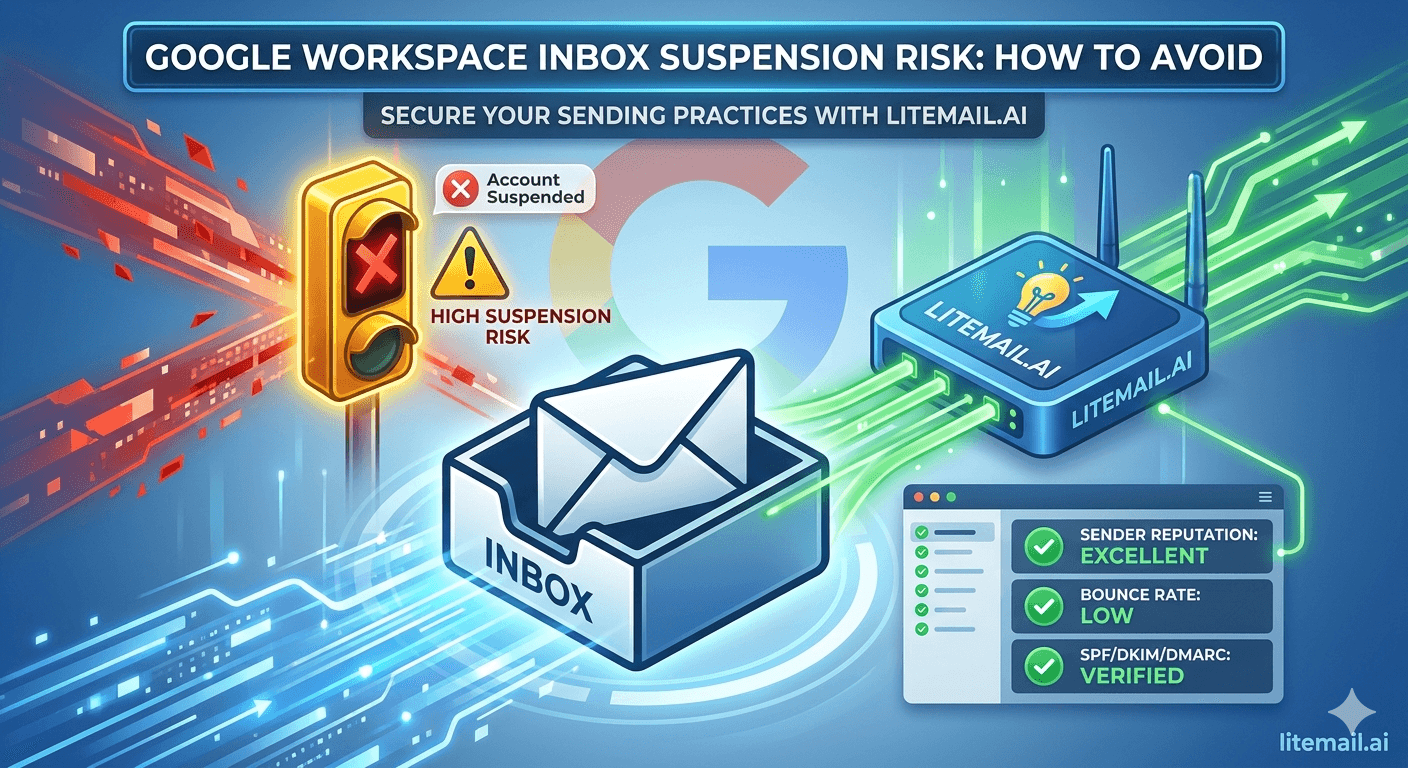
Google suspends Workspace accounts for cold email behaviour in a specific, predictable order — and almost every suspension we've analysed was preceded by 48 to 72 hours of visible warning signs the sender ignored. New tenants sending 50+ cold emails per day in their first month account for the largest share of suspensions we see. This post lists the six real triggers, the early warnings Google gives you before pulling the account, and the setup that took one agency from three suspensions a quarter to zero in nine months.
💡 TL;DR
Google Workspace suspensions for cold email come from six triggers: volume spikes on young accounts, bounce rates over 2%, spam complaints over 0.1%, failing authentication, identical-content bulk patterns, and login anomalies from sending tools. Warning signs appear 48–72 hours early — temporary sending errors (550 5.4.5), CAPTCHA challenges, and delayed delivery. Prevention: aged or pre-warmed accounts, 25–35 sends/day per inbox, verified lists, SPF/DKIM/DMARC passing, and OAuth (never app passwords) for platform connections.
The 6 Real Suspension Triggers
Google doesn't publish its suspension logic, but the patterns are consistent across every case we've reviewed. These are the six behaviours that end accounts, roughly in order of how often we see them.
📈1. Volume Spikes on Young Accounts
A 2-week-old tenant sending 60 emails per day is the classic suspension profile. Google models normal business email adoption — real companies ramp gradually. Accounts under 30 days old sending cold volume from day one get flagged fastest. This single trigger explains why fresh inboxes fail where pre-warmed ones survive.
📉2. Hard Bounce Rate Over 2%
Sustained bounces above 2% signal purchased or scraped lists. Above 5%, suspension can come within days. Unverified lists are the most preventable trigger on this entire page.
🚨3. Spam Complaints Over 0.1%
Google's sender guidelines set 0.3% as the enforcement ceiling and 0.1% as the recommended maximum. Workspace accounts generating recipient complaints at scale don't just lose deliverability — they lose the account. Two complaints per 1,000 sends already breaches the safe line.
🔓4. Failing Authentication
Sending bulk mail without passing SPF, DKIM, and DMARC violates Google's 2026 bulk sender requirements outright. Misconfigured records don't just hurt placement — they put the tenant itself at policy risk. Records and formats: our SPF/DKIM/DMARC setup guide.
📋5. Identical-Content Bulk Patterns
Hundreds of near-identical emails with only a first-name token swapped is a bulk fingerprint Google reads easily. Spintax alone doesn't fix this — vary structure, length, and send timing, not just words.
🔑6. Login Anomalies from Sending Tools
Connecting via app passwords or SMTP from rotating datacenter IPs looks like account compromise. Always connect sending platforms via Google OAuth — it's the sanctioned path and removes the anomaly signal entirely.
You Get 48–72 Hours of Warning. Most People Waste It.
Suspensions rarely come from nowhere. Google throttles before it terminates. Learn these signals and you can intervene before the account dies.
Warning Sign | What It Means | Immediate Action |
|---|---|---|
550 5.4.5 daily limit errors (below your actual limit) | Google has soft-throttled the account | Stop cold sends for 72 hours |
CAPTCHA or re-verification prompts on login | Behaviour flagged as anomalous | Pause tools, log in manually, verify recovery info |
Delivery delays of 10+ minutes on sends | Outbound mail under review | Cut volume 50%, check bounce logs |
Sudden Postmaster reputation drop | Complaint or bounce breach in progress | Audit the last 3 days of lists and replies |
"Unusual activity" admin console alert | Final warning tier | Halt all outbound immediately |
The pattern in every post-mortem we've done: the sender saw at least one of these signals and kept sending to "finish the batch." Don't. A paused campaign costs you three days. A suspended tenant costs the domain, the warm-up history, and often the campaign data. If you're already suspended, recovery odds and steps are in our deliverability after account ban guide.
The Zero-Suspension Setup
A 6-person lead gen agency we work with was losing 2 to 3 Google Workspace accounts per quarter through 2025. Nine months after rebuilding on this setup, they've lost zero — across 45 active inboxes. Here's the configuration.
Start from accounts with history, not fresh tenants. They switched to Litemail pre-warmed Google Workspace inboxes — each carrying 4 to 12 weeks of genuine activity, so their sending behaviour matched the account's established profile from day one. $4.99/inbox, delivered in 24 hours with full admin access.
Hard cap: 30 cold sends per inbox per day. Google's technical limits are far higher — the behavioural safe zone isn't. More inboxes at low volume always beats fewer inboxes at high volume.
Verify every list to under 2% projected bounces. No exceptions, including "clean" client-supplied lists — those caused two of their three 2025 suspensions.
OAuth-only platform connections. Instantly, Smartlead, and Lemlist all support it. App passwords were banned internally.
Authentication verified before first send, then monitored weekly in Postmaster Tools.
2 inboxes per domain, domains rotated on a planned cycle — replacement cadence in our GWS replacement cycle guide.
✅ Why Pre-Warmed Accounts Change the Suspension Math
Trigger #1 — cold volume on young accounts — is the biggest suspension driver, and it's purely an account-age problem. A pre-warmed inbox with 4 to 12 weeks of established, Postmaster-verified activity simply doesn't match the new-tenant risk profile Google screens hardest. You inherit the account maturity instead of gambling through it.
Special Risk: Agencies Running Client Workspaces
Agencies face a version of this problem solo senders don't: one client's bad list can burn infrastructure shared across accounts, and suspension of a client-facing inbox is a client-relationship event, not just a technical one.
Isolate ruthlessly. Separate domains per client, separate inbox pools, never shared IPs across clients. The full risk model — including who owns what when things go wrong — is in our Google Workspace risks for marketing agencies breakdown, and the compliance side (unsubscribes, sender identity, regional rules) in the CAN-SPAM and GDPR guide — because compliance violations are their own suspension path.
Remove the #1 suspension trigger before you send: Litemail pre-warmed Google Workspace inboxes carry 4 to 12 weeks of verified activity history, automated DNS, dedicated US and EU IPs, and full admin access — from $4.99/inbox. Get Pre-Warmed GWS Inboxes →
The Bottom Line
The top suspension trigger is cold volume on accounts under 30 days old — an account-age problem pre-warmed inboxes remove entirely.
Hold bounces under 2% and complaints under 0.1%; above 5% bounces, suspension can arrive within days.
Google warns before it suspends: throttle errors, CAPTCHAs, and delivery delays give you 48–72 hours. Pause immediately when you see them.
Cap cold sends at 30 per inbox per day and connect platforms via OAuth only — never app passwords.
Agencies: isolate clients by domain and inbox pool so one bad list can't burn shared infrastructure.
A paused campaign costs 3 days. A suspended tenant costs the domain, the history, and sometimes the client.
Frequently Asked Questions
Why did Google Workspace suspend my account for cold email?
Most likely one of six triggers: high volume on a young account, bounce rate over 2%, spam complaints over 0.1%, failing SPF/DKIM/DMARC, identical-content bulk patterns, or suspicious login behaviour from sending tools. Check the admin console notice and your Postmaster Tools data from the preceding week — the cause is usually visible there.
Can I recover a suspended Google Workspace account?
Sometimes, via the appeal process — but recovery rates for bulk-sending suspensions are low, and even recovered accounts carry damaged reputation. Budget for replacement rather than recovery: most teams restart on fresh pre-warmed infrastructure faster than an appeal resolves.
How many cold emails can I send from Google Workspace without suspension risk?
Stay at 25–35 cold sends per inbox per day on established or pre-warmed accounts. Google's technical limit of 2,000/day is irrelevant — behavioural screening flags cold-email patterns far below it. Scale with more inboxes, not more volume per inbox.
Do pre-warmed Google Workspace inboxes get suspended less often?
Yes, materially — because they eliminate the largest trigger: cold volume on young accounts. Litemail pre-warmed GWS inboxes carry 4 to 12 weeks of genuine activity history verified in Postmaster Tools, so normal cold email volume matches the account's established profile. Discipline still applies: dirty lists and volume spikes can suspend any account.
Is using Instantly or Smartlead with Google Workspace a suspension risk?
Not if connected via OAuth — that's the Google-sanctioned integration path. The risk comes from app-password and raw SMTP connections, which produce login patterns resembling account compromise. All major platforms support OAuth; use it exclusively.
What are the first warning signs before a Workspace suspension?
Temporary sending errors (550 5.4.5) below your normal limit, CAPTCHA or re-verification prompts at login, outbound delivery delays over 10 minutes, and "unusual activity" alerts in the admin console. Any of these means stop cold sending for 72 hours — they typically precede suspension by 2 to 3 days.
Send from Accounts Google Already Trusts
Litemail pre-warmed Google Workspace inboxes remove the new-account risk profile entirely — 4 to 12 weeks of genuine, Postmaster-verified activity, SPF/DKIM/DMARC configured on delivery, dedicated US and EU IPs, and full admin console access you own. Microsoft 365 also available. No minimum order, delivered in 24 hours.
Get Pre-Warmed Inboxes from $4.99 →
Full admin access · OAuth-ready for all platforms · Verified Good/High reputation in 48hrs
About Litemail — Litemail provides pre-warmed Google Workspace and Microsoft 365 inboxes for cold email outreach. From $4.99/inbox with automated DNS setup, dedicated US and EU IPs, and full admin access. View pre-warmed inbox plans →
Related reading: Google Workspace Inbox Risks for Marketing Agencies · Google Workspace Inbox Replacement Cycle Guide · Google Workspace 500/Day Limit Explained · Email Deliverability After an Account Ban · Google Sender Guidelines — 2026 Changes · Litemail — Pre-Warmed Inboxes, Plans and Pricing







