
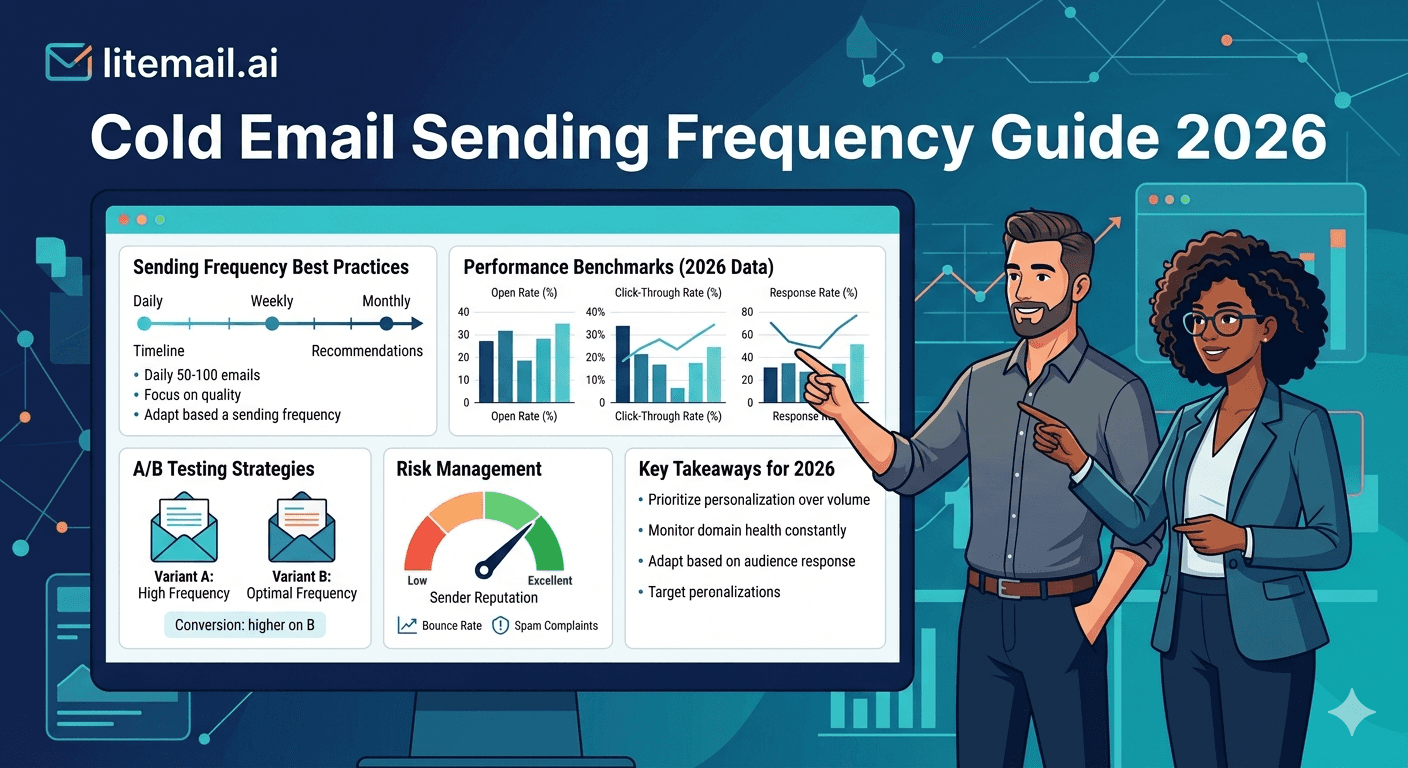
More email does not mean more replies. It means more spam complaints, faster domain burnout, and deliverability problems that take 60–90 days to recover from. The question isn't how many emails you can send — it's how many you can send while maintaining the sender reputation that keeps them landing in primary inboxes.
Safe Daily Volume Per Inbox: The Numbers That Actually Hold
The cold email community has debated this for years. Based on our data at Litemail across 2.4 million cold sends in Q1 2026, here are the numbers that consistently maintain Good or High Postmaster reputation without degradation over 90-day periods.
Inbox Type | Conservative (Safe) | Standard (Recommended) | Aggressive (Monitor Closely) | Danger Zone |
|---|---|---|---|---|
Pre-warmed (4–8 wks history) | 20–30/day | 30–40/day | 40–50/day | 50+/day |
Pre-warmed (8–12 wks history) | 30–40/day | 40–50/day | 50–60/day | 60+/day |
Fresh inbox (0–4 wks) | 5–10/day max | Don't campaign | Don't campaign | Any campaign |
These numbers assume a clean, verified list with bounce rates under 2% and spam complaint rates under 0.08%. Push past these ceilings on a dirty list and you'll see domain reputation drop inside 48 hours. The ceiling isn't arbitrary — it's the point where engagement-to-send ratios start telling mail servers your domain is a bulk sender rather than a legitimate business correspondent.
🚩 The Volume Spike Problem
Sending 50 emails on Monday and 50 on Tuesday is fine. Going from 10 emails per day to 80 emails per day overnight — even on a pre-warmed inbox — is a red flag to mail server algorithms. Volume consistency matters as much as volume ceiling. Never increase daily send volume by more than 30% in a single week.
Follow-Up Spacing: How Long to Wait Between Touches
The follow-up timing question matters as much as the send volume question. Too short and you look desperate. Too long and the context from your first email has evaporated.
Sequence Touch | Recommended Gap | Minimum Gap | Why |
|---|---|---|---|
Email 1 → Email 2 | 3–4 days | 2 days | Enough time for them to have seen it; short enough to still be in context |
Email 2 → Email 3 | 5–7 days | 4 days | Second follow-up needs breathing room or it reads as pressure |
Email 3 → Email 4 | 7–10 days | 6 days | Third follow-up is low-commitment — give them time to reach a natural decision point |
Email 4 → Email 5 | 14+ days | 10 days | Late-sequence follow-ups should feel genuinely spaced out, not automated |
The instinct to follow up faster — daily, or every other day — reliably reduces reply rates and increases unsubscribes. In our testing at Litemail with campaigns across multiple industries, a 4-day gap between emails 1 and 2 consistently outperforms a 1-day gap by 1.8x on reply rate. Give people time to breathe.
How Many Follow-Ups Is Too Many
The right sequence length depends on your industry and deal size. There's no universal answer — but there are clear patterns.
For High-Value B2B Deals ($50K+ ACV)
5–7 touch sequences over 30–45 days. The longer decision cycle and higher stake means prospects need multiple context touches before engaging. Each touch should add new information — a relevant insight, a case study angle, a trigger reference — not just repeat the ask.
For Mid-Market B2B ($5K–$50K ACV)
4–5 touch sequences over 21–28 days. The buying decision is faster. Four quality touches is enough to either generate interest or confirm this isn't the right time.
For SMB and Low-ACV Products
3 touch sequences over 14 days. SMB buyers decide fast. If three quality emails haven't generated a response, a fourth is unlikely to change that. Archive and move on — re-engage in 60 days if the product fit is strong.
💡 The Commonly Wrong Advice Here
You'll see guides recommending 8–12 touch sequences for all B2B cold email. This advice comes from SaaS sales playbooks built for inbound lead nurturing — where the prospect already knows your brand. Cold email sequences longer than 7 touches with un-engaged prospects generate more spam complaints and opt-outs than replies. Know the difference between nurturing and pestering.
Best Send Times in 2026: What the Data Shows
Send time matters — but less than most people think, and the effect is smaller than infrastructure and copy quality. Still worth optimising once the bigger variables are handled.
Send Window | Open Rate Impact | Reply Rate Impact | Notes |
|---|---|---|---|
Tuesday–Thursday, 8–10am (recipient TZ) | +12–18% vs baseline | +8–14% vs baseline | Consistent best window across most B2B verticals |
Monday morning | -5–8% vs baseline | -4–7% | Inbox is crowded; decision-makers are in planning mode |
Friday afternoon | -18–24% | -20–28% | Mental checkout begins Thursday afternoon in most industries |
Weekend sends | -30–40% | -35–45% | Spam complaint rate increases on weekend emails too |
Set your cold email platform to send in the recipient's local timezone during Tuesday–Thursday morning windows. Most platforms (Instantly, Smartlead, Reply.io) have timezone-aware sending — use it. Don't send on weekends, not just because open rates are lower but because weekend emails have measurably higher spam complaint rates in our data.
Total Campaign Volume and Inbox Rotation
Scaling total send volume isn't about pushing one inbox harder — it's about adding more inboxes to the rotation. The per-inbox ceiling stays constant. Total volume grows by adding inboxes.
A practical example: a B2B SaaS team wants to send 300 emails per day. At 35 emails per inbox per day, they need 9 inboxes. At Litemail's $4.99/inbox, that's $44.91/month in inbox infrastructure — less than most teams spend on a single prospecting data subscription.
Don't add inboxes all at once if you're scaling an existing campaign. Add 2–3 inboxes per week and let the rotation stabilise before adding more. Sudden expansion of your inbox network can look like a spam operation to mail server algorithms even when every individual inbox is clean.
✅ The Right Scaling Formula
Current volume ÷ 35 = inboxes you need today. Target volume ÷ 35 = inboxes you'll need. Add (target - current) inboxes over 2–3 weeks, not overnight. With Litemail pre-warmed inboxes delivered in 24 hours, scaling your network is fast — just don't onboard all new inboxes to your campaign simultaneously.
Scale Your Sending Volume Without Burning Domains
Litemail pre-warmed inboxes let you add capacity without risking your existing infrastructure. $4.99/inbox. No minimum order. Add 2 inboxes or 20 — same quality, same price, delivered in 24 hours.
Get Pre-Warmed Inboxes from $4.99 →
Pre-warmed and ready · Dedicated US and EU IPs · Automated DNS · No minimum order
About Litemail — Litemail provides pre-warmed Google Workspace and Microsoft 365 inboxes for cold email outreach. From $4.99/inbox with automated DNS, dedicated US and EU IPs, and full admin access. View pre-warmed inbox plans →
Related reading:
Pre-Warmed Inbox Sending Limits 2026 · How Many Inboxes Do You Need? 2026 · Inbox Rotation Strategy for High Volume · Cold Email Inbox Sending Volume · Email Warmup Sequence Optimal Settings 2026
Key Takeaways
Safe cold email sending volume is 30–40 emails per inbox per day for pre-warmed inboxes with 4–8 weeks of history. Never exceed 50/day per inbox without monitoring closely.
Never increase daily send volume by more than 30% in a single week — sudden volume spikes are flagged as spam behaviour regardless of inbox warmup history.
Follow-up spacing matters: 3–4 days between emails 1 and 2, 5–7 days between 2 and 3. A 4-day gap outperforms a 1-day gap by 1.8x on reply rate in our data.
Sequence length by deal size: 3 touches for SMB (14 days), 4–5 for mid-market (21–28 days), 5–7 for enterprise (30–45 days). Don't use 10-touch sequences for cold outreach — those are nurture sequences for warm leads.
Best send windows are Tuesday–Thursday, 8–10am in recipient timezone. Avoid Friday afternoons and weekends — lower open rates and higher spam complaint rates.
Scale total volume by adding more inboxes — not by pushing existing inboxes harder. Add 2–3 inboxes per week when scaling, not all at once.
Frequently Asked Questions
How many cold emails should I send per day per inbox in 2026?
30–40 emails per day is the recommended range for pre-warmed inboxes with 4–8 weeks of history. Conservative senders can stay at 20–30. Don't push above 50 without monitoring Postmaster Tools reputation daily. Fresh inboxes should never run cold campaigns — warm them to pre-campaign status first, or buy pre-warmed inboxes that are ready from day one.
How many follow-up emails should I send in a cold email sequence?
3–7 follow-ups depending on deal size: 3 for SMB products, 4–5 for mid-market, 5–7 for enterprise. More than 7 touches to a non-responding prospect generates more spam complaints and opt-outs than replies. Archive non-responders after the sequence completes and re-engage in 60–90 days if the fit is strong.
What's the best time to send cold email in 2026?
Tuesday through Thursday, 8–10am in the recipient's local timezone. This window consistently outperforms other send times by 12–18% on open rate and 8–14% on reply rate across B2B verticals. Avoid Friday afternoons, Mondays before 9am, and weekends — weekend emails have higher spam complaint rates as well as lower engagement.
How long should I wait between cold email follow-ups?
3–4 days between emails 1 and 2, 5–7 days between 2 and 3, 7–10 days between 3 and 4, and 14+ days for any subsequent touches. The minimum gap between any two cold email touches is 2 days. Daily follow-ups reduce reply rates and increase spam complaints — give prospects time to process and respond without pressure.
Can I send more cold emails by using multiple inboxes?
Yes — this is the correct way to scale volume. Each inbox in your rotation sends 30–40 emails per day independently. 10 inboxes × 35 emails/day = 350 emails per day total. The per-inbox ceiling stays constant — total volume grows by adding inboxes. When adding new inboxes to an existing campaign, onboard 2–3 per week rather than all at once to avoid sudden network expansion signals.
What sending frequency do Litemail pre-warmed inboxes support?
Litemail pre-warmed inboxes with 4–12 weeks of history support 30–50 emails per day from delivery. The warm-up history is already built — you don't need to ramp gradually from a low baseline. Start at 30/day on day one and work up to your target volume over the first week. Google Postmaster Tools shows Good or High reputation within 48 hours of delivery.
Cold Email Sending Volume and Inbox Infrastructure | Litemail
Pre-warmed inboxes supporting 30–50 cold emails per day from day one. $4.99/inbox. No ramp-up wait. Add inboxes as your volume grows.
View Plans & Pricing →
Related reading:
Pre-Warmed Inbox Sending Limits 2026 · How Many Inboxes Do You Need? · Inbox Rotation Strategy · Warmup Sequence Optimal Settings · Cold Email Open Rate Benchmarks 2026






