
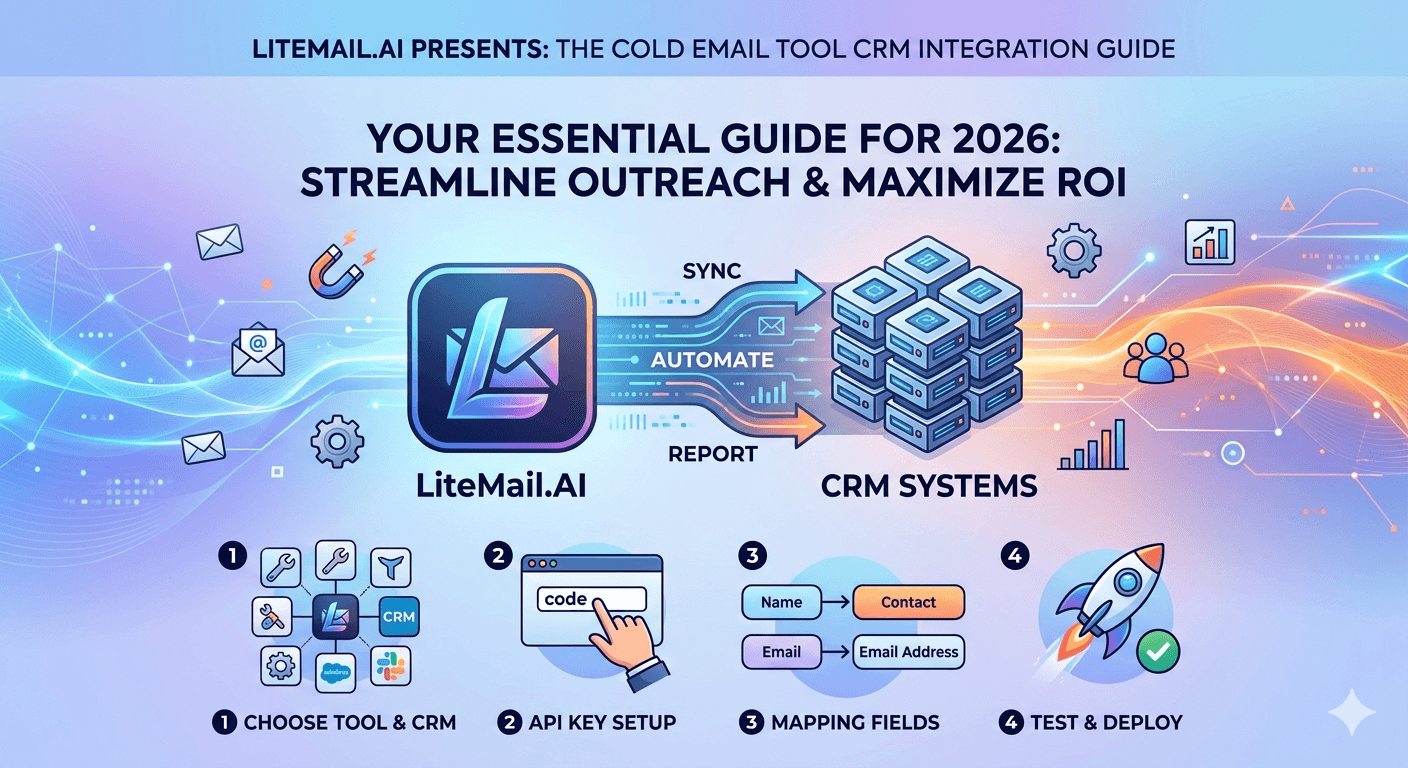
Most CRM integrations for cold email tools are set up once and trusted forever. The problem: when the cold email side of the stack is producing incorrect data — low open rates, missed replies, spam-folder activity — the CRM imports that inaccurate data as if it were real. An SDR sees a prospect marked as "opened twice, not replied" when the reality is the emails landed in spam and were never opened. Decisions get made on false signals. The CRM integration is only as good as the inbox delivering the data it imports.
Cold Email to CRM Integration: What Actually Syncs
💡 TL;DR
Cold email platform CRM integrations in 2026 sync contact status (opened, replied, bounced, unsubscribed), sequence enrollment and step completion, and reply content for two-way conversation tracking. What most integrations don't sync correctly: emails that land in spam (tracked as delivered but no open — looks like disinterest not deliverability failure), SMTP-connected inbox send events (less accurate than OAuth-connected), and sub-campaign inbox-level attribution. Pre-warmed inboxes from Litemail ($4.99/inbox) connected via OAuth provide the most accurate data for CRM imports — because more emails reach the inbox and are trackable.
This guide covers the specific integrations between the major cold email platforms (Instantly, Smartlead, Lemlist) and the major CRMs (HubSpot, Salesforce, Pipedrive), what each integration actually syncs, and the infrastructure settings that make CRM data accurate.
Major Platform + CRM Combinations — What Works
Instantly + HubSpot
Native integration available through Instantly's integrations dashboard. Syncs: contact properties (email, name, company), sequence enrollment events, email open events, reply events, bounce events, and unsubscribe events. Creates contact records in HubSpot if they don't exist. Limitations: no deal creation automation (manual step), open tracking depends on email client — Gmail recipients with image loading disabled won't generate open events.
Instantly + Salesforce
Available via Instantly's Zapier integration or native Salesforce connector (higher plan tiers). Syncs contact/lead records bidirectionally, activity logging for send/open/reply events, and sequence stage updates. Limitations: custom field mapping requires manual configuration, sync latency can be 15–30 minutes on high-volume campaigns.
Smartlead + HubSpot
Native integration. Stronger than Instantly's HubSpot integration for multi-client agency use — supports sub-account separation so different client campaign data syncs to separate HubSpot portals. Syncs all standard events plus smart lead scoring triggers. Recommended for agencies managing client CRM access separately from their own.
Lemlist + Pipedrive / HubSpot
Native integrations for both. Lemlist's integrations include bidirectional contact sync, deal stage movement triggers based on reply events, and LinkedIn step tracking (Lemlist's differentiator). Best suited for small teams where the CRM and cold email tool are managed by the same person.
Why CRM Data From Cold Email Integrations Is Often Wrong
The integration works technically. The data is wrong. This is the more common problem — and it comes from two sources: deliverability gaps and tracking method differences.
Deliverability Gaps Create False Disinterest Signals
When an email lands in spam, most sending platforms track it as "delivered" — because technically it was delivered (to the spam folder). The contact shows no open, no reply. In the CRM, this looks like the prospect received the email and chose not to engage. But they may have never seen it.
This matters enormously for CRM-based sales decisions. A prospect marked as "contacted 3 times, no engagement" who was actually receiving everything in spam is being misclassified as a cold prospect when they're actually an uncontacted one. The sales team either gives up on them or sends lower-priority follow-up — based on false data.
At 94% placement (pre-warmed Litemail inboxes), this distortion affects 6% of contacts — manageable. At 61% placement (fresh inboxes), it affects 39% of contacts — enough to fundamentally distort your CRM engagement data.
SMTP vs OAuth Tracking Accuracy
SMTP-connected inboxes have less accurate open tracking than OAuth-connected inboxes. OAuth connections allow the sending platform deeper access to email delivery events, improving the reliability of open and reply event detection. If your CRM integration is pulling open events from SMTP-connected inboxes, the open rate data is less reliable than from OAuth-connected inboxes.
Integration Setup Best Practices
Field Mapping — Map Everything on Day One
Most CRM integration setup guides focus on contact sync. The more important mapping is event-to-activity mapping: how do open events, reply events, bounce events, and unsubscribe events map to CRM activity records or contact property changes? Set this up before your first campaign, not after you've run 10 campaigns with default settings and need to clean up messy CRM data.
Bounce Handling — Never Let Bounces Sit
Bounce events from cold email must trigger an immediate status update in the CRM — mark the contact as bounced, flag the email address for verification, and remove from active sequences. Most integrations don't do this automatically on the CRM side. Configure a workflow in HubSpot or Salesforce that fires on bounce event sync and updates the contact status accordingly. A bounced contact sitting in an active sequence continues generating false activity data.
Reply Routing — Get Replies Into the CRM Fast
The highest-value integration event is a reply. Configure your CRM integration to create a task or notification for the sales team within 5 minutes of a reply event syncing. Platforms like Smartlead and Instantly support webhook triggers that can push reply events to CRM workflows instantly rather than waiting for scheduled sync cycles.
Why Inbox Quality Directly Affects CRM Data Quality
Most CRM integration guides never mention inbox infrastructure. They should. The quality of your inbox — specifically whether emails reach the primary inbox or land in spam — determines the accuracy of every data point that flows into your CRM.
Pre-warmed Litemail inboxes at 94–96% placement mean 94–96% of contacts in your CRM have email engagement data that reflects actual inbox delivery — not spam folder delivery masquerading as non-engagement. The CRM's engagement scoring, lead prioritisation, and pipeline forecasting all improve when the underlying data is accurate.
At the same time, OAuth-connected pre-warmed inboxes give your sending platform (and therefore your CRM integration) the most reliable access to send, open, and reply event detection — producing cleaner activity data than SMTP-connected fresh inboxes.
Accurate CRM Data Starts With Inboxes That Reach the Inbox
Pre-warmed inboxes from $4.99/inbox — 94–96% primary inbox placement means 94–96% of your CRM contact engagement data reflects real inbox delivery. OAuth-compatible with all platforms for clean event tracking.
Get Pre-Warmed Inboxes from $4.99 →
OAuth-compatible · No minimum order · GWS and MS365 · Delivered in 24 hours
About Litemail — Litemail provides pre-warmed Google Workspace and Microsoft 365 inboxes for cold email outreach. From $4.99/inbox with automated DNS, dedicated US and EU IPs, and full admin access. View pre-warmed inbox plans →
Related reading:
Cold Email Tool for B2B SaaS Outreach 2026 · Cold Email Infrastructure Setup for Lead Gen Agencies · Cold Email Agency Client Onboarding Guide · Pre-Warmed Inboxes + Apollo.io 2026 · Best Pre-Warmed Inbox Providers 2026 (Ranked)
Key Takeaways
Cold email to CRM integrations sync contact status, sequence events, open events, reply events, bounces, and unsubscribes — but data accuracy depends entirely on whether emails reached the primary inbox or landed in spam.
At 39% spam placement (fresh inboxes), 39% of contacts show false disinterest signals in your CRM — no open, no reply — because the emails never reached their inbox. Sales teams make prioritisation decisions on this false data.
OAuth-connected inboxes produce more accurate open and reply event data for CRM imports than SMTP-connected inboxes. Connect all inboxes via OAuth before configuring CRM integrations.
Configure bounce handling workflows in your CRM on day one — bounce events should immediately update contact status and flag emails for verification. Don't leave bounced contacts in active sequences generating false activity data.
Reply routing is the highest-value integration point — configure webhook-based reply event sync for near-instant CRM task creation, not scheduled sync cycles with 15–30 minute latency.
Pre-warmed Litemail inboxes at 94–96% placement mean 94–96% of CRM engagement data reflects actual inbox delivery — the foundation for accurate lead scoring, pipeline forecasting, and sales prioritisation.
Frequently Asked Questions
How do I integrate Instantly with HubSpot?
In Instantly, go to Integrations → HubSpot → Connect. Authenticate with your HubSpot account. Configure field mapping (contact properties, event-to-activity mapping) and sync frequency. Map open events to HubSpot email activities, reply events to deal stage triggers or tasks, and bounce events to contact property updates. Test with a small campaign before full deployment to confirm data flows correctly before trusting the integration for sales prioritisation.
Does Smartlead integrate with Salesforce?
Yes — Smartlead has a native Salesforce integration and also supports Zapier for custom Salesforce workflows. Native integration handles contact/lead sync, activity logging for send/open/reply events, and sequence stage updates. Zapier adds custom triggers for events that the native integration doesn't expose. For high-volume outbound, the native integration is typically faster and more reliable than Zapier-based alternatives.
Why does my CRM show contacts as unengaged when I know the campaign ran?
Most likely cause: emails are landing in spam (tracked as delivered but generating no open events). Check Google Postmaster Tools for your sending domains — Medium or Low reputation confirms placement degradation. Also confirm your inboxes are connected via OAuth, not SMTP, as SMTP tracking is less reliable. At 94–96% placement (pre-warmed inboxes), unengaged signals in the CRM reflect genuine prospect disinterest — not deliverability failures masquerading as non-engagement.
Should cold email replies go to the sending inbox or a separate reply inbox?
The sending inbox — this is the correct configuration for pre-warmed cold email inboxes. Replies to the sending address keep conversation context in the inbox that sent the email, enable your sending platform to detect replies accurately, and allow proper CRM sync of conversation threads. Using a separate reply inbox breaks the conversation tracking loop and reduces reply detection accuracy in most sending platforms.
Better CRM Data Starts With Inboxes That Reach the Inbox
Litemail pre-warmed inboxes — $4.99/inbox, 94–96% primary inbox placement, OAuth-compatible for accurate event tracking, automated DNS, dedicated US and EU IPs. The infrastructure that makes your CRM data trustworthy. No minimum order. Delivered in 24 hours.
Get Pre-Warmed Inboxes from $4.99 →
No minimum order · OAuth-compatible · 94–96% verified placement · GWS and MS365 available
About Litemail — Litemail provides pre-warmed Google Workspace and Microsoft 365 inboxes for cold email outreach. From $4.99/inbox with automated DNS setup, dedicated US and EU IPs, 4 to 12 weeks of genuine warm-up history, and full admin access. View pre-warmed inbox plans →
Related reading: Cold Email Tool for B2B SaaS Outreach 2026 · Pre-Warmed Inboxes + Apollo.io 2026 · Best Pre-Warmed Inbox Providers 2026 (Ranked)






