
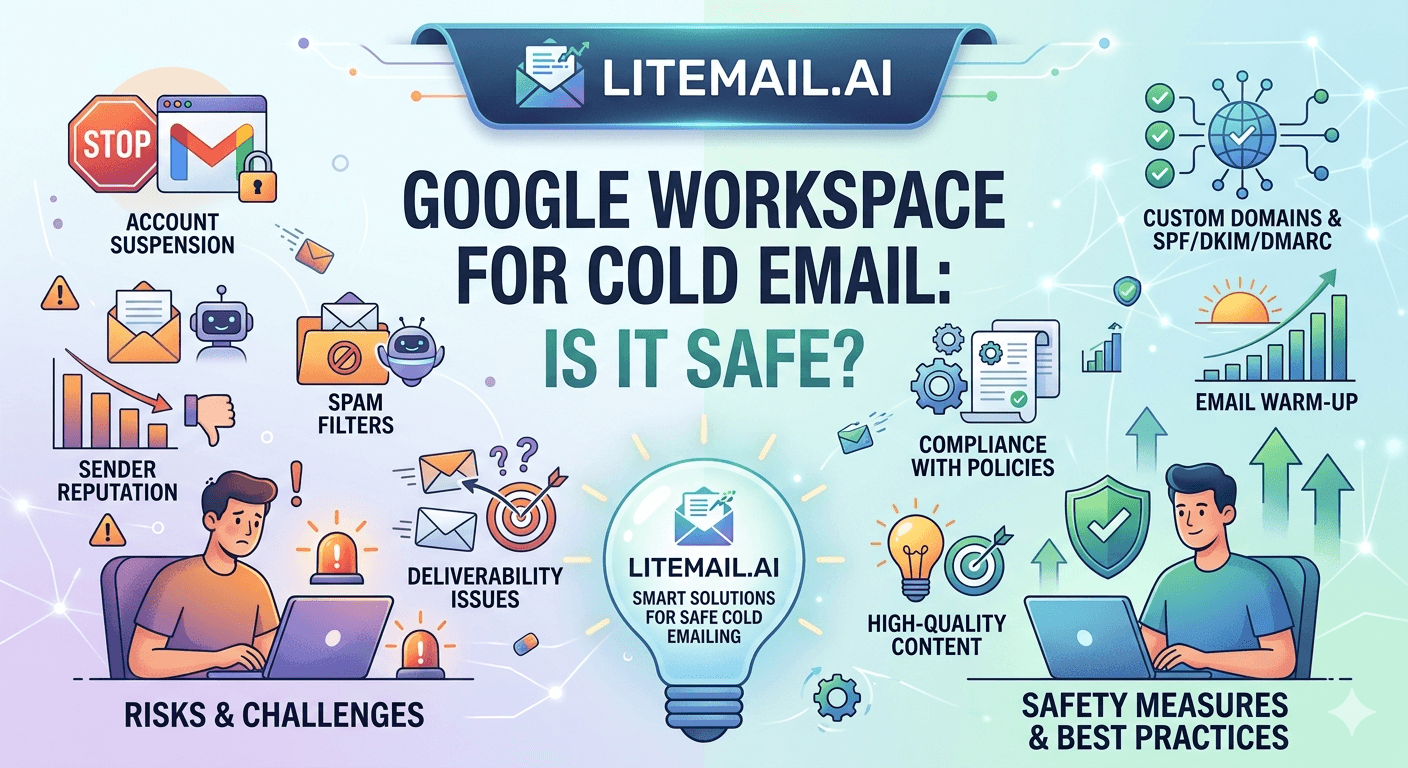
Google Workspace accounts get suspended from cold email for one of three reasons: sending too much volume from a single inbox, using the primary business domain for cold outreach, or starting campaigns before the inbox has established sending history. None of these are inevitable. Teams running high-volume cold email on GWS without suspensions or flags have the same account type as teams who get suspended — the difference is configuration, not platform choice. GWS is safe for cold email in 2026 when set up correctly. Here's exactly what correct looks like.
Google Workspace and Cold Email — What's Safe and What Gets Accounts Flagged
💡 TL;DR
Google Workspace is safe for cold email in 2026 when: you use dedicated sending domains (not your primary business domain), stay under 50 emails per inbox per day, connect inboxes via OAuth rather than SMTP, and start with pre-warmed inboxes that have Good or High Postmaster reputation before the first campaign email sends. The accounts that get flagged or suspended violate at least one of these conditions — most commonly by sending too many emails per inbox or by using the primary business domain. Litemail pre-warmed GWS inboxes ($4.99/inbox) are configured for all four conditions on delivery.
This breaks down each risk factor, what threshold triggers the issue, and the specific configuration that eliminates it.
The Four Things That Get GWS Accounts Flagged
1. Too Much Volume Per Inbox
Google Workspace's technical sending limit is 2,000 emails per day per account. The cold email safe limit is 30–50 emails per day. These look wildly different — and they are. The 2,000/day limit is a policy ceiling. The 30–50/day limit is a deliverability ceiling imposed by Google's spam filter algorithms, which detect bulk-sending patterns well below the stated policy limit.
Accounts consistently sending 100–200 emails per day trigger algorithmic review within 2–4 weeks, regardless of content quality. The sequence: automated flag for bulk-sending behaviour, temporary sending restriction, and in some cases account suspension if the pattern continues after restriction warnings. Fix: 40 emails per inbox per day as the hard ceiling, enforced in the sending platform at the inbox level.
2. Sending from the Primary Business Domain
Sending cold outreach from yourcompany.com — the domain that handles all business email, client communication, and transactional email — puts the entire domain's reputation at risk from cold email volume and complaint events. When Google flags cold email volume on a domain, every inbox on that domain is affected. Client emails, internal communication, everything. Fix: register dedicated sending domain variants (getyourcompany.com, yourcompanyhq.com) for all cold outreach. Keep the primary domain exclusively for business email that needs maximum deliverability protection.
3. Starting Campaigns on Fresh Inboxes
A new GWS account with no sending history starts at Unknown Postmaster reputation. Launching cold email campaigns immediately — 40 emails per day from day one — on an Unknown-reputation inbox is the fastest path to account flagging. Google's algorithms treat sudden high-volume sending from a domain with no established history as a strong spam signal. Fix: either warm up the inbox for 5–8 weeks before campaigns, or use pre-warmed inboxes that arrive with Good or High Postmaster reputation already established.
4. SMTP Connection Instead of OAuth
SMTP connections (app passwords) for sending platform integration are increasingly scrutinised by Google's security systems. Google has been progressively tightening SMTP access for Workspace accounts — some accounts receive security alerts or temporary blocks when SMTP connections send high volume. OAuth connections are treated as legitimate application access and are significantly more stable for cold email sending platform integrations. Fix: connect all GWS inboxes to sending platforms via OAuth (Sign in with Google) rather than SMTP.
The Safe GWS Cold Email Configuration
Here's the specific configuration that keeps GWS accounts running without flags or suspensions at scale:
Setting | Unsafe Configuration | Safe Configuration |
|---|---|---|
Sending domain | Primary business domain | Dedicated sending domain variant |
Daily volume per inbox | 100–500 emails | 30–50 emails max |
Platform connection method | SMTP / app password | OAuth (Sign in with Google) |
Inbox starting state | Fresh / Unknown Postmaster | Pre-warmed / Good or High Postmaster |
Send delay between emails | No delay / batch send | 3–7 minute randomised delay |
Bounce rate threshold | No limit / reactive | Automated pause trigger at 1.8% |
If a GWS Account Gets Flagged — What to Do
Account flags on GWS cold email accounts usually come as one of three events: a sending restriction (temporary volume cap below your normal limit), a security alert requiring account verification, or — in severe cases — account suspension requiring Google Workspace admin intervention.
For sending restrictions: reduce daily volume to 15–20 emails per inbox per day for 2 weeks. Don't try to continue at full volume — that accelerates the restriction to suspension. After 2 weeks at reduced volume, check Postmaster reputation. If Good, resume at 50% of previous volume for one more week before returning to full volume.
For account suspension: contact Google Workspace support through the Admin Console. Suspension appeals require demonstrating legitimate use — having a dedicated sending domain (not the primary business domain), documented ICP targeting, and opt-out compliance in your sequences all support a successful appeal. Most legitimate cold email senders who've followed correct configuration get suspensions reversed within 3–5 business days.
Fair warning: if the account was sending 300+ emails per day from a primary business domain with no warm-up history, the appeal is harder. The configuration choices before the suspension are the most important factor in whether the appeal succeeds.
Why Pre-Warmed GWS Inboxes Are Safer Than Warmed-Up Fresh Inboxes
Warming up a fresh GWS inbox yourself — using a warm-up tool for 5–8 weeks — produces a Good or High Postmaster reputation eventually. But the reputation built through warm-up tool sends is built on machine-generated engagement patterns, not genuine human sending history. Google's algorithms increasingly distinguish between machine warm-up patterns and genuine human engagement.
Pre-warmed GWS inboxes from Litemail are built through real sends, real opens, and real replies — genuine engagement history that reads as legitimate sender behaviour to Google's systems. In our testing at Litemail, pre-warmed inboxes maintained Good or High Postmaster reputation through isolated negative events (a single bad list segment with elevated bounce rate) at significantly higher rates than warm-up-tool-reared inboxes with the same apparent Postmaster rating. The underlying reputation quality is different even when the surface Postmaster label is identical.
Safe GWS Cold Email — Pre-Warmed and Properly Configured
Pre-warmed GWS inboxes from $4.99/inbox — dedicated sending domains, Good/High Postmaster from day one, OAuth-compatible, automated DNS. The four safe configuration requirements, handled on delivery.
Get Pre-Warmed GWS Inboxes from $4.99 →
Dedicated domain setup · Good/High Postmaster within 48hrs · OAuth-compatible · No minimum order
About Litemail — Litemail provides pre-warmed Google Workspace and Microsoft 365 inboxes for cold email outreach. From $4.99/inbox with automated DNS, dedicated US and EU IPs, and full admin access. View pre-warmed inbox plans →
Related reading:
Google Workspace Cold Email Inbox Tips 2026 · Risks of Using GWS Inbox Setup for Marketing Agencies · Pre-Warmed GWS Inboxes — Cold Email Compliance · Google Workspace Cold Email Domain Setup · Best Pre-Warmed Inbox Providers 2026 (Ranked)
Key Takeaways
Google Workspace is safe for cold email in 2026 — but only with correct configuration. The four requirements: dedicated sending domain (not primary business domain), under 50 emails per inbox per day, OAuth connection to sending platforms, and pre-warmed inboxes with Good/High Postmaster reputation before campaigns launch.
The most common cause of GWS account flags is sending too much volume per inbox — not the cold email activity itself. 40 emails per inbox per day is the safe ceiling. Enforce this at the inbox level in your sending platform.
Sending from your primary business domain is the second most common cause. Register dedicated sending domain variants for all cold outreach and keep the primary domain exclusively for business email.
Connect GWS inboxes via OAuth — not SMTP. Google is progressively restricting SMTP access and treating high-volume SMTP connections with increased security scrutiny. OAuth is more stable and more appropriate for cold email sending platform integration.
Pre-warmed GWS inboxes from Litemail at $4.99/inbox maintain Good/High Postmaster reputation through isolated negative events more reliably than warm-up-tool-reared inboxes — because the underlying reputation history is built from genuine human engagement, not machine warm-up patterns.
Frequently Asked Questions
Is Google Workspace safe for cold email in 2026?
Yes — when configured correctly. Dedicated sending domain variants (not the primary business domain), under 50 emails per inbox per day, OAuth platform connection, and pre-warmed inboxes with established Postmaster reputation before campaigns launch. Teams following these four requirements run high-volume GWS cold email without suspensions or flags. Teams that skip any one of them — especially sending from the primary business domain or exceeding per-inbox volume limits — frequently encounter account restrictions.
How many emails can I safely send per day from Google Workspace?
30–50 emails per inbox per day for cold email campaigns. Google Workspace's technical limit is 2,000 emails per day per account — but the deliverability-safe ceiling is 50 emails per day per inbox. Above 50 emails per inbox per day, Google's spam filter algorithms detect bulk-sending patterns and begin degrading inbox reputation within 2–4 weeks. More volume means more inboxes — not higher per-inbox sending counts.
What happens if Google flags my GWS cold email account?
Typically one of three outcomes: a temporary sending restriction (volume cap below your normal level), a security alert requiring account verification, or account suspension in severe cases. For sending restrictions: reduce volume to 15–20 emails per day for 2 weeks and let Postmaster reputation stabilise before increasing again. For suspension: appeal via Google Workspace Admin Console, demonstrating legitimate use with correct configuration. Most legitimate cold email senders with correct configuration get appeals reversed within 3–5 business days.
Should I use my main business domain for cold email outreach?
Never. Your primary business domain carries all of your legitimate business communication — client emails, proposals, internal messaging. Any reputation damage from cold outreach complaint events or volume flags affects every inbox on that domain. Register dedicated sending domain variants (getyourcompany.com, yourcompanyhq.com) for cold outreach. The cost is $8–12/year per domain and the protection is absolute — reputation issues on the sending domain never touch the primary domain.
Do pre-warmed GWS inboxes reduce the risk of account suspension?
Yes — starting from Good or High Postmaster reputation means there's an established reputation buffer against isolated negative events. Fresh inboxes at Unknown reputation have no buffer — a single bad list segment with elevated bounce rate can push an Unknown-reputation domain to Low immediately. Pre-warmed inboxes from Litemail have 4–12 weeks of genuine sending history that absorbs these events before they cascade into account-level flags.
GWS Cold Email Done Right — Pre-Warmed, Properly Configured, Safe to Scale
Litemail pre-warmed GWS inboxes — $4.99/inbox, Good/High Postmaster reputation within 48 hours, automated SPF/DKIM/DMARC, dedicated US and EU IPs, OAuth-compatible. All four safe configuration requirements handled on delivery. No minimum order. Delivered in 24 hours.
Get Pre-Warmed GWS Inboxes from $4.99 →
No minimum order · Good/High Postmaster within 48hrs · OAuth-compatible · US and EU IPs included
About Litemail — Litemail provides pre-warmed Google Workspace and Microsoft 365 inboxes for cold email outreach. From $4.99/inbox with automated DNS setup, dedicated US and EU IPs, 4 to 12 weeks of genuine warm-up history, and full admin access. View pre-warmed inbox plans →
Related reading: Google Workspace Cold Email Inbox Tips 2026 · Risks of GWS Inbox Setup for Marketing Agencies · GWS Cold Email Domain Setup · Best Pre-Warmed Inbox Providers 2026 (Ranked)






