
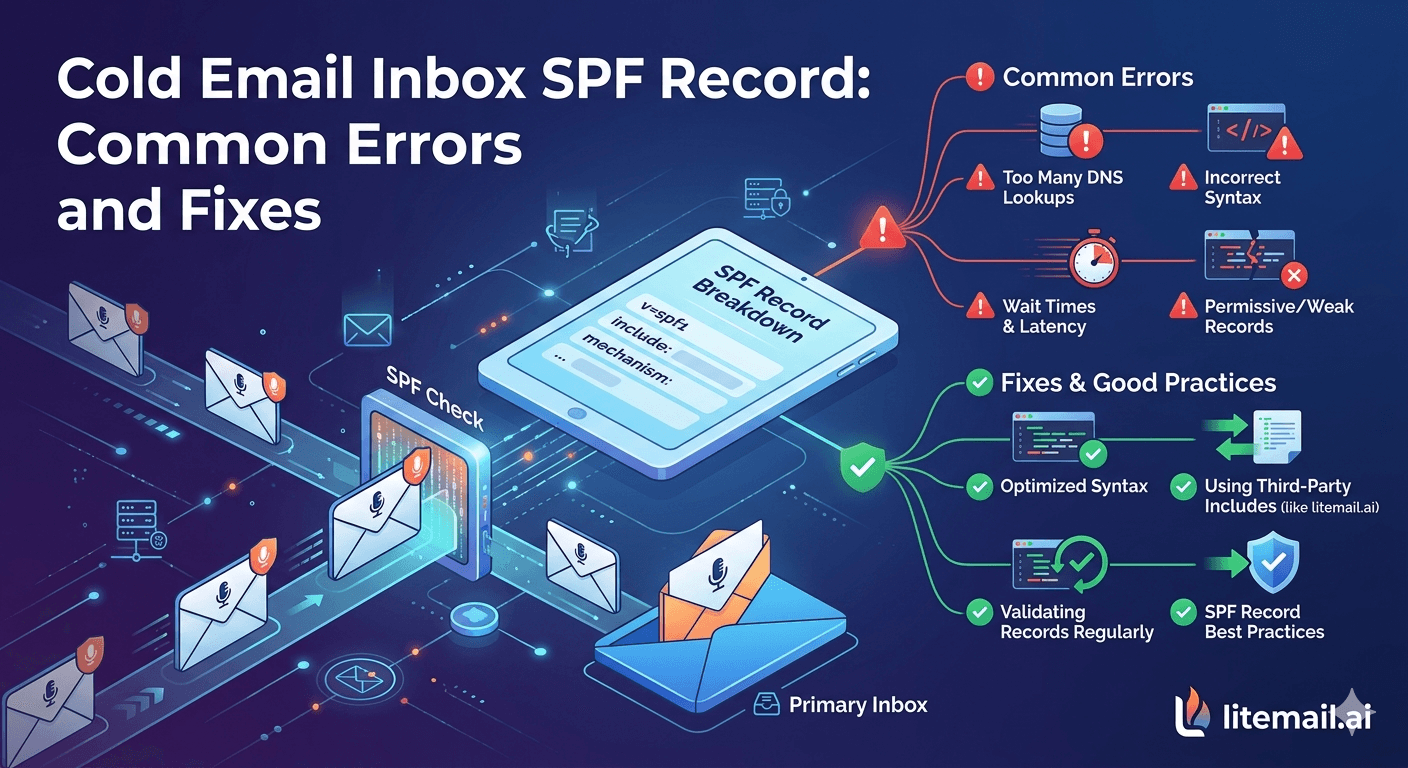
SPF errors are the most quietly damaging deliverability problem in cold email — because they don't always produce obvious failure messages. A SOFTFAIL result doesn't bounce your emails or produce an error. It just slightly degrades the trust score that Gmail and Outlook assign to every email from your domain, reducing inbox placement by 5–15 percentage points over time without any clear indication of what changed. A PERMERROR is worse — it causes SPF to fail entirely — and it's triggered by something as simple as having two SPF TXT records on the same domain.
SPF Errors That Affect Cold Email Deliverability
💡 TL;DR
The five SPF errors that actually affect cold email deliverability: PERMERROR (caused by multiple SPF TXT records on one domain or exceeding 10 DNS lookups), SOFTFAIL (correct syntax but ends with ~all instead of -all — reduces trust signal), NEUTRAL (ends with ?all — tells receiving servers nothing about sending authorization), DNS lookup limit exceeded (more than 10 include: statements in the SPF chain), and missing SPF record entirely. All five are fixable in under 15 minutes with the right diagnosis. Litemail pre-warmed inboxes ($4.99/inbox) include automated SPF configuration — the most common cause of cold email SPF errors is manual misconfiguration that automated setup eliminates.
Here's how to diagnose which error you have and fix it — for GWS and MS365 cold email inboxes specifically.
Error 1: PERMERROR — Multiple SPF Records on One Domain
PERMERROR is the most common SPF mistake for new cold email domain setups. It's caused by having more than one SPF TXT record on the same domain. The RFC specification for SPF says a domain must not have more than one SPF TXT record — if it does, SPF evaluation returns PERMERROR (permanent error), which is treated the same as SPF FAIL by receiving servers.
How it happens: A domain was set up with one SPF record. Later, a hosting provider, email marketing tool, or DNS import added a second SPF record without removing the first. DNS records from previous configurations stack up. SPF breaks silently.
How to diagnose: Go to mxtoolbox.com/spf.aspx and enter your sending domain. If the result shows PERMERROR or multiple SPF records found, this is your issue. Also check your DNS registrar directly — count the number of TXT records starting with v=spf1.
Fix: Merge all SPF include statements into a single TXT record. Delete all SPF TXT records on the domain except one. The merged record for a GWS cold email sending domain: v=spf1 include:_spf.google.com ~all. For MS365: v=spf1 include:spf.protection.outlook.com ~all. After merging, verify SPF: PASS on MXToolbox before resuming sends.
Error 2: SOFTFAIL — The ~all Problem
SPF SOFTFAIL (~all) is technically correct syntax — it tells receiving servers that emails from unauthorized servers should be treated with suspicion but not outright rejected. In practice, for cold email from dedicated sending domains, SOFTFAIL is the wrong qualifier.
Why it matters: The difference between ~all (SOFTFAIL) and -all (FAIL/HARDFAIL) is a trust signal to receiving servers. Most cold email guides recommend ~all as Safer — but for a dedicated sending domain used only for cold email from one provider, -all is the correct choice. It tells receiving servers that any email not from the specified server should be rejected — a much stronger authentication signal.
Fix: Change ~all to -all at the end of your SPF record. For GWS: v=spf1 include:_spf.google.com -all. For MS365: v=spf1 include:spf.protection.outlook.com -all. Only use -all if the sending domain is used exclusively for cold email from one provider — if legitimate email from other sources also uses the domain, -all would reject those sends.
Error 3: Exceeding the 10 DNS Lookup Limit
SPF records have a hard limit: no more than 10 DNS lookups during SPF evaluation. Each include: statement in your SPF record counts as one lookup — and each included record may itself contain additional lookups. Exceeding 10 total lookups causes SPF to return PERMERROR.
How it happens for cold email sending domains: A sending domain was previously used for other services — Mailchimp, Salesforce, HubSpot, SendGrid — each of which added their own include: statement to the SPF record. Now the cold email provider's include: statement pushes the total over 10 lookups.
How to diagnose: Use MXToolbox SPF record check — it counts lookups and shows a PERMERROR with too many DNS lookups if the limit is exceeded. Also try kitterman.com/spf/validate.html for a lookup-count breakdown.
Fix: Cold email sending domains should have a single clean SPF record with only the relevant provider's include statement. Remove all other include: statements from sending domains used exclusively for cold email. If the domain must support multiple services, use an SPF flattening tool to convert multiple includes into explicit IP address lists (ip4: records), which don't count toward the 10-lookup limit.
Error 4: Missing SPF Record
A domain with no SPF record at all returns none — meaning SPF provides no authorization information. Receiving servers treat none with additional scrutiny, as it indicates the domain hasn't configured sender authentication. In 2026, a sending domain with no SPF record is an immediate deliverability red flag.
Fix: Add a TXT record to the sending domain DNS with the correct SPF value for your inbox provider:
GWS:
v=spf1 include:_spf.google.com -allMS365:
v=spf1 include:spf.protection.outlook.com -all
Host/Name field: @ (or leave blank, depending on registrar). TTL: 3600 or default. After publishing, wait 15–60 minutes for DNS propagation, then verify SPF: PASS on MXToolbox.
The Complete SPF Verification Flow
Run this verification sequence for every sending domain before any campaign sends. Takes under 10 minutes:
MXToolbox SPF check: mxtoolbox.com/spf.aspx → enter sending domain → confirm SPF: PASS (not SOFTFAIL, not PERMERROR, not FAIL)
Check for multiple SPF records: In your DNS registrar, count TXT records starting with v=spf1. There must be exactly one.
Check the -all qualifier: Confirm the record ends with -all, not ~all or ?all
Count lookups: If using a complex SPF record, run through kitterman.com/spf/validate.html and confirm lookup count is under 10
Send a test email to Gmail: Check headers (Show Original) for 'spf=pass' in the Authentication-Results line
Mail-Tester.com: Send a test email and confirm the SPF section shows as passed (green)
All six must pass before launching campaigns. Litemail pre-warmed inboxes pass all six on delivery — automated SPF configuration means no manual record setup and no manual errors.
Automated SPF — No Manual Configuration, No Configuration Errors
Litemail pre-warmed inboxes — $4.99/inbox, SPF (and DKIM and DMARC) configured automatically and verified on delivery. No manual DNS setup, no PERMERROR from duplicate records, no lookup limit issues.
Get Pre-Warmed Inboxes from $4.99 →
Automated SPF/DKIM/DMARC · No minimum order · GWS and MS365 · Delivered in 24 hours
About Litemail — Litemail provides pre-warmed Google Workspace and Microsoft 365 inboxes for cold email outreach. From $4.99/inbox with automated DNS, dedicated US and EU IPs, and full admin access. View pre-warmed inbox plans →
Related reading:
SPF/DKIM/DMARC Auto-Setup 2026 · SPF Record Errors Troubleshooting · SPF Record Not Working Fix 2026 · What Is an SPF Record and How to Set It Up · Best Pre-Warmed Inbox Providers 2026 (Ranked)
Key Takeaways
PERMERROR from multiple SPF TXT records is the most common SPF error. A domain can have exactly one SPF TXT record — merge all include: statements into one record and delete the rest.
SOFTFAIL (~all) is the wrong qualifier for dedicated cold email sending domains. Use -all (HARDFAIL) when the domain is used exclusively for cold email from one provider — it's a stronger authentication signal to receiving servers.
The 10 DNS lookup limit applies to the total chain of lookups across all include: statements — not just the statements in your own record. Use kitterman.com/spf/validate.html to count lookups and flatten complex records if needed.
No SPF record at all is an immediate deliverability red flag in 2026. Every sending domain needs a valid SPF TXT record before the first send. Google Workspace:
v=spf1 include:_spf.google.com -all. MS365:v=spf1 include:spf.protection.outlook.com -all.Verify SPF before every new inbox deployment — MXToolbox SPF check, check for duplicate records in DNS, confirm -all qualifier, and verify 'spf=pass' in a test email's Gmail headers. All four must pass.
Litemail configures SPF automatically on every inbox delivery, eliminating all five common SPF error modes. Automated setup also ensures the correct qualifier (-all) and avoids the duplicate-record trap that manual setup frequently causes.
Frequently Asked Questions
What causes SPF PERMERROR for cold email domains?
Two causes: multiple SPF TXT records on the same domain (the RFC specification allows exactly one), or exceeding 10 DNS lookups during SPF evaluation (caused by too many include: statements in the SPF chain). PERMERROR is treated the same as SPF FAIL by receiving servers. Fix: delete all but one SPF TXT record and merge all include: statements into that single record.
What's the difference between SPF SOFTFAIL (~all) and HARDFAIL (-all)?
~all (SOFTFAIL) tells receiving servers that emails from unauthorized senders should be treated with suspicion but not outright rejected. -all (HARDFAIL) tells receiving servers to reject emails from unauthorized senders. For dedicated cold email sending domains (used exclusively for cold email from one provider), -all is the correct choice — it's a stronger authentication signal. Use ~all only when you're not certain all legitimate senders from the domain are captured in the SPF record.
How do I fix an SPF record that has too many DNS lookups?
Two options: remove unnecessary include: statements (most effective for cold email sending domains that only use one provider), or use SPF flattening — converting include: references to explicit IP address lists (ip4: records) that don't count toward the 10-lookup limit. Free SPF flattening tools: dmarcian.com/spf-record-raw-checker and mxtoolbox.com/SPFRecordGenerator.aspx.
How long does it take for SPF record changes to propagate?
Typically 15 minutes to 1 hour with most registrars. Cloudflare Registrar propagates DNS changes within 5 minutes. Verify propagation is complete by running an MXToolbox SPF check after the expected propagation window — if the old record still shows, DNS hasn't fully propagated yet. Don't resume cold email sends until MXToolbox confirms the new SPF record with PASS status.
SPF Configured Correctly on Every Inbox — Automatically, on Delivery
Litemail pre-warmed inboxes — $4.99/inbox, SPF (and DKIM and DMARC) automatically configured and verified on every inbox delivered. No PERMERROR from duplicate records. No SOFTFAIL from wrong qualifier. No lookup limit issues. No manual DNS configuration. No minimum order. Delivered in 24 hours.
Get Pre-Warmed Inboxes from $4.99 →
Automated SPF/DKIM/DMARC · No minimum order · GWS and MS365 available · US and EU IPs included
About Litemail — Litemail provides pre-warmed Google Workspace and Microsoft 365 inboxes for cold email outreach. From $4.99/inbox with automated DNS setup, dedicated US and EU IPs, 4 to 12 weeks of genuine warm-up history, and full admin access. View pre-warmed inbox plans →
Related reading: SPF/DKIM/DMARC Auto-Setup 2026 · SPF Record Errors Troubleshooting · DKIM Setup for MS365 Cold Email 2026 · Best Pre-Warmed Inbox Providers 2026 (Ranked)






