
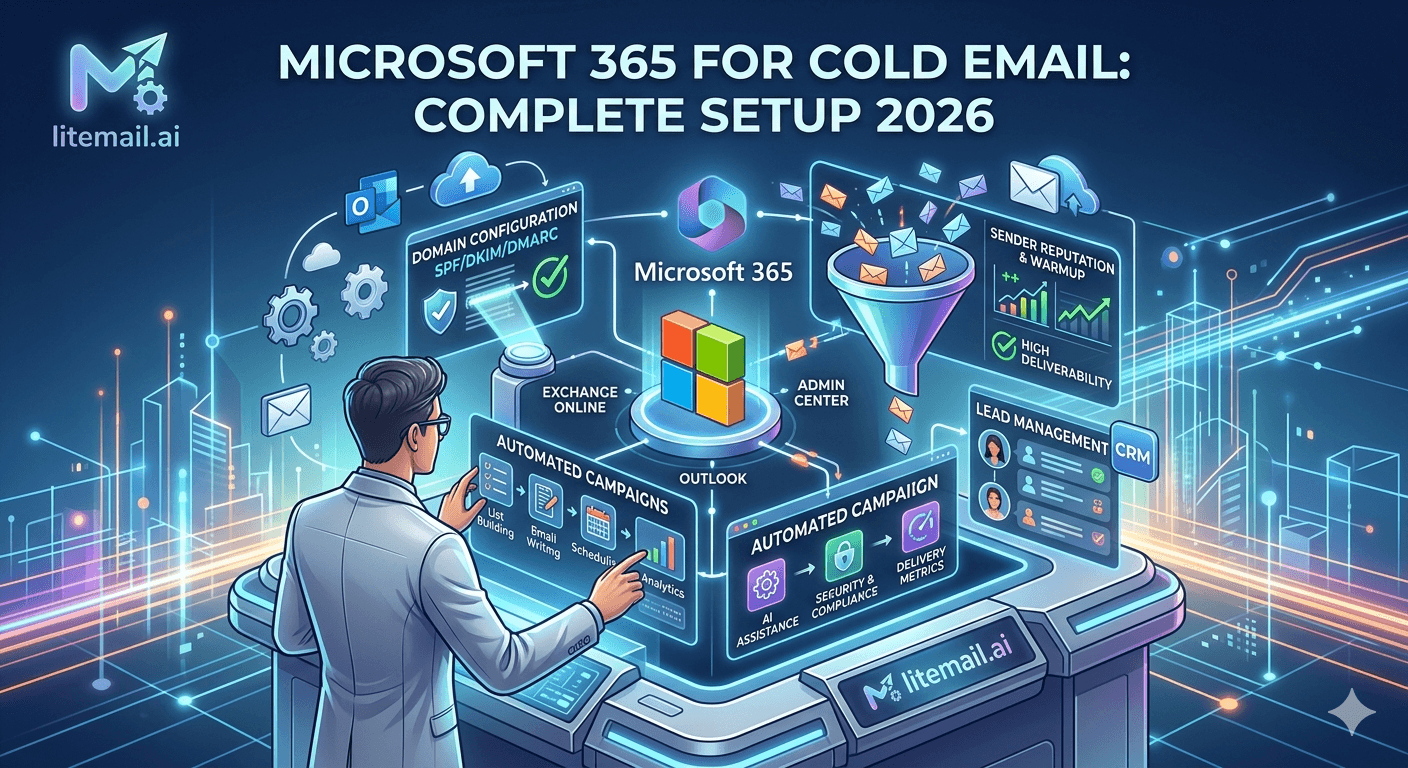
Microsoft 365 has a structural deliverability advantage over Google Workspace for enterprise B2B cold email: emails from MS365 tenants reach corporate Outlook recipients with 91–94% primary inbox placement versus 81–86% for GWS. Most SDRs and agency teams are leaving this advantage on the table by defaulting to GWS. Here's the complete MS365 cold email setup — including the fastest path that skips every manual configuration step.
Two Paths to MS365 Cold Email Setup
Path | Time to Campaign-Ready | Setup Complexity | Cost |
|---|---|---|---|
Manual: Fresh MS365 + warmup | 6–9 weeks | High — DNS config, warmup monitoring | $6/inbox + $25–$49 warmup tool/inbox/mo |
Litemail Pre-Warmed MS365 | 24–48 hours | Low — DNS automated, warmup done | $4.99/inbox all-in |
This guide covers both paths. The manual path is documented for teams with specific technical requirements. The pre-warmed path is recommended for any team whose priority is launching campaigns quickly with verified Good reputation from day one.
Manual Path: Fresh MS365 Cold Email Setup
Step 1 — Provision MS365 Business Basic Account
Purchase Microsoft 365 Business Basic ($6/user/month) from Microsoft 365 Admin Center or via a Microsoft CSP (Cloud Solution Provider). Use a secondary domain — not your primary company domain — for cold email sending. Register a cold email domain variant (outreach.yourcompany.com or getyourcompany.com) separately.
Step 2 — Configure DNS Records
SPF: Add a TXT record at @ for your sending domain: v=spf1 include:spf.protection.outlook.com -all
DKIM: In Microsoft 365 Defender (security.microsoft.com) → Policies → Email Authentication Settings → DKIM → select domain → Create DKIM keys → add the two CNAME records provided → enable DKIM signing after DNS propagation (15–60 minutes).
DMARC: Add a TXT record at _dmarc.[yourdomain]: v=DMARC1; p=none; rua=mailto:dmarc@[yourdomain]. Start with p=none for 2 weeks to review reports, then upgrade to p=quarantine.
Step 3 — Warmup (6–8 Weeks)
Connect inbox to a warmup tool (Instantly's included warmup, Mailreach, or Smartlead's built-in). Run 4–8 weeks at gradually increasing send volumes before adding to campaign rotation. Check Postmaster Tools at 48 hours — start campaigns only when reputation shows Good or High.
Pre-Warmed Path: Litemail MS365 Setup in 24 Hours
Order inboxes at litemail.ai/pre-warmup. Select Microsoft 365, choose quantity, and checkout. No minimum order — start with exactly what you need.
Receive inbox credentials within 24 hours. Litemail delivers MS365 admin credentials, verified Good/High Postmaster reputation, pre-configured SPF/DKIM/DMARC, and dedicated US and EU IP addresses.
Verify on delivery (15 minutes). Check Postmaster Tools (Good or High), MXToolbox deliverability (all green), mail-tester.com (9/10+), and Gmail header (SPF/DKIM/DMARC all PASS).
Connect to your platform (3 minutes per inbox). Instantly / Smartlead / Reply.io → Email Accounts → Add Account → Microsoft → authenticate with Litemail credentials → grant OAuth permissions → inbox health check passes.
Configure rotation settings. Set daily limit to 35–40/inbox, rotation to round-robin, send schedule to Mon–Fri business hours.
Start campaigns. No warmup wait — campaigns launch the day inboxes are connected.
MS365 Cold Email Sending Limits and Configuration
Daily Target | MS365 Inboxes (at 40/day) | Monthly Cost (Litemail) | Platform Cost | Total Monthly |
|---|---|---|---|---|
160 emails/day | 4 inboxes | $19.96 | $37 | $56.96 |
400 emails/day | 10 inboxes | $49.90 | $37 | $86.90 |
800 emails/day | 20 inboxes | $99.80 | $37 | $136.80 |
2,000 emails/day | 50 inboxes | $249.50 | $97 | $346.50 |
MS365's technical daily limit is 10,000 emails/account — far above the practical safe ceiling of 40–50/inbox/day for cold email reputation health. Configure platform send limits to 40/inbox/day and let the inbox count determine total volume.
MS365 vs GWS: When to Choose Which for Cold Email
Neither platform is universally better — the right choice depends on your prospect list composition.
Choose MS365 inboxes when: Your prospect list is heavy with corporate Outlook recipients — manufacturing, financial services, legal, government-adjacent, logistics, healthcare. MS365 delivers 91–94% placement to these recipients vs GWS's 81–86%.
Choose GWS inboxes when: Your prospect list skews toward tech companies, startups, digital agencies, and SMBs where Gmail is the dominant email client. GWS places better with Gmail recipients.
Ideal setup: Both — Litemail provides GWS and MS365 pre-warmed inboxes at the same $4.99/inbox price. Route corporate Outlook contacts to MS365 inboxes and Gmail contacts to GWS inboxes for maximum placement across both recipient types.
MS365 Cold Email Ready in 24 Hours — Litemail Pre-Warmed Inboxes
Litemail pre-warmed MS365 inboxes at $4.99 — 91–94% corporate Outlook placement, automated DNS, full admin access, dedicated US and EU IPs. Campaign-ready within 24 hours.
Get Pre-Warmed MS365 Inboxes from $4.99 →
91–94% Outlook placement · Automated DNS · Full admin access · No minimum order
About Litemail — Litemail provides pre-warmed Google Workspace and Microsoft 365 inboxes for cold email outreach. From $4.99/inbox with automated DNS, dedicated US and EU IPs, and full admin access. View pre-warmed inbox plans →
Related reading:
Pre-Warmed MS365 Inboxes Explained · MS365 Cold Email Automation Setup · Troubleshooting MS365 Cold Email · MS365 vs Google Workspace · Fresh vs Pre-Warmed MS365 Field Test
Key Takeaways
MS365 delivers 91–94% primary inbox placement with corporate Outlook recipients — 8–12 points above GWS for enterprise B2B prospect lists in manufacturing, financial services, legal, and healthcare.
Two setup paths: manual (fresh MS365 + 6–9 weeks warmup, high complexity, $6/inbox + $25–$49/inbox warmup tool), or Litemail pre-warmed (24 hours, automated DNS, $4.99/inbox all-in).
Manual DNS requires SPF (TXT record: v=spf1 include:spf.protection.outlook.com -all), DKIM (two CNAME records from Microsoft 365 Defender, enable after DNS propagation), and DMARC (start at p=none, upgrade to p=quarantine after 2 weeks).
At 40 emails/inbox/day: 4 inboxes support 160 emails/day ($56.96/month total with platform); 20 inboxes support 800 emails/day ($136.80/month total). Scale by adding inboxes, not increasing per-inbox limits.
Choose MS365 for corporate Outlook-heavy prospect lists. Choose GWS for Gmail/startup-heavy lists. The optimal setup uses both — route by recipient email provider for maximum placement across both segments.
Frequently Asked Questions
How do I set up Microsoft 365 for cold email?
Two paths: (1) Manual — provision MS365 Business Basic, configure SPF/DKIM/DMARC, run 6–8 week warmup with a tool, verify in Postmaster Tools, connect to platform via OAuth. Takes 6–9 weeks total. (2) Litemail pre-warmed — order inboxes, receive credentials in 24 hours with automated DNS and Good/High reputation already verified, connect to any platform via Microsoft OAuth (3 minutes/inbox), start campaigns. Choose based on whether you have time for the warmup period or need campaigns running immediately.
What is the best Microsoft 365 plan for cold email?
Microsoft 365 Business Basic ($6/user/month) — includes Exchange Online (email), full Microsoft 365 admin console access, and all authentication features needed for cold email. Business Standard and Business Premium add Teams, desktop Office apps, and advanced security features that are irrelevant for cold email sending inboxes. Litemail pre-warmed MS365 inboxes use Business Basic tier at $4.99/inbox — below retail price with warmup history included.
How do I configure DKIM for Microsoft 365 cold email?
In Microsoft 365 Defender (security.microsoft.com) → Policies and Rules → Threat Policies → Email Authentication Settings → DKIM → select your sending domain → Create DKIM keys. Microsoft provides two CNAME records — add both to your domain's DNS. After DNS propagation (15–60 minutes), return to Defender and enable DKIM signing for the domain. Verify via MXToolbox DKIM check and Gmail header (should show DKIM: PASS). Litemail pre-warmed MS365 inboxes arrive with DKIM already configured and enabled.
Is Microsoft 365 better than Google Workspace for cold email?
Depends on your prospect list. MS365 delivers 91–94% primary inbox placement with corporate Outlook recipients (enterprises in manufacturing, financial services, legal, healthcare) versus GWS's 81–86%. GWS delivers better placement for Gmail-heavy recipient lists (tech companies, startups, digital agencies). The optimal setup uses both: Litemail provides GWS and MS365 pre-warmed inboxes at the same $4.99/inbox price — route corporate Outlook contacts to MS365 inboxes and Gmail contacts to GWS inboxes.
How many MS365 inboxes do I need for cold email?
One inbox per 40 emails per day. For 400 emails/day: 10 inboxes ($49.90/month with Litemail). For 800/day: 20 inboxes ($99.80/month). Add 20% standby buffer. Never exceed 50 emails/inbox/day — domain reputation degrades above this threshold even on clean lists. Scale volume by adding inboxes, not by increasing per-inbox send rates in your platform settings.
How fast can I start sending cold email with Microsoft 365?
With Litemail pre-warmed MS365 inboxes: campaigns start within 24–48 hours of ordering. With fresh MS365 inboxes: campaigns should not start until 6–8 weeks of warmup completes and Postmaster shows Good reputation. Skipping the warmup on fresh MS365 inboxes produces 40–60% primary inbox placement and accelerates reputation damage — undoing the MS365 placement advantage before it's established. Pre-warmed inboxes are the only way to get the MS365 advantage without the warmup delay.
Microsoft 365 Cold Email Setup | Litemail
91–94% corporate Outlook placement. Campaign-ready in 24 hours. $4.99/inbox all-in. The complete MS365 cold email setup without the wait.
View Plans & Pricing →
Related reading:
MS365 Inboxes Explained · Automation Setup · Troubleshooting MS365 · MS365 vs GWS · Fresh vs Pre-Warmed Field Test






