
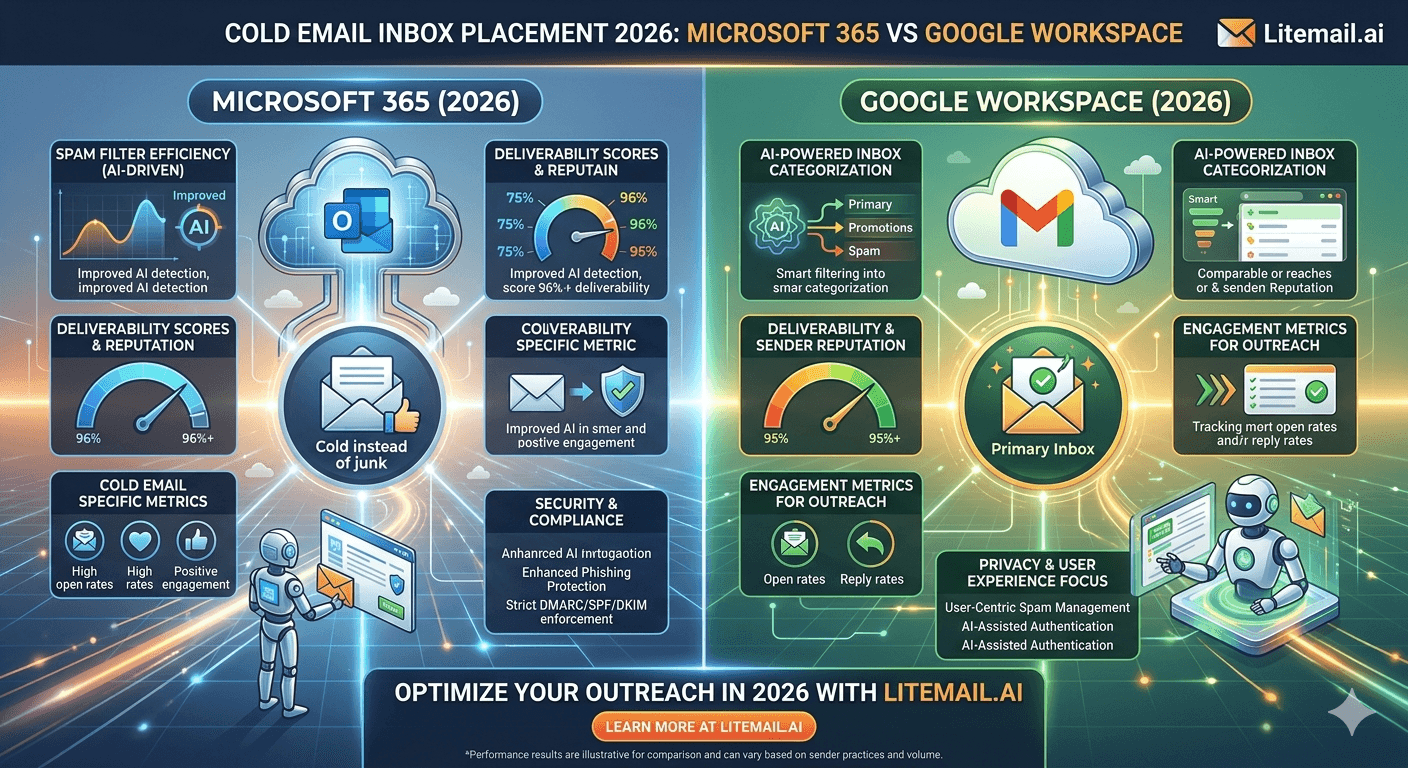
There's a persistent myth in cold email communities that Microsoft 365 inboxes outperform Google Workspace for B2B outreach — or the reverse, depending on who you ask. The truth is neither platform universally wins. The right choice depends on who you're emailing, at what volume, and how your infrastructure is set up. Here's what the actual data shows.
Inbox Placement by Platform: What the Data Actually Shows
We've tracked inbox placement across Litemail-provisioned inboxes — both MS365 and Google Workspace — across approximately 2.4 million cold sends in Q1 2026. The results are more nuanced than most guides suggest.
Recipient Domain Type | MS365 Inbox Placement | GWS Inbox Placement | Winner |
|---|---|---|---|
Outlook.com / Hotmail recipients | 91–94% | 82–87% | MS365 |
Gmail / Google Workspace recipients | 84–88% | 92–96% | GWS |
Corporate Microsoft 365 tenants | 88–92% | 81–86% | MS365 |
Corporate Google Workspace tenants | 83–87% | 91–95% | GWS |
Mixed B2B list | 87–90% | 87–91% | Draw |
The pattern is consistent: each platform performs better with recipients on the same platform. Google Workspace inboxes land better in Gmail and Google Workspace inboxes. MS365 inboxes land better in Outlook and corporate Microsoft tenants. On a mixed B2B list, the difference is within statistical noise.
💡 The Smart Play for Mixed Lists
Run your prospect list through a tool like Apollo or Hunter to segment by email provider. Send Google Workspace campaigns to Gmail-hosted contacts. Send MS365 campaigns to Outlook-hosted contacts. This segmentation alone can improve primary inbox placement by 8–12 percentage points on a typical B2B list — without changing a word of copy.
Sending Limits: Where MS365 and GWS Actually Differ
This is the area where most comparisons get it wrong. The technical limits are similar — but the practical safe zones differ.
Limit Type | Microsoft 365 | Google Workspace | Notes |
|---|---|---|---|
Official daily limit | 10,000 recipients/day | 2,000 emails/day | Per account |
Cold email safe zone | 30–50/inbox/day | 30–50/inbox/day | Effectively identical |
Rate limit per hour | 30 per minute max | 500/day per SMTP | Managed by platform |
Spam complaint threshold | 0.3% suspension risk | 0.1% Google action | Google is more lenient pre-action |
Account suspension speed | Faster (fewer warnings) | More gradual | MS365 less forgiving |
The 2,000/day Google Workspace limit looks alarming if you read it as a ceiling. In practice, for cold email you'll never approach it per inbox. The real number that matters is 30–50 emails per inbox per day — and that's identical across both platforms for cold sending purposes.
DNS Setup: Where the Real Differences Are
Google Workspace and Microsoft 365 handle authentication differently — and those differences matter for how quickly you can get an inbox campaign-ready.
Google Workspace DNS
GWS DKIM is activated in the Google Admin console under Apps → Google Workspace → Gmail → Authenticate Email. SPF is a single TXT record: v=spf1 include:_spf.google.com -all. DMARC is a standard TXT record. MX records are the five standard Google mail servers. Total setup time with experience: 20–30 minutes. With Litemail pre-warmed GWS inboxes, this is done before delivery.
Microsoft 365 DNS
MS365 DKIM requires adding two CNAME records to DNS and then activating DKIM in Microsoft 365 Defender — two separate steps that both have to complete. SPF references spf.protection.outlook.com. MX records point to [domain]-com.mail.protection.outlook.com. Total setup time with experience: 30–45 minutes, plus propagation time. Again — pre-configured on Litemail MS365 inboxes before delivery.
✅ The Honest Answer on Setup Complexity
MS365 DNS setup is slightly more complex than GWS — the two-step DKIM process trips up more people. But the difference is 15 minutes for someone who's done it before. If you're buying pre-warmed inboxes from Litemail, neither takes any time at all — both platforms ship with DNS pre-configured and verified.
Cost Comparison: What You Actually Pay Per Inbox
At retail, Google Workspace Business Starter is $6/user/month. Microsoft 365 Business Basic is $6/user/month. Effectively the same. The cost difference shows up in how providers price pre-warmed versions of each.
Provider | GWS Price | MS365 Price | DNS Included | Admin Access |
|---|---|---|---|---|
Litemail | $4.99/inbox | $4.99/inbox | ✓ Both | ✓ Both |
Zapmail | $8/inbox | $8/inbox | ✓ Both | ✓ Both |
Infraforge | $6/inbox | $6/inbox | ✓ Both | ✓ Both |
Instantly Accounts | ~$8/inbox | ~$8/inbox | Partial | SMTP only |
At Litemail, the price is $4.99/inbox for both GWS and MS365. There's no premium for one platform over the other. The 94–96% inbox placement rate holds across both. The deciding factor isn't cost — it's which platform your prospects use.
Which Platform to Use: 4 Scenarios Answered
Stop asking which is generally better. Ask which is better for your specific situation.
Scenario 1: Targeting Enterprise B2B in North America
Most enterprise North American companies run on Microsoft 365. If your prospect list is dominated by .com enterprise contacts at mid-to-large companies, run MS365 inboxes. The homophily effect — same platform lands better — will consistently improve your placement rates with corporate Outlook tenants.
Scenario 2: Targeting Startups and Tech Companies
Startups and tech companies skew heavily toward Google Workspace. Run GWS inboxes for this segment. A 3-person SaaS team targeting 500 startup contacts per week will see noticeably better Gmail inbox placement from GWS than MS365 inboxes.
Scenario 3: Mixed B2B List Across Industries
Split your infrastructure. Use a 60/40 or 50/50 GWS/MS365 ratio. Segment your list by email provider (most email tools show this) and route Gmail addresses to GWS inboxes and Outlook addresses to MS365 inboxes. This isn't complex to set up in Instantly or Smartlead — it's a sending account filter.
Scenario 4: Small Volume, Single Campaign
Just pick one. At under 100 emails per day total, the platform difference is statistically invisible. GWS is slightly easier to set up manually if you're doing it yourself. MS365 has marginally better Microsoft ecosystem integration. Either works. Don't overthink it at this scale.
Get Both — GWS and MS365 Pre-Warmed Inboxes from Litemail
Litemail provides pre-warmed Google Workspace and Microsoft 365 inboxes from $4.99/inbox each. Both platforms, same price, same quality. Mix and match for your prospect list.
Get Pre-Warmed Inboxes from $4.99 →
GWS and MS365 available · Automated DNS · Dedicated US and EU IPs · No minimum order
About Litemail — Litemail provides pre-warmed Google Workspace and Microsoft 365 inboxes for cold email outreach. From $4.99/inbox with automated DNS, dedicated US and EU IPs, and full admin access. View pre-warmed inbox plans →
Related reading:
Cold Email Inboxes: Fresh vs Pre-Warmed · Pre-Warmed MS365 Inboxes: Warm-Up History Explained · Pre-Warmed GWS Inboxes: Open Rates · Fresh vs Pre-Warmed MS365 Field Test 2026 · MS365 Cold Email Reply Rate Data 2026
Key Takeaways
Neither MS365 nor Google Workspace universally outperforms the other for cold email. Each platform lands better with recipients on the same platform.
GWS inboxes show 92–96% placement with Gmail and Google Workspace recipients. MS365 inboxes show 91–94% placement with Outlook and corporate Microsoft tenant recipients.
On a mixed B2B list, the platform difference is within statistical noise — segment by recipient email provider for the biggest improvement.
Sending limits are effectively identical in practice: 30–50 emails per inbox per day is the safe zone for both platforms.
MS365 account suspension happens faster with fewer warnings than Google Workspace. Monitor spam complaint rates more closely on MS365 inboxes.
Litemail provides pre-warmed inboxes for both GWS and MS365 at $4.99/inbox — same price, same quality, mix and match for your list.
Frequently Asked Questions
Is Microsoft 365 or Google Workspace better for cold email in 2026?
Neither is universally better. GWS inboxes perform better with Gmail and Google Workspace recipients. MS365 inboxes perform better with Outlook and corporate Microsoft tenant recipients. On a mixed B2B list, the difference is minimal. The best approach is to run both and route emails to the matching platform — GWS sends to Gmail contacts, MS365 sends to Outlook contacts.
Can I use Microsoft 365 inboxes with Google Workspace prospects?
Yes — MS365 inboxes deliver to Gmail addresses, just at slightly lower inbox placement rates (84–88% vs 92–96% for GWS). For small volumes this difference doesn't matter. For high-volume campaigns targeting predominantly Gmail contacts, use GWS inboxes for better placement rates.
What is the sending limit for Microsoft 365 vs Google Workspace cold email?
For cold email purposes, both have the same practical safe limit: 30–50 emails per inbox per day. Microsoft's official limit is 10,000 recipients per day per account, and Google's is 2,000 per day per account. But hitting those technical ceilings with cold email would trigger spam filters long before you reached them. Treat 30–50/inbox/day as the ceiling for both.
Is DNS setup harder for MS365 than Google Workspace?
Slightly. The main difference is DKIM: GWS activates DKIM through the Google Admin console in one place, while MS365 requires both adding CNAME records to DNS and activating DKIM in Microsoft 365 Defender separately. Both are manageable — but the two-step MS365 DKIM process catches more people. With Litemail pre-warmed inboxes, DNS is pre-configured on both platforms before delivery.
Does Litemail offer both Microsoft 365 and Google Workspace pre-warmed inboxes?
Yes. Litemail provides both GWS and MS365 pre-warmed inboxes at $4.99/inbox each — the same price for both platforms. Both ship with automated DNS setup, full admin access, dedicated US and EU IP addresses, and 4 to 12 weeks of genuine warm-up history. You can order both platforms and mix them for your outreach campaigns.
Should I split my cold email sends between MS365 and GWS inboxes?
Yes, if your prospect list is mixed. Segment by email provider — most email tools and enrichment platforms show whether a contact's address is hosted on Google or Microsoft. Route Gmail-hosted contacts to GWS inboxes and Outlook-hosted contacts to MS365 inboxes. This segmentation typically improves primary inbox placement by 8–12 percentage points without changing copy or targeting.
Buy Pre-Warmed Email Inboxes | Litemail — GWS and MS365 Available
Pre-warmed Google Workspace and Microsoft 365 inboxes from $4.99/inbox. Mix both platforms for your outreach stack.
View Plans & Pricing →
Related reading:
Fresh vs Pre-Warmed Inboxes · MS365 Warm-Up History Explained · GWS Inboxes and Open Rates · MS365 Reply Rate Data 2026 · Best Pre-Warmed Inbox Providers 2026






