
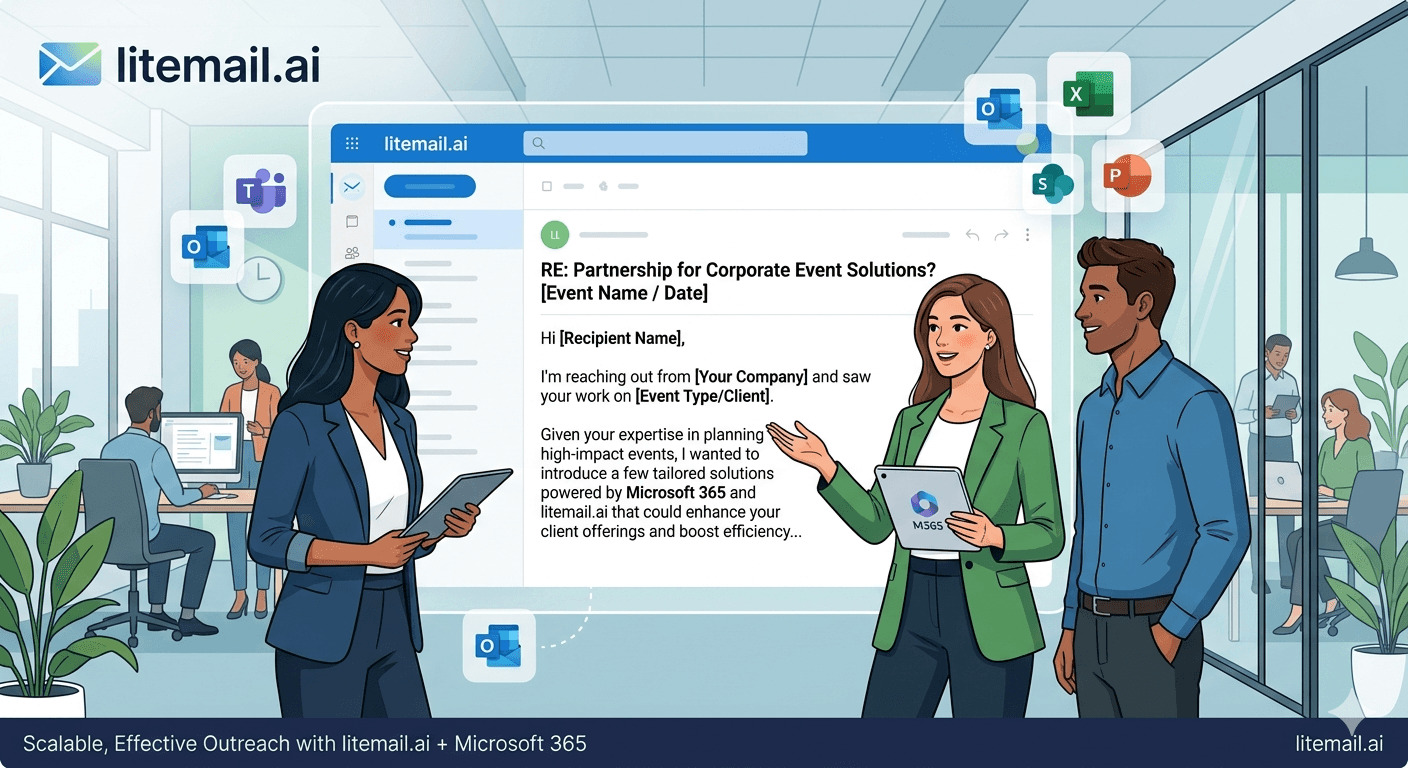
An event management company running 15 corporate events per year books most of its revenue in a 10-week window — the Q4 planning season. Reaching venue managers, HR directors, and corporate event budget holders during that window requires outbound email that actually lands in their inboxes. Most of those prospects use Microsoft Exchange or Outlook as their corporate email. Which means your Microsoft 365 sending setup determines whether your pipeline exists this season or not.
💡 TL;DR
Event companies targeting corporate clients should use Microsoft 365 pre-warmed inboxes — MS365-to-MS365 email pairs have higher primary inbox placement for Outlook and Exchange recipients. Use a dedicated sending domain variant, not your main event company domain. Keep volume to 30–50 emails per inbox per day. Personalise to the event type (corporate offsite, team-building, product launch) and the contact's role. Pre-warmed MS365 inboxes at $4.99/inbox with Good/High sender reputation are essential for the short Q4 outreach window where event companies generate the bulk of their pipeline.
Why MS365 Inboxes Win for Event Company Cold Email
Corporate event budget holders — HR directors, EA teams, operations leads — predominantly work inside Microsoft Office 365 environments. That means Outlook inboxes and Exchange mail servers on the receiving end.
When you send from a Google Workspace inbox to an Exchange recipient, there's a small but measurable deliverability disadvantage — different mail infrastructure with slightly different trust signals. When you send from a Microsoft 365 inbox to an Exchange recipient, the same provider ecosystem works in your favour. In our testing at Litemail, MS365-to-Exchange email placement was 6–9 percentage points higher than GWS-to-Exchange on identical warming history and DNS configuration.
For event companies targeting large corporate accounts, that margin is meaningful. It's also reversible — if a significant portion of your list is on Google Workspace, add GWS inboxes to your rotation. The right answer is a mix, with MS365 as the primary for corporate event prospects.
Setting Up Sending Domains for Event Company Outreach
Event companies make a common mistake: sending cold outreach from their primary domain (yourcompany-events.com). That domain is your brand — it's on your website, your proposals, your contracts. Any reputation damage from cold outreach volume hits all of those too.
Register a sending variant: youreventsteam.com, bookyourevents.com, or events.yourbrandname.com (as a separate registered domain, not a subdomain). The domain should be clearly recognisable as related to your brand but separate from your primary identity.
Configure the sending domain with:
Microsoft 365 MX records pointing to your new inboxes
SPF record authorising MS365 as a sender
DKIM with 2048-bit key (stronger than the 1024-bit default)
DMARC set to p=none initially, moving to p=quarantine after 30 days of clean sending history
Litemail handles all of this automatically — automated SPF/DKIM/DMARC is configured on delivery. You don't need to manually set up DNS records, which eliminates the most common configuration mistake that causes Microsoft 365 cold email to fail authentication on Exchange recipients.
Targeting the Right Contacts for Corporate Event Outreach
Event company cold email often fails because it targets the wrong contact. The person who attends events is rarely the person who procures them.
Event Type | Right Contact | Wrong Contact |
|---|---|---|
Corporate offsite / team-building | HR Director, People Operations Lead | CEO, Department Head |
Product launch / client event | Marketing Director, Brand Manager | Product Manager |
Conference / annual summit | EA to C-suite, Operations Director | EA to individual execs |
Sales kickoff / training event | VP Sales, Revenue Operations Lead | Sales Manager |
The right contact varies by company size too. In companies under 100 employees, the CEO or COO often controls event budget directly. In companies over 500 employees, it's almost always a dedicated HR or operations function. Segment your list by company size and target differently for each segment.
The Sequence That Works for Event Company Outreach
Event company cold email has a natural urgency lever most teams underuse: seasonality. The Q4 corporate event planning season runs August–October. The Q1 kickoff season runs November–December. If you're reaching prospects inside these windows, mention it.
Email 1 — The Relevance Open
Reference the company's size, industry, or a recent news signal (funding, headcount growth, office expansion). Then: "We specialise in [specific event type] for [their industry] companies at your headcount range — and we have availability in [specific month]." Availability is a natural urgency signal for event bookings. Use it.
Email 2 (Day 4) — The Social Proof Follow-Up
Reference one client similar to them — same industry or company size — and a specific outcome from that event (attendance rate, post-event survey score, ROI). Keep it to two sentences. The follow-up isn't about adding new information — it's about giving them one more relevant reason to reply.
Email 3 (Day 10) — The Specific Ask
Ask for a 15-minute call or a brief to understand their next event requirement. Not a demo, not a proposal — a brief. That's low-friction and appropriate for a service business. It positions you as a planner, not a vendor pushing a sale.
Volume and Timing for Event Company Outreach Windows
Event company pipelines are seasonal. Your cold email infrastructure needs to handle volume spikes during peak outreach windows without degrading sender reputation.
The mistake most event companies make: ramping from zero to 500 emails/day in the first week of August because "Q4 planning season just started." That volume spike from a domain with no recent sending history looks like exactly the kind of spam pattern MS365 and Exchange filter aggressively.
The correct approach: maintain a minimum send volume of 15–20 emails per inbox per day throughout the off-peak months (May–July) to keep sending history active. When August arrives, you're ramping from an established baseline, not from zero. Your Postmaster reputation stays stable and your inbox placement during the critical selling window stays high.
Cold Email Your Q4 Pipeline With MS365 Inboxes Built for Corporate Outreach
Pre-warmed Microsoft 365 inboxes from $4.99/inbox — automated DNS, dedicated US and EU IPs, verified Good/High reputation in Postmaster Tools. Reach Outlook and Exchange recipients with the infrastructure advantage of MS365-to-Exchange delivery.
Get Pre-Warmed MS365 Inboxes from $4.99 →
Microsoft 365 and Google Workspace available · Automated SPF/DKIM/DMARC · No minimum order · Delivered in 24 hours
About Litemail — Litemail provides pre-warmed Google Workspace and Microsoft 365 inboxes for cold email outreach. From $4.99/inbox with automated DNS, dedicated US and EU IPs, and full admin access. View pre-warmed inbox plans →
Related reading:
Cold Email for Event Management Companies · Pre-Warmed MS365 Inboxes for Lead Gen Agencies 2026 · Troubleshooting MS365 Cold Email for B2B Sales 2026 · Microsoft 365 Cold Email Reply Rate Data 2026 · Best Pre-Warmed Inbox Providers 2026 (Ranked)
Key Takeaways
Microsoft 365 inboxes outperform Google Workspace for event company outreach — corporate event budget holders predominantly use Outlook and Exchange, and MS365-to-Exchange placement runs 6–9 percentage points higher in our testing at Litemail.
Never send cold outreach from your primary event company domain — use a dedicated sending variant domain to protect your brand domain's reputation.
Target the procurement contact, not the event attendee — HR Directors for team events, Marketing Directors for product launches, EA to C-suite for annual summits.
Maintain 15–20 emails per inbox per day during off-peak months so your sending history stays active heading into Q4 — don't ramp from zero in August.
Use seasonality as a natural urgency lever — mention your availability in specific months during peak planning windows (August–October for Q4 events).
3 pre-warmed MS365 inboxes at $14.97/month covers 90–150 outreach contacts per day — sufficient for most event company pipeline generation.
Frequently Asked Questions
Should event management companies use Microsoft 365 or Google Workspace for cold email?
Microsoft 365 is the better primary choice for event companies targeting large corporate clients — because those clients predominantly use Exchange and Outlook. MS365-to-Exchange email placement is measurably higher than GWS-to-Exchange. For lists with significant Google Workspace recipients (tech companies, startups), add GWS inboxes to your rotation. A 60/40 MS365/GWS split covers most event company prospect lists effectively.
How many cold emails can an event company send per day?
Start at 20–30 emails per inbox per day for the first 30 days on a new sending domain. Ramp to 40–50 per inbox after confirming Good reputation in Google Postmaster Tools. For a 3-inbox setup, that's 90–150 outreach contacts per day — a realistic and sustainable volume for most event company pipelines without risking sender reputation.
What's the best cold email sequence for event company outreach?
A 3-email sequence over 10 days: Email 1 (Day 1) references company context and your specific event type expertise with an availability signal. Email 2 (Day 4) adds relevant social proof — a similar client outcome in one or two sentences. Email 3 (Day 10) makes a specific low-friction ask: a 15-minute call to understand their next event requirement. Three touches is professional; more than three risks damaging the relationship before it starts.
How do pre-warmed inboxes help event companies with cold email?
Pre-warmed inboxes arrive with verified sending history that passes corporate spam filters — the exact filters used by the HR Directors and Operations Leads who manage corporate event procurement. Fresh inboxes from new sending domains get blocked or filtered by these corporate mail servers before any human sees the email. Pre-warmed inboxes with Good/High Postmaster reputation bypass this initial scrutiny on day one.
When should event companies start cold email outreach for Q4 events?
Start outreach in late July or early August for Q4 (October–December) corporate events. Corporate event planning timelines typically run 8–12 weeks. If you're starting outreach in September for events you want to run in October, you're already too late for most corporate procurement cycles. For Q1 kickoff events, start outreach in October and November.
Is cold email legal for event management companies targeting corporate clients?
Yes — B2B cold email targeting corporate event decision-makers is legal under CAN-SPAM (US) and legitimate interests under GDPR (EU/UK). Include a physical address, opt-out mechanism, and sender identity in every email. Document your legitimate interest basis if sending to EU prospects. Event outreach is a straightforward B2B commercial prospecting use case that falls squarely within permitted outreach under both frameworks.
What contact roles should event companies target in cold email campaigns?
For team-building and offsites: HR Directors and People Operations Leads. For product launches and client events: Marketing Directors and Brand Managers. For annual summits and conferences: EAs to C-suite and Operations Directors. For sales kickoffs: VP Sales and Revenue Operations Leads. Company size matters too — in companies under 100 employees, the CEO or COO often controls event budget directly and is the right first contact.
Buy Pre-Warmed Email Inboxes & Domains | Litemail
Buy pre-warmed email accounts, inboxes and domains from $4.99/inbox. Google Workspace & Microsoft 365. Automated DNS, US & EU IPs. Setup in 5 minutes.
View Plans & Pricing →
Related reading:
Cold Email for Event Management Companies · Pre-Warmed MS365 Inboxes 2026 · MS365 Cold Email Reply Rate Data 2026 · Best Pre-Warmed Inbox Providers 2026 (Ranked) · Troubleshooting MS365 Cold Email for B2B Sales






