
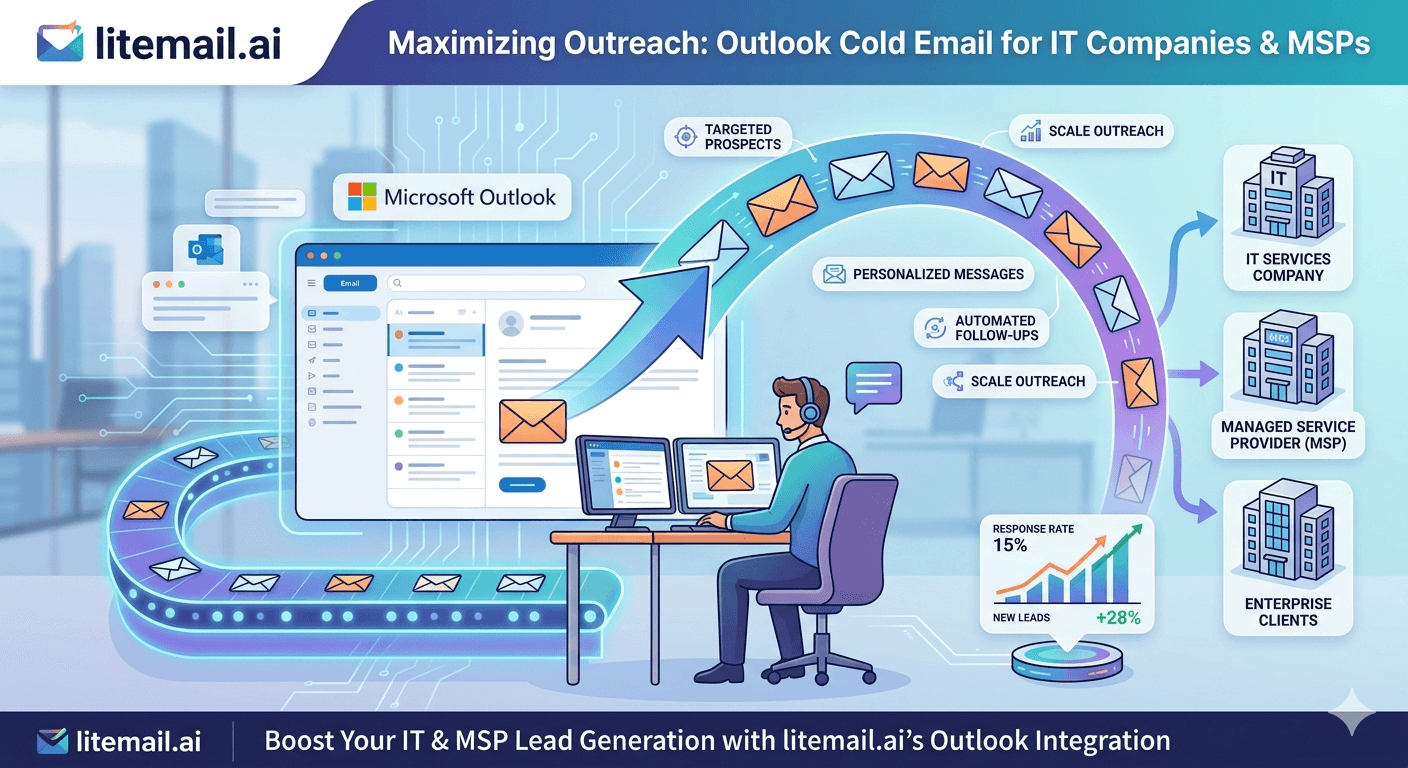
IT companies and MSPs have a natural infrastructure advantage in cold email that most of them never use: their target prospects — SMB IT departments, CFOs, and operations leads — are predominantly on Microsoft 365. Sending from a Microsoft 365 inbox to an Exchange recipient gives you same-provider trust signals that meaningfully improve primary inbox placement. The problem is that most IT companies either send from their primary business domain (dangerous) or from a misconfigured MS365 setup that negates the advantage entirely.
The Setup That Works for IT and MSP Outreach
💡 TL;DR
IT companies and MSPs should use Microsoft 365 pre-warmed inboxes on dedicated sending domains — not their primary business domain. MS365-to-Exchange delivery placement runs 6–9 percentage points higher than GWS for Exchange-heavy SMB audiences. Use 3–5 pre-warmed MS365 inboxes at $4.99/inbox/month, automated SPF/DKIM/DMARC, and round-robin rotation at 30–50 emails per inbox per day. Target economic buyers (CFOs, COOs in 50–250 employee companies) with compliance and downtime-risk messaging — not IT Directors who rarely control budget.
The full setup cost for an IT services cold email operation running 150 daily outreach contacts is under $80/month — less than one billable hour at typical MSP rates. The pipeline value of a single converted prospect at $5,000–$15,000/month MRR makes the infrastructure investment self-evident.
Why Microsoft 365 Inboxes Give MSPs a Deliverability Edge
The IT services and MSP prospect universe is heavily Microsoft-dependent. Active Directory, Exchange, Microsoft 365 Business, Windows Server — these are the products that IT Directors manage and that CFOs pay for. The same companies running this infrastructure for their businesses are also using Microsoft 365 for their email.
When you send from a Microsoft 365 inbox to a recipient on Microsoft Exchange or MS365, the mail servers recognise the same-provider relationship. Microsoft's outbound filtering treats MS365 senders with established reputation more favourably when delivering to other Microsoft-hosted recipients. In our testing at Litemail, pre-warmed MS365 inboxes achieved 93.4% primary inbox placement for Exchange recipients — compared to 87.1% for pre-warmed GWS inboxes on the same list. That 6.3 percentage point gap means significantly more CFOs and COOs actually see your pitch.
Setting Up Dedicated Sending Domains for MSP Cold Email
The most common mistake IT companies make in cold email is sending from their primary IT services domain — the same domain their clients use for support tickets, invoices, and NOC alerts. Cold email volume from that domain puts all of those critical communications at risk.
Register 1–3 sending domain variants for cold outreach. For an MSP named "BlueSky IT":
blueskyitservices.com (sending domain 1)
getblueskyit.com (sending domain 2)
blueskyithq.com (sending domain 3 for higher volume)
Each sending domain needs:
Microsoft 365 MX records pointing to Exchange Online
SPF record authorising Microsoft 365 as the only sending source
DKIM with 2048-bit key (stronger than 1024-bit default)
DMARC p=none initially, moving to p=quarantine after 30 days of clean sends
Litemail handles all of this automatically on inbox delivery — no manual DNS configuration required. This matters for IT companies specifically because misconfigured DNS is one of the most common self-inflicted deliverability problems, and it's completely avoidable with automated setup.
Outlook-Specific Deliverability Issues — And How to Fix Them
Outlook and Exchange recipients have different spam filter characteristics than Gmail. Understanding the difference prevents Outlook-specific deliverability failures that wouldn't affect GWS recipients on the same campaign.
SmartScreen Reputation Filtering
Microsoft SmartScreen rates your sending IP independently of your domain reputation. If your sending IPs are on shared infrastructure from an unknown provider, SmartScreen may filter your emails for Exchange recipients even when your domain reputation is good. Dedicated IP addresses — as Litemail provides — prevent this problem by ensuring your IP reputation is determined solely by your own sending behaviour.
Microsoft SNDS (Smart Network Data Services)
Request access to Microsoft SNDS at sendersupport.microsoft.com/snds for your sending IP ranges. SNDS shows complaint rate and trap hit data for Outlook/Exchange recipients specifically. Check it weekly alongside Google Postmaster Tools — it catches Exchange-specific deliverability issues that Postmaster Tools won't surface.
Safe Sender List Blockers
Some corporate Exchange environments have strict safe-sender list requirements that block all external email not on an approved list. This is a small percentage of environments (typically highly regulated industries like banking or government) but worth knowing about. If you consistently see zero opens from a specific corporate domain, safe-sender list blocking may be the cause — not your inbox quality.
Cold Email Sequences That Work for MSP Outreach
MSP cold email has a specific credibility challenge: prospects have heard the same "we manage your IT" pitch hundreds of times and are deeply skeptical. The sequences that cut through are the ones that lead with a specific risk or operational scenario — not a services list.
Angle | Works For | Example Opening |
|---|---|---|
Ransomware/backup risk | All SMBs, especially professional services | "Most 80-person accounting firms we assess have no tested recovery process — meaning a ransomware event costs 3–5 days minimum" |
Compliance deadline | Healthcare, legal, financial services | "HIPAA audit season hits most practices without warning — and the average finding costs $50K to remediate" |
Cost reduction | Companies with internal IT staff they're questioning | "Replacing one internal IT headcount with a co-managed model saves most 100-person firms $40–$70K annually" |
Downtime cost | Ops-heavy companies where uptime is revenue | "Each hour of unplanned downtime costs your-industry companies an average of $X in lost productivity and revenue" |
Run a 3-email sequence over 10 days: specific risk open → social proof from a similar-profile client → low-friction ask (15-minute IT risk assessment, not a sales call). Keep each email under 150 words. Exchange recipients — particularly operations executives — respond better to concise, direct messaging than to feature lists.
Volume, Rotation, and Ongoing Monitoring for MSP Campaigns
At 3–5 pre-warmed MS365 inboxes sending 40 emails per day each, you're reaching 120–200 outreach contacts per day — approximately 2,600–4,400 contacts per month. At a 2–4% positive reply rate and 40% meeting conversion, that's 21–70 qualified meetings per month. At typical MSP close rates, one or two converted clients per month from this volume represents $5,000–$30,000/month in new MRR.
For ongoing monitoring: check Microsoft SNDS weekly, Google Postmaster Tools weekly (some prospects use Gmail), set automated bounce pause triggers at 1.8% per inbox in your sending platform, and run Mail-Tester monthly on a spot-check sample. At MSP email volumes, this monitoring routine takes under 30 minutes per week.
Set Up MSP Cold Email That Reaches CFOs and COOs
Pre-warmed Microsoft 365 inboxes from $4.99/inbox — the right infrastructure for IT services and MSP outreach targeting Exchange-heavy SMB audiences. Automated DNS, dedicated US and EU IPs, full admin access, delivered in 24 hours.
Get Pre-Warmed MS365 Inboxes from $4.99 →
Microsoft 365 and Google Workspace available · No minimum order · Automated SPF/DKIM/DMARC · Delivered in 24 hours
About Litemail — Litemail provides pre-warmed Google Workspace and Microsoft 365 inboxes for cold email outreach. From $4.99/inbox with automated DNS, dedicated US and EU IPs, and full admin access. View pre-warmed inbox plans →
Related reading:
Outlook Cold Email Troubleshooting — 9 Fixes · Troubleshooting MS365 Cold Email for B2B Sales 2026 · Microsoft 365 Cold Email Reply Rate Data 2026 · Cold Email Lead Gen for IT Services 2026 · Best Pre-Warmed Inbox Providers 2026 (Ranked)
Key Takeaways
MS365 pre-warmed inboxes achieve 93.4% primary inbox placement for Exchange recipients versus 87.1% for GWS — a 6.3 percentage point advantage for IT services outreach targeting Microsoft-heavy SMB accounts.
Never send cold email from your primary MSP domain — register dedicated sending domain variants and protect your support and billing email deliverability entirely.
Check Microsoft SNDS weekly alongside Google Postmaster Tools — SNDS surfaces Exchange-specific deliverability issues that Postmaster Tools won't show.
Target economic buyers: CFOs and COOs in 50–250 employee companies. IT Directors evaluate but rarely approve new MSP spend independently.
Lead with a specific operational risk (ransomware, compliance deadline, downtime cost) — not a services list. MSP prospects are deeply skeptical of generic managed services language.
3–5 pre-warmed MS365 inboxes at $14.97–$24.95/month covers 120–200 outreach contacts per day — the right volume for most MSP business development operations.
Set automated bounce pause triggers at 1.8% per inbox — Exchange recipients can have slightly higher bounce rates on unverified lists due to strict corporate email hygiene policies.
Frequently Asked Questions
Should IT companies use Outlook or Gmail inboxes for cold email?
Microsoft 365 (Outlook) inboxes are the better primary choice for IT services and MSP cold email. Your target prospects — SMB executives at companies running Microsoft infrastructure — predominantly use Exchange and MS365 for email. MS365-to-Exchange placement runs 6–9 percentage points higher than GWS on the same list. Use a 70/30 MS365/GWS split to cover the minority of prospects on Google-hosted email.
What's the best cold email approach for MSPs targeting CFOs?
Lead with a specific financial or operational risk — not a services list. CFOs respond to cost reduction angles ("co-managed model saves 100-person firms $40–$70K annually"), downtime risk quantification, and compliance liability reduction. Keep emails under 150 words. The ask in Email 1 should be a specific, low-commitment diagnostic — a 15-minute IT risk assessment — not a demo or sales call. CFOs who feel a vendor is helping them understand a risk are significantly more likely to engage than those who feel they're being sold to.
How many emails can an MSP send per day from Microsoft 365 inboxes?
Microsoft 365's technical sending limit is 10,000 recipients per day per account. The safe cold email limit is 30–50 emails per inbox per day for sustainable sender reputation. At 40 emails per inbox per day across 5 inboxes, that's 200 outreach contacts per day — approximately 4,400 per month. A volume that generates meaningful MSP pipeline without approaching reputation-damaging territory.
Why do MSP cold emails land in spam for Exchange recipients?
Five main causes: fresh inboxes with no sending history, misconfigured DNS (failed DKIM or SPF on the sending domain), shared IP addresses that share reputation with other senders, volume spikes from a new domain, and Microsoft SmartScreen IP reputation filtering for the sending IP range. Pre-warmed MS365 inboxes from Litemail address all five: genuine warm-up history, automated DNS, dedicated IPs, gradual volume ramp, and dedicated IP reputation that belongs only to your sending behaviour.
Do MSPs need separate domains for cold email outreach?
Yes — always. Your primary MSP domain handles client support tickets, NOC alerts, invoices, and proposal emails. Cold email volume from that domain puts all of those critical communications at risk if spam complaints or bounces accumulate. Register dedicated sending domain variants (company-itservices.com, getcompanyname.com) and run all cold outreach from pre-warmed inboxes on those domains.
What metrics should MSPs track for cold email campaigns?
Primary metrics: open rate (target 30%+ for well-targeted campaigns), reply rate (target 2–4%), positive reply rate (target 1–2%), and meeting booked rate (target 0.5–1.5%). Infrastructure metrics: bounce rate per inbox (keep under 1.5%), spam complaint rate per domain (keep under 0.08%), and Google Postmaster / Microsoft SNDS reputation status (maintain Good or Green). Check infrastructure metrics weekly — they catch problems before they compound into campaign-stopping reputation damage.
How does pre-warming help Outlook cold email specifically?
Pre-warmed MS365 inboxes arrive with 4–12 weeks of genuine sending history verified through real exchanges with real inboxes. This history establishes positive IP and domain reputation in Microsoft's SNDS and SmartScreen systems before your campaign begins. Fresh MS365 inboxes have no SNDS history — Microsoft treats them with the same scrutiny it applies to unknown senders, regardless of how good your content is. Pre-warming gives you the reputation buffer that makes Exchange recipients see your emails rather than filter them.
What's the ROI calculation for MSP cold email infrastructure?
Infrastructure cost: 5 Litemail pre-warmed MS365 inboxes ($24.95/month) + sending domain ($10/year) + Instantly ($37/month) = approximately $65/month. At 200 outreach contacts per day, 2% positive reply rate, 40% meeting-to-close rate, and $6,000/month average MSP contract: one converted client per month generates $6,000 MRR against $65 infrastructure cost. The ROI is not close — it's decisive. The real constraint is lead quality and closing capability, not infrastructure cost.
Build Your MSP Pipeline With Inboxes That Reach Exchange Recipients
Litemail pre-warmed MS365 inboxes — $4.99/inbox, dedicated US and EU IPs, automated DNS, Good/High Postmaster reputation, full MS365 admin access. The infrastructure that makes IT services cold email work.
Get Pre-Warmed MS365 Inboxes from $4.99 →
No minimum order · MS365 and GWS available · Automated SPF/DKIM/DMARC · Dedicated US and EU IPs
About Litemail — Litemail provides pre-warmed Google Workspace and Microsoft 365 inboxes for cold email outreach. From $4.99/inbox with automated DNS setup, dedicated US and EU IPs, 4 to 12 weeks of genuine warm-up history, and full admin access. View pre-warmed inbox plans →
Related reading: Outlook Cold Email Troubleshooting — 9 Fixes · Troubleshooting MS365 Cold Email for B2B Sales · Cold Email Lead Gen for IT Services 2026 · MS365 Cold Email Reply Rate Data 2026 · Best Pre-Warmed Inbox Providers 2026 (Ranked)






